

httpd.service on RHEL-based distributions and apache2.service on Debian-based systems.
Understanding systemd Units
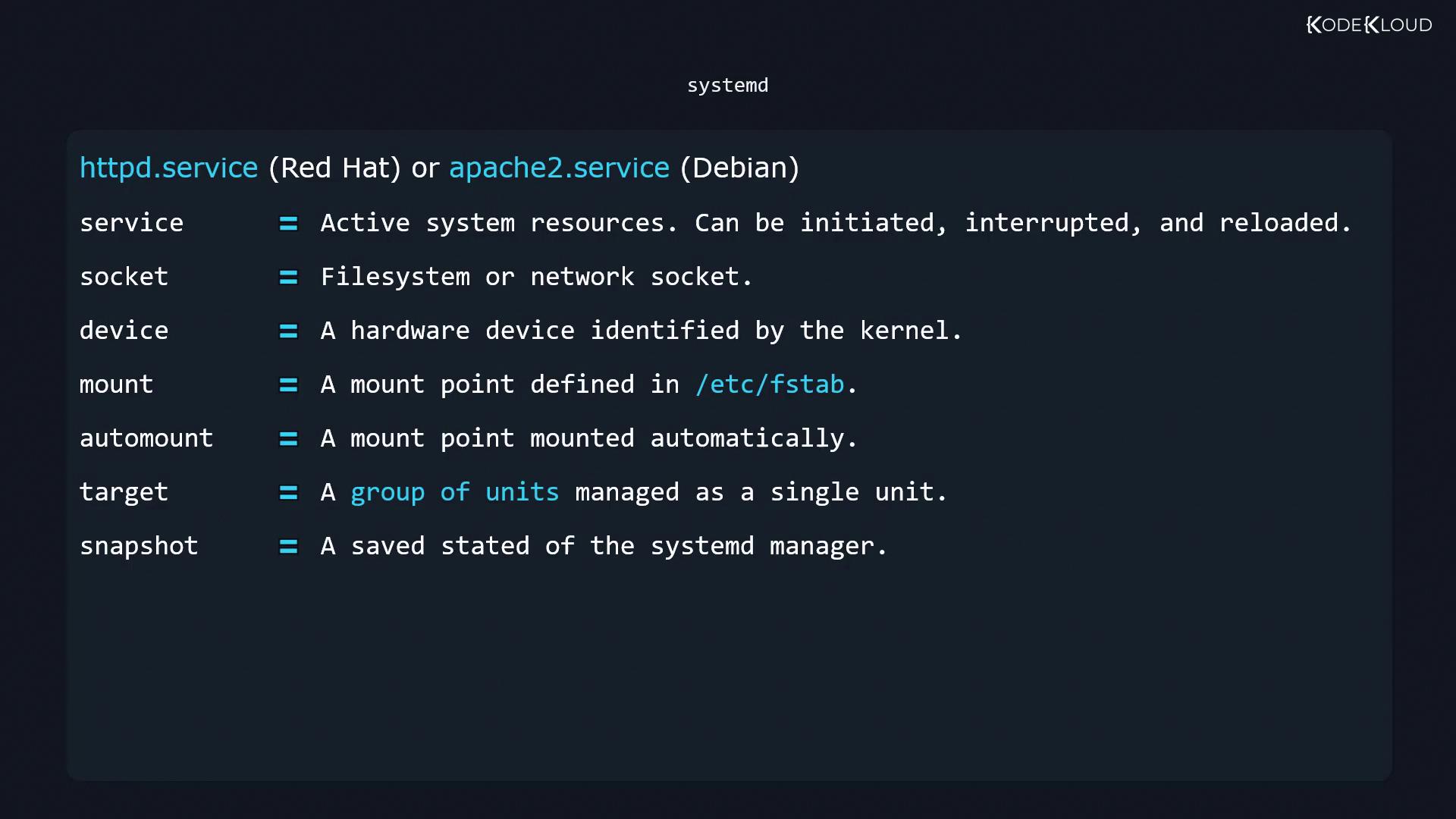
Systemd supports seven primary unit types:| Unit Type | Description |
|---|---|
| service | Manages daemons and background services (e.g., nginx.service, httpd.service). |
| socket | Defines file or network sockets and activates a service when a connection arrives. |
| device | Represents a kernel-recognized hardware device via a matching udev rule. |
| mount | Describes a filesystem mount point (equivalent to an entry in /etc/fstab). |
| automount | Mounts filesystems on first access; pairs with a mount unit for configuration. |
| target | Groups units for collective management (analogous to SysVinit runlevels). |
| snapshot | Captures the current state of systemd’s unit manager (not available on all distributions). |
Managing Units with systemctl
Thesystemctl command is your primary interface to start, stop, reload, and query units. Replace unit.service with your target unit name.
Starting, Stopping, and Restarting Services
Checking Active State
Enabling and Disabling Services at Boot
Working with Targets (Runlevels)
Systemd targets correspond to traditional runlevels. For example,multi-user.target is like runlevel 3, while graphical.target maps to runlevel 5.
Never set the default target to
shutdown.target, as it will power off the system immediately after boot.Listing Unit Files and Active Units
- All unit files and their boot-time enablement state:
- Currently active units in this session:
Power Management with systemctl
Systemd can handle suspend and hibernate when no other power manager is running:Power-related settings live in
/etc/systemd/logind.conf and any drop-in files under /etc/systemd/logind.conf.d/. For finer control over ACPI events (lid close, battery thresholds, etc.), consider using the acpid daemon.