

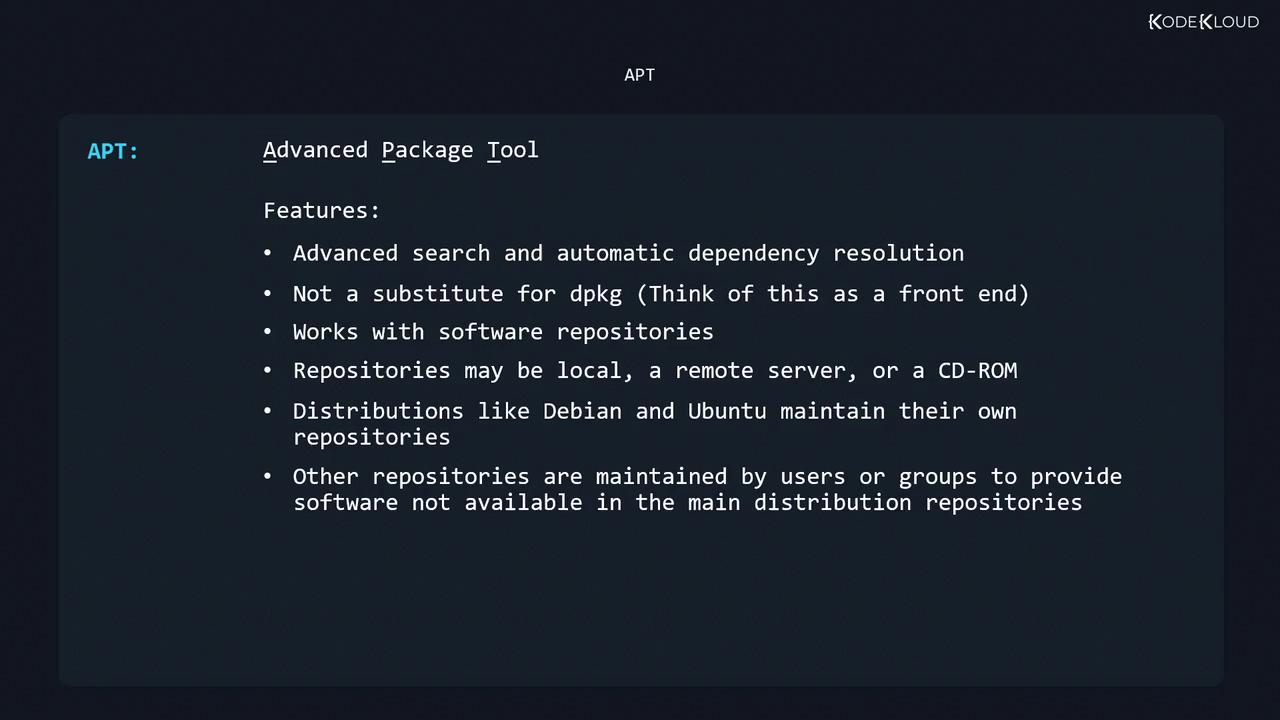
dpkg that automates dependency resolution, offers advanced search capabilities, and simplifies package installation, upgrades, and removals. It works with software repositories—which can be remote servers, local mirrors, or even CD-ROMs. Official repositories are maintained by distributions like Debian and Ubuntu, and you can add third-party or custom repos as needed.
APT Command-Line Utilities
| Command | Purpose |
|---|---|
sudo apt-get [options] | Install, upgrade, or remove packages |
sudo apt-cache [options] | Search and display package information |
sudo apt-file [options] | Search for files within packages (inst./uninst.) |
sudo apt [options] | Unified interface combining apt-get & apt-cache |
The
apt command is more user-friendly, but it may not be installed on older systems. Always know how to use both apt-get and apt-cache.1. Updating the Package Index
Before installing or upgrading any software, refresh your local package index:2. Installing and Upgrading Packages
To install a new package—or upgrade it if already present—use:You can install multiple packages at once, for example:
sudo apt-get install git curl vim3. Removing and Purging Packages
-
Remove (keep config files):
-
Purge (remove config files too):
4. Fixing Broken Dependencies
When a manual.deb install triggers unmet dependencies:
5. Upgrading All Packages
-
Refresh your index:
-
Upgrade upgradable packages:
To upgrade one package without affecting others, use:
6. Cleaning the Package Cache
APT caches downloaded.deb files in /var/cache/apt/archives. Free up disk space by running:
7. Searching Packages with apt-cache
-
Search by keyword:
Sample output:
-
Show package details:
Key fields:
8. Configuring Software Repositories
Repository entries reside in/etc/apt/sources.list or under /etc/apt/sources.list.d/. Each line follows:
| Component | Description |
|---|---|
| main | Officially supported open-source packages |
| restricted | Supported closed-source software (e.g., proprietary drivers) |
| universe | Community-maintained open-source packages |
| multiverse | Unsupported closed-source or patented software |
| contrib | DFSG-compliant packages depending on non-main components |
| non-free | Packages not compliant with the Debian Free Software Guidelines |
| security | Security updates |
| backports | Newer versions backported from testing or unstable branches |
.list file, always run:
Example: Adding Debian Buster Backports
9. Using apt-file
The apt-file tool lets you search for individual files within packages, even if they aren’t installed.
-
Install and initialize:
-
List package contents:
-
Search for a specific file:
dpkg-query, apt-file can search across all available (but not yet installed) packages.
Test your knowledge with the included quiz!