

grep, egrep, sed, and other tools.
Why Extended Regular Expressions?
Basic regular expressions require backslashes to enable special operators (\+, \?, \|). EREs simplify syntax and unlock built-in support for:
+,?,|- Range quantifiers
{m,n} - Grouping via
()
Enabling ERE in grep
Use-E with grep or call the egrep command directly:
Quantifier Cheat Sheet
| Quantifier | Description | Example |
|---|---|---|
? | 0 or 1 occurrence | colou?r matches color or colour |
* | 0 or more occurrences | a*b matches b, ab, aaab |
+ | 1 or more occurrences | 0+ matches 0, 00, 000 |
{n} | Exactly n times | A{3} matches AAA |
{m,} | At least m times | 0{3,} matches 000 or more |
{,n} | Up to n times (including 0) | 1{,3} matches 1, 11, 111 |
{m,n} | Between m and n times | a{2,4} matches aa, aaa, aaaa |
Optional Elements with ?
Make the preceding atom optional:
Because grep matches substrings by default,
disabled? also finds disables unless you anchor (^, $) or use word boundaries (\b).Zero or More with *
* allows the element to repeat any number of times:
Unbounded
.* is greedy and may overmatch. Constrain it with character classes or quantifiers whenever possible.Alternation with |
Select between multiple patterns:
? to catch both forms:
Character Classes and Ranges
Define sets of allowed characters with[]. Hyphens indicate ranges:
Building up a Device-Name Pattern
To match Linux device nodes under/dev while avoiding overmatching:
- Letters only:
- Append exactly one digit:
- Make the digit optional:
- Repeat letter+digit segments (e.g.,
tty0p0): - Allow uppercase letters too:
/dev/sda, /dev/ttyS0, and /dev/tty0p0.
Sub-Expressions (Grouping)
Group subpatterns with parentheses so quantifiers apply to the entire unit: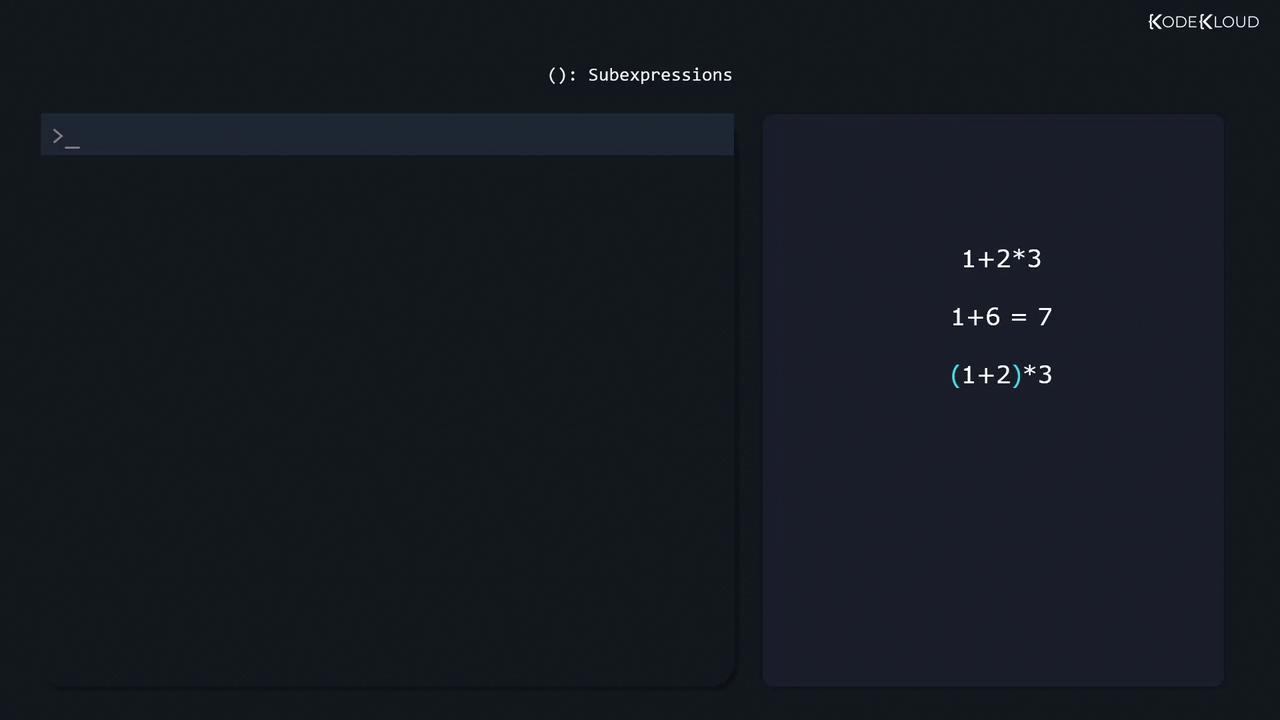
Negated Character Classes
Start a class with^ to invert it:
Conclusion & Further Reading
Mastering EREs ingrep, egrep, sed, and related tools empowers you to craft precise searches and avoid false positives. Practice your patterns interactively: