This guide covers installing, configuring, and troubleshooting the GRUB2 bootloader on CentOS Stream 8.
Welcome to this comprehensive guide on installing, configuring, and troubleshooting the GRUB2 bootloader on CentOS Stream 8. You’ll learn how to recover a non-booting system using rescue media, install GRUB in BIOS or UEFI mode, customize its settings, and verify your changes.
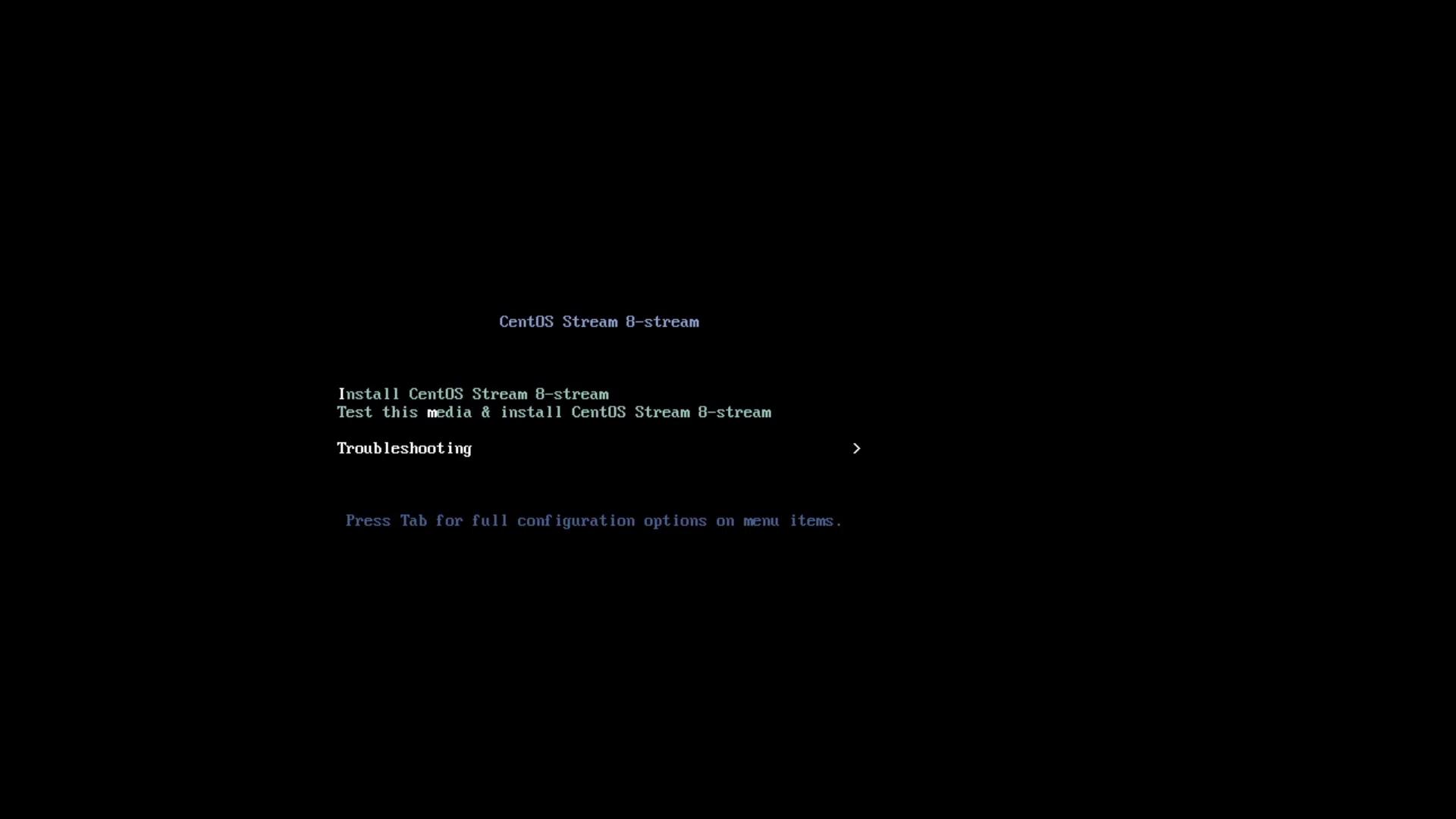
Insert your CentOS Stream 8 installation media and power on the machine.
At the main menu, select Troubleshooting → Rescue a CentOS Stream System.
Wait for system messages, then choose 1) Continue at the rescue prompt:
Copy
Ask AI
The rescue environment will now attempt to find your Linux installationand mount it under /mnt/sysroot. You can then make any changes required.1) Continue2) Read-only mount3) Skip to shell4) Quit (Reboot)
The installer will mount your root filesystem at /mnt/sysroot.