

Introduction to SSL/TLS Certificates
Secure Sockets Layer (SSL) and Transport Layer Security (TLS) certificates establish trust and encrypt data between clients and servers. Without them, sensitive information—such as banking credentials—travels in plaintext and can be intercepted.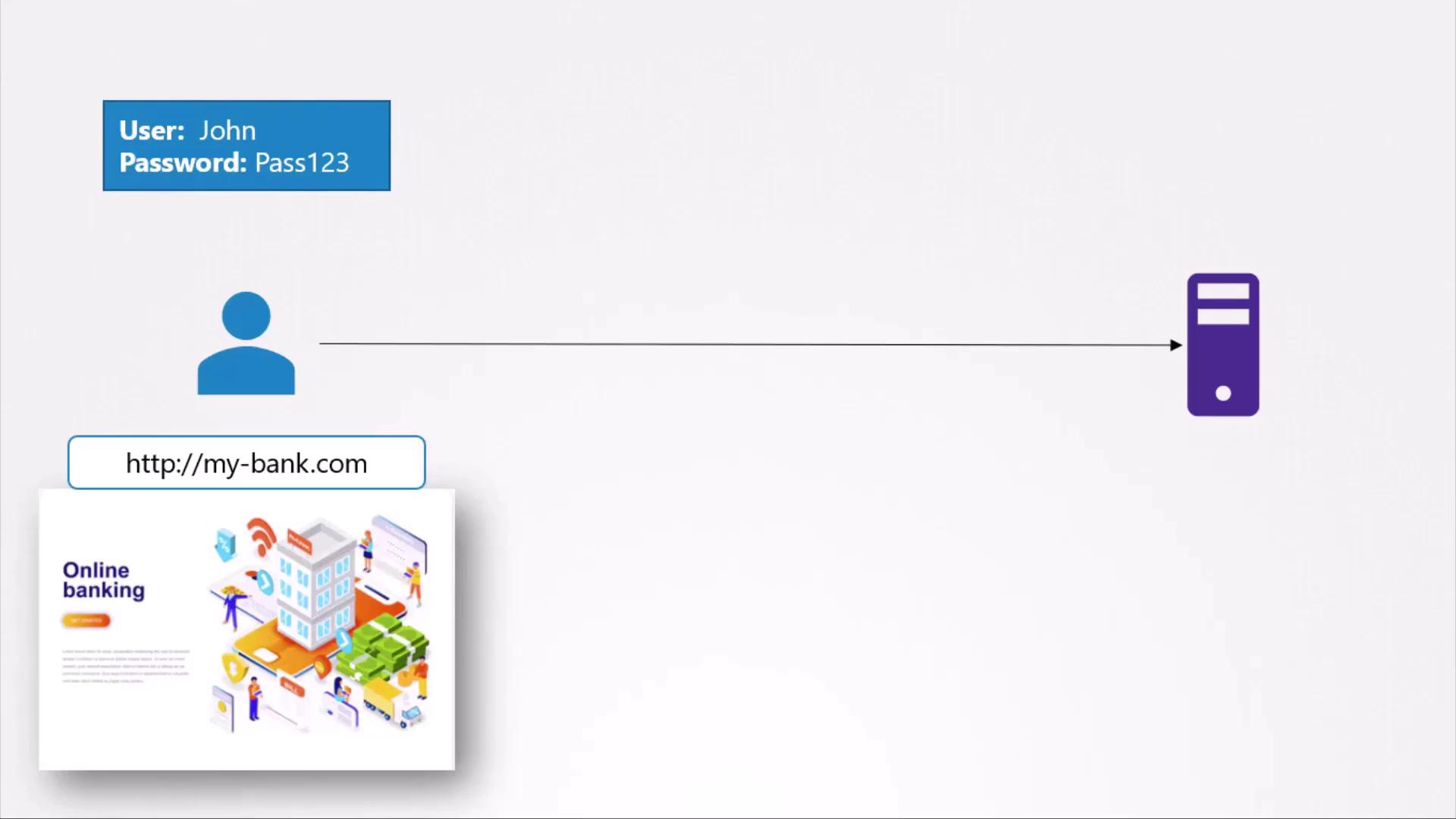
Symmetric vs. Asymmetric Encryption
Symmetric Encryption
Symmetric encryption uses a single secret key for both encryption and decryption. While efficient, distributing the shared key securely is challenging—if the key is intercepted, the data is compromised.
Asymmetric Encryption
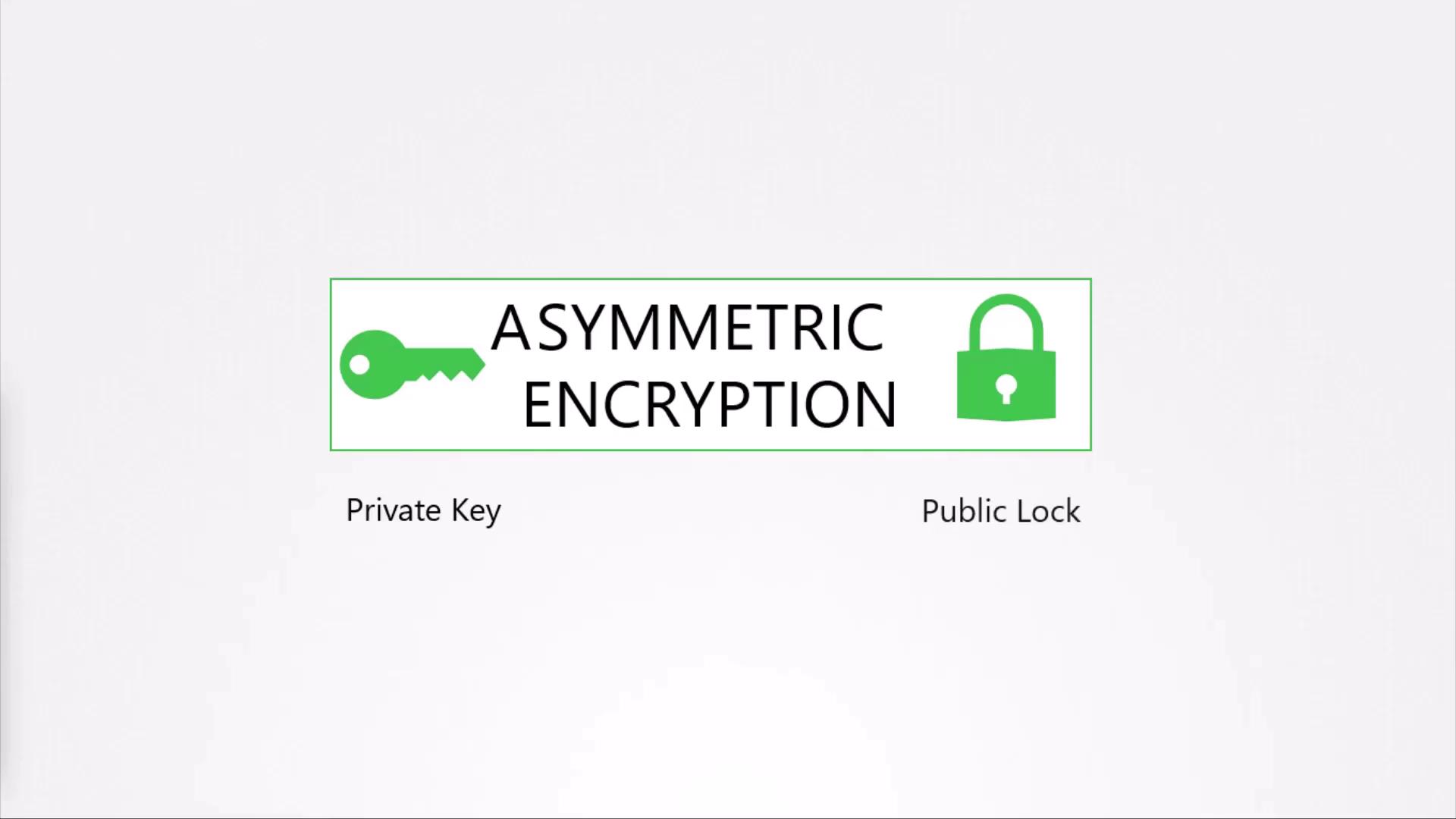
Asymmetric encryption solves the key-distribution problem by using a key pair:- Private Key: Kept secret by the owner.
- Public Key (Lock): Distributed openly.
| Encryption Type | Key(s) | Use Case |
|---|---|---|
| Symmetric | Single shared secret | Bulk data transfer (e.g., HTTPS bulk) |
| Asymmetric | Public key + Private key pair | Key exchange, digital signatures |
Securing SSH Access with Key Pairs
SSH replaces password logins with an asymmetric key pair:~/.ssh/authorized_keys:
authorized_keys. To onboard other users, they generate their own key pairs and provide you with their .pub file.
Keep your private key (
id_rsa) out of version control and never share it. If compromised, revoke and generate a new key pair.HTTPS Key Exchange Process
Web servers combine asymmetric and symmetric encryption to optimize performance:- Server generates an RSA key pair.
- Client (browser) downloads the server’s public key.
- Browser generates a random symmetric session key.
- Browser encrypts the session key with the server’s public key.
- Server decrypts the session key using its private key.
- Both sides use the symmetric key for bulk data encryption.
my-bank.pem) is served to clients; the private key (my-bank.key) remains secure on the server.
Digital Certificates and Trust
A self-generated public key provides no identity proof. Digital certificates bind your public key to your domain, signed by a trusted Certificate Authority (CA).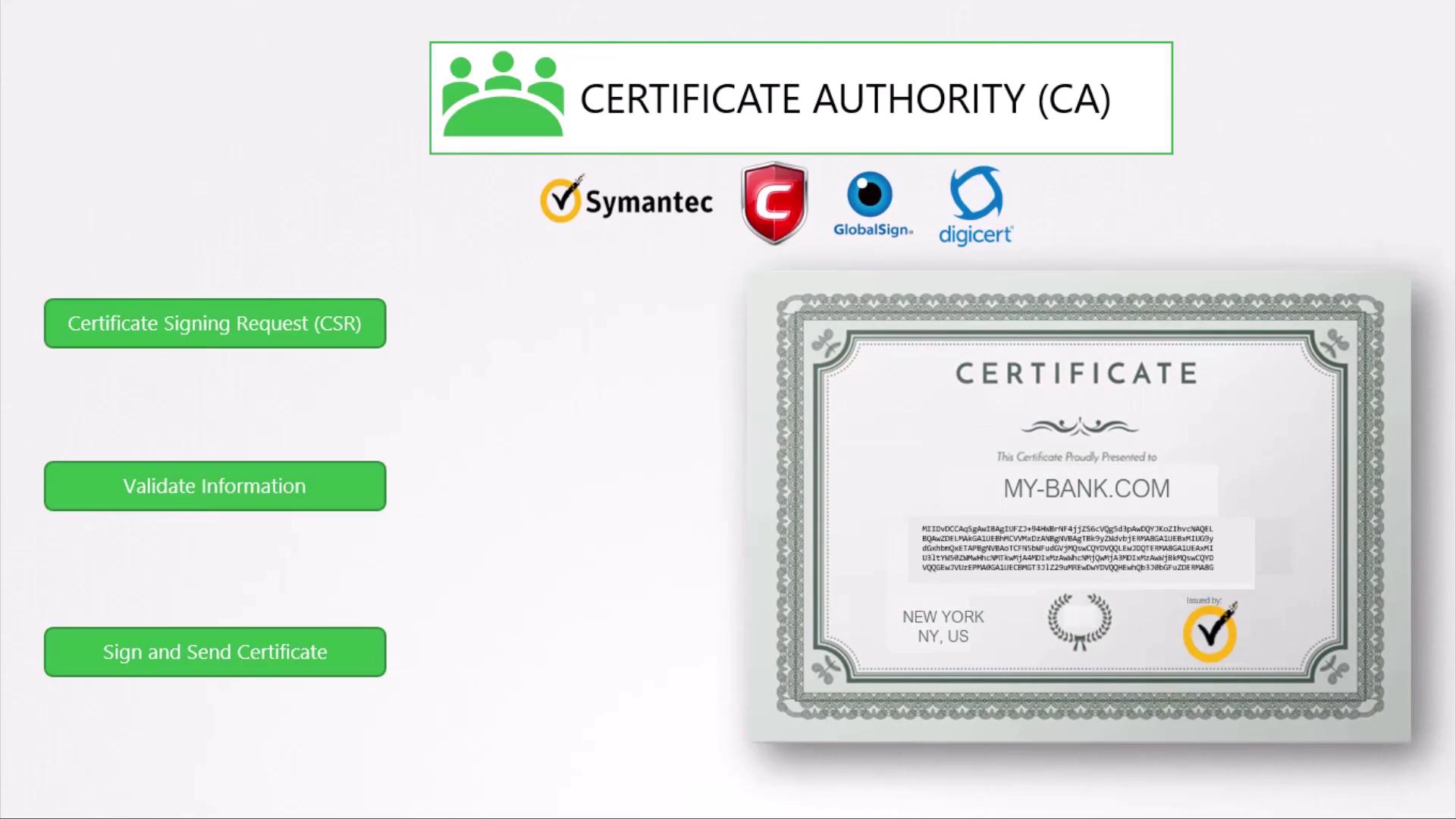
Browser Trust Chain
Browsers ship with a root store of trusted CA public keys. When presented with your signed certificate, the browser:- Verifies the CA signature using the trusted root key.
- Confirms the certificate’s validity period and domain match.
- Establishes a secure HTTPS session.
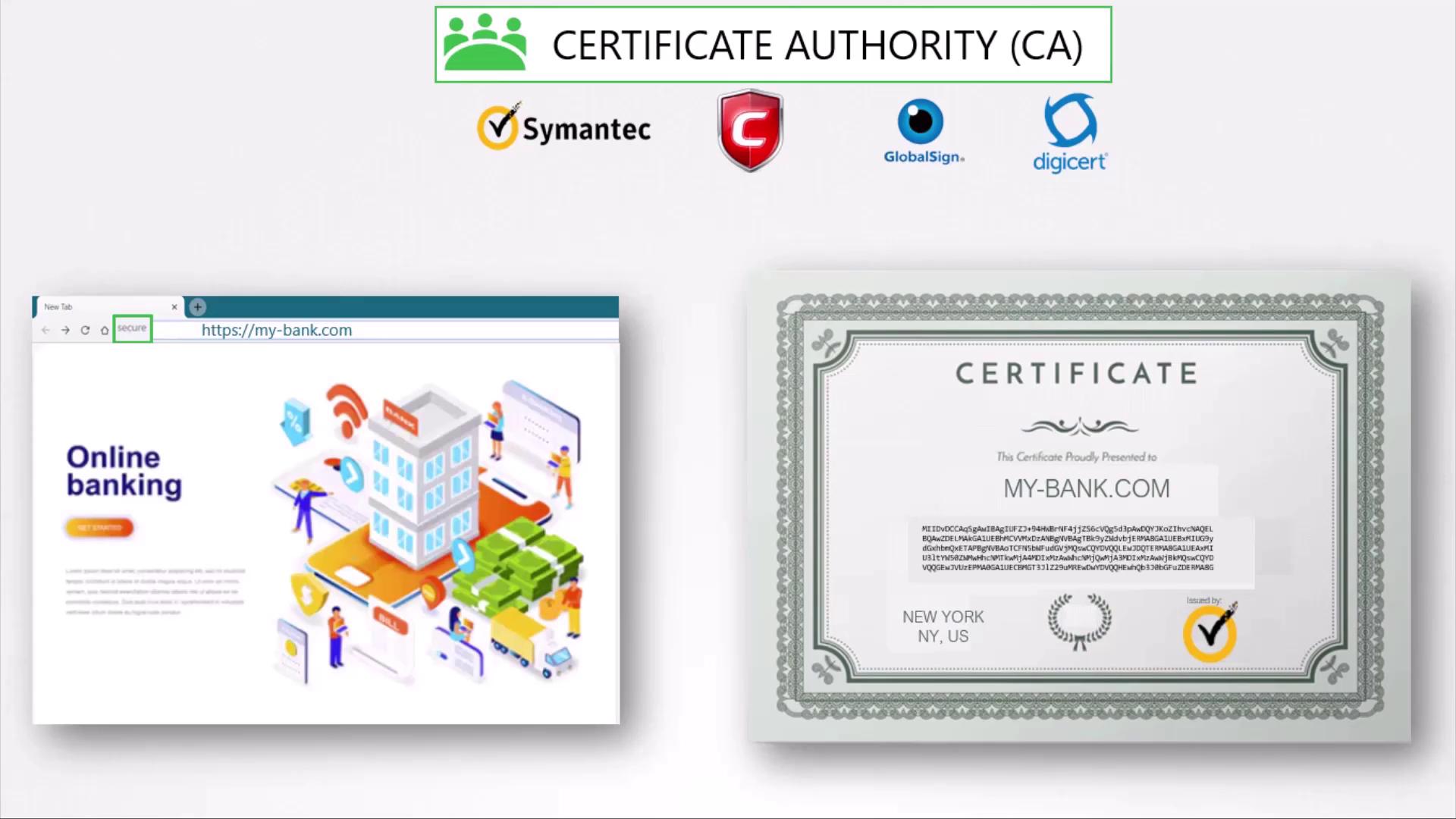
For internal applications, consider deploying your own private CA and distributing its root certificate to employee devices.
Summary
- Symmetric encryption is fast but needs a secure key exchange.
- Asymmetric encryption uses public/private key pairs to exchange secrets safely.
- SSH relies on key pairs for authentication.
- HTTPS uses asymmetric encryption to bootstrap a symmetric session key.
- Digital certificates prove ownership of a public key, validated by CAs.
- Browsers trust certificates based on their embedded root CA list.
- Private CAs work well for internal service authentication.
Mutual TLS (mTLS)
Mutual TLS adds client certificate authentication, requiring both server and client to present valid certificates during the TLS handshake. This strengthens security for APIs and inter-service communication.Key–Lock Analogy Clarification
Although we talk about a “lock” (public key) and a “key” (private key), either key can encrypt or decrypt. Encrypt with one; decrypt with the other. Private-key encryption is commonly used for digital signatures and identity verification.Naming Conventions
| File Type | Extension | Example |
|---|---|---|
| Public Cert | .crt or .pem | server.crt |
| Private Key | .key or .pem | server.key |