

kubectl, and how to enforce resource boundaries.
An Analogy: Two Marks, Two Houses
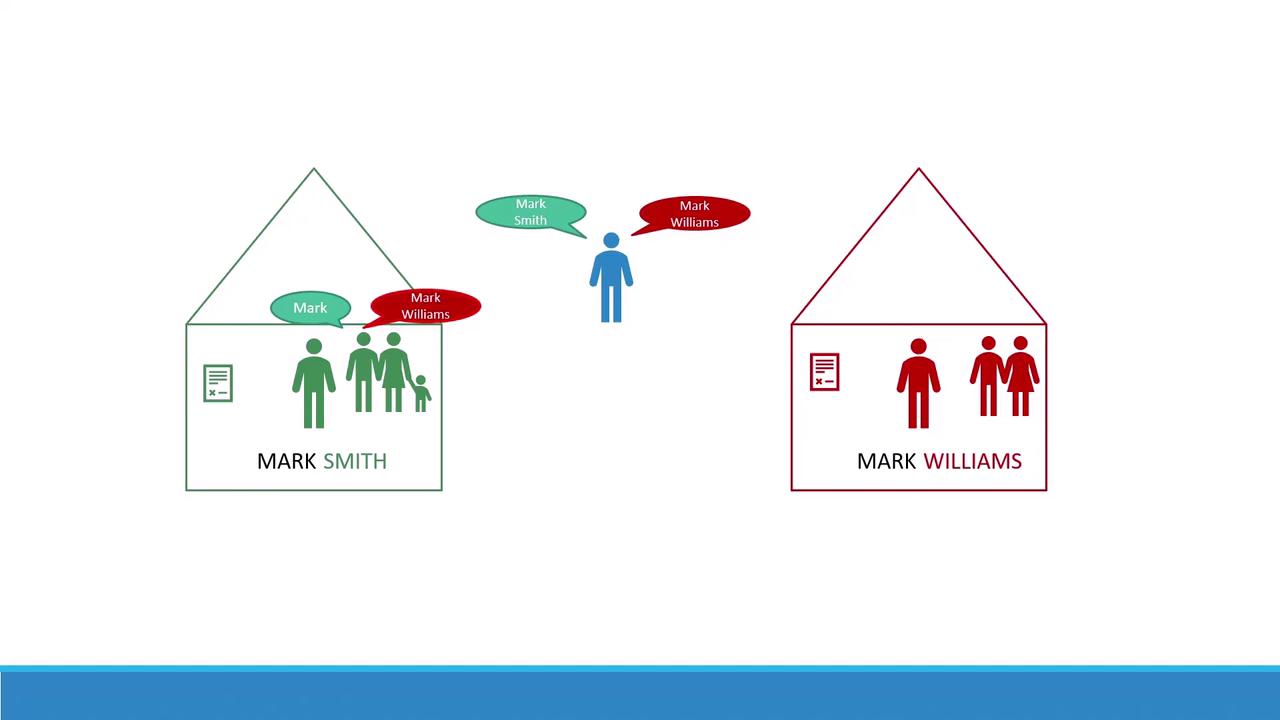
Imagine there are two boys both named Mark. To avoid confusion, one goes by Mark Smith and the other by Mark Williams. They each live in separate houses: the Smiths’ house and the Williams’ house. Inside a house, family members simply say “Mark.” But when talking to someone outside, they use the full name.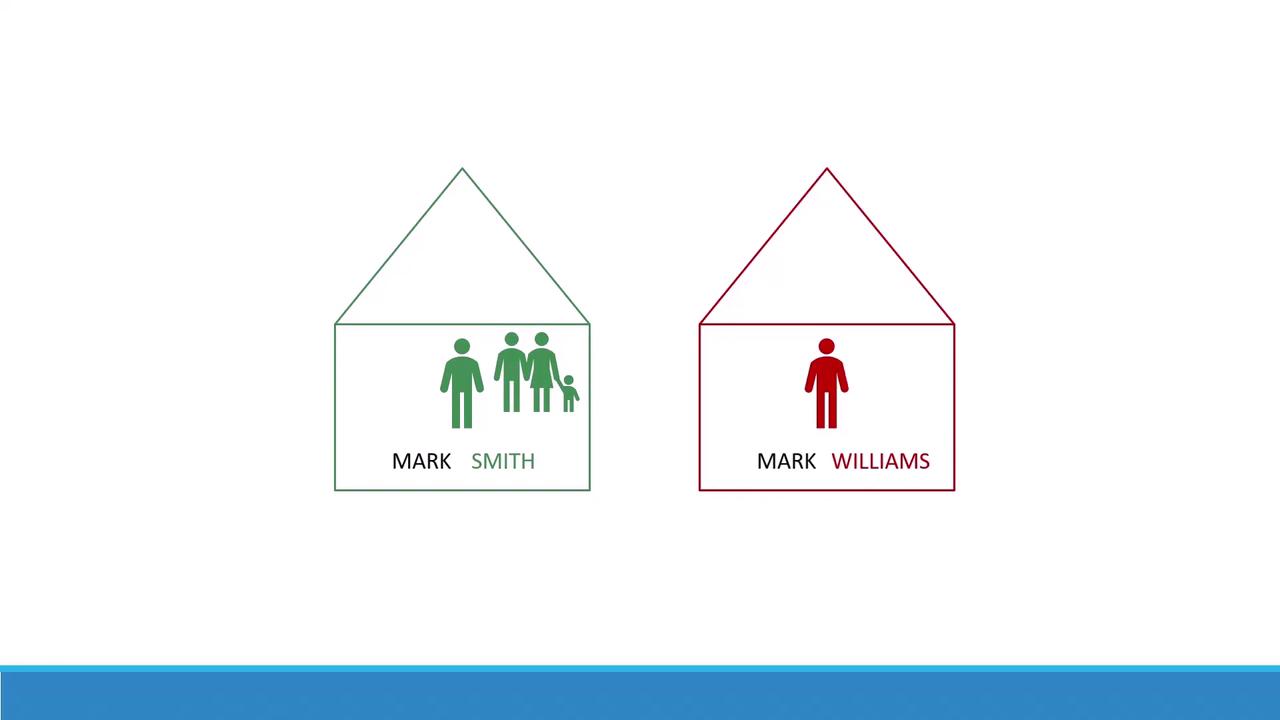
What Is a Kubernetes Namespace?
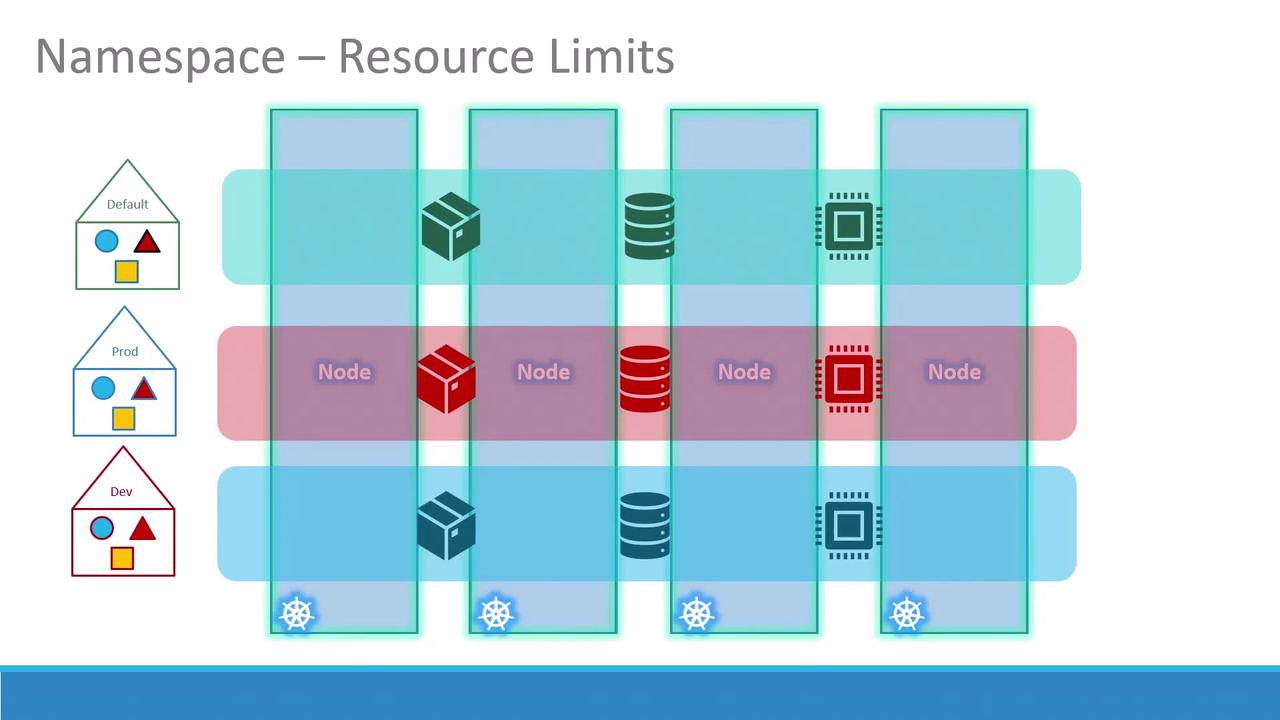
A namespace in Kubernetes is a virtual cluster backed by the same physical cluster. Namespaces help you:- Isolate workloads and resources
- Organize environments (e.g.,
dev,staging,prod) - Enforce resource quotas and access controls
Default Namespaces
Kubernetes creates several namespaces out of the box:| Namespace | Purpose |
|---|---|
| default | Standard namespace for user workloads |
| kube-system | Core components and add-ons (DNS, network plugins, controllers) |
| kube-public | Read-only namespace for publicly accessible resources |
If you’re experimenting or running a small cluster, you can operate entirely within the
default namespace. In production, separate namespaces (dev, prod, etc.) improve security and resource governance.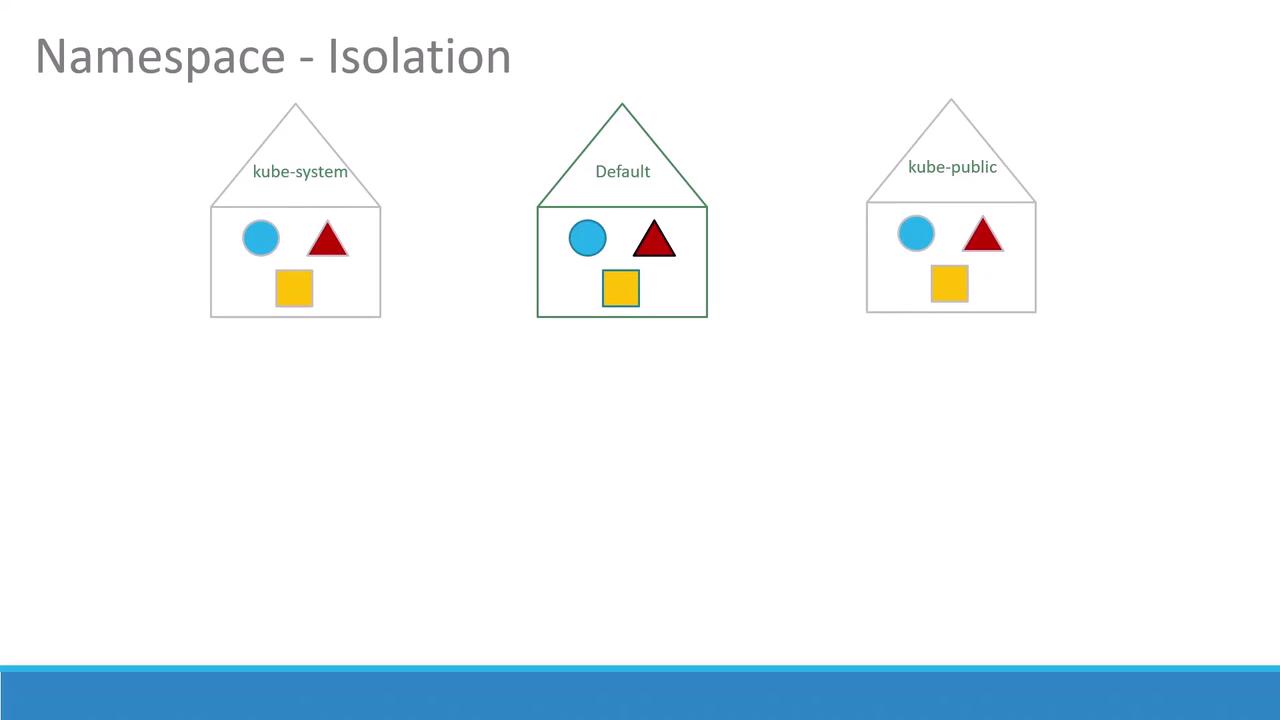
Service Discovery and DNS
Within the same namespace, services can discover each other simply by name:dev—use the fully qualified domain name:
svcis the services subdomaincluster.localis the default cluster domain
You can customize the cluster domain via the
--cluster-domain flag in kubelet and kube-apiserver configurations.Working with Namespaces in kubectl
1. Listing Resources
2. Creating a Pod in a Specific Namespace
Givenpod-definition.yml:
default namespace:
dev:
3. Defining a Namespace
Option A: A YAML manifest (namespace-dev.yml):
4. Switching Context Namespace
Rather than appending--namespace=, set a default in your current context:
Switching contexts affects all future
kubectl commands in your shell. Confirm with kubectl config view --minify.