This guide explains how to push a Docker image to a container registry using Jenkins after building and scanning the image for vulnerabilities.
In this guide, we will walk through the process of pushing a Docker image to a container registry using Jenkins. After building the image and performing a vulnerability scan with Trivy, follow these steps to update your Jenkins pipeline and securely push your image to Docker Hub.
Building the image is just the first step. In order to push your image to Docker Hub, you’ll need to log in with proper credentials. This is achieved through the use of the Docker Pipeline plugin, which simplifies credential management and registry interactions.
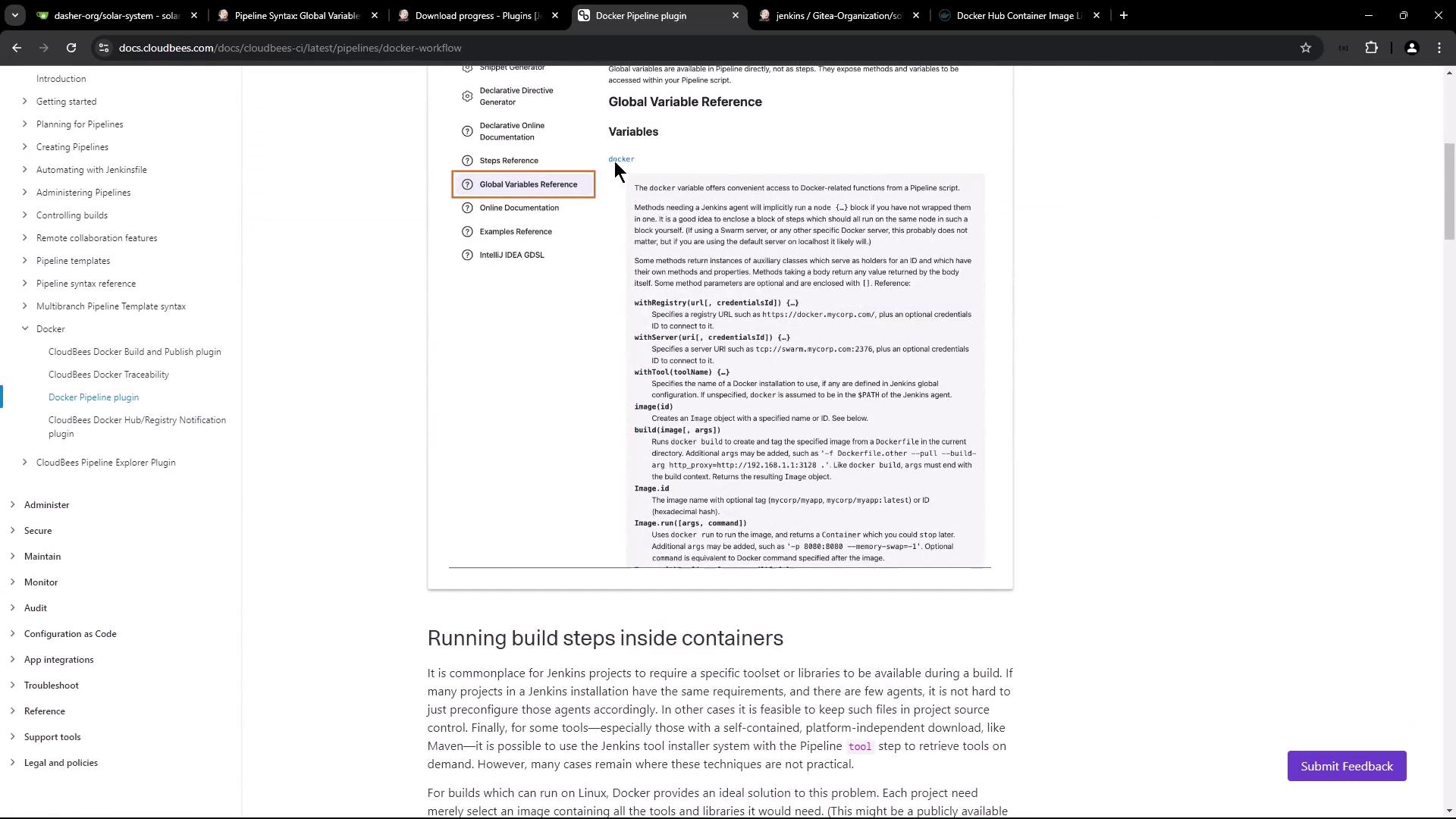
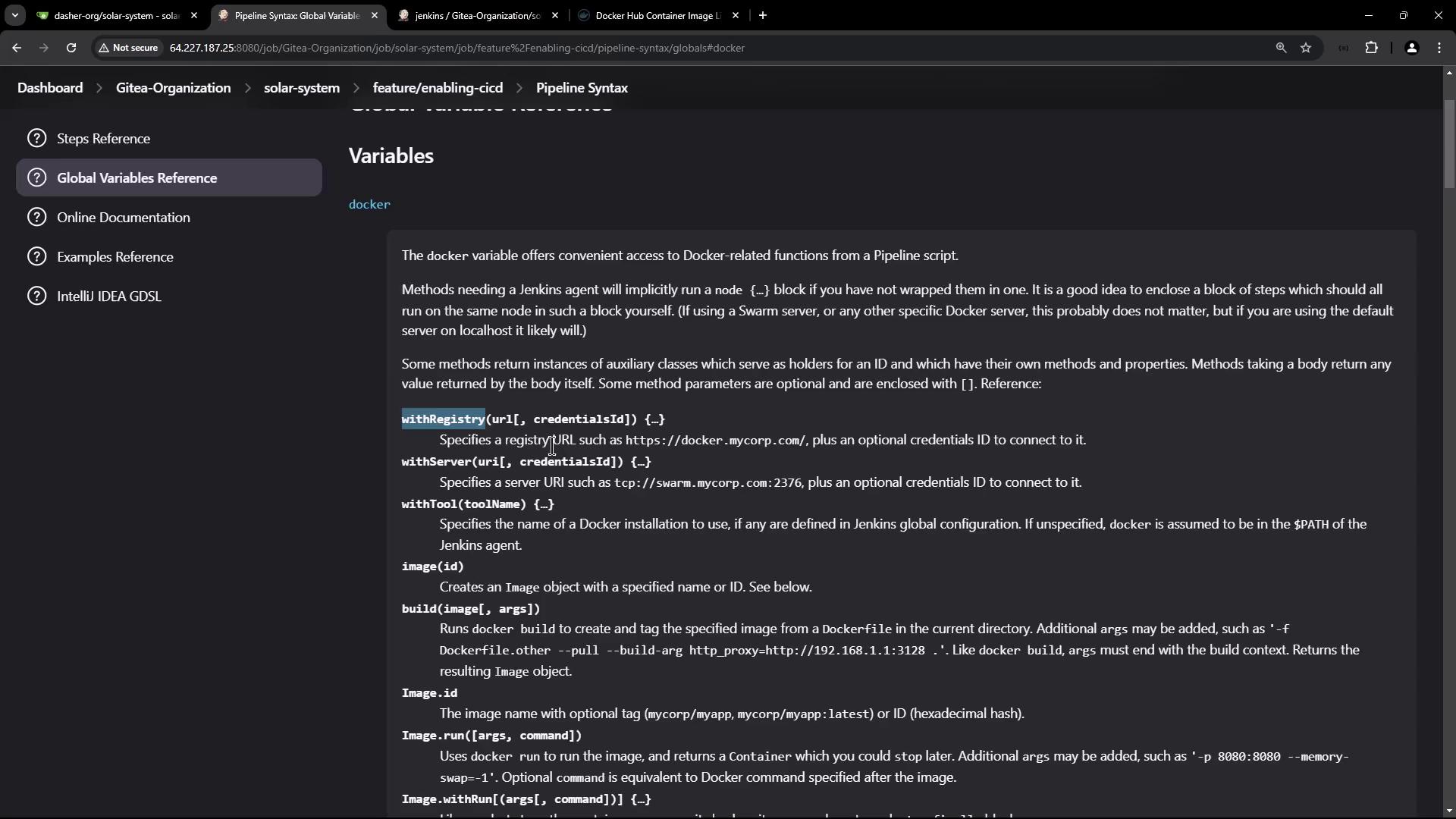
To take full advantage of Jenkins’ capabilities with Docker, install the Docker Pipeline plugin by navigating to the Plugins section in Jenkins. This plugin provides functions for handling Docker images, configuring registries, and accessing global variables.
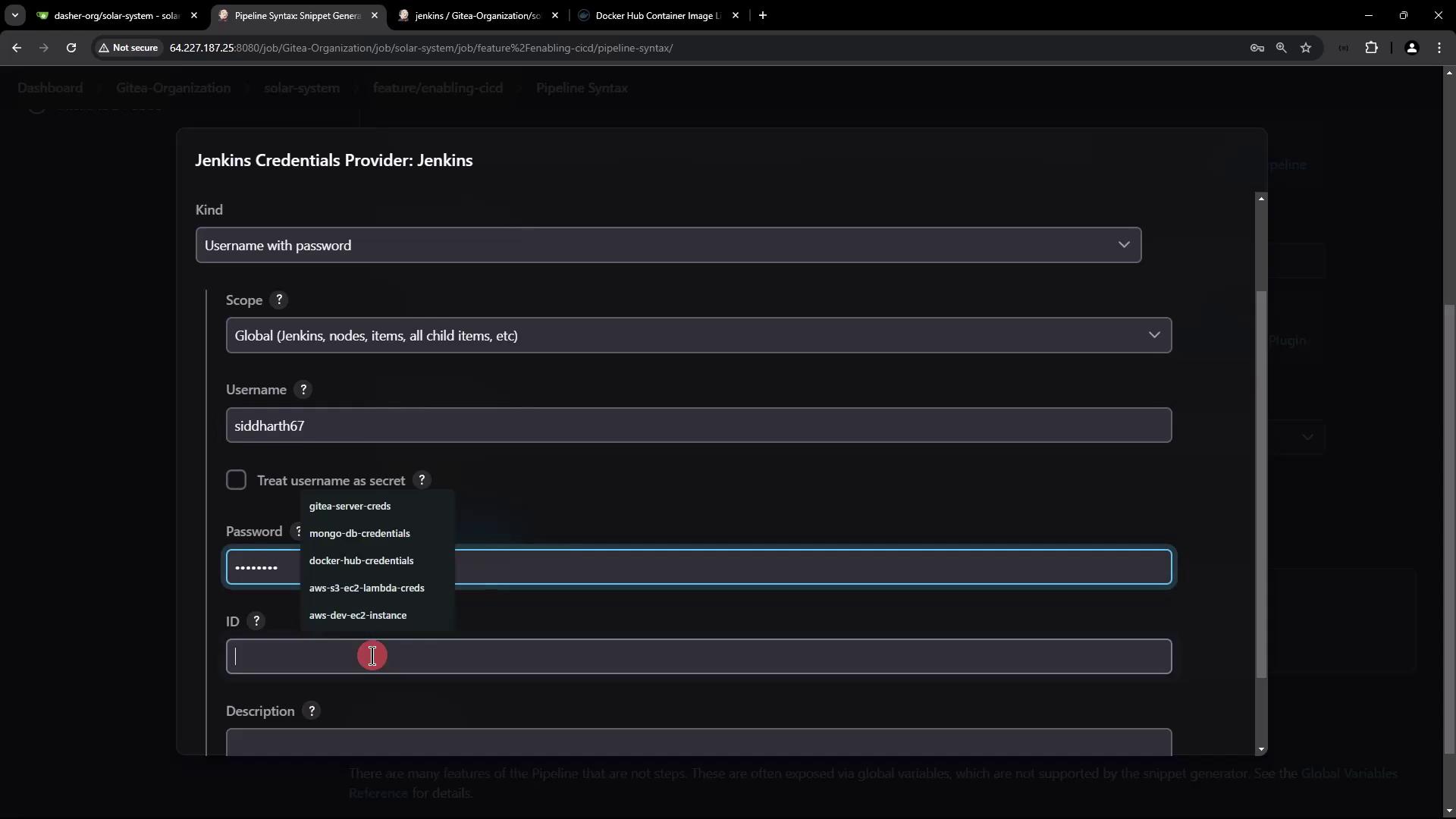
For secure image pushes, configure your Docker Hub credentials in Jenkins:
Go to the Credentials section.
Create a new entry of type “Username with password.”
Label the description as “Docker Hub credentials” for easy identification.
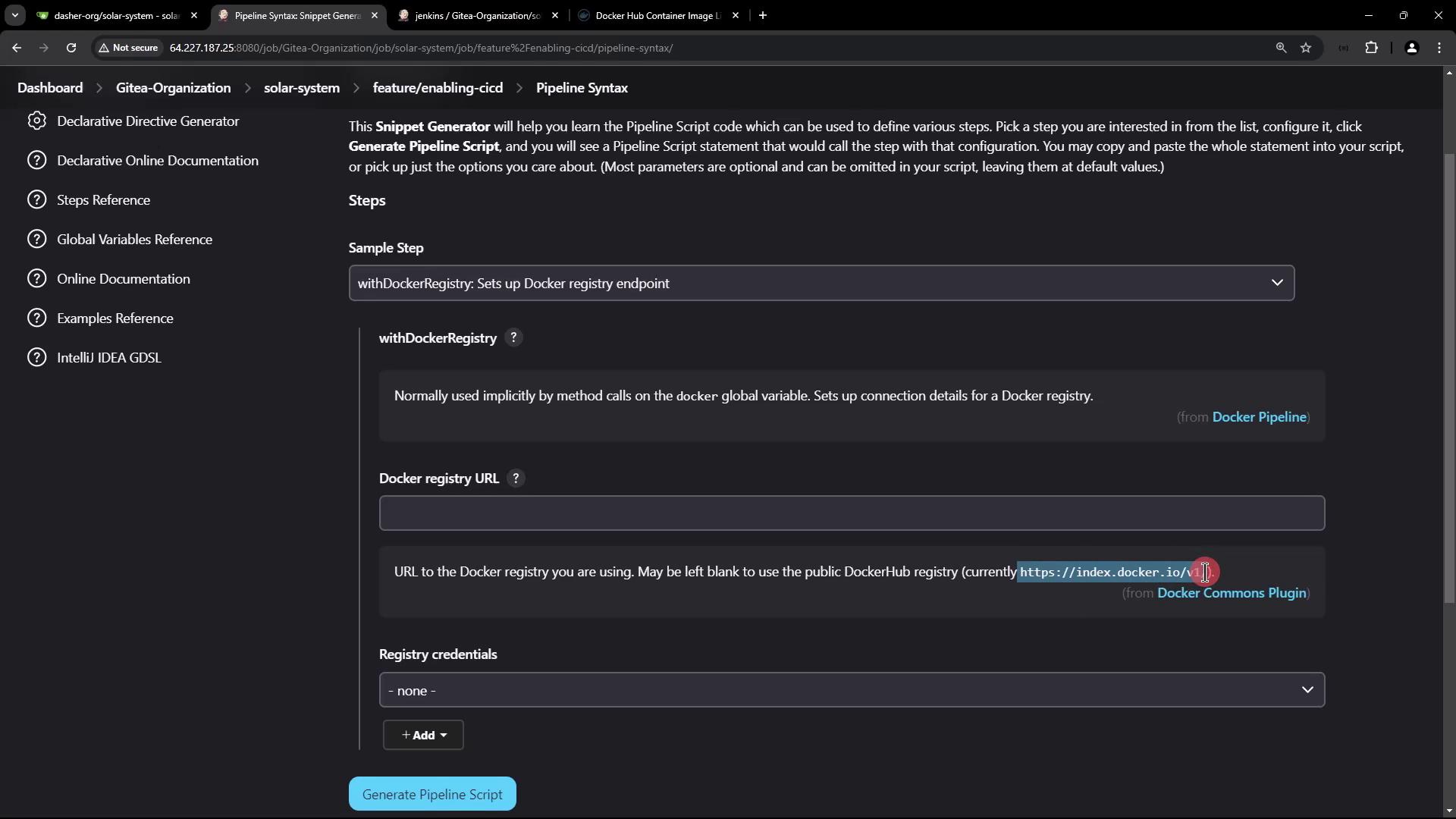
The default registry URL is set to index.docker.io/v1. If you are using a different container registry, make sure to specify its endpoint in your Jenkins configuration.
Refer to the following documentation for configuring a Docker registry endpoint if needed:
Modifying the Pipeline Stage for Registry Authentication
Once the credentials are in place, update your Jenkins pipeline stage to include Docker Hub authentication. Wrap the push command within a withDockerRegistry block, as seen below:
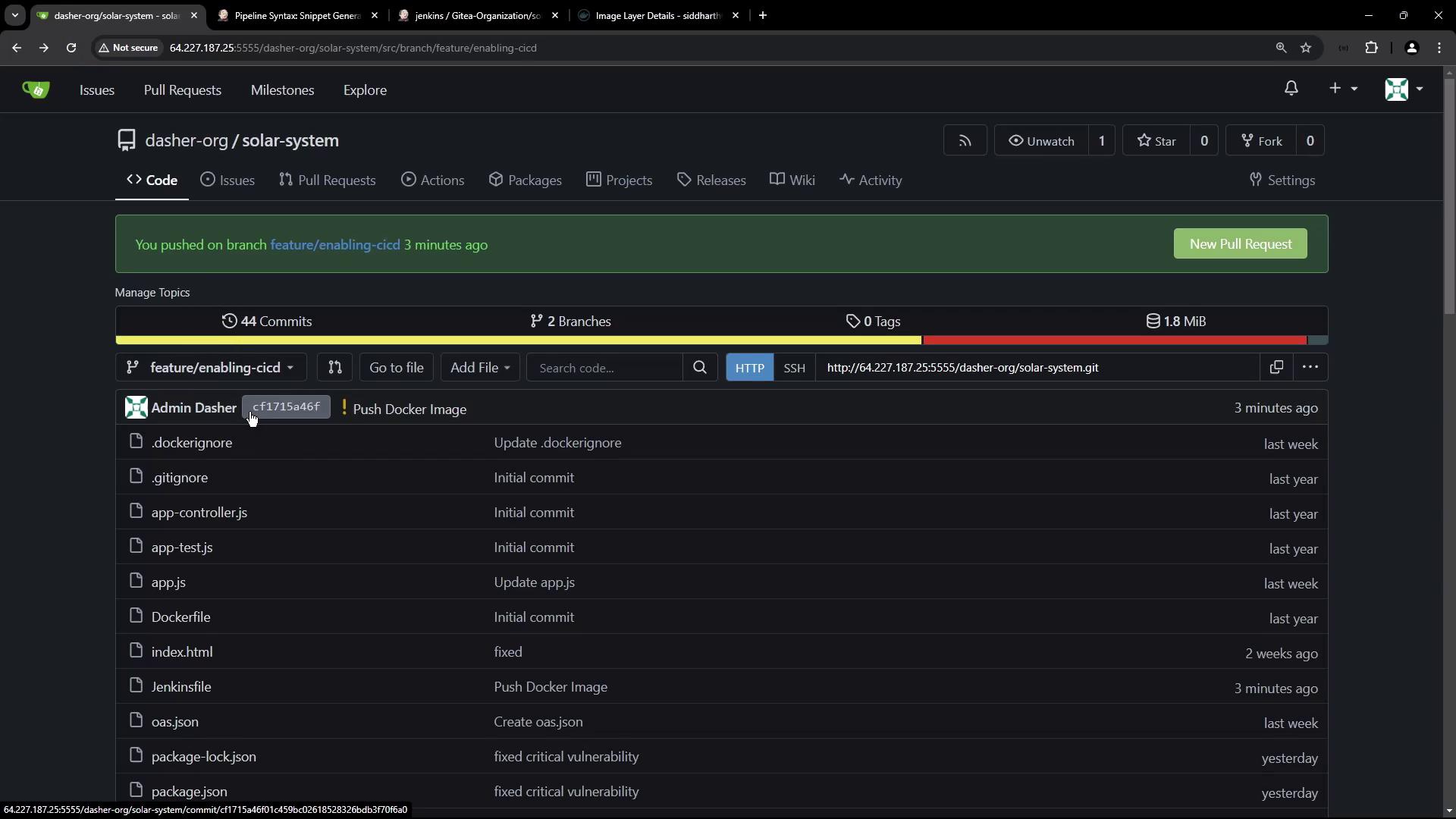
After updating the Jenkinsfile, commit and push your changes to the repository. This action triggers the pipeline. During execution, you might see commands similar to the following in the build log:
This article demonstrated how to build a CI pipeline in Jenkins that:
Builds a Docker image.
Executes a vulnerability scan using Trivy.
Pushes the Docker image to Docker Hub using the Docker Pipeline plugin with securely configured credentials.
These steps complete the continuous integration process, which also includes dependency installation and security testing. The next phase will cover deployment procedures.Happy building and automating your container workflows!