Using GenAI to Generate Steps for Lambda Deployment
This article explains how to adapt a Node.js application for deployment on AWS Lambda using a Jenkins pipeline and GenAI tools.
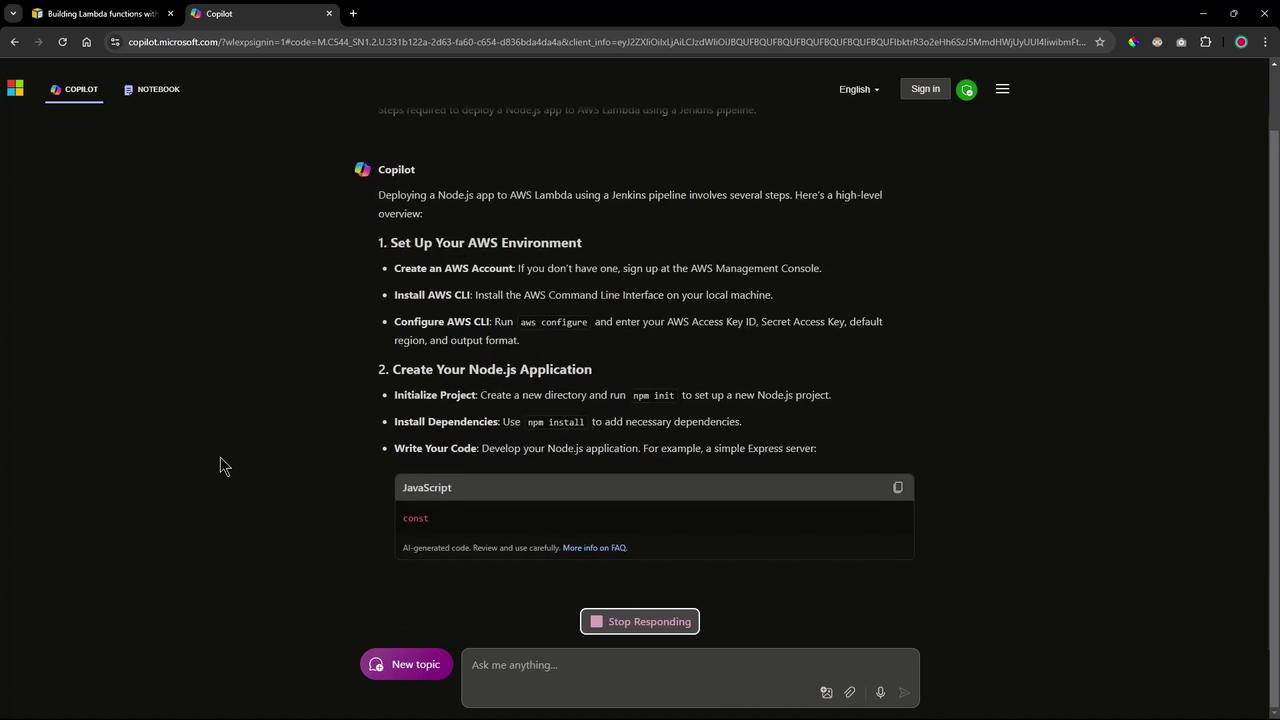
Before deploying a Node.js application to AWS Lambda via a Jenkins pipeline, it is essential to modify the application for Lambda compatibility. Originally built and deployed on AWS EC2 using Docker and later on Kubernetes, the application requires adjustments in its business logic to work as a Lambda function.For a detailed understanding of these changes, please refer to the official AWS Lambda documentation. Alternatively, if you need a quick overview and would like to generate a Jenkins pipeline automatically, leveraging GenAI tools like GitHub Copilot in Action can be very beneficial.Below is a series of questions and answers generated with GenAI that illustrate how to adapt your Node.js application for AWS Lambda deployment.
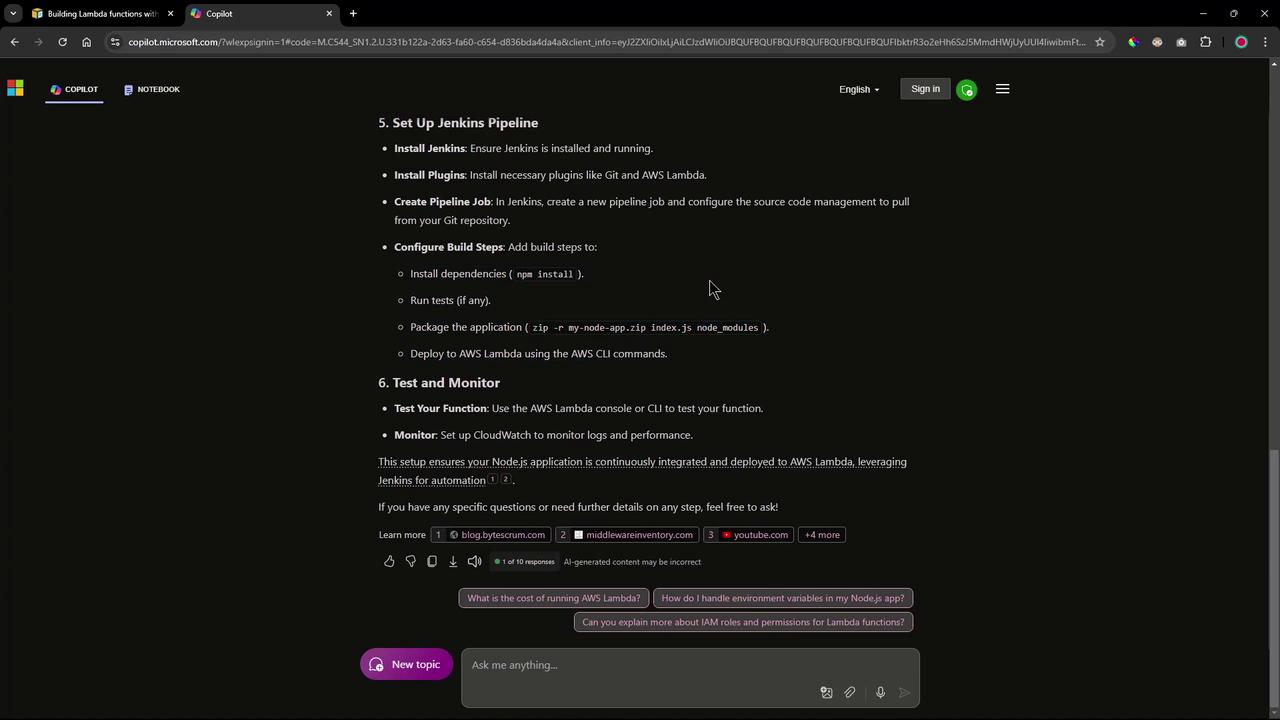
Configure Jenkins Pipeline
In Jenkins, set up multiple stages including dependency installation, unit testing, packaging, and deployment. Consider installing plugins like Git and AWS Lambda to facilitate the process.
2. Addressing Lambda or Serverless Dependencies in the Node.js Application
When adapting your Node.js application for Lambda, you will often need to include additional dependencies. GenAI recommends adding packages such as serverless and serverless-http along with Express.You can install these dependencies using:
3. Modifying the app.js File for Lambda Compatibility
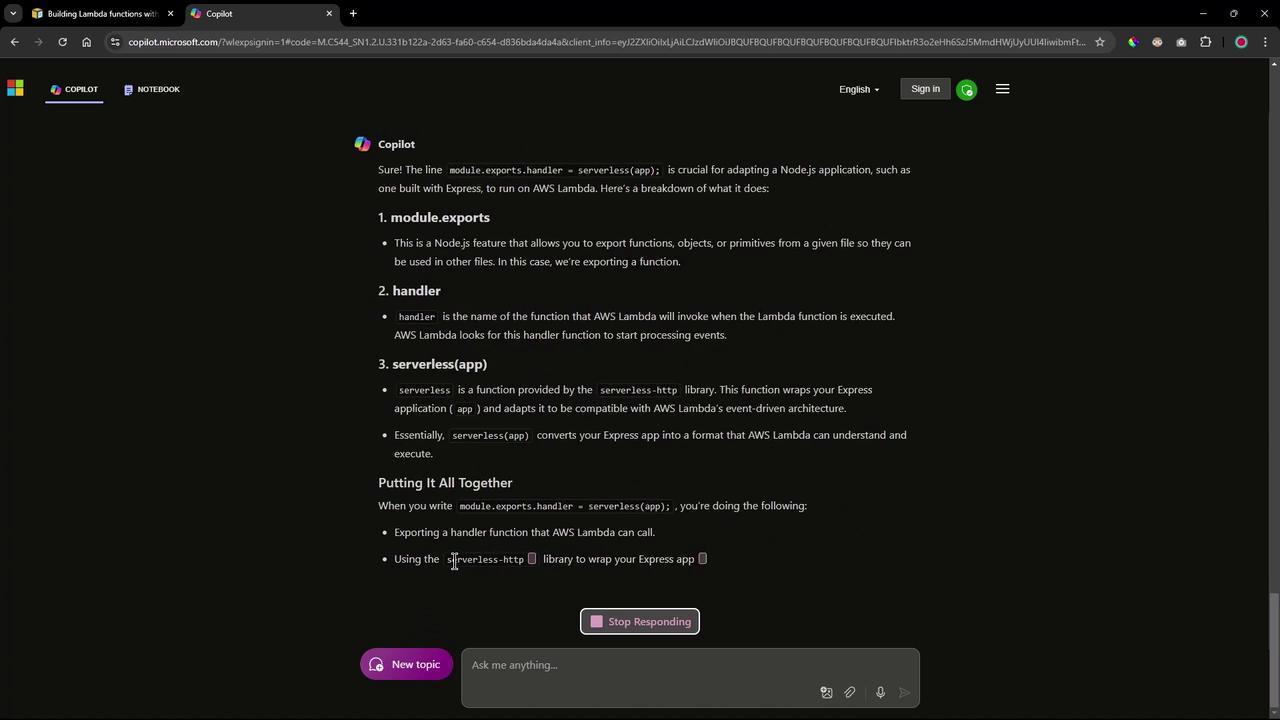
To ensure your application is compatible with AWS Lambda, you need to export the handler using the serverless-http library. This change adapts your Express routes to work within the event-driven model of Lambda. Update your app.js file as shown:
When updating your Lambda function’s code, you can use the AWS CLI command update-function-code. Based on where your deployment package is stored, you have three options:
Additionally, to adjust the app.js file if needed, you might run:
Copy
Ask AI
# Example commands to comment out local server startup codesed -i 's/app\.listen(3000/\/\/ app.listen(3000/' app.jssed -i 's/module.exports = app;/\/\/ module.exports = app;/' app.js
In the next session, these commands will be executed manually to validate the deployment process. Subsequent automation will be implemented using a Jenkins pipeline.
Thank you for following this lesson on using GenAI to streamline Lambda deployment via a Jenkins pipeline.