This article discusses refactoring a Jenkinsfile to enhance credential management and streamline the pipeline structure.
In this article, we refactor our Jenkinsfile to simplify credential management and improve the overall pipeline structure. Previously, multiple stages such as Unit Testing and Code Coverage used separate steps for handling MongoDB credentials. Now, we’ll centralize these credentials by defining them as environment variables.Below is an excerpt from the original Jenkinsfile where both the Unit Testing and Code Coverage stages used an identical withCredentials block:
root@jenkins-controller-1 in solar-system on ✗ feature/enabling-cicd via ⬢ v20.16.0
The credentials stored in Jenkins are used to connect to MongoDB. To reduce duplication, we can define these credentials directly in the environment block. For example:
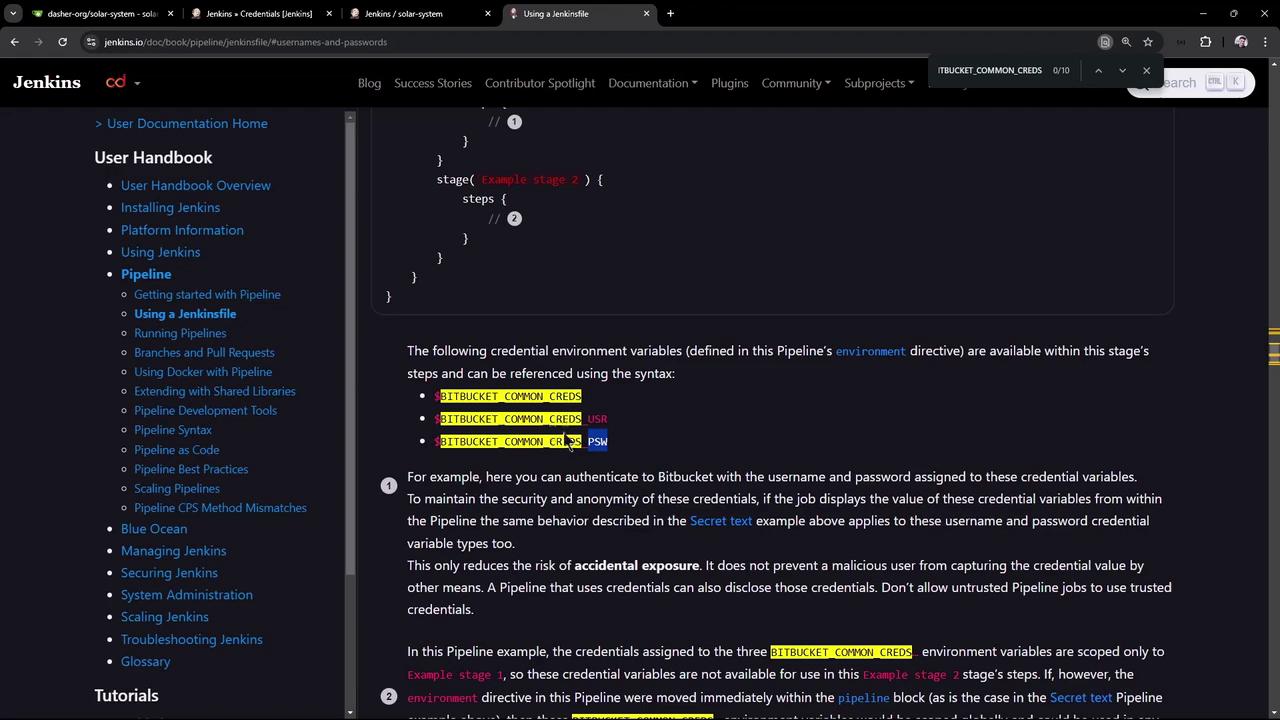
When using the Bitbucket credentials via the BITBUCKET_COMMON_CREDS variable, you receive a string in the format username:password. If you require them separately, they are automatically exposed as the variables BITBUCKET_COMMON_CREDS_USR and BITBUCKET_COMMON_CREDS_PSW.Let’s update our Jenkinsfile by removing repeated withCredentials steps and introducing a new environment variable:
A new build triggered after committing these changes will show the echoed environment variables. Note that the colon-separated variable masks sensitive data, while the username appears in clear text, and the password remains masked.
If your NPM tests require variables named MONGO_USERNAME and MONGO_PASSWORD, create two separate Secret Text credentials in Jenkins—one for the username and one for the password. Then update the environment block as shown below.
Once these changes are committed and pushed, a new pipeline build will leverage the newly defined environment variables. During pipeline execution, Jenkins fetches credentials from its store, applying them across both unit testing and code coverage stages.For additional report management, consider grouping tasks such as publishing HTML reports and archiving JUnit results within a post-build section. Instead of embedding these steps within individual stages, a post block can be utilized to run them under specified conditions (e.g., always, on success, or on failure).Below is an example demonstrating how to define a post section in the Jenkinsfile:
root@jenkins-controller-1 in solar-system on feature/enabling-cicd via v20.16.0
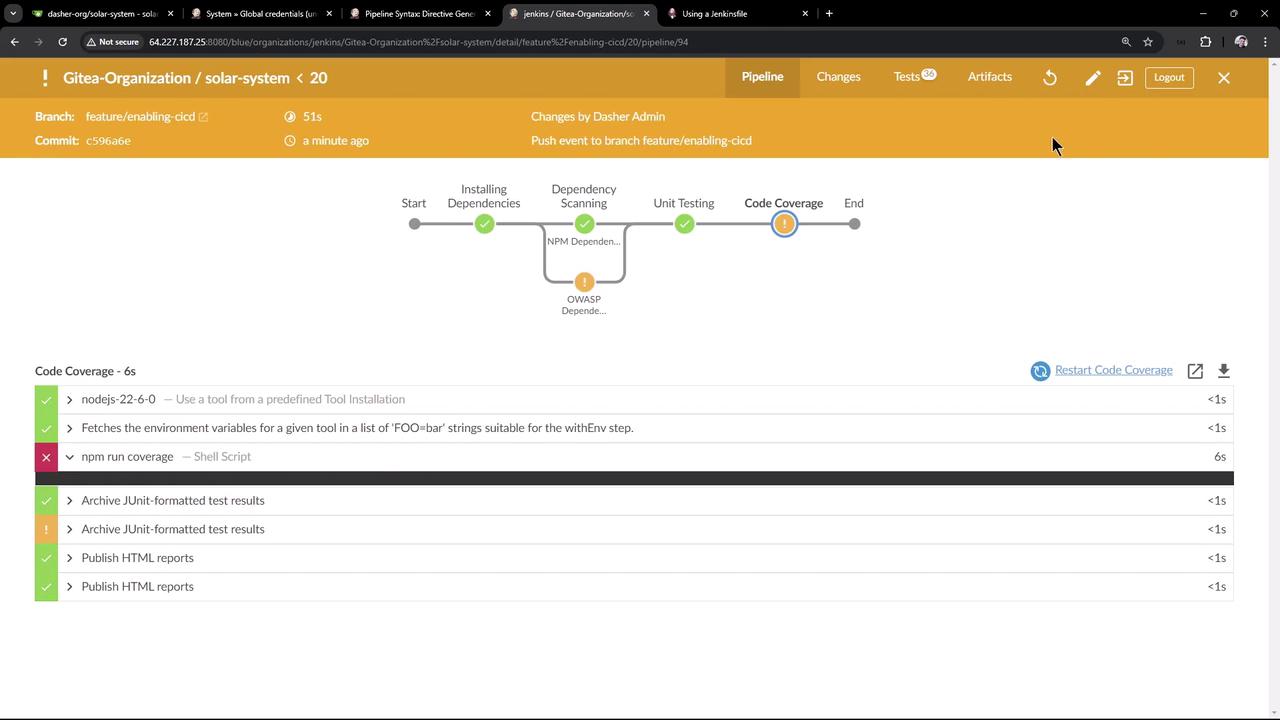
Notice how moving the JUnit report archiving and HTML report publishing into the post-always block ensures that these actions run after all stages regardless of the build outcome. In Jenkins’ classic UI, these post actions are executed at the end of the pipeline, confirming consistent handling of build reports.
Below are sample console outputs demonstrating the execution of unit testing and code coverage commands:
Copy
Ask AI
echo Colon-Separated -$MONGO_DB_Creds # Shell Scriptecho Username -$MONGO_DB_Creds_USR # Shell Scriptecho Password -$MONGO_DB_Creds_PSW # Shell Scriptnpm test # Shell Script+ npm test> Solar [email protected] test> mocha app-test.js --timeout 10000 --reporter mocha-junit-reporter --exitServer successfully running on port - 3000(node:99695) [DEP01270] DeprecationWarning: The URL mongodb://supercluster-shard-00-02.d83jj.mongodb.net:27017,supercluster-shard-00-00.d83jj.mongodb.net:27017,supercluster-shard-00-01.d83jj.mongodb.net:27017/superData?authSource=admin&ReplicaSet=atlas-l1bv0t-shard-0&ssl=true is invalid. Future versions of Node.js will throw an error.(Use node --trace-deprecation ... to show where the warning was created)
The console output and Jenkins UI confirm that the post actions, such as archiving JUnit reports and publishing HTML reports, are successfully executed at the end of every pipeline run.
There are two primary approaches for managing credentials in a Jenkinsfile:
Combined Credential Variable: Define a single environment variable that contains both the username and password.
Separate Credential Variables: Create distinct environment variables for the username and password when your tools require specific naming conventions.
By choosing the approach that best fits your requirements, you can reduce duplication across stages and centralize both credential management and reporting in your Jenkins pipeline.For more detailed guidance, please refer to the Jenkins documentation.