Overview
Jenkins Pipelines simplify your build process by breaking it down into logical stages such as Building, Unit Testing, Linting, Dockerizing, Security, Deployment, and Tests. Each stage groups related tasks together. For example, the “Dockerizing” stage may involve building a Docker image and pushing it to a container registry, while parallel execution of stages like linting and unit testing can reduce overall build time.
Example Jenkinsfile
Below is an example Jenkinsfile that outlines four primary stages: Build, Unit Test, Dockerize, and Deploy.This Jenkinsfile demonstrates a clear separation of concerns by organizing tasks into distinct stages, improving both readability and maintainability.
Declarative vs. Scripted Pipelines
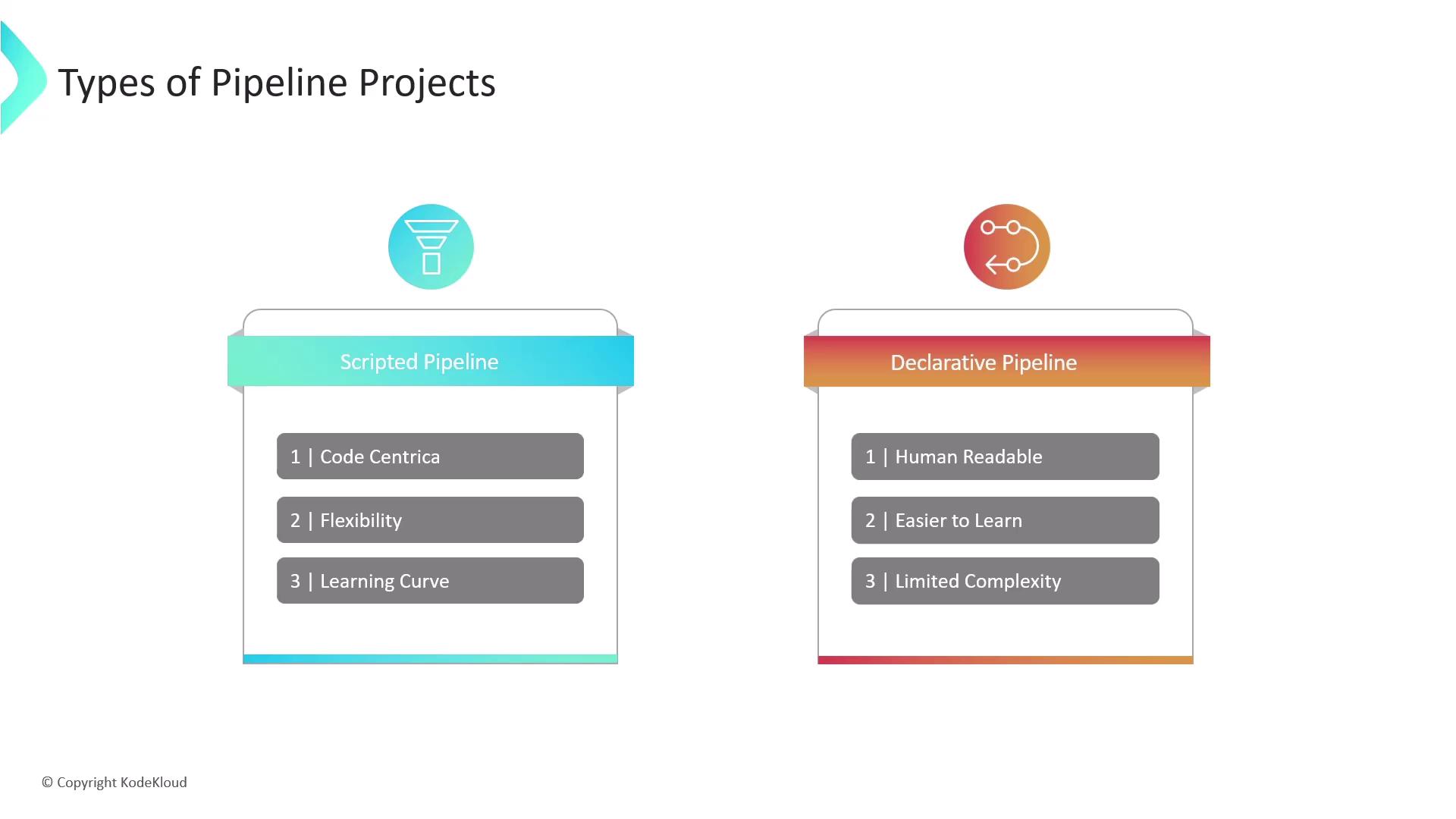
Jenkins offers two primary types of pipelines:- Declarative Pipeline: Uses a simplified and human-readable syntax that is easy to learn—ideal for straightforward and well-defined workflows.
- Scripted Pipeline: Allows for full Groovy scripting, providing greater control and flexibility for complex logic, although it has a steeper learning curve.
Comparing Pipeline Projects and Freestyle Projects
Earlier, Jenkins Freestyle Projects were the standard method for configuring build processes. However, they come with limitations such as rigid sequential steps and a dependence on a web-based configuration. In contrast, Pipeline projects provide a range of benefits:| Benefit | Pipeline Projects | Freestyle Projects |
|---|---|---|
| Execution Flow | Logical stages with parallel task execution | Rigid sequential processing |
| Configuration | Defined via code in the Jenkinsfile (version-controlled) | Configured through the web interface |
| Resilience | Can survive unexpected controller restarts | Less resilient in dynamic environments |
| Flexibility | Supports pausing for manual intervention/approvals | Limited in handling complex workflows |
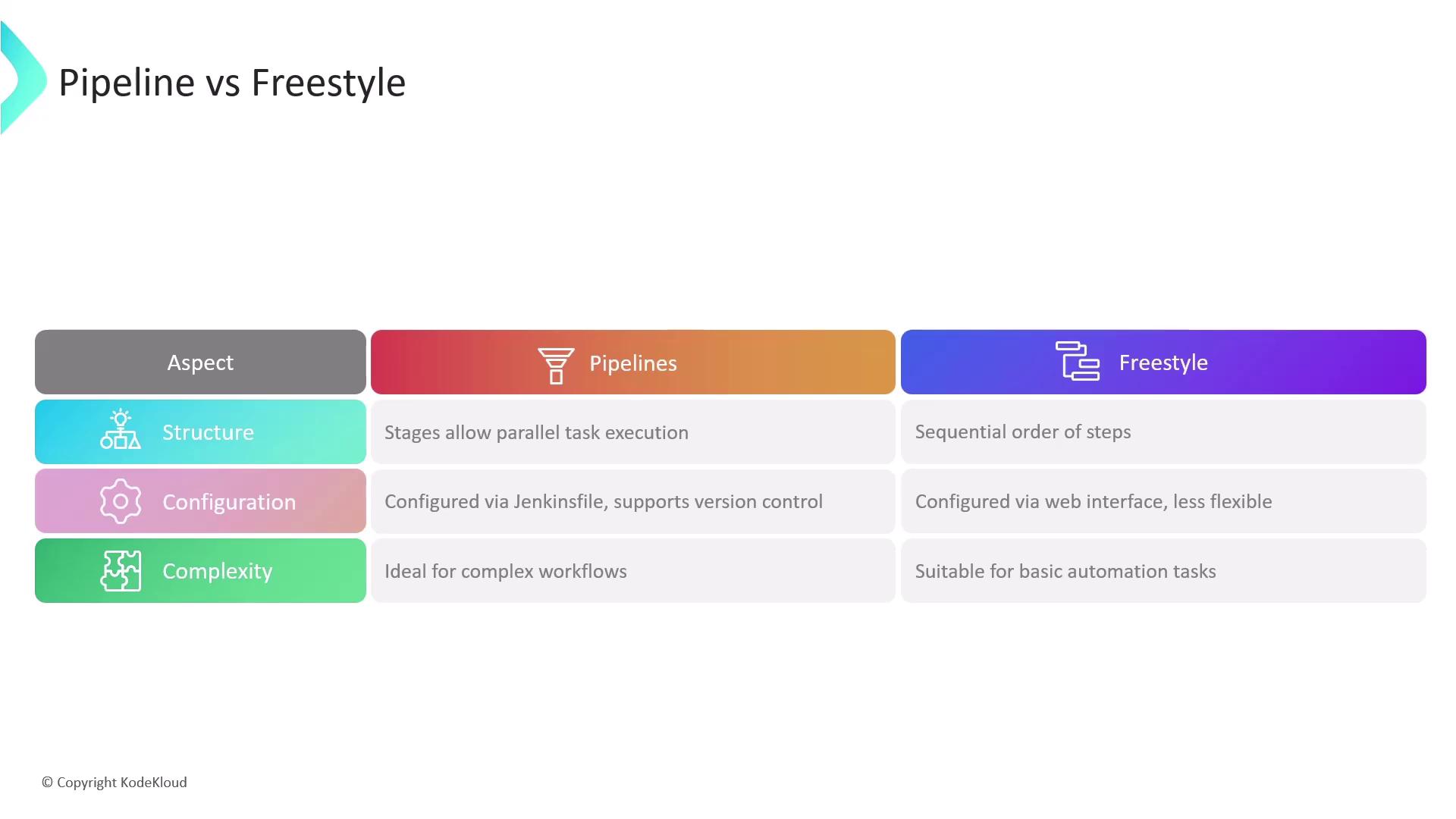
Storing the pipeline configuration in the Jenkinsfile alongside your project code not only promotes version control but also facilitates collaborative editing and transparent build management.
Benefits of Using Jenkins Pipelines
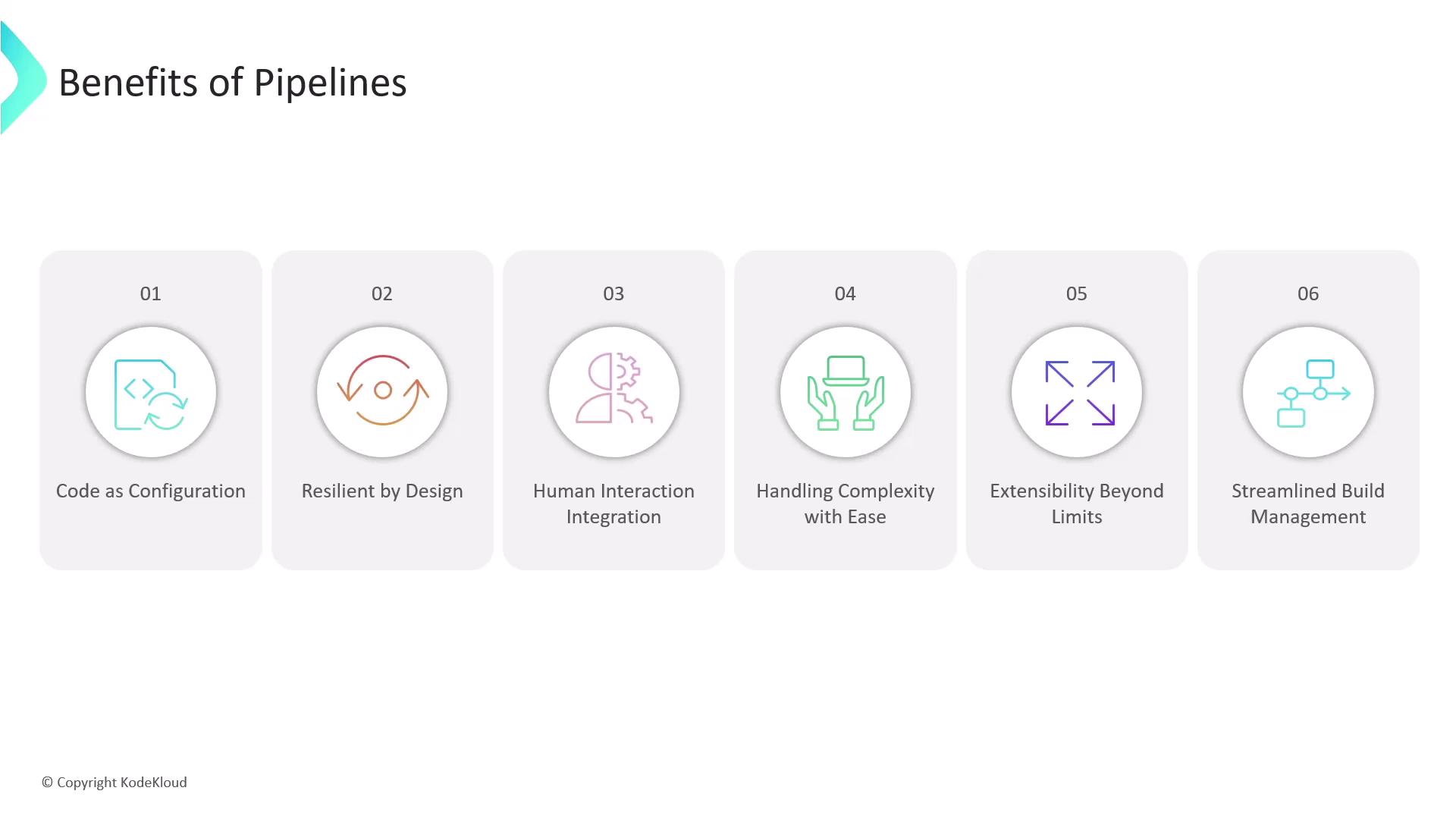
Jenkins pipelines enable a more streamlined CI/CD process with key advantages such as:- Code-as-configuration for easy version control and sharing.
- Resilience with features like pause and resume.
- Efficient handling of complex build processes with minimal job maintenance.
- Seamless integration with numerous Jenkins plugins that extend pipeline capabilities.