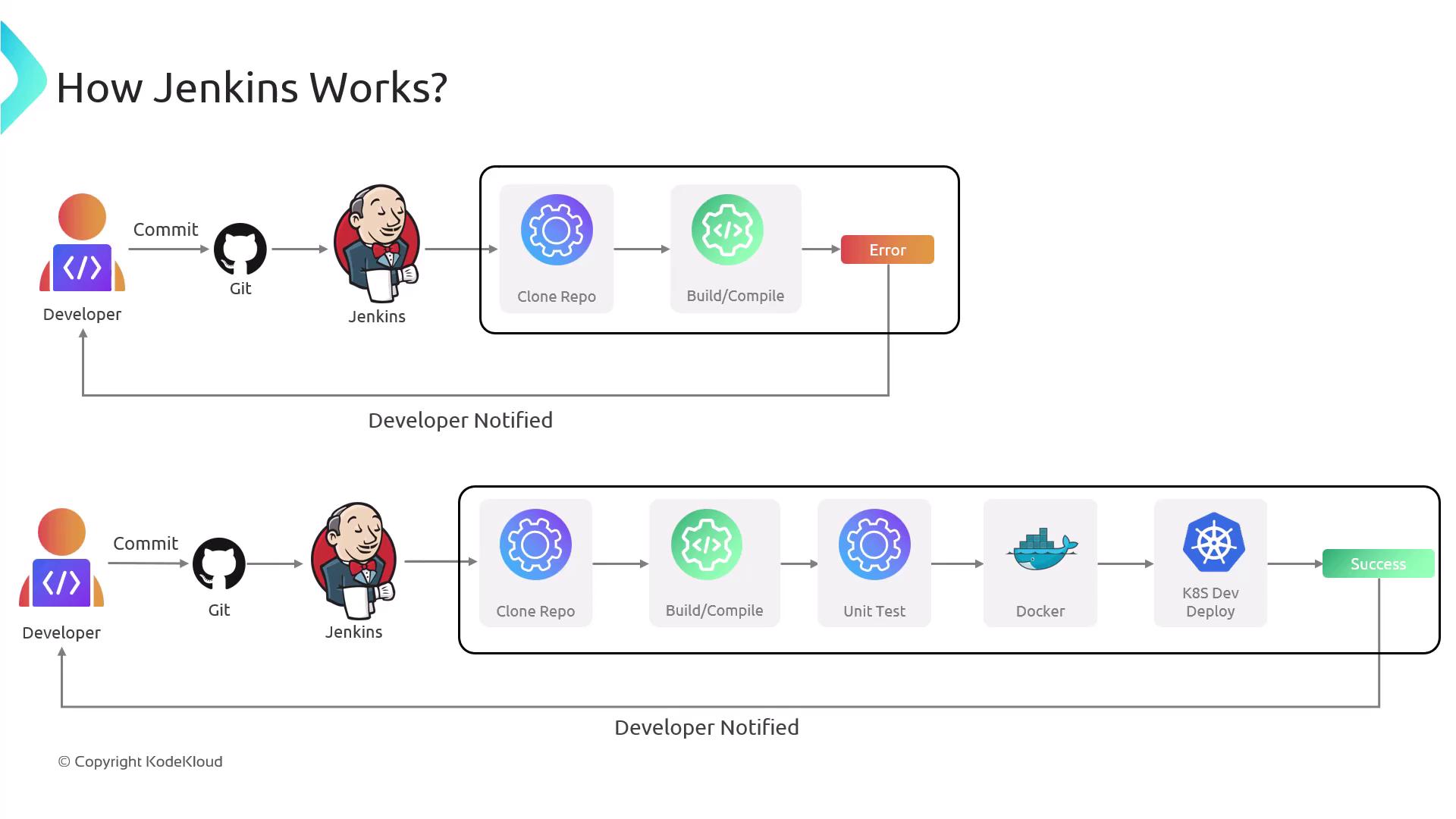
Remember that automating your build and deployment processes with Jenkins saves time and reduces human errors.
Key Jenkins Concepts
Before diving into pipeline configuration, it is essential to understand some foundational Jenkins concepts:-
Jobs:
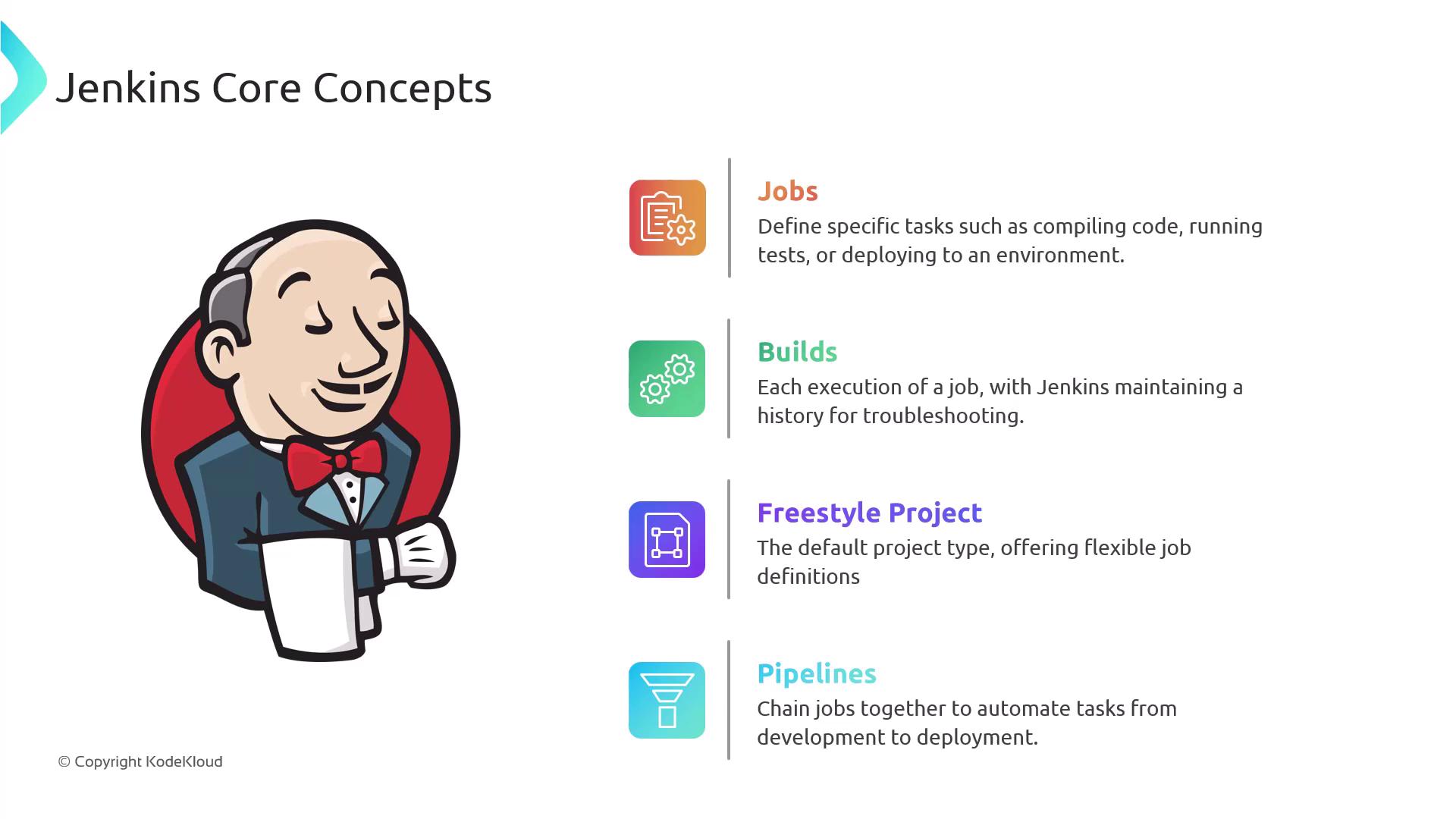
Jobs are the core building blocks of your CI/CD pipeline. Each job performs a specific task—whether it’s compiling code, running tests, or deploying to an environment. Every job execution results in a build, and Jenkins maintains a detailed history of these builds for troubleshooting and analysis. -
Freestyle Project:
The Freestyle project is Jenkins’ default project type, offering flexibility through configurable build steps that allow you to tailor tasks to your project’s needs. -
Pipelines:
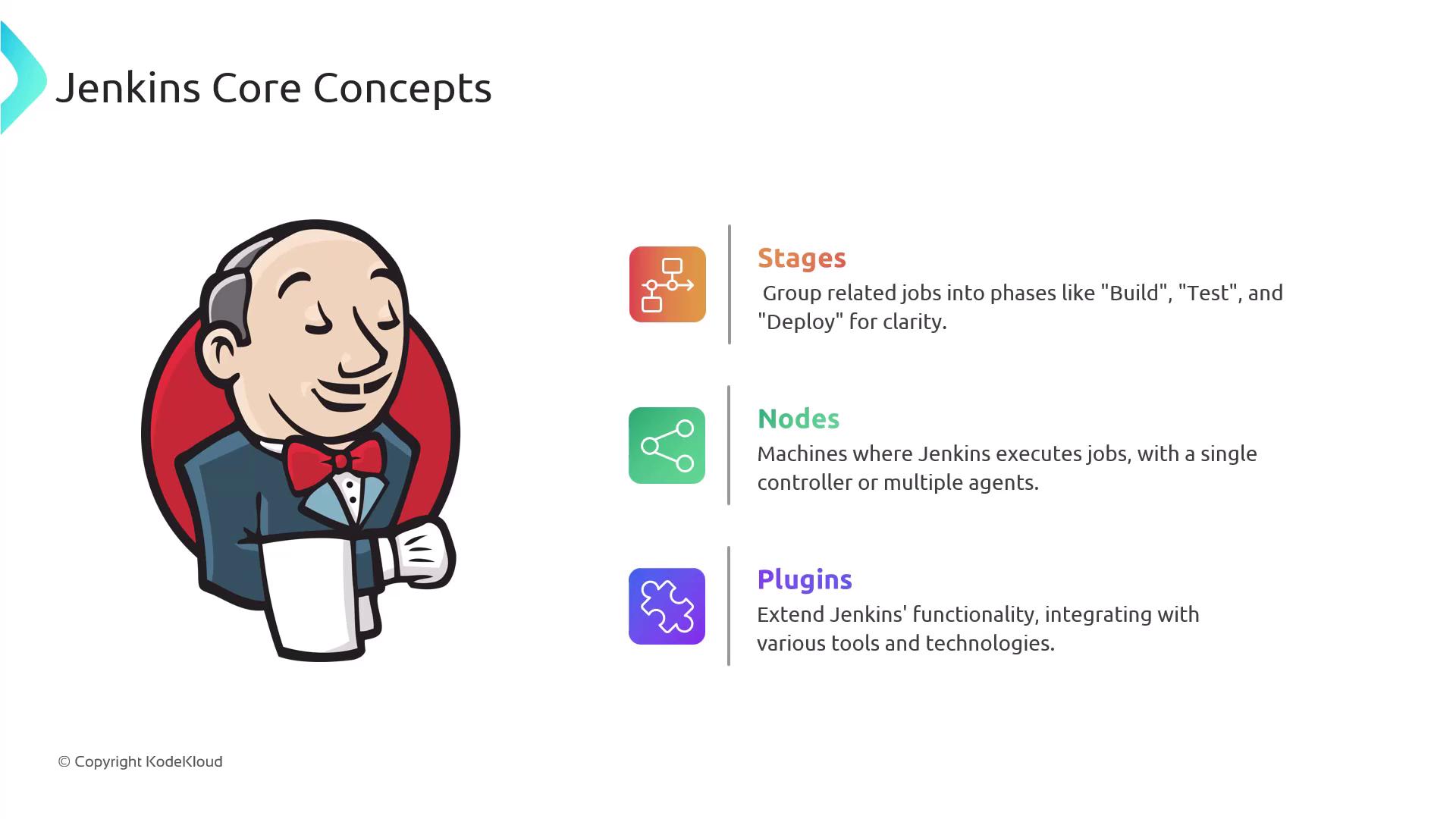
Pipelines provide a robust framework for automating your workflow from build to deployment. Defined in a Jenkinsfile, pipelines make version control and collaboration easier. They logically group jobs into stages such as build, test, and deploy, creating a clear and structured workflow.
-
Nodes:
Nodes refer to the machines that execute Jenkins jobs. In a simple configuration, the Jenkins controller (or master) manages job execution. For better performance and scalability, tasks can also be distributed across multiple worker nodes. -
Plugins:
Jenkins’ functionality is significantly enhanced through its extensive library of plugins, which enable integration with various tools and technologies across the development lifecycle. Whether connecting to a specific testing framework or a cloud platform, there is likely a plugin available to meet your needs.
Advantages of Jenkins
Jenkins provides several key benefits:| Feature | Benefit | Example/Explanation |
|---|---|---|
| Cost-effective & Open Source | No licensing fees; supported by a thriving community | Ideal for startups and large enterprises alike |
| Extensive Plugin Ecosystem | Highly customizable integrations with various tools and technologies | Integration with testing frameworks, deployment tools, etc. |
| Pipelines as Code | Define and version control your CI/CD pipelines using a Jenkinsfile | Streamlines collaboration and pipeline management |
| Scalability | Horizontal and vertical scaling through worker nodes | Efficient job distribution for larger projects |
| Robust Feature Set | Offers parallel testing, detailed build reports, artifact management | Supports complex build and deployment processes |
Incorporate terms like “Jenkins CI/CD,” “Jenkins automation,” and “Jenkins pipeline” in your metadata and headings to improve search rankings.
Challenges of Jenkins
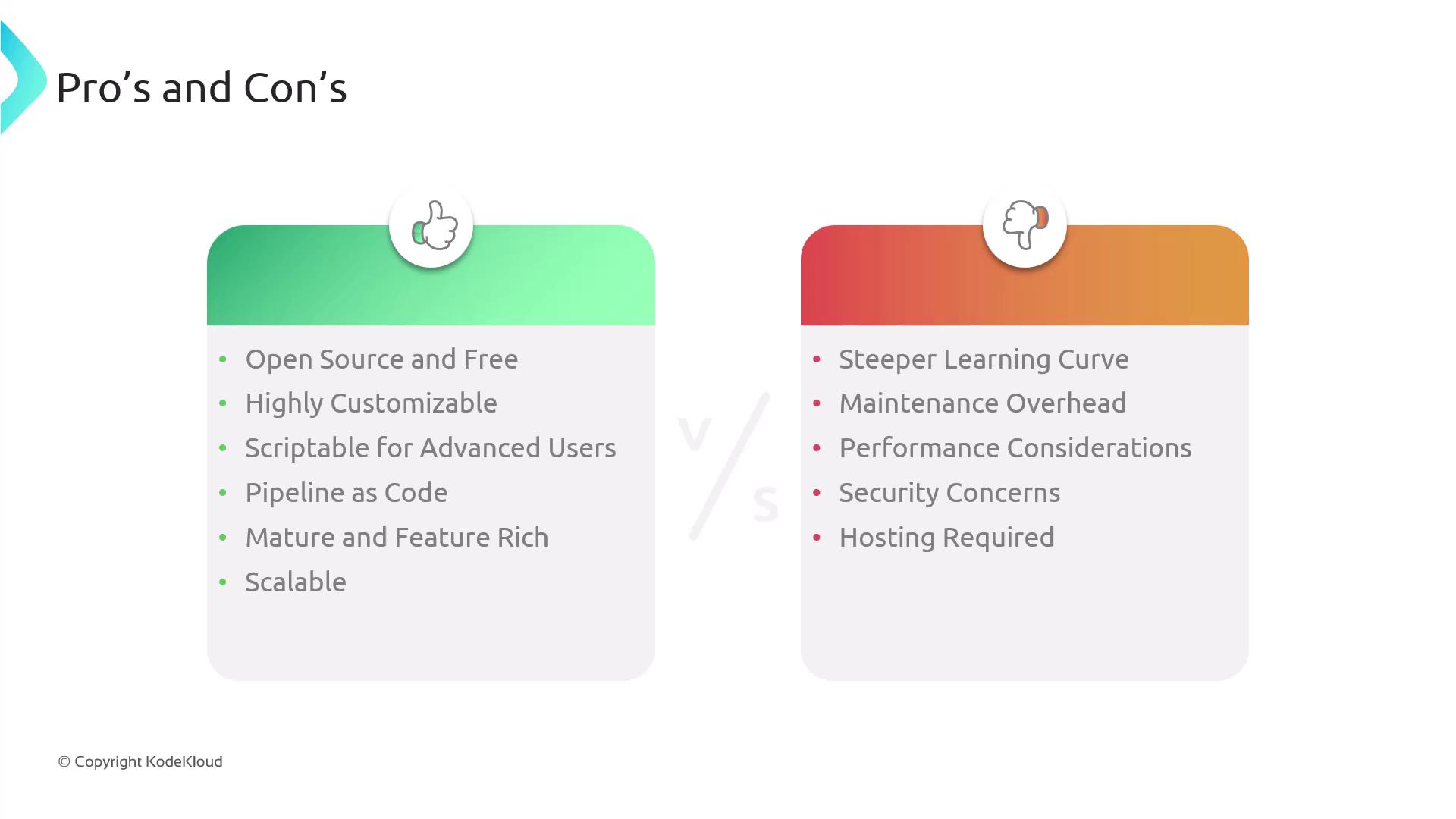
Despite its many strengths, Jenkins presents some challenges:-
Steep Learning Curve:
Beginners may find Jenkins complex due to its comprehensive configuration options and vast plugin ecosystem. -
Maintenance Overhead:
Regular updates and plugin management can be time-consuming and require careful attention to security. -
Performance Concerns:
As projects grow in complexity, performance issues may surface in a single-server setup. Leveraging multiple nodes can help distribute the workload effectively. -
Security Responsibilities:
Jenkins being open source means users must actively manage security updates and adopt best practices to safeguard the deployment pipeline. -
Self-hosting Requirements:
Unlike cloud-based CI/CD solutions like GitHub Actions or GitLab CI/CD, Jenkins requires users to install, configure, and maintain the server environment.