

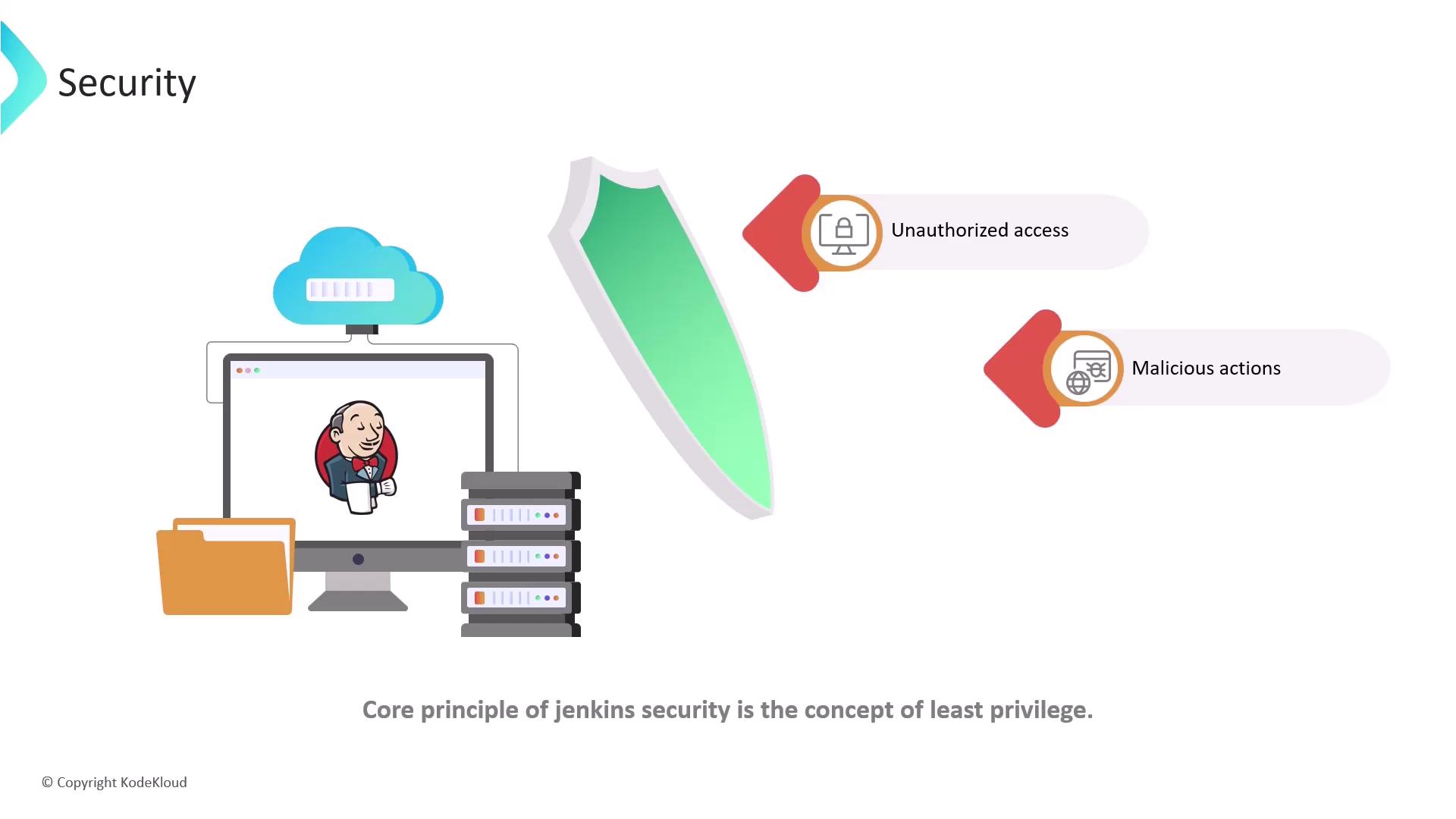
Authentication and Authorization
Authentication is the process of verifying a user’s identity. When logging in, you provide credentials—such as a username and password or an API token—that the system validates to confirm you are a legitimate user. In contrast, authorization determines what actions an authenticated user is allowed to perform. Based on your identity and assigned privileges, the system decides if you can read, write, delete, or execute other operations. To illustrate, imagine checking into a hotel. Presenting a government-issued ID, such as a passport or driver’s license, verifies your identity (authentication). Once verified, you receive a room key, which grants access to certain areas of the hotel, thereby defining your privileges (authorization).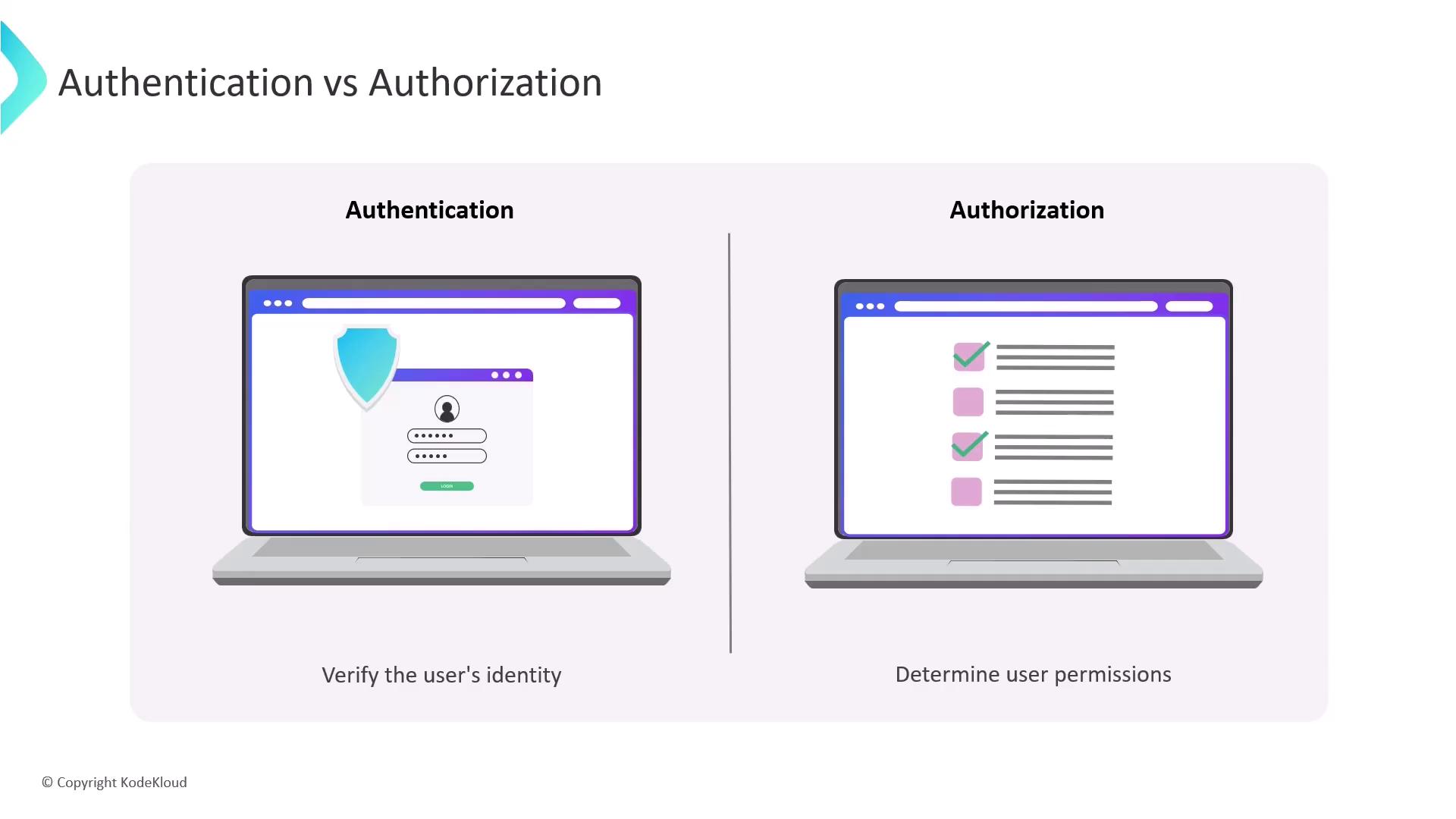
Managing User Access in Jenkins
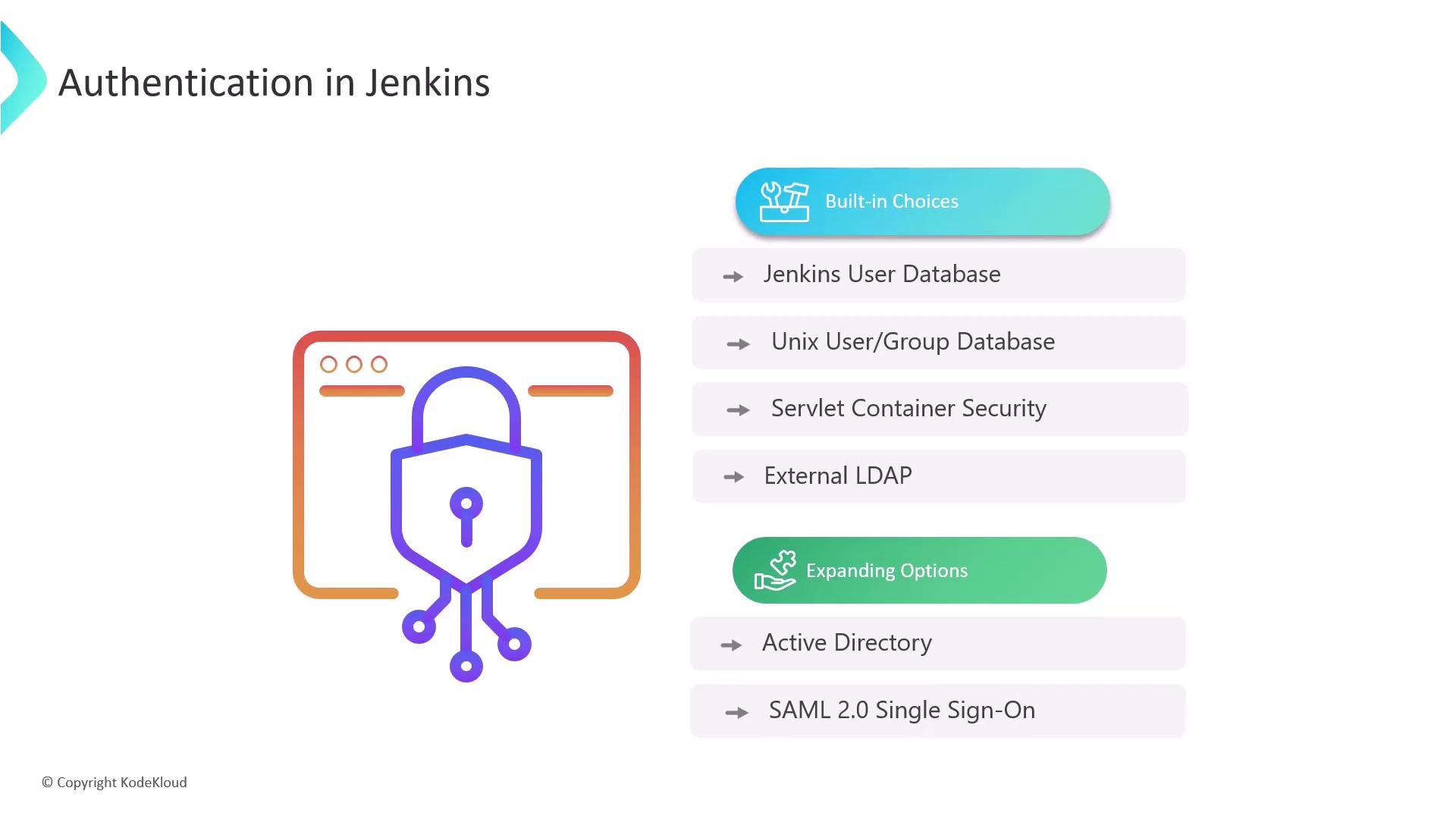
Jenkins offers several methods for managing user access, each providing different levels of flexibility:- Jenkins User Database: Ideal for small-scale setups, where users are managed directly within Jenkins.
- Unix User Groups: Leverage Unix user accounts or group databases for access control on systems that use Unix-based authentication.
- Servlet-based Security: Uses your web service’s built-in security model for handling user authentication.
- External LDAP: Connect Jenkins to directory services such as LDAP, enabling users to log in with their corporate credentials.
Authorization in Jenkins
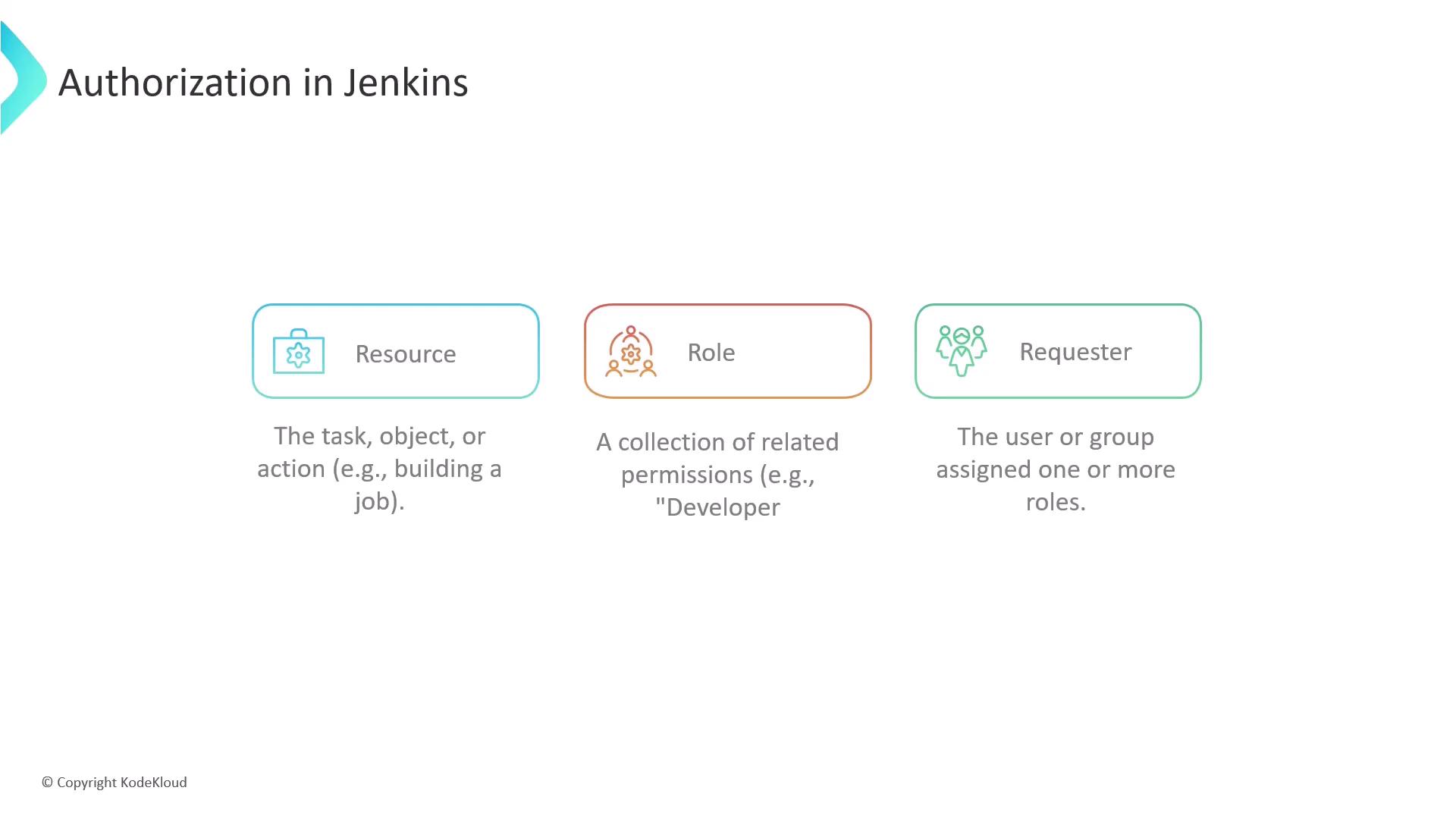
Authorization in Jenkins specifies what actions users can perform. Here are some essential terms:- Resource: Any task, object, or action a user wishes to manipulate (e.g., triggering a job build or deleting credentials).
- Role: A set of related permissions grouped by function, such as a developer who has permissions to build and view jobs.
- Requester: The user or group attempting to access a resource, typically assigned one or more roles.
- Matrix-based Security: Grants permissions at a global level across all projects. This method is visualized as a grid, with resources as columns and user/group names as rows.
- Project-based Matrix Authorization Strategy: Offers granular control by assigning permissions specific to individual projects.
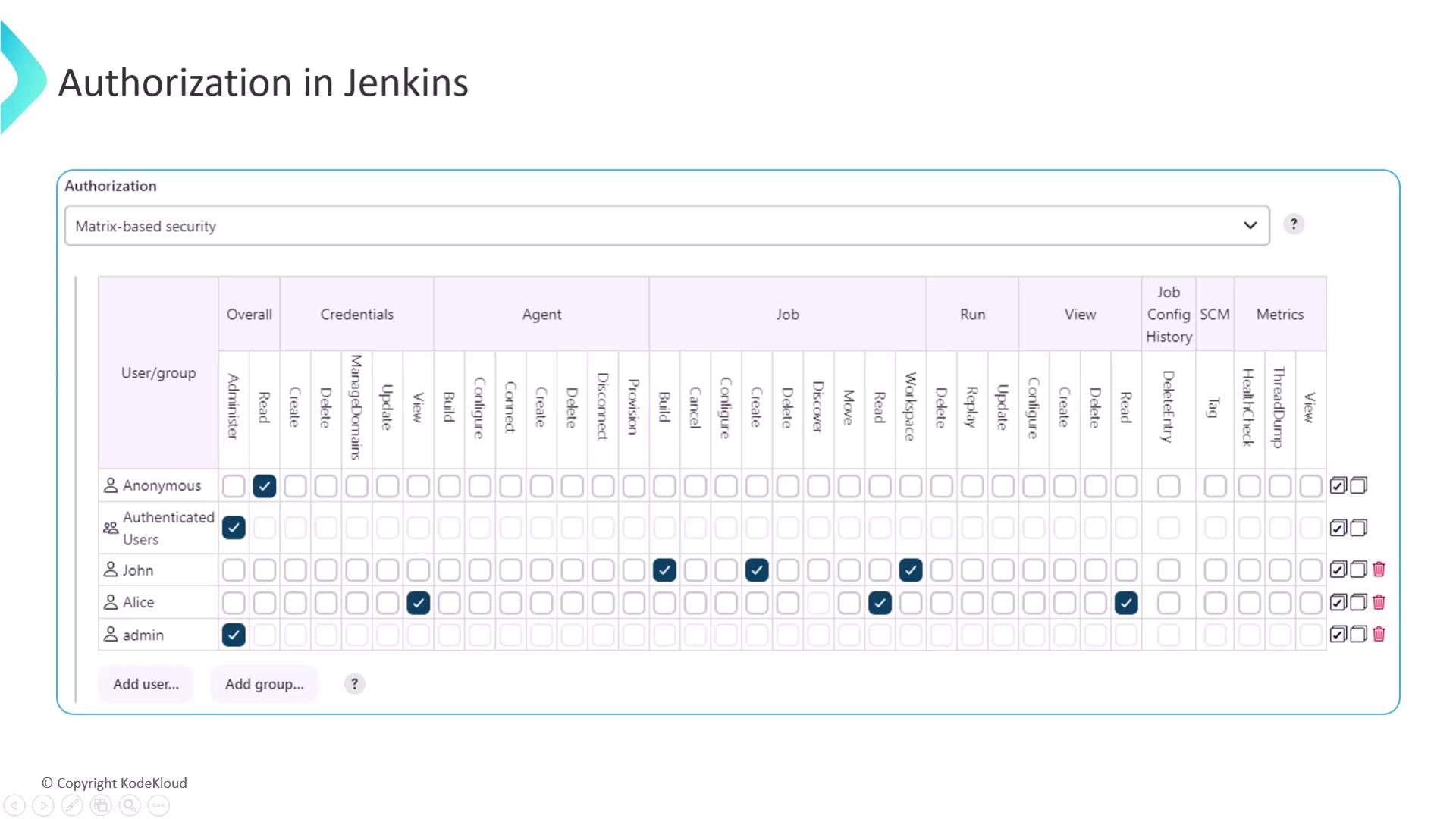
Always apply the principle of least privilege by providing users only the necessary level of access to perform their tasks. This practice not only ensures robust security but also optimizes your CI/CD processes.