

Docker’s File Storage Architecture
When Docker is installed, it establishes a directory structure typically at/var/lib/docker. This root directory contains several subdirectories that serve different purposes:
- containers: Stores files related to running containers.
- images: Contains image-related files.
- volumes: Holds data for Docker volumes.
- overlay2: Manages the overlay filesystem for layering.
Each of these directories plays a crucial role in container management. Understanding their function can help troubleshoot and optimize your Docker environment.
Docker’s Layered Architecture
Docker images are constructed using a layered approach. Each instruction in a Dockerfile creates a distinct layer that only contains changes from the previous layer. For example, consider the following Dockerfile:- Base Image: The first layer pulls the Ubuntu base image.
- APT Packages: The second layer installs necessary APT packages.
- Python Packages: The third layer installs Python packages required by the application.
- Source Code: The fourth layer copies your application code into the container.
- Entrypoint: The final layer sets the container’s entry point.
Reusing Layers Across Images
Docker optimizes builds by reusing layers that remain unchanged between images. Consider a scenario with two nearly identical applications:Understanding Image Layers
Visualize the image layers from the base to the top:- Base Ubuntu layer.
- APT package installation.
- Python and Flask dependencies.
- Application source code.
- Entrypoint setup.
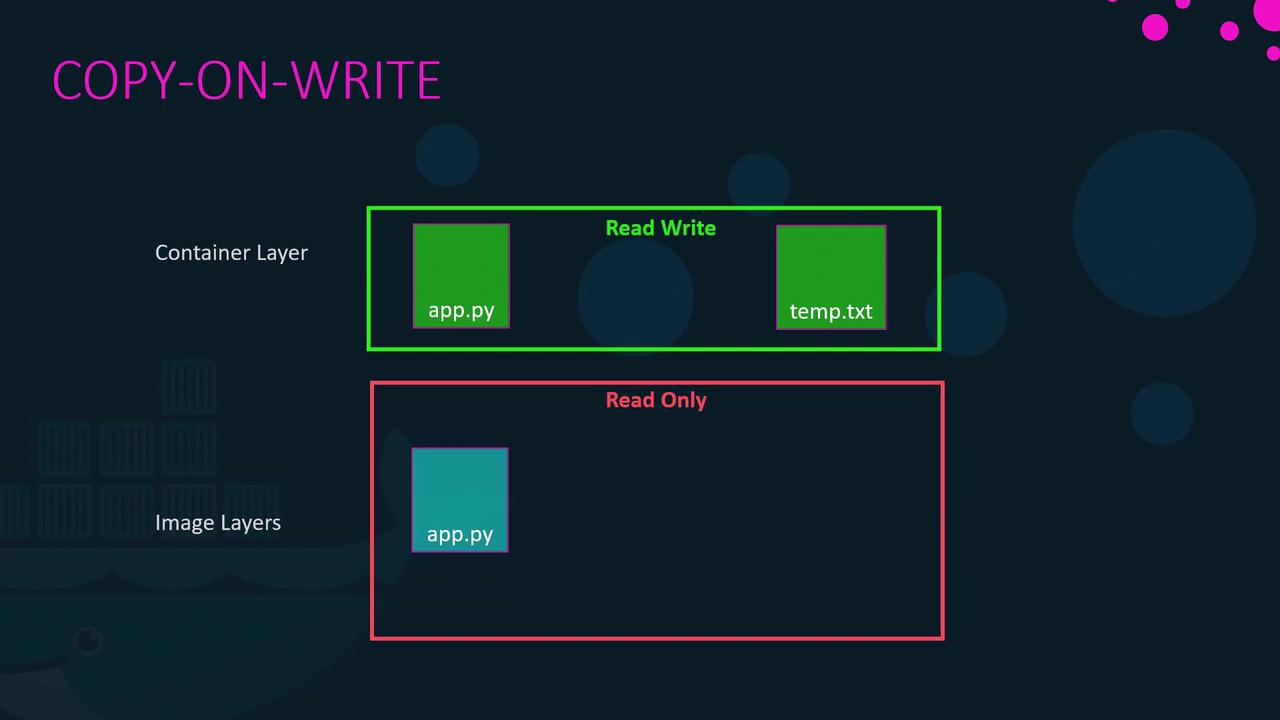
temp.txt), Docker uses a copy-on-write mechanism: it copies the original file to the writable layer and then applies any changes. When the container stops or is removed, this writable layer is also discarded.
Managing Persistent Data with Volumes
To ensure data persists beyond the lifecycle of a container, Docker offers volumes. Volumes are independent storage units, separate from the container’s ephemeral writable layer.Creating and Using Volumes
-
Create a Volume:
-
Run a Container with a Volume:
data_volume2, Docker will automatically create it and mount it:
Using the —mount Option
While the-v syntax is common, the newer and preferred method is using the --mount option, which provides a more explicit and versatile configuration:
Docker Storage Drivers
Docker storage drivers manage the layered filesystem, create writable layers, and implement the copy-on-write mechanism. Popular storage drivers include AUFS, VTRFS, VFS, Device Mapper, Overlay, and Overlay2. The default driver is determined by your operating system and kernel support. For instance, modern Ubuntu installations often use Overlay2, while Fedora or CentOS might use Device Mapper. Each driver offers different performance and stability characteristics, so it’s essential to choose the one that best meets your application needs. For more detailed insights on these storage drivers, please refer to their official documentation.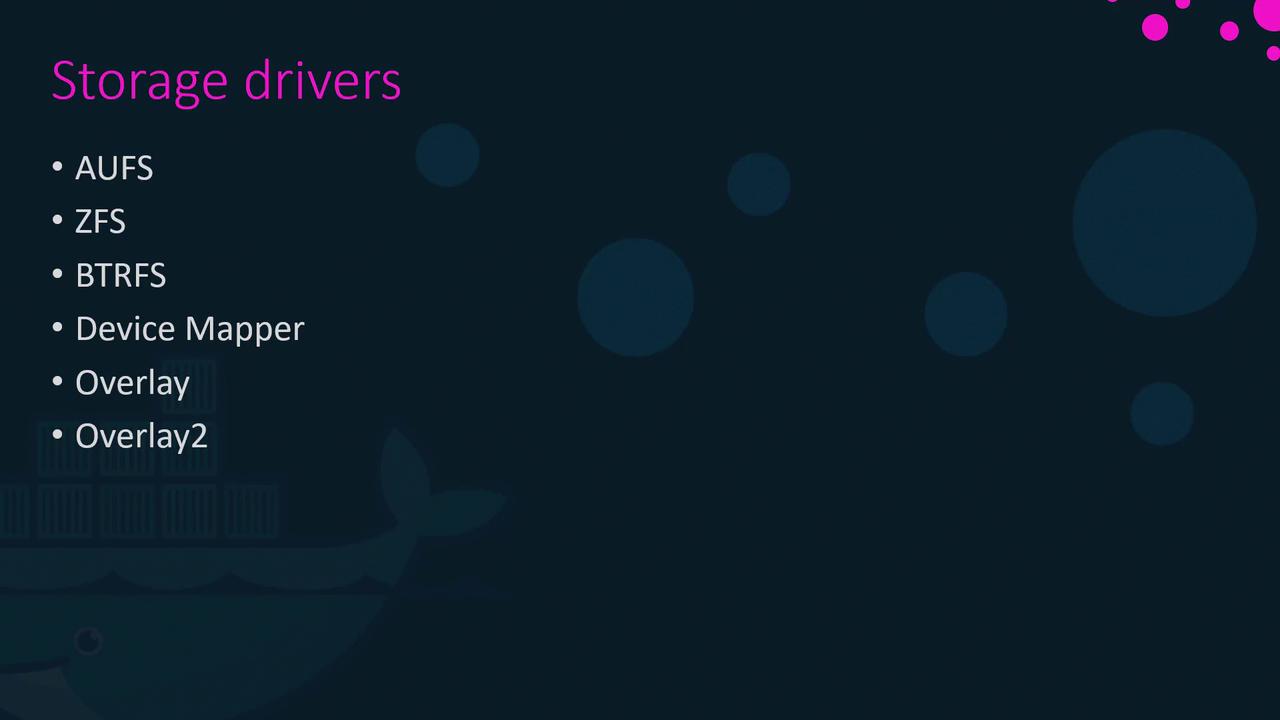
For further reading on Docker storage drivers and optimization tips, consult the official Docker documentation.