Demo Example Voting Application with Docker Compose
This tutorial teaches how to deploy a multi-container voting application using Docker Compose.
Welcome to this lesson on Docker Compose! In this tutorial, you will learn how to deploy a multi-container application stack using a simple voting application example. This guide is ideal for anyone looking to understand the practical usage of Docker Compose in orchestrating various services.
Before diving in, note that Docker Compose is not installed by default when you install Docker. You must install it separately. For detailed installation steps for macOS, Windows, and Linux, please refer to the Docker documentation.
The log output will display the initialization process for each service. For instance, during the setup of the PostgreSQL database, you might see:
Copy
Ask AI
waiting for server start...LOG: could not bind IPv6 socket: Cannot assign requested addressHINT: Is another postmaster already running on port 5432? If not, wait a few seconds and retry.LOG: database system was shut down at 2017-08-20 21:56:07 UTCLOG: MultiXact member wraparound protections are now enabledLOG: autovacuum launcher startedWaiting for dbdoneserver startedALTER ROLE...Connected to dbERROR: relation "votes" does not exist at character 38STATEMENT: SELECT vote, COUNT(id) AS count FROM votes GROUP BY voteError performing query: error: relation "votes" does not existConnected to dbFound redis at 172.17.0.2Connecting to redis
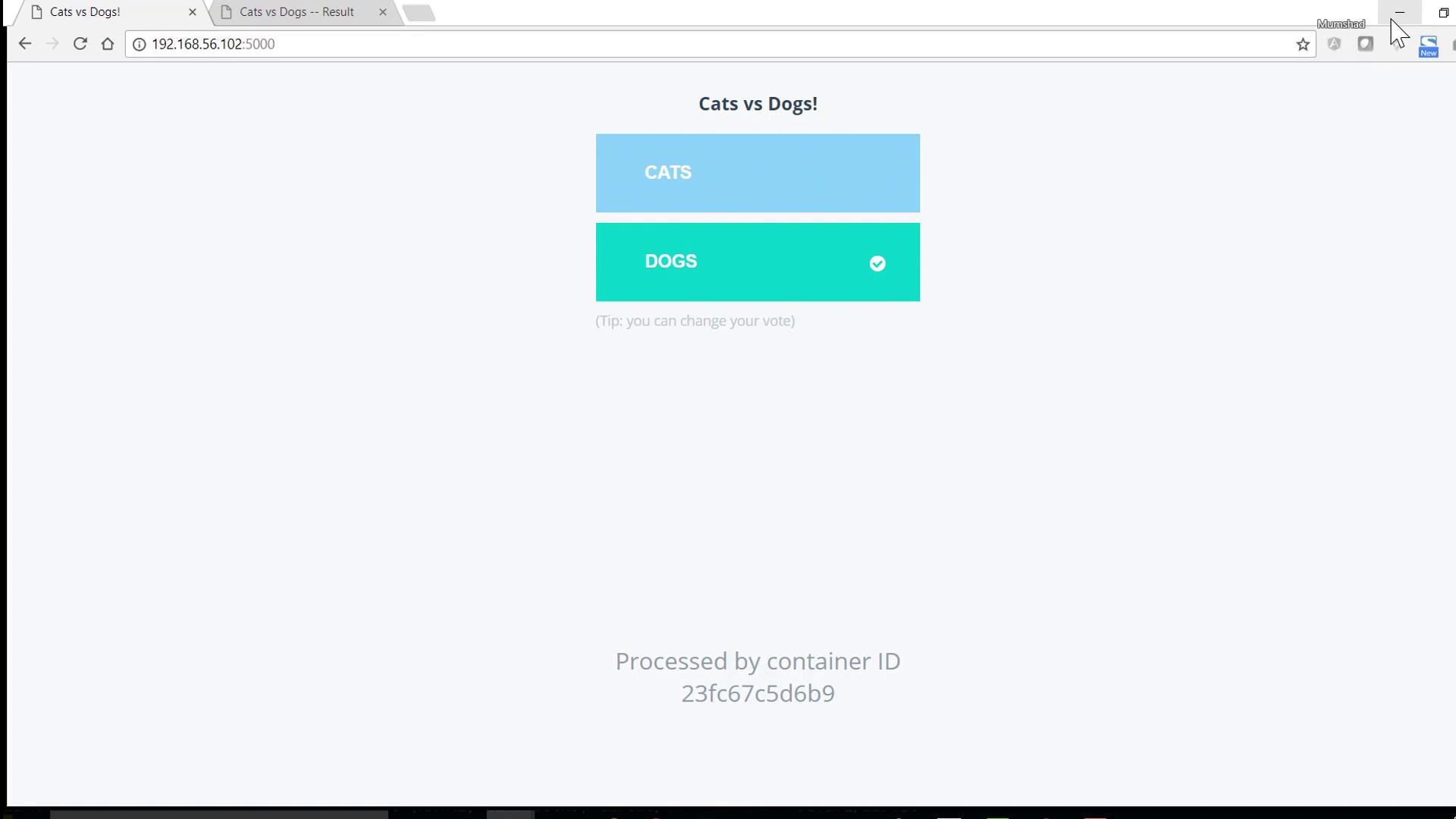
These messages confirm that the containers are in the process of booting up. Once you see all containers running, you can access the voting application and results page; cast a vote and view the outcome.
Before deploying a new stack, always ensure that no unnecessary containers are running by stopping them. You can verify this by running:
Thank you for following along with this Docker Compose tutorial. You now have a solid understanding of how to use Docker Compose to deploy a multi-container application stack. For more information on Docker Compose and container orchestration, be sure to explore more resources in the Docker documentation.