

PCI Compliance Workflow
The diagram below illustrates how AWS Config, paired with a PCI conformance pack, enforces critical controls—such as S3 bucket encryption, access policies, and logging—across your AWS account.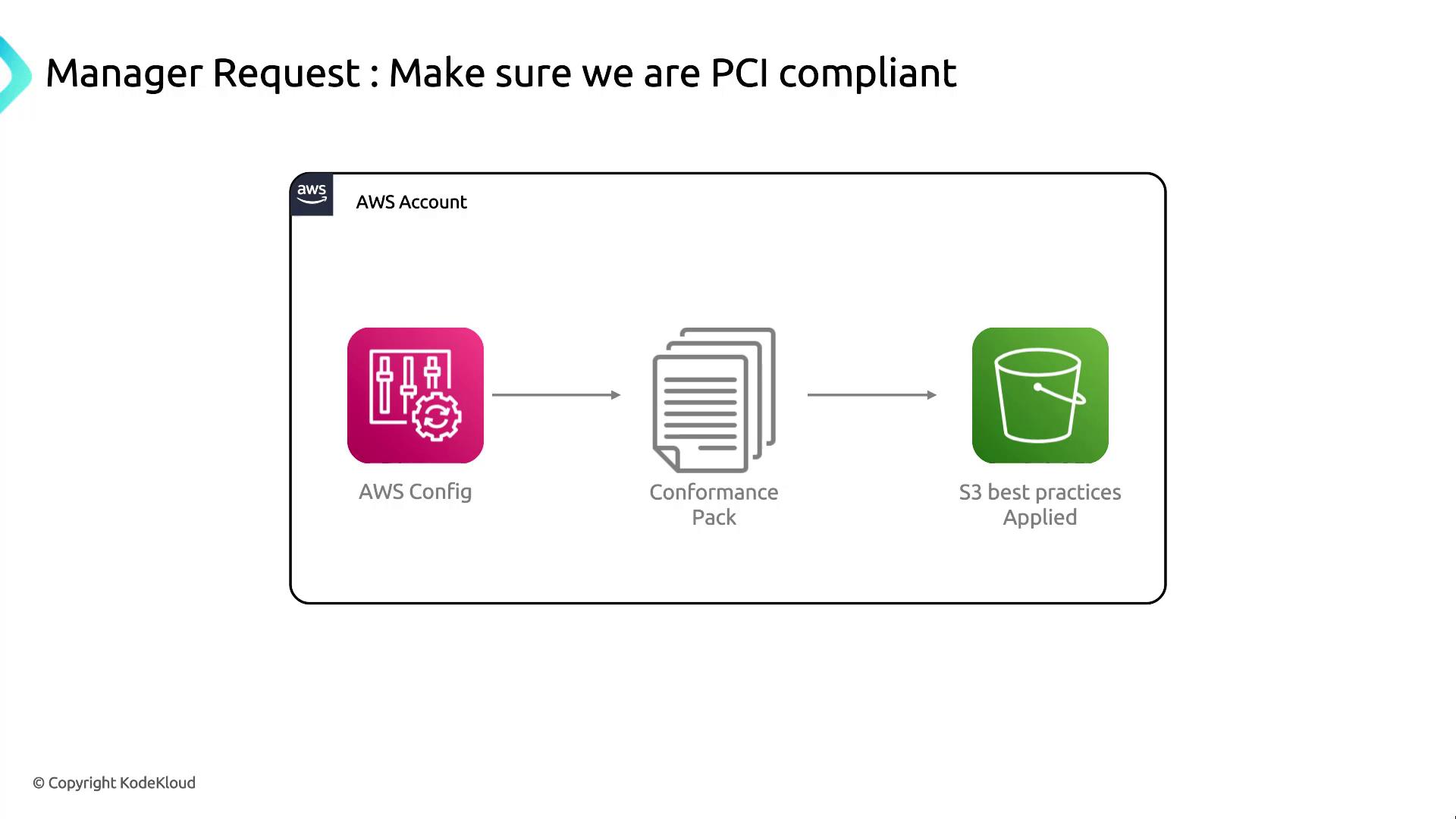
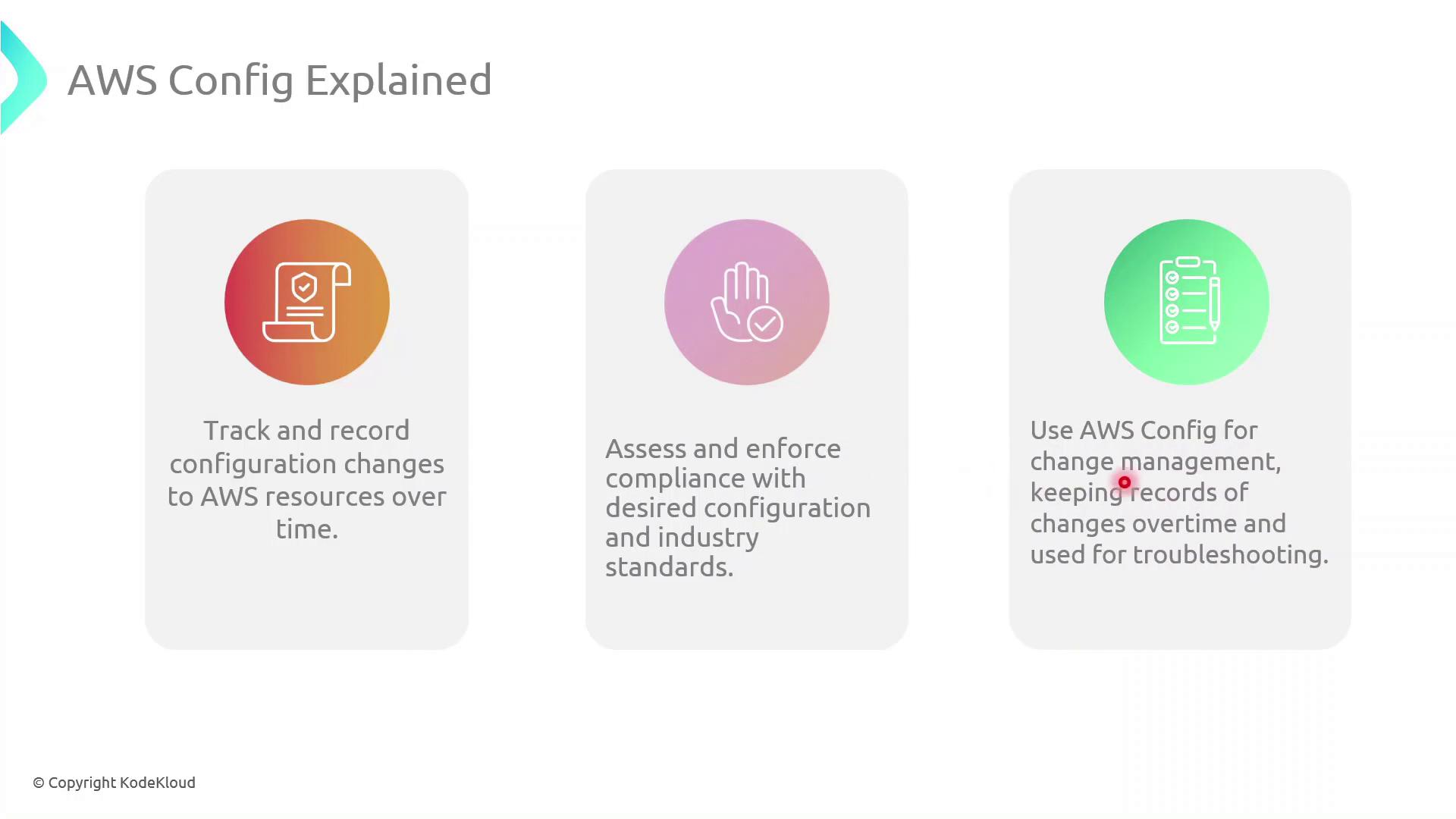
Key AWS Config Functions
AWS Config provides the following core capabilities to help you maintain and audit compliance:- Configuration Tracking: Records detailed history of resource configurations.
- Compliance Assessment: Evaluates resources against rules defined in conformance packs.
- Change Management: Maintains a timeline of changes for troubleshooting and auditing.
PCI Conformance Pack Overview
A PCI conformance pack is a curated collection of managed AWS Config rules and remediation actions mapped to PCI DSS requirements. Typical rules include:| Rule Name | Description |
|---|---|
s3-bucket-server-side-encryption-enabled | Ensures all S3 buckets have default encryption enabled. |
cloudtrail-enabled | Verifies that AWS CloudTrail is enabled in every region. |
iam-password-policy | Checks that the IAM password policy meets complexity standards. |
You can customize managed rules or add AWS Config Custom Rules using AWS Lambda to address organization-specific requirements.
Demo: Deploying the PCI Conformance Pack
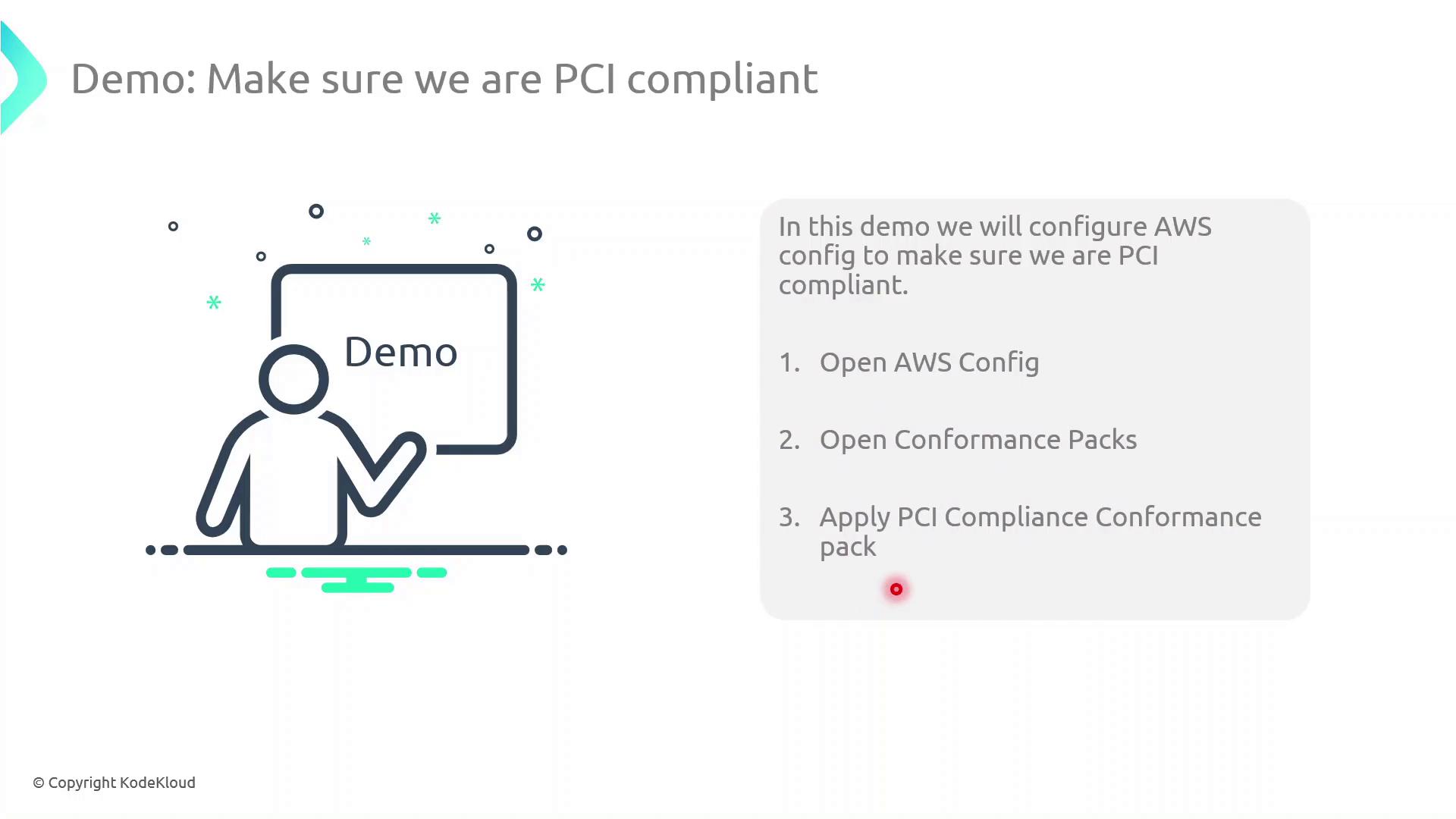
Follow these steps to deploy and evaluate the PCI conformance pack in your AWS account:- Sign in to the AWS Management Console.
- Navigate to AWS Config in the Services menu.
- In the left pane, select Conformance packs.
- Click Deploy conformance pack, then choose PCI Compliance from the AWS-managed list.
- Review parameters (if any), then click Deploy.
Next Steps
- Review non-compliant resources and apply automated or manual remediations.
- Configure AWS Config delivery channels to aggregate configuration snapshots in an S3 bucket.
- Set up Amazon SNS notifications for real-time alerts on compliance drift.