Before installing Karpenter, ensure your EKS cluster has the necessary IAM roles, instance profiles, and service account permissions for EC2 provisioning.
| Feature | NodeGroups (Auto Scaling Group) | Karpenter |
|---|---|---|
| Provisioning Model | Static, predefined instance types | Dynamic, workload-driven instance types |
| Scaling Granularity | Group-level scaling policies | Pod-level scheduling triggers |
| AZ Awareness | Separate ASGs per Availability Zone | Automatic AZ selection based on pricing |
| Cost Optimization | Manual spot & instance mix setup | Automatic least-cost instance discovery |
| Upgrades & Maintenance | Rolling updates per NodeGroup | Cluster-wide cordon/drain management |
How Karpenter Works
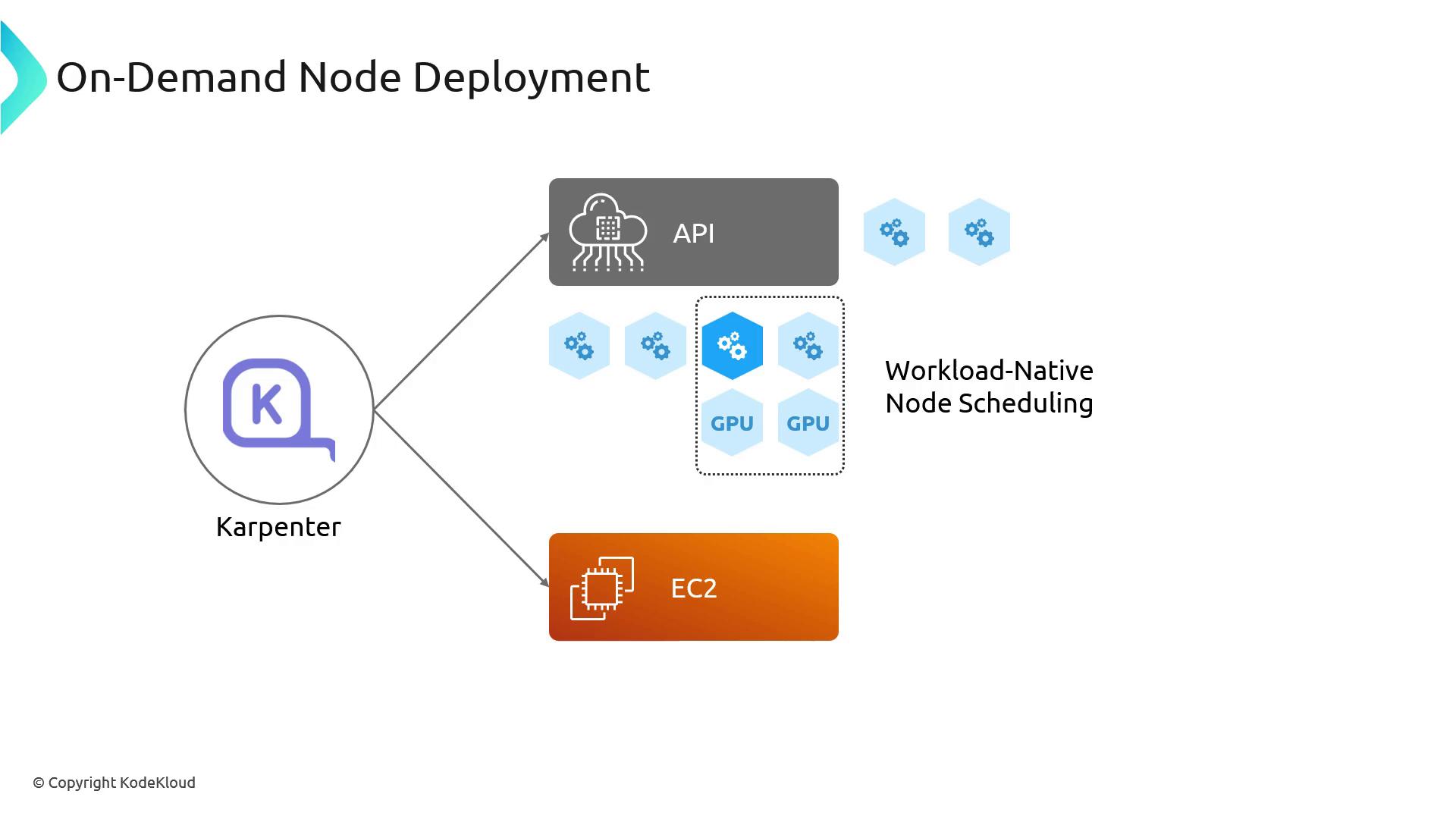
Karpenter runs as an in-cluster controller. When a pod remains unschedulable, it:- Inspects the pod’s resource requests (CPU, memory, GPU, etc.).
- Queries available EC2 instance types in the region that match those requirements.
- Selects the optimal AZ and instance type based on current pricing and capacity.
- Provisions a node and binds it back to the Kubernetes control plane.
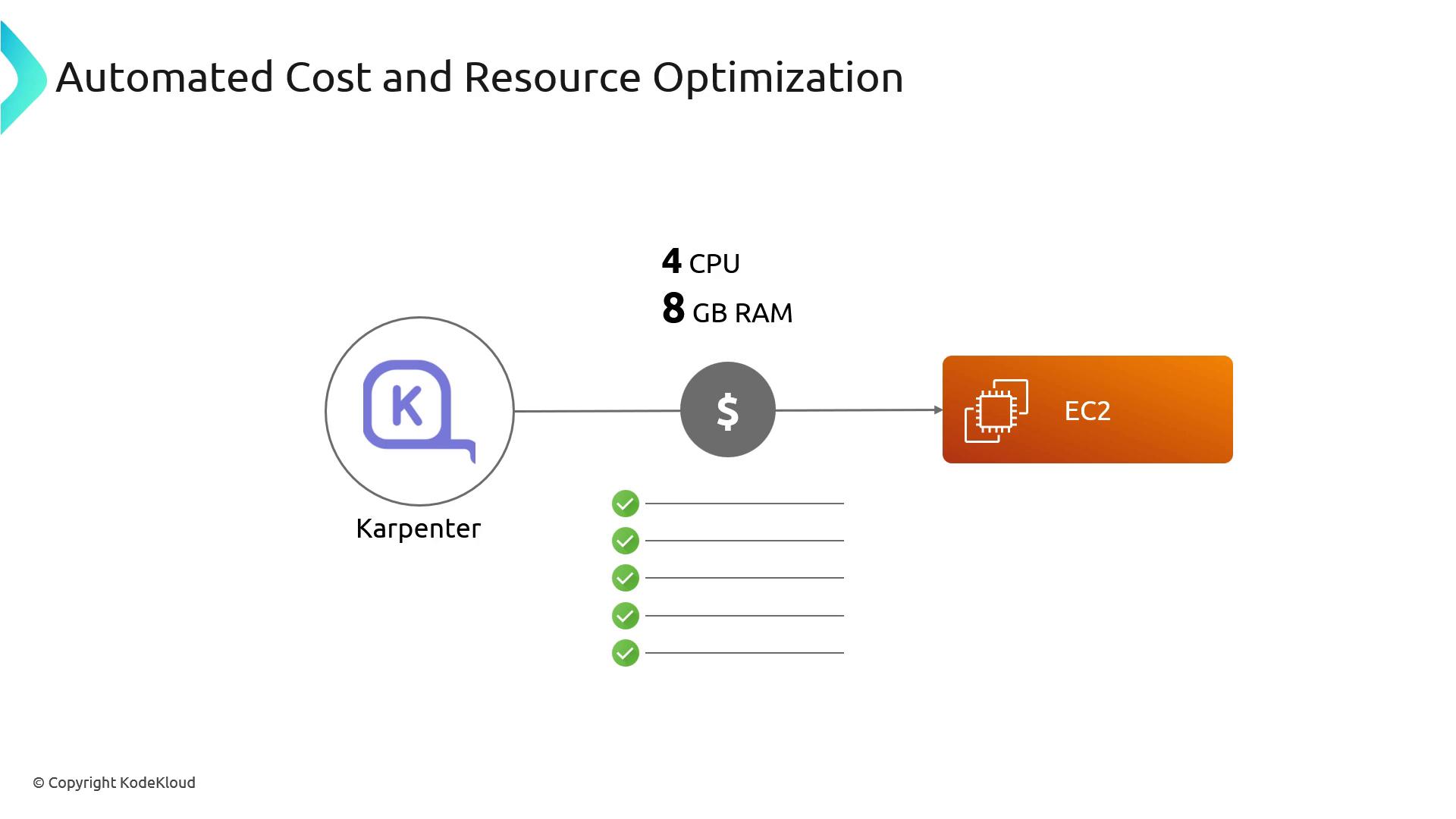
Cost and Resource Optimization
When a pod requests, for example, 4 vCPU and 8 GiB RAM, Karpenter:- Discovers all matching EC2 instance types.
- Retrieves on-demand and spot pricing for each.
- Launches the least expensive option that meets availability zone constraints.
Streamlined Cluster Management
Karpenter simplifies upgrades and maintenance by cordoning and draining only the nodes that require replacement. It then either reschedules pods onto existing capacity or provisions new nodes automatically—eliminating manual rolling updates across multiple NodeGroups.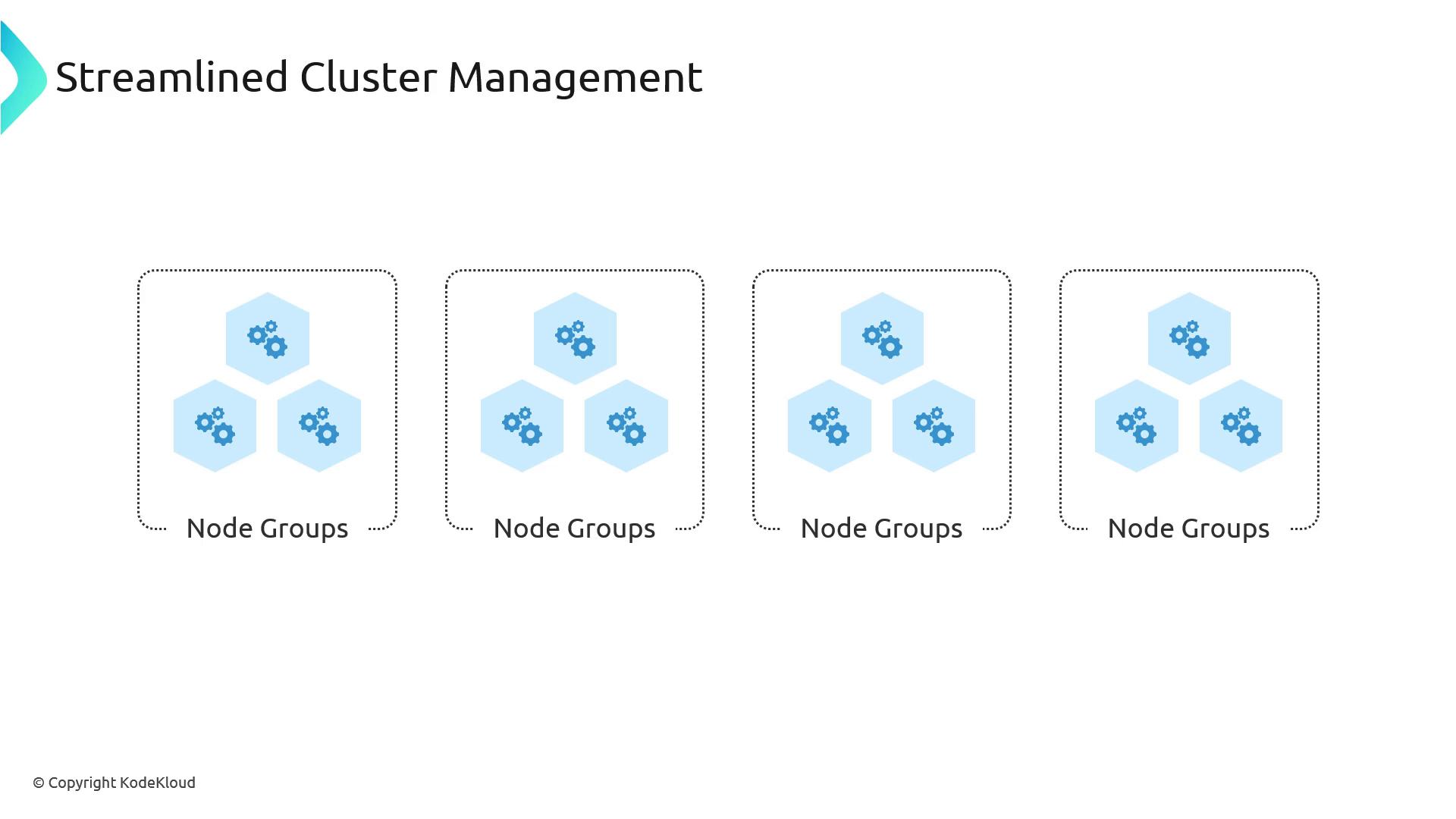
Consolidation
By continuously monitoring node utilization, Karpenter can consolidate workloads onto fewer, lower-cost instances. Underutilized nodes are drained and terminated, maximizing cluster efficiency and reducing cloud spend.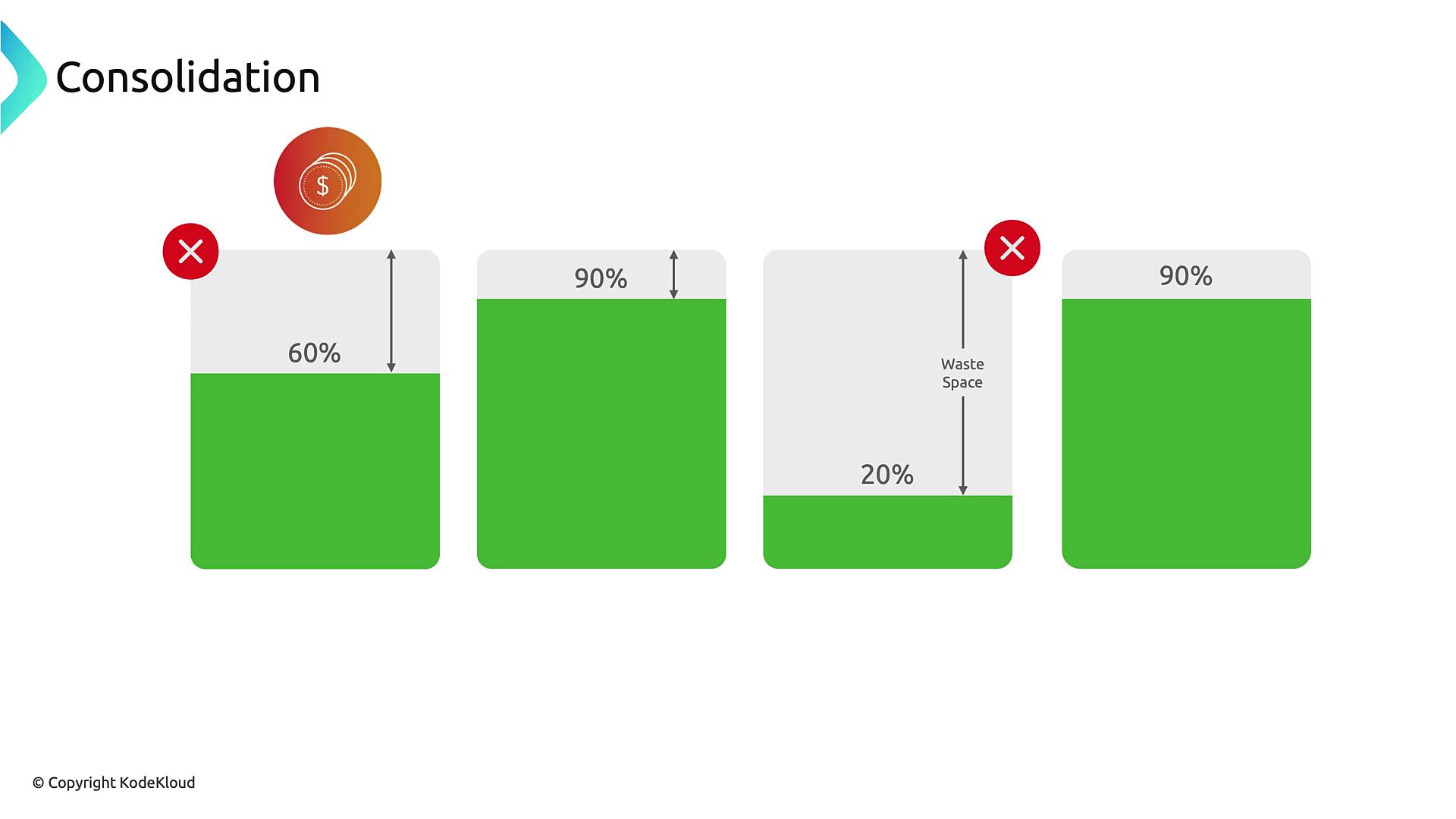
Workload Requirements
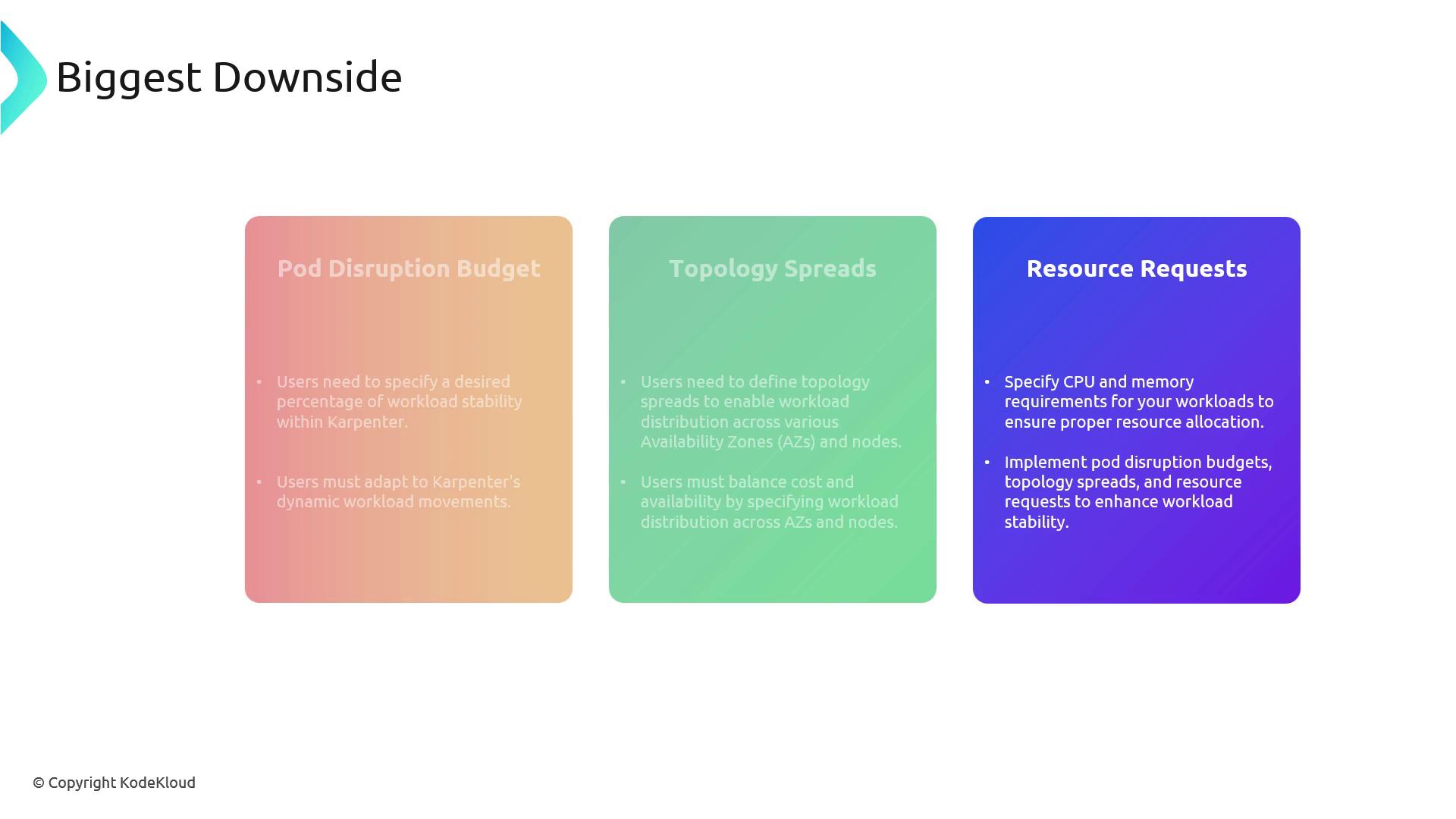
To ensure safe, predictable scaling with Karpenter, each workload should define:- Resource Requests (
cpu,memory): Guarantees accurate scheduling and avoids overcommitment. - Pod Disruption Budgets: Maintains minimum availability during node drains.
- Topology Spread Constraints: Ensures pods distribute across AZs or specific nodes.
Without proper PodDisruptionBudgets and resource requests, Karpenter might co-locate all pods on a single, cheapest instance or disrupt critical services unexpectedly.
Summary of Best Practices
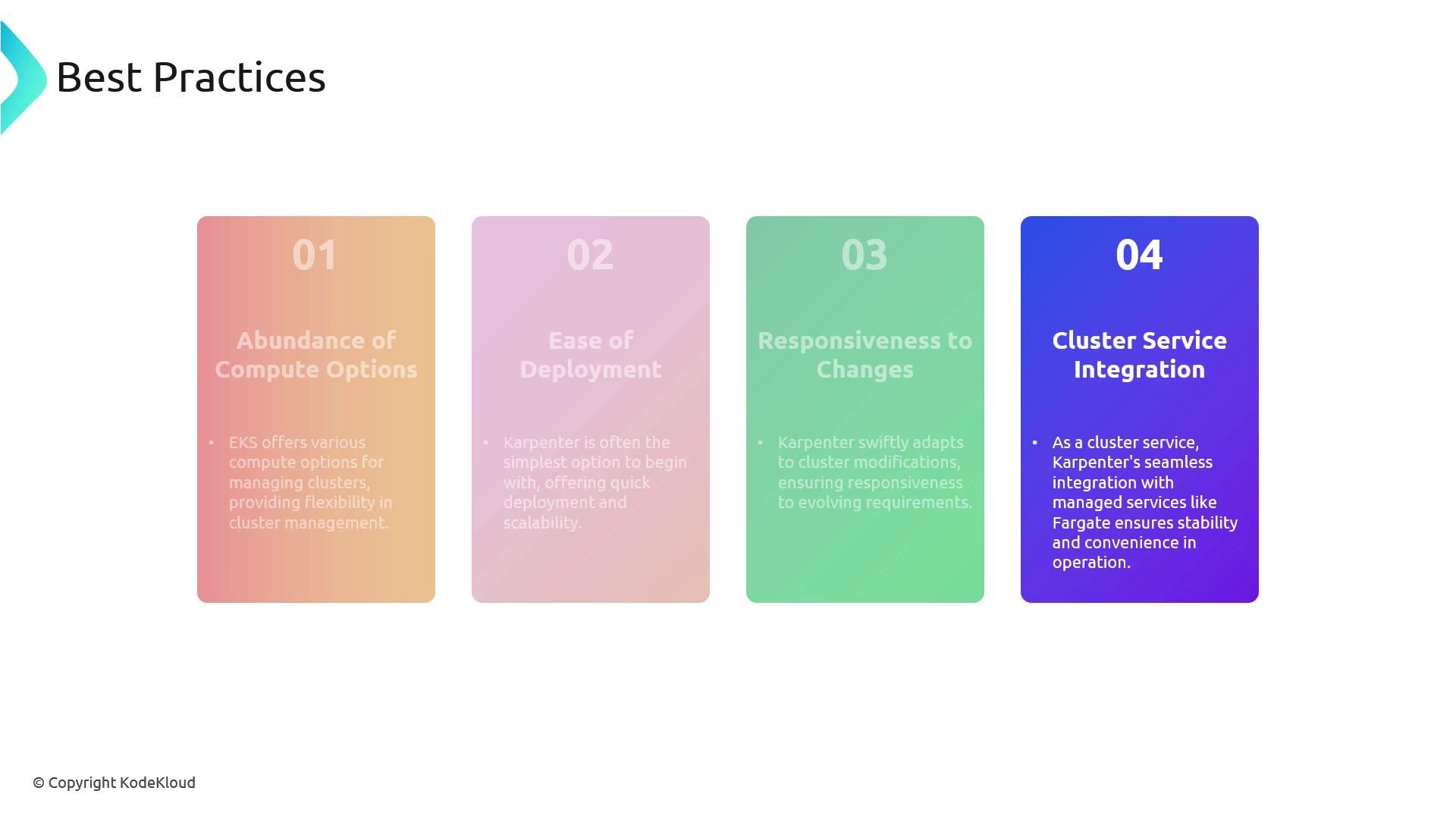
- Workload-Native Provisioning
Let Karpenter select EC2 instances based on explicit pod specifications. - Define Disruption Budgets & Topology
Use PodDisruptionBudgets and TopologySpreadConstraints for high availability. - Specify Resource Requests
Always setrequestsfor CPU and memory to guide scheduling decisions. - Cluster-Level Deployment
Run Karpenter as a Kubernetes Deployment with elevated permissions for reliability.