

Unmanaged Node Groups
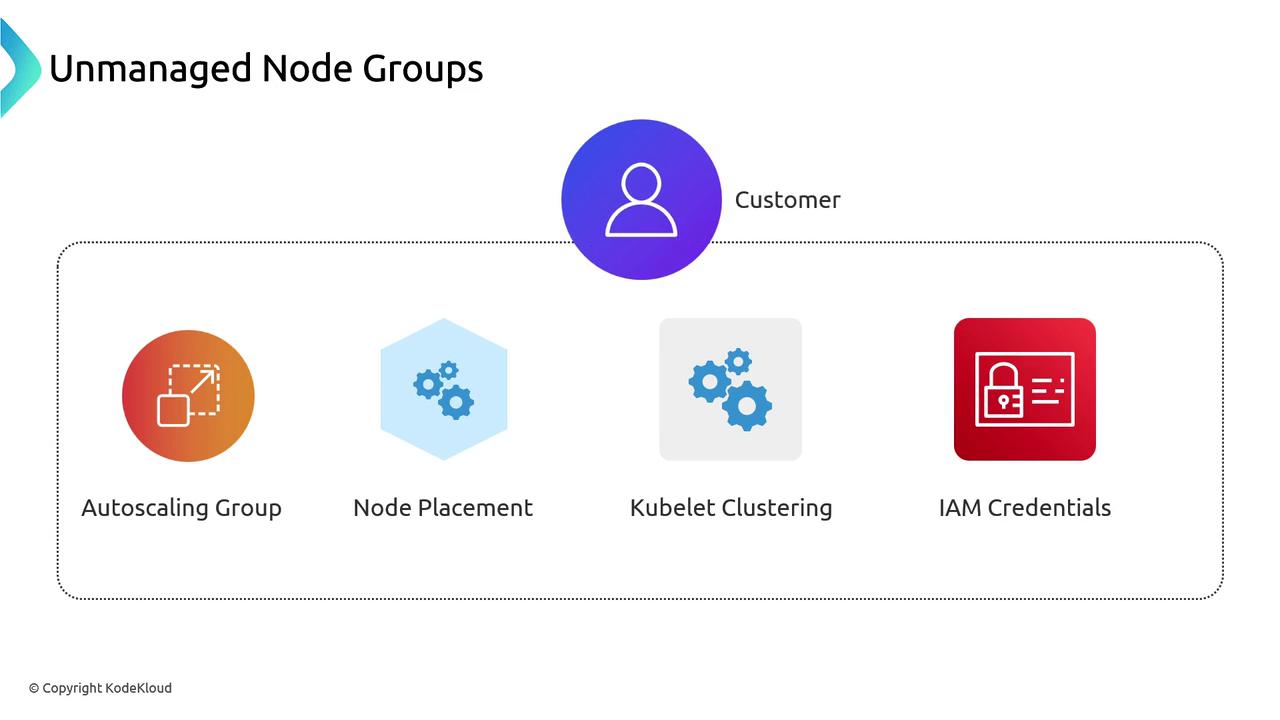
Before Managed Node Groups existed, you had to “bring your own” nodes. You’d create an Auto Scaling Group (ASG) to launch EC2 instances and register each kubelet with your EKS API server. Scaling up or down was similar to managing a Deployment’s replica count.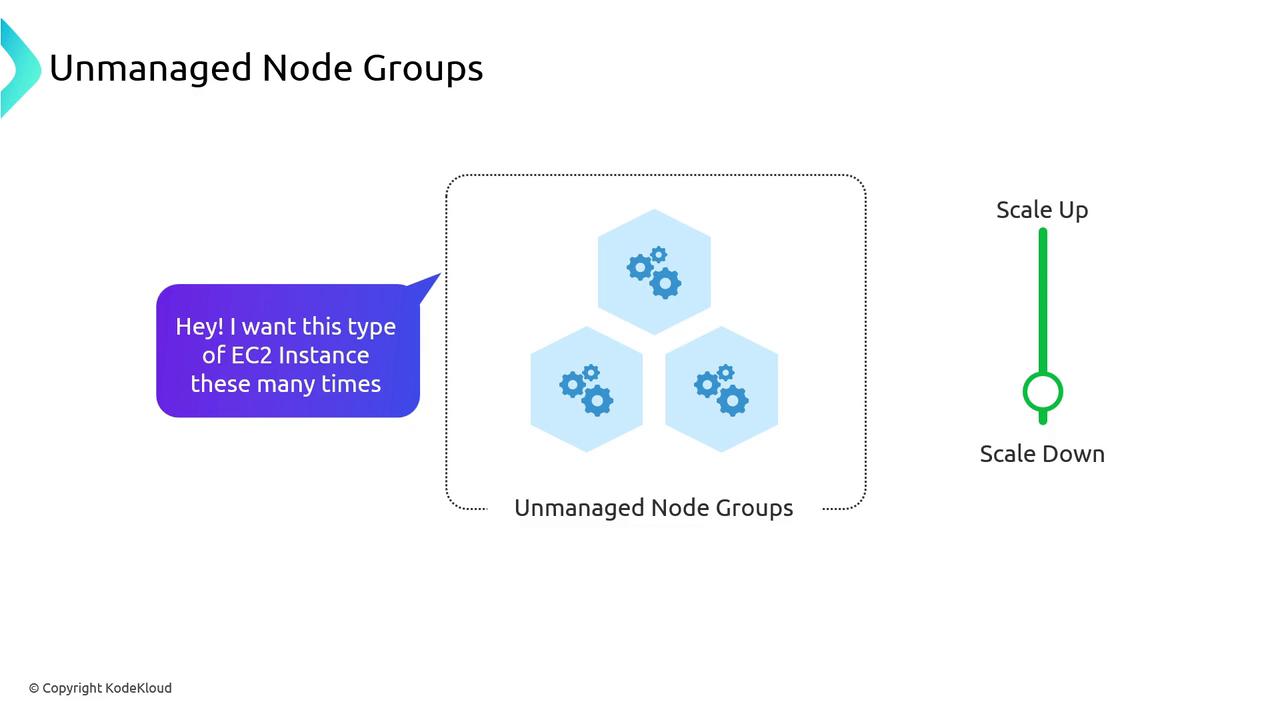
- Creating and configuring the Auto Scaling Group
- Ensuring nodes join the correct cluster via kubelet
- Managing IAM roles and instance credentials
- Handling node lifecycle tasks (drain, replace, upgrade)
Managed Node Groups
AWS Managed Node Groups simplify node operations by handling ASG provisioning, kubelet registration, and automated upgrades.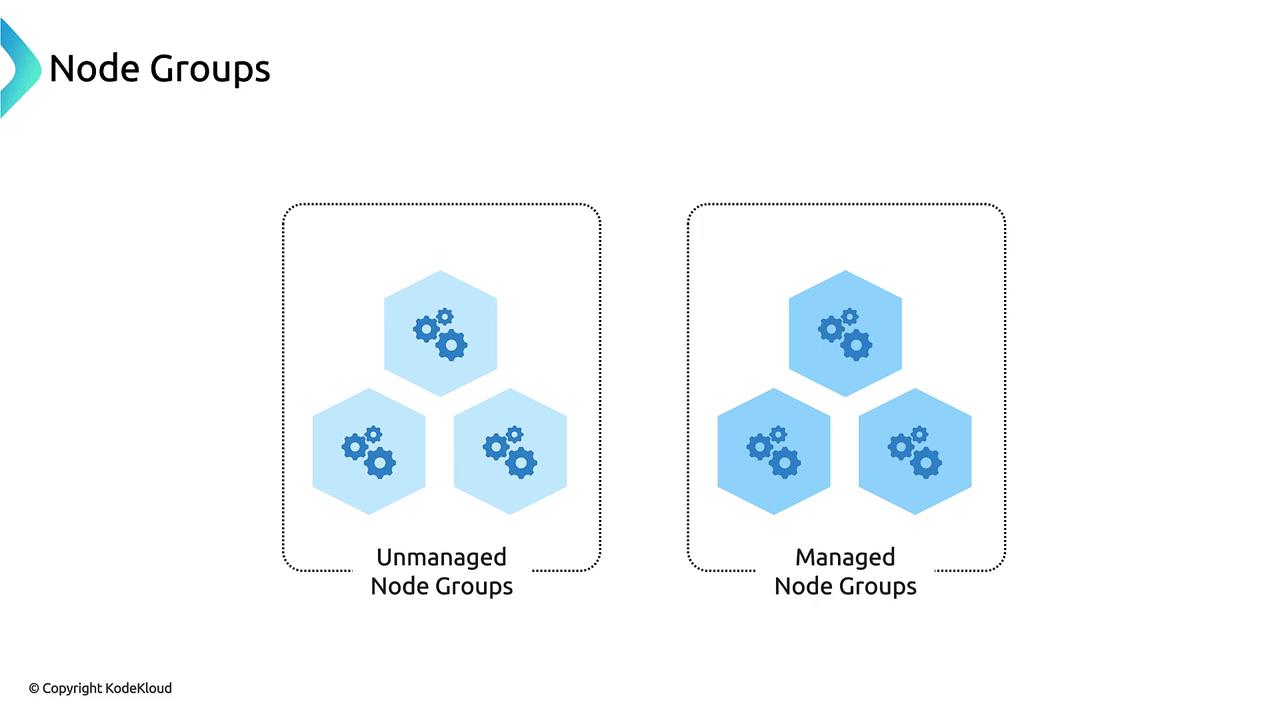
Feature Comparison
| Feature | Unmanaged Node Groups | Managed Node Groups |
|---|---|---|
| Auto Scaling Group | You configure ASG | AWS manages ASG |
| AMI Selection | Manual AMI baking | Launch template support |
| Kubernetes Node Registration | Manual kubelet setup | Automated registration |
| IAM Role Management | Manual role attachment | IAM roles handled by AWS |
| Rolling Upgrades | Custom scripts required | Built-in upgrade flow |
Node Group Fundamentals
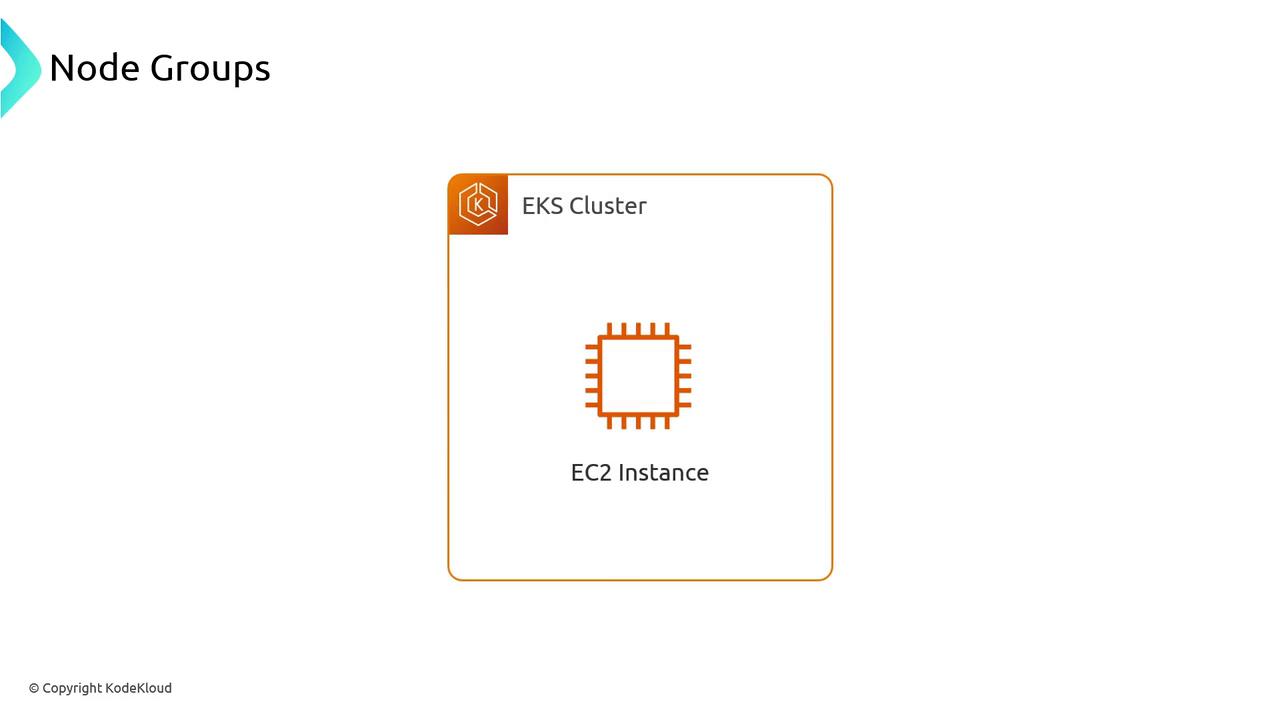
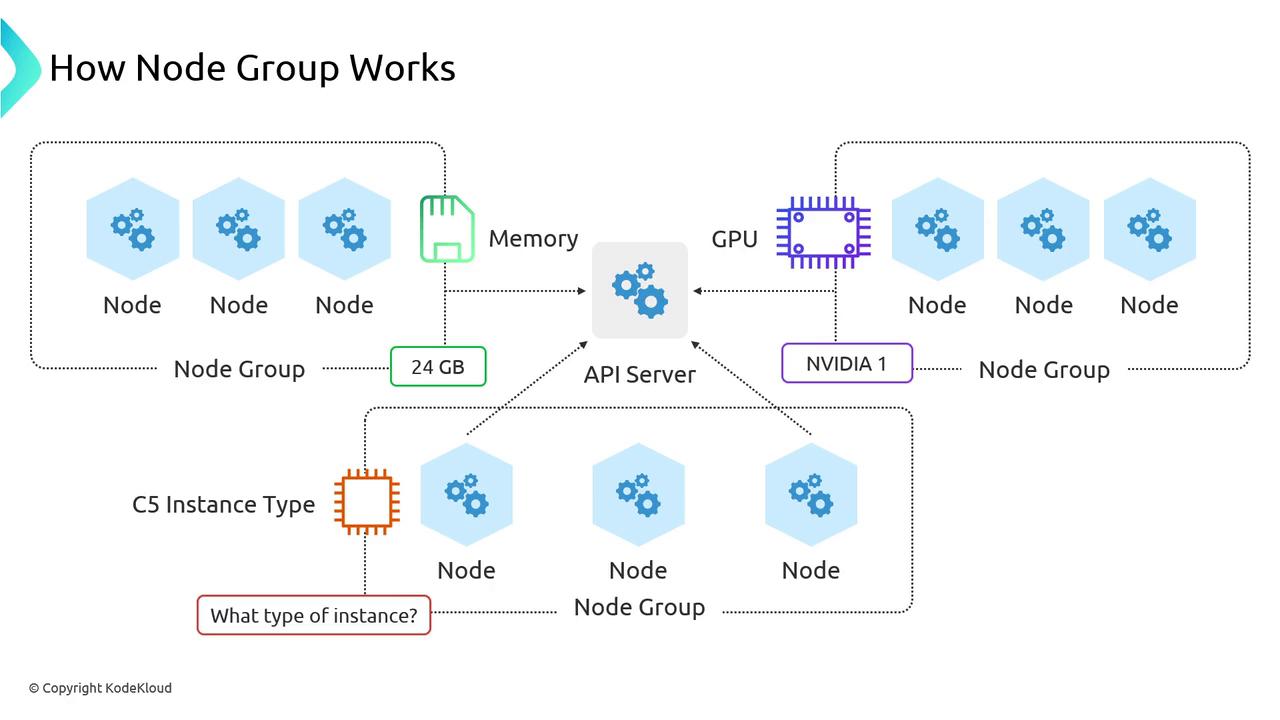
Under the hood, every Node Group—managed or unmanaged—follows this workflow:- You request nodes from EKS via the AWS API.
- The ASG spins up EC2 instances.
- Each node registers its kubelet with the EKS API server.
- Your Kubernetes scheduler places pods onto these nodes.
Scaling, Fargate, and Cluster Autoscaler
Label and taint your Node Groups to direct workloads where they belong—GPU jobs to GPU nodes, memory-heavy pods to high-memory instances, and so on. Keep each Node Group’s instance types similar to balance performance and cost. Some control-plane add-ons or lightweight services (like the Cluster Autoscaler itself) can run on AWS Fargate to avoid scaling across many Node Groups.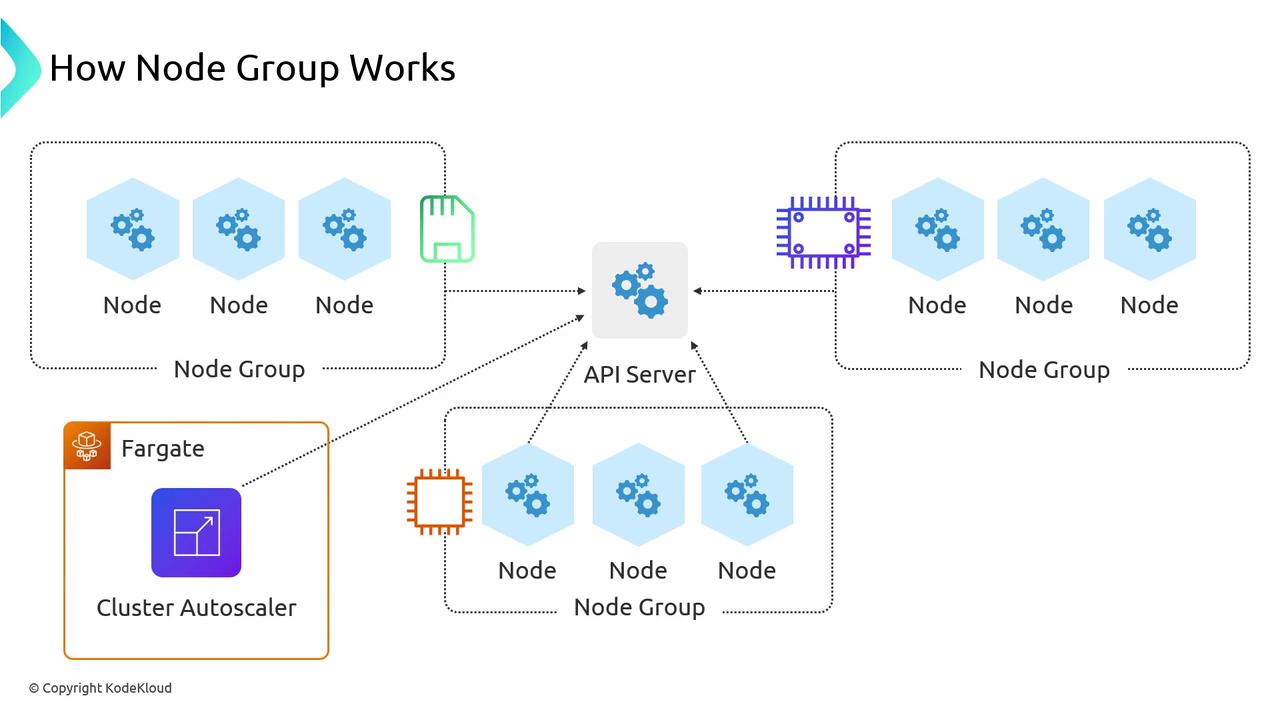
Use taints and tolerations to isolate workloads to specific Node Groups and prevent scheduling conflicts.
Custom AMIs with Managed Node Groups
If you need hardened or pre-baked images, Managed Node Groups support custom AMIs via launch templates. You can supply your own AMI ID, user data, and instance type overrides.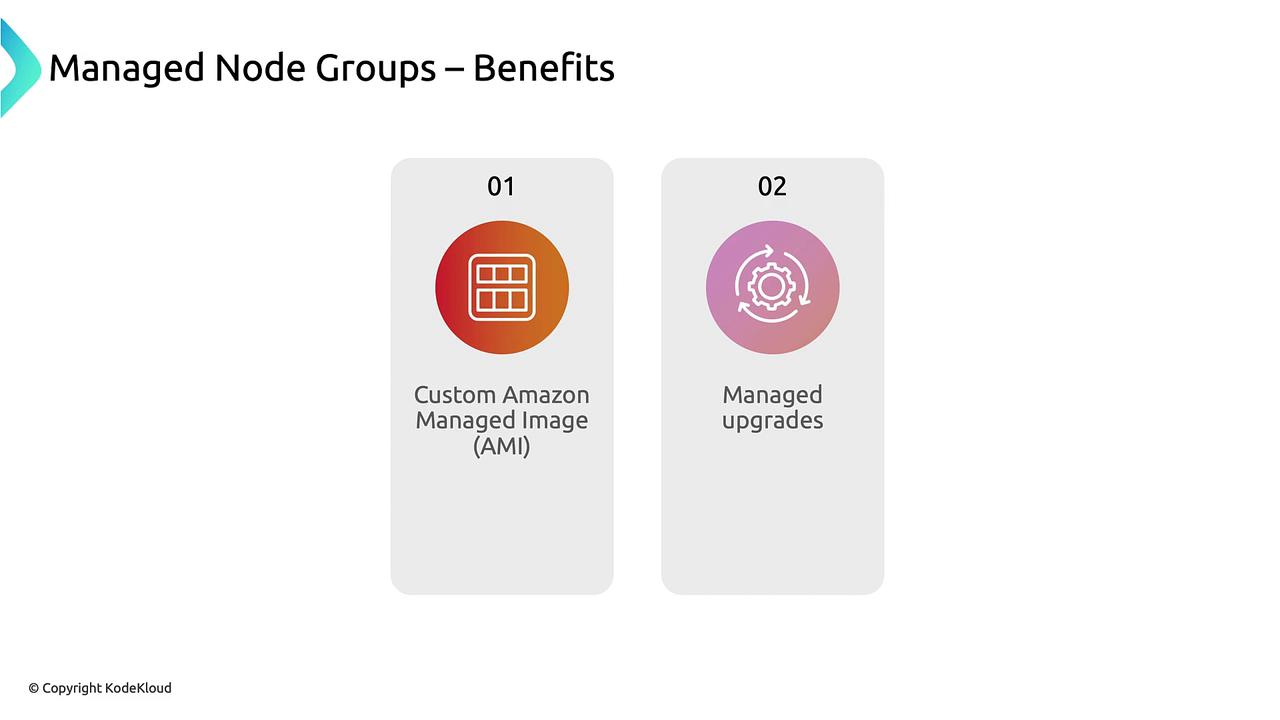
Managed Upgrades and Churn
The standout feature of Managed Node Groups is built-in upgrades. When you bump your control plane version, AWS will:- Generate a new launch template with the updated AMI/library versions
- Roll the ASG: terminate old nodes and launch new ones
- Drain each node so pods gracefully migrate
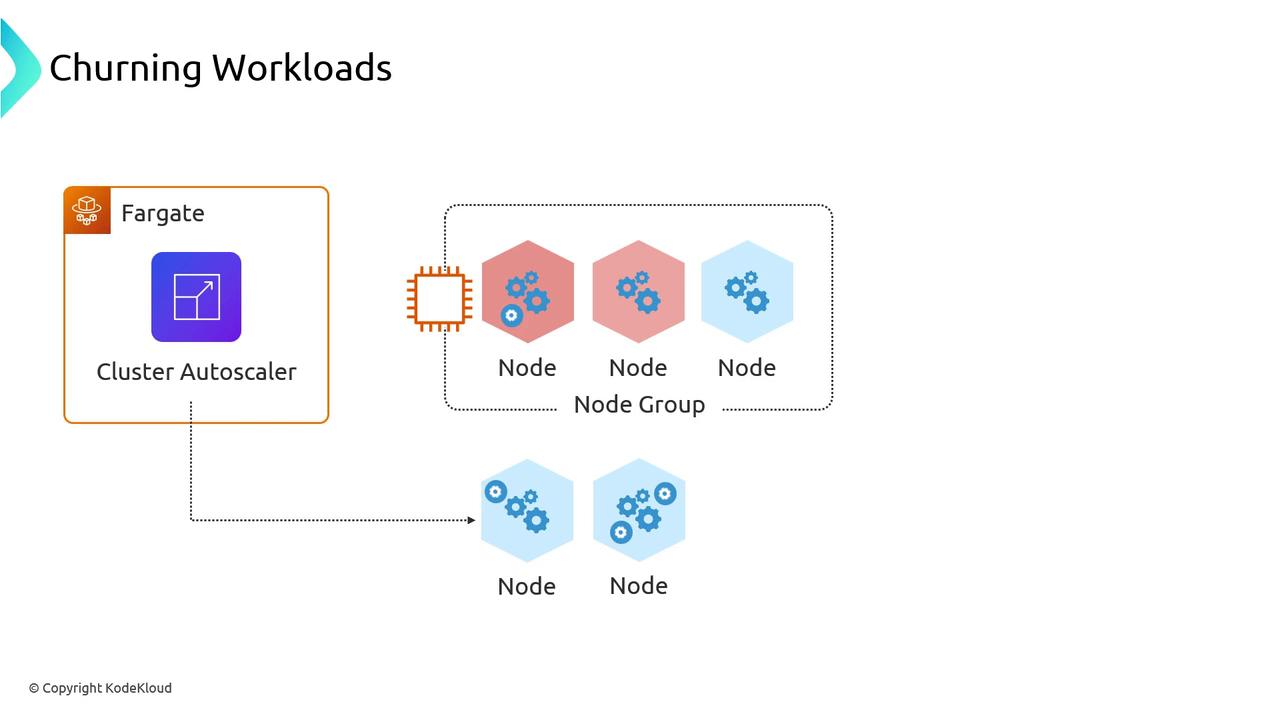
Pod disruptions are expected during Node Group upgrades. Plan for
kubectl drain windows and monitor the Cluster Autoscaler to avoid unexpected scale events.Node Groups—whether unmanaged or AWS-managed—are the standard way to run Kubernetes nodes in EKS. Understanding their architecture, scaling patterns, and upgrade behavior ensures you build reliable, cost-effective clusters.