This article explores observability in AWS CloudWatch, detailing its importance for system health, performance, and root-cause analysis.
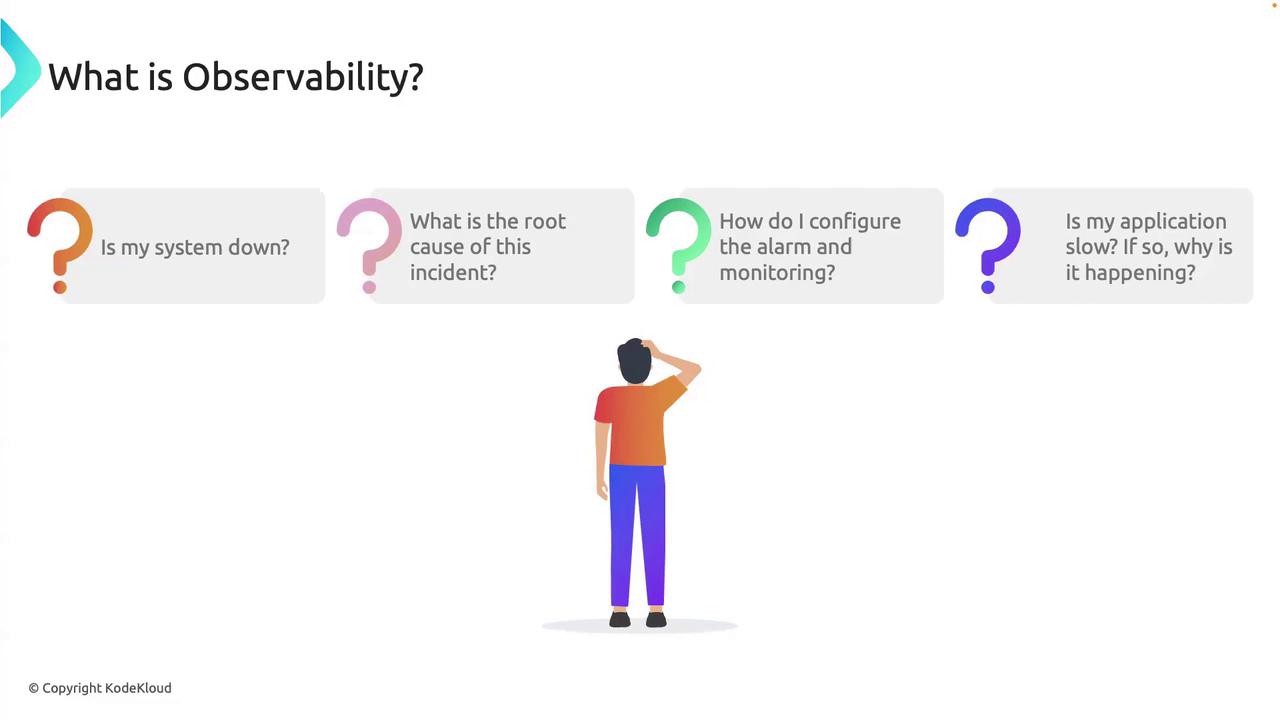
In this lesson, we’ll explore how AWS CloudWatch empowers you with observability—your window into system health, performance, and root-cause analysis. But first, what is observability?Observability is the ability to understand the internal state of a system by analyzing its external outputs. It goes beyond raw data collection—observability turns metrics, logs, and traces into actionable insights.Imagine an alert at 2 AM telling you, “Your application is responding slowly.” Is the service down? Which component is the bottleneck? Could you detect the issue sooner? With a mature observability practice, you consult targeted dashboards, review critical metrics, drill into relevant logs, and follow request traces to identify, for example, a slow database query. You mitigate immediately and schedule a permanent fix during working hours—no all-hands wake‐up call for the database team.Observability tools let you ask precise questions of your system—and get precise answers.
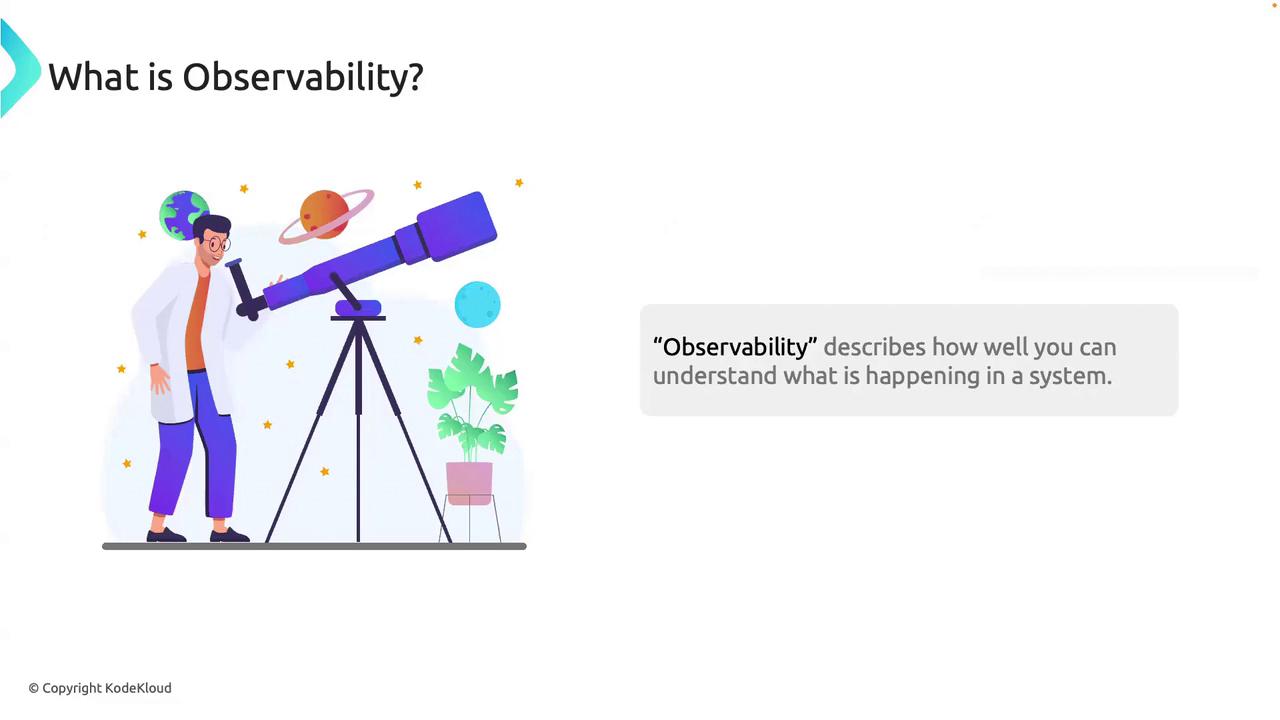
Think of observability as a telescope for your infrastructure. A naked-eye view shows you a few stars; with a telescope, you discover galaxies. Observability reveals not only when a service degrades, but why.
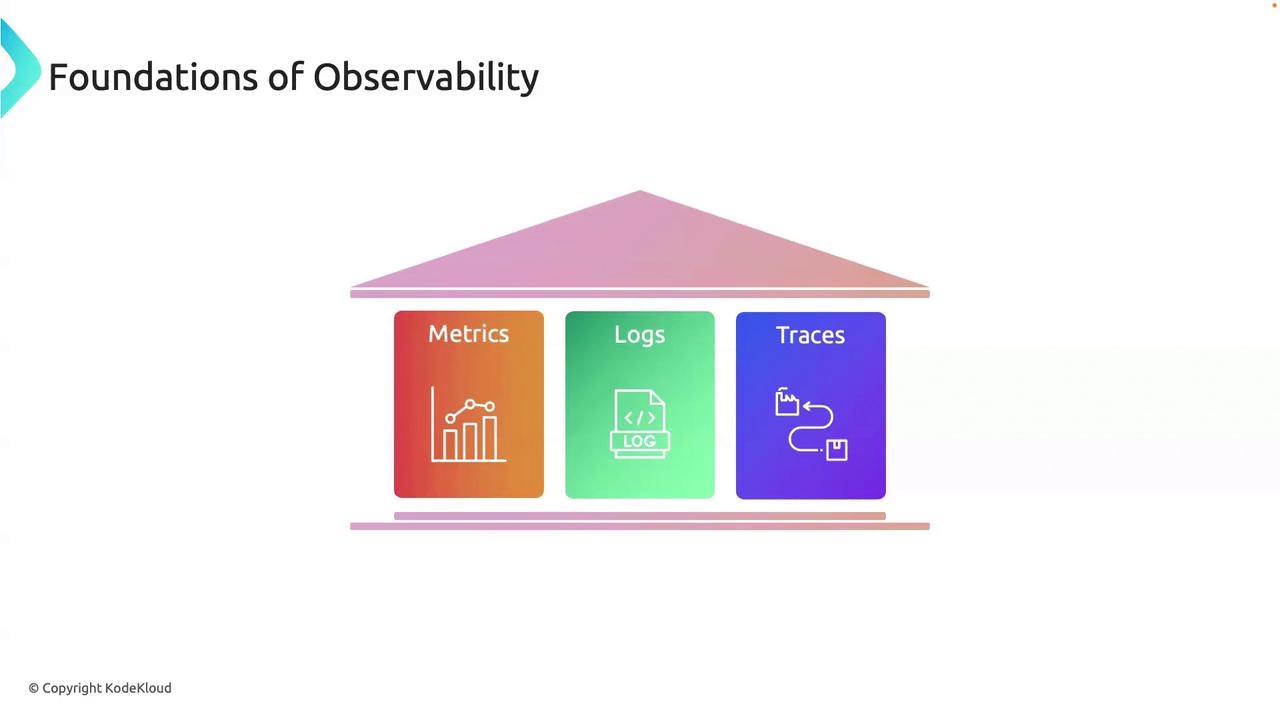
Observability stands on three foundational pillars. Together, they provide a comprehensive view of system behavior:
Pillar
Purpose
Example in AWS CloudWatch
Metrics
Quantitative measures of system health
CPUUtilization, RequestCount, Latency
Logs
Timestamped event records for context
Application logs, AWS Lambda logs, VPC flow logs
Traces
End-to-end transaction tracking
AWS X-Ray traces showing service-to-service calls
Metrics offer the “vital signs” of your infrastructure, logs provide the detailed event history, and traces map the journey of individual requests.
When ingesting high-cardinality logs, ensure you set appropriate log retention and indexing filters in CloudWatch Logs. This avoids unnecessary costs and search delays.
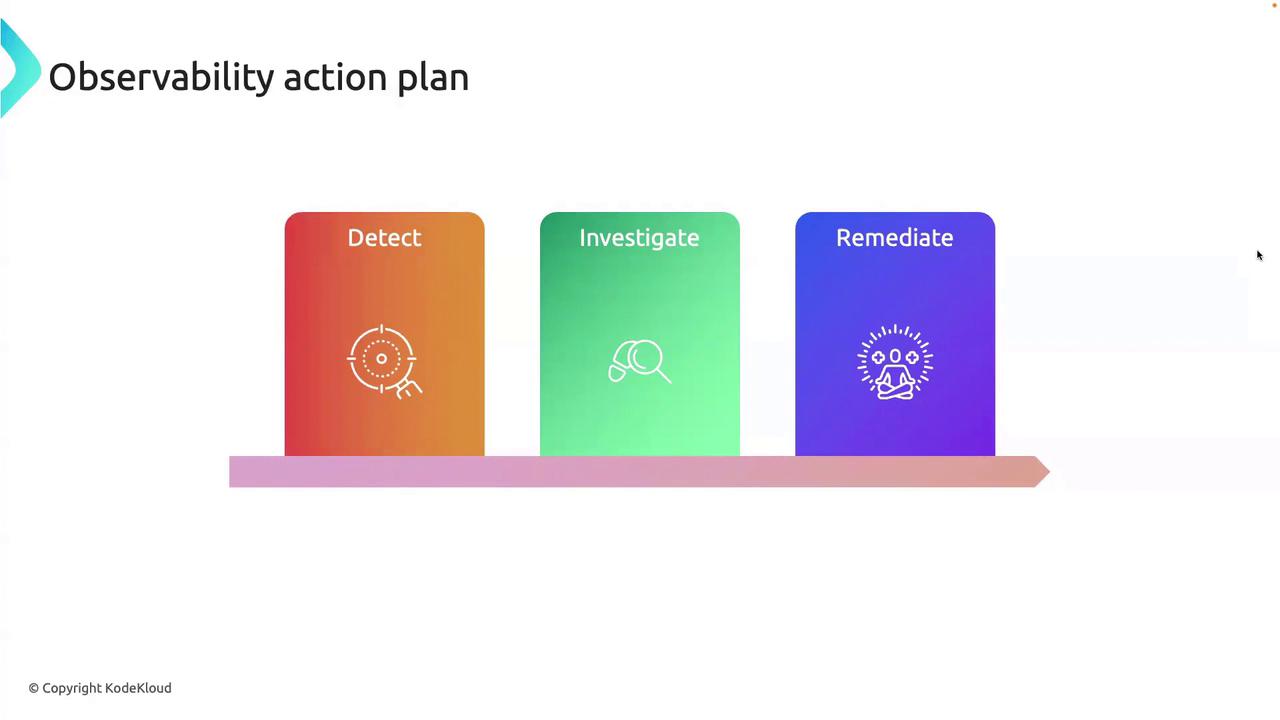
To operationalize observability, follow this three-stage cycle:
Stage
Description
Detect
Continuously monitor key metrics; configure alarms for threshold breaches and anomaly detection.
Investigate
Use logs and traces to drill into anomalies, identify error patterns, and locate bottlenecks.
Remediate
Apply an immediate workaround, then analyze findings to implement a long-term solution.
Detect
Set up CloudWatch Alarms on metrics like Latency, ErrorRate, or custom business KPIs. Enable Anomaly Detection to catch unexpected patterns.
Investigate
Open CloudWatch Logs insights queries or AWS X-Ray service maps. Correlate timestamped logs with trace spans to uncover the root cause quickly.
Remediate
Roll out hotfixes via AWS Systems Manager or CI/CD pipelines. Then refine your alerts, add dashboards, and update runbooks to prevent recurrence.
Over-alerting leads to alert fatigue. Review and tune thresholds regularly—only notify when action is truly required.
Observability is your competitive advantage in cloud-native environments. By harnessing metrics, logs, and traces—and rigorously following the detect → investigate → remediate cycle—you ensure resilient, high-performing systems. The more observable your stack, the more confidently you can deploy, scale, and innovate with AWS CloudWatch at your side.