

1. Event Patterns
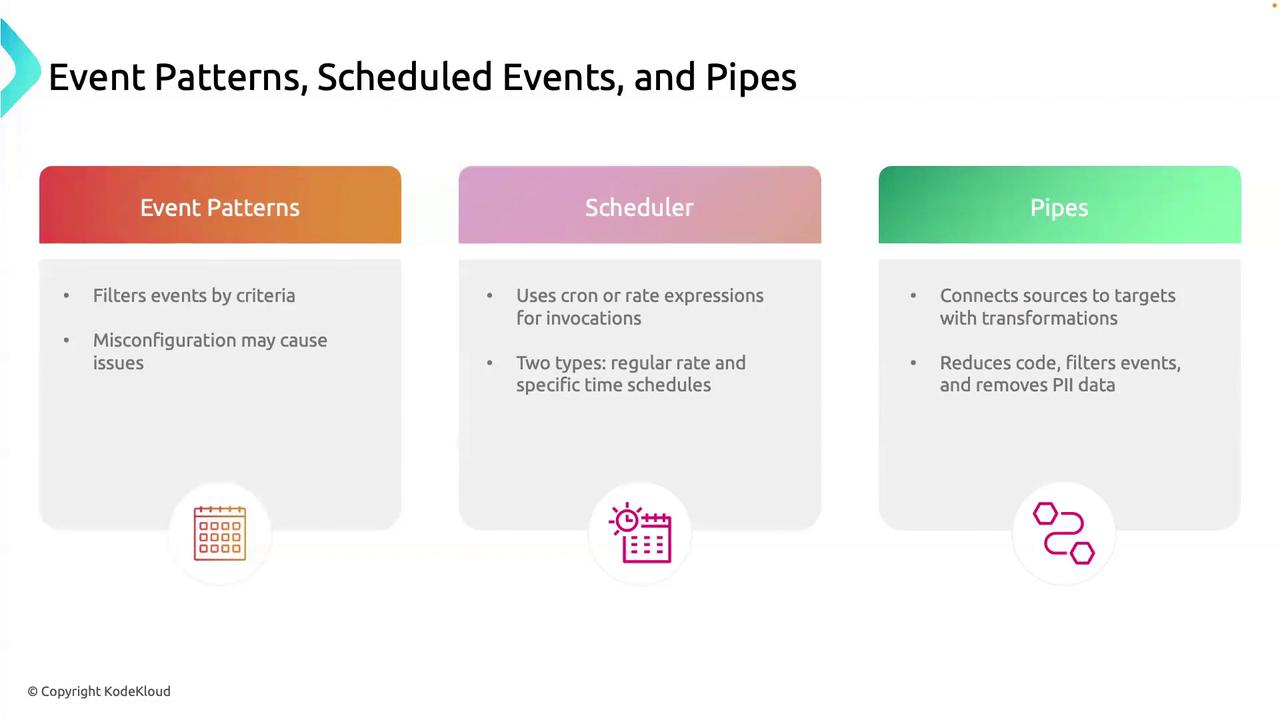
Event Patterns filter incoming events based on specific criteria so you only process what matters.Why Use Event Patterns
- Focus on critical events (e.g.,
DatabaseTimeout). - Minimize alert noise and unnecessary processing.
- Improve system performance by discarding irrelevant events.
Overly broad patterns can flood your pipeline with unwanted events. Too narrow patterns risk missing important alerts.
Key Pattern Attributes
| Attribute | Description | Example |
|---|---|---|
| source | Originating service or application | ["com.myapp.database"] |
| detail-type | Event category | ["Error"] |
| detail | JSON object with custom filters | { "errorCode": ["DatabaseTimeout"] } |
Example: Match a Database Timeout
•
source = com.myapp.database•
detail-type = Error•
detail.errorCode = DatabaseTimeout
2. Scheduled Events (Schedulers)
Scheduled Events let you trigger rules on a fixed schedule, using either rate or cron expressions.Rate Expressions
Userate() to fire at regular intervals—perfect for heartbeats and metrics.
Cron Expressions
Usecron() for precise timing—ideal for backups, reports, and maintenance windows.
| Schedule Type | Expression | Use Case |
|---|---|---|
| Rate | rate(1 hour) | Hourly health checks |
| Cron | cron(0 2 * * ? *) | Nightly backups/reports at 2 AM |
3. Pipes
Pipes connect an event source to a target, optionally transforming the data in transit. Think of them as an assembly line:- Source: AWS service or custom producer (e.g., SQS, Kinesis).
- Transformation: Filter or enrich payloads using
InputTemplate. - Target: AWS service or HTTP endpoint (e.g., Lambda, SNS).
Pipes simplify data flow and reduce the need for custom glue code by handling filtering, mapping, and retry logic automatically.
Example: Redacting Sensitive Fields
- Reads messages from an SQS queue.
- Discards sensitive fields (e.g.,
$.detail.password). - Invokes a Lambda function with sanitized event data.
These three building blocks—Event Patterns, Scheduled Events, and Pipes—form the backbone of event-driven solutions in AWS EventBridge. Use them together to create efficient, scalable, and maintainable event workflows.