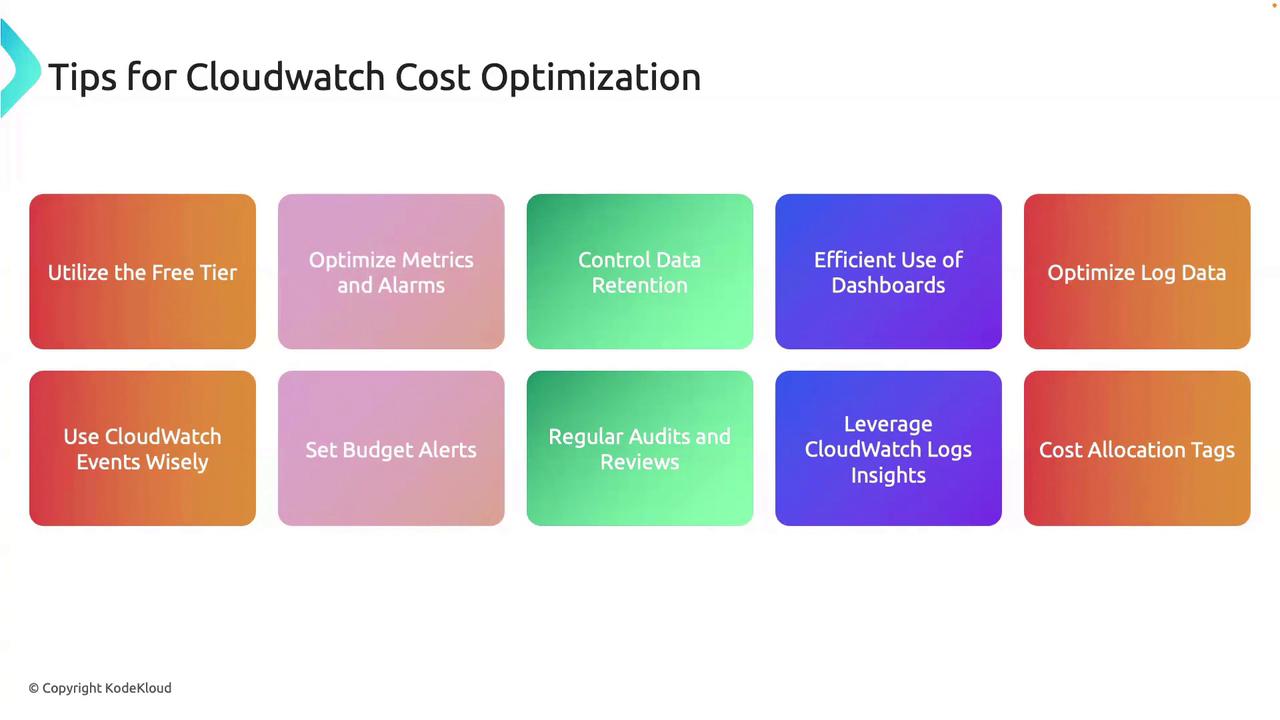
Table of Contents
- Leverage the Free Tier
- Optimize Metrics and Alarms
- Control Data Ingestion and Retention
- Efficient Dashboard Management
- Reduce Log Volume
- Use Event Filtering
- Regular Audits and Insights
- Cost Allocation and Budget Alerts
1. Leverage the Free Tier
AWS CloudWatch provides a free tier that may cover most basic monitoring needs:- Use default metrics (CPU, network, disk) before adding custom metrics.
- Stick to the built-in dashboards and alarms; avoid unnecessary custom dashboards.
- Install the CloudWatch Agent only if you require memory or swap metrics.
2. Optimize Metrics and Alarms
Keep your metric and alarm usage lean:- Audit and delete redundant or outdated custom metrics.
- Combine related alarms with metric math or composite alarms to lower your alarm count.
- Prefer AWS-managed metrics over custom ones when possible.
| Optimization Area | Action Item | Benefit |
|---|---|---|
| Custom Metrics | Remove low-value or duplicate metrics | Lower ingestion costs |
| Alarms | Merge similar triggers with composite alarms | Fewer alarms to manage |
| Built-in Metrics | Use default metrics for standard monitoring | No extra charges |
3. Control Data Ingestion and Retention
Only ingest what you need and set appropriate retention:- Define log retention periods based on compliance and troubleshooting requirements.
AWS CloudWatch automatically applies retention schedules to metrics (1-minute, 5-minute, 1-hour). You cannot customize metric retention—focus on reducing ingestion volume.
- Archive old logs to Amazon S3 or Glacier for cost-effective long-term storage.
4. Efficient Dashboard Management
Optimize dashboards to cut widget and API request costs:- Consolidate related views into shared dashboards.
- Remove unused or low-value dashboards on a regular schedule.
5. Reduce Log Volume
Minimize the log data you send to CloudWatch:- Filter and process logs at the source with Fluentd or the CloudWatch Agent.
- Enable compression on log streams to reduce storage usage.
- Use subscription filters to forward only critical log patterns for downstream analytics.
6. Use Event Filtering
Avoid unnecessary event processing:- Create precise filter patterns in Amazon EventBridge (formerly CloudWatch Events).
- Transform or route events at the edge to minimize downstream Lambda invocations and related charges.
7. Regular Audits and Insights
Periodic reviews can uncover hidden savings:- Schedule monthly or quarterly usage audits to identify idle metrics, alarms, and dashboards.
- Leverage CloudWatch Logs Insights for efficient, in-place log querying instead of exporting data.
8. Cost Allocation and Budget Alerts
Track and cap your CloudWatch expenses:- Tag all monitoring resources (log groups, dashboards, alarms) for accurate cost allocation.
- Set up AWS Budgets with email or SNS alerts when spending approaches thresholds.