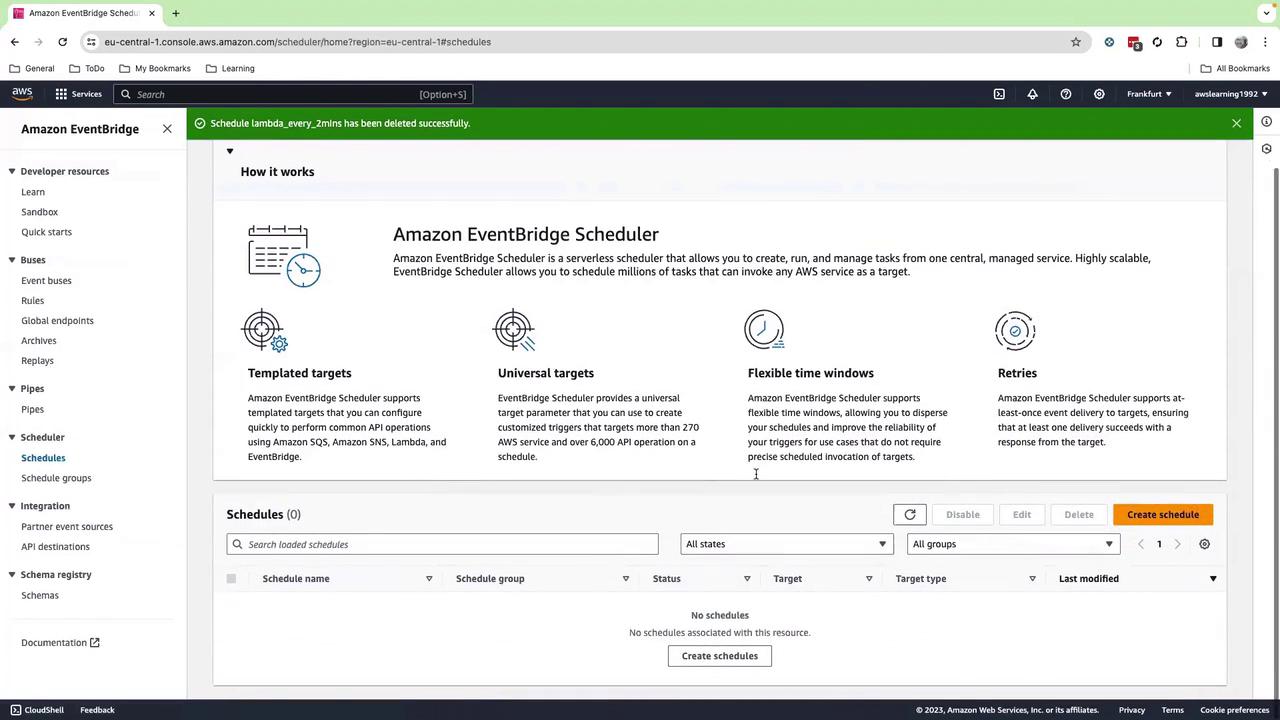
Scheduling functions with EventBridge may incur additional charges. Check the EventBridge pricing before you begin.
Prerequisites
- An AWS account with permissions for Lambda and EventBridge
- Basic familiarity with the AWS Management Console
Step 1: Create a Lambda Function
- Sign in to the AWS Management Console.
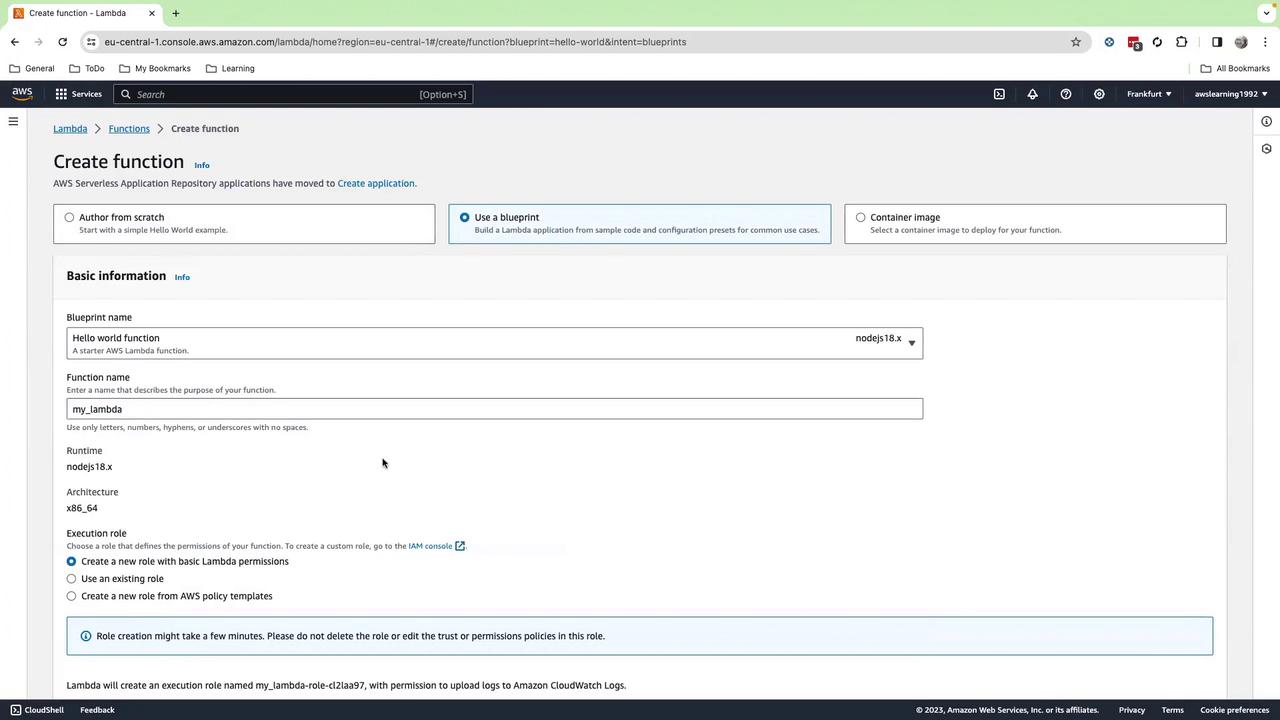
- Navigate to AWS Lambda > Functions > Create function.
- Choose Blueprint, search for “Hello World,” and select it.
- Enter a name, e.g.,
my_lambda. - Select Node.js 18.x (or Python 3.x if you prefer).
- Keep all other settings as default and click Create function.
Step 2: Add the Function Code
- In the inline editor, replace the default handler with the following Python code:
- Click Deploy.
Step 3: Create an EventBridge Schedule
- Open the Amazon EventBridge console.
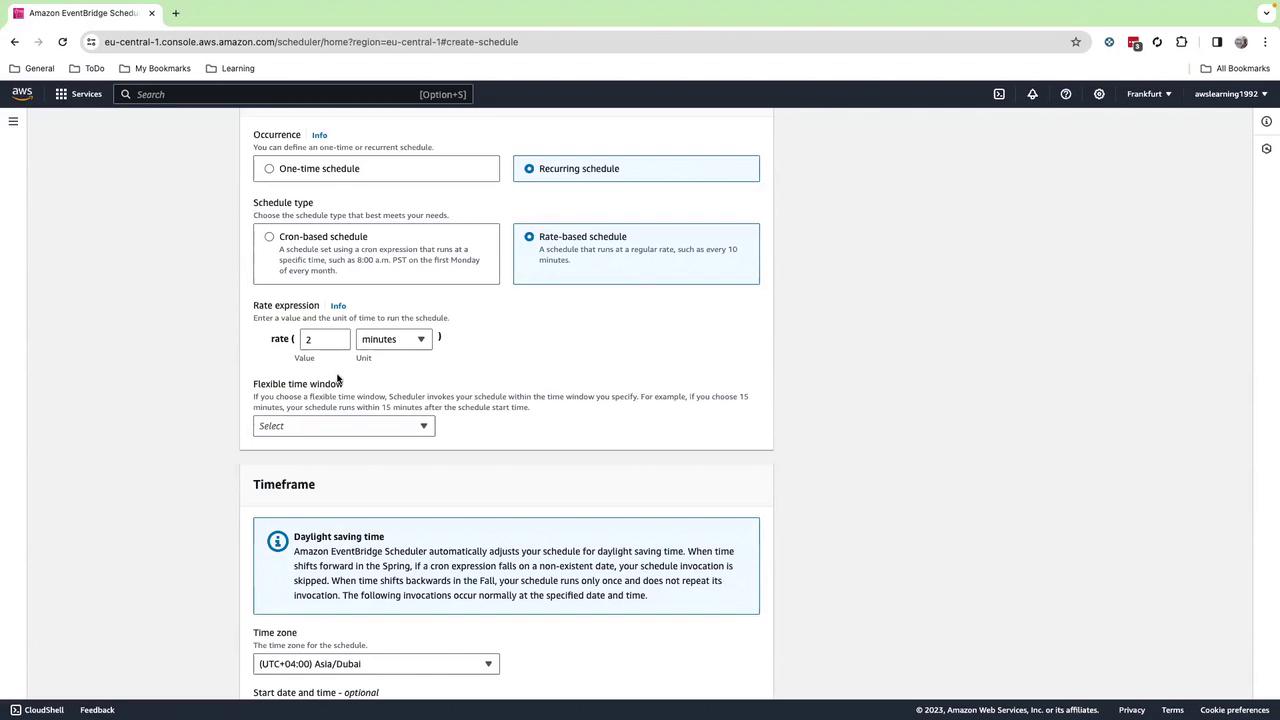
- In the left pane, choose Schedules > Create schedule.
- Enter a name (e.g.,
every-2-minutes) and select Recurring schedule. - Under Schedule type, pick Rate-based and set it to Every 2 minutes.
- You can also use a cron expression under Cron-based if needed.
- Click Next, disable Enabled, and click Next again.
Step 4: Configure the Schedule Target
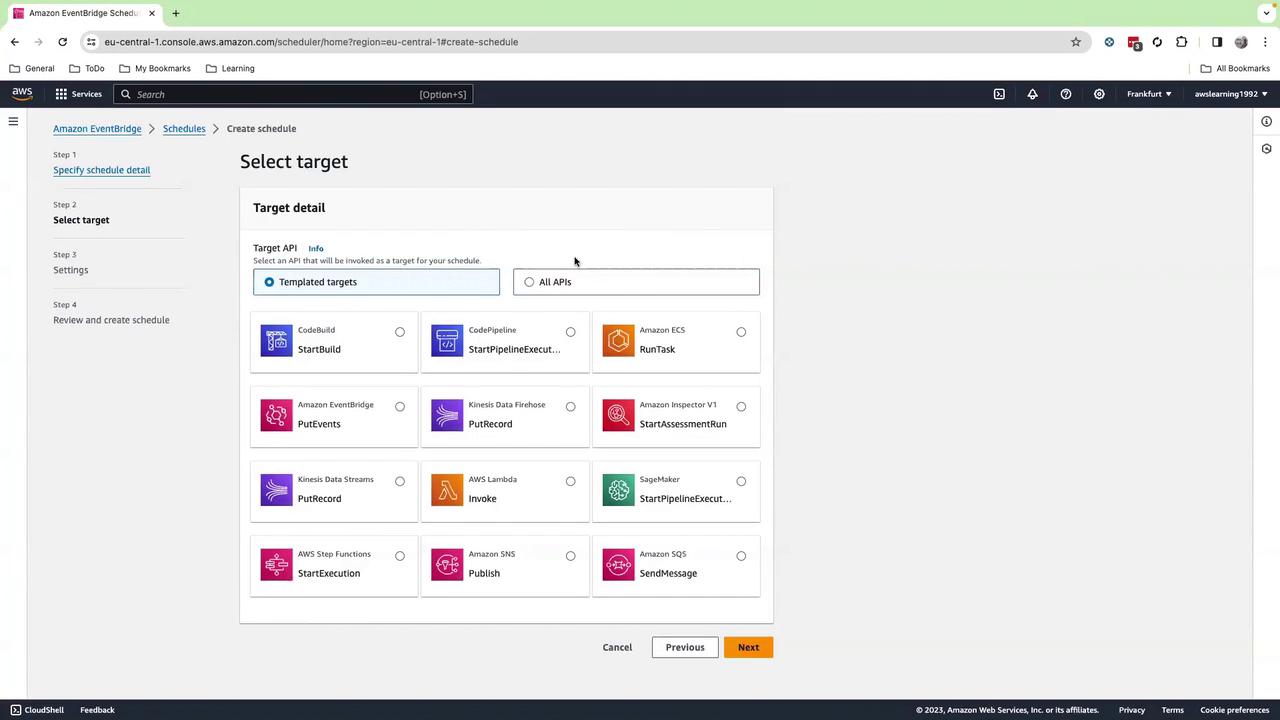
- For Target, choose AWS service > Lambda function.
- Select your
my_lambdafunction from the dropdown (hit the refresh icon if it doesn’t appear). - (Optional) Add a custom JSON payload in the Input section.
- Click Next, then Create schedule.
- Finally, enable the schedule to start invoking your function every 2 minutes.

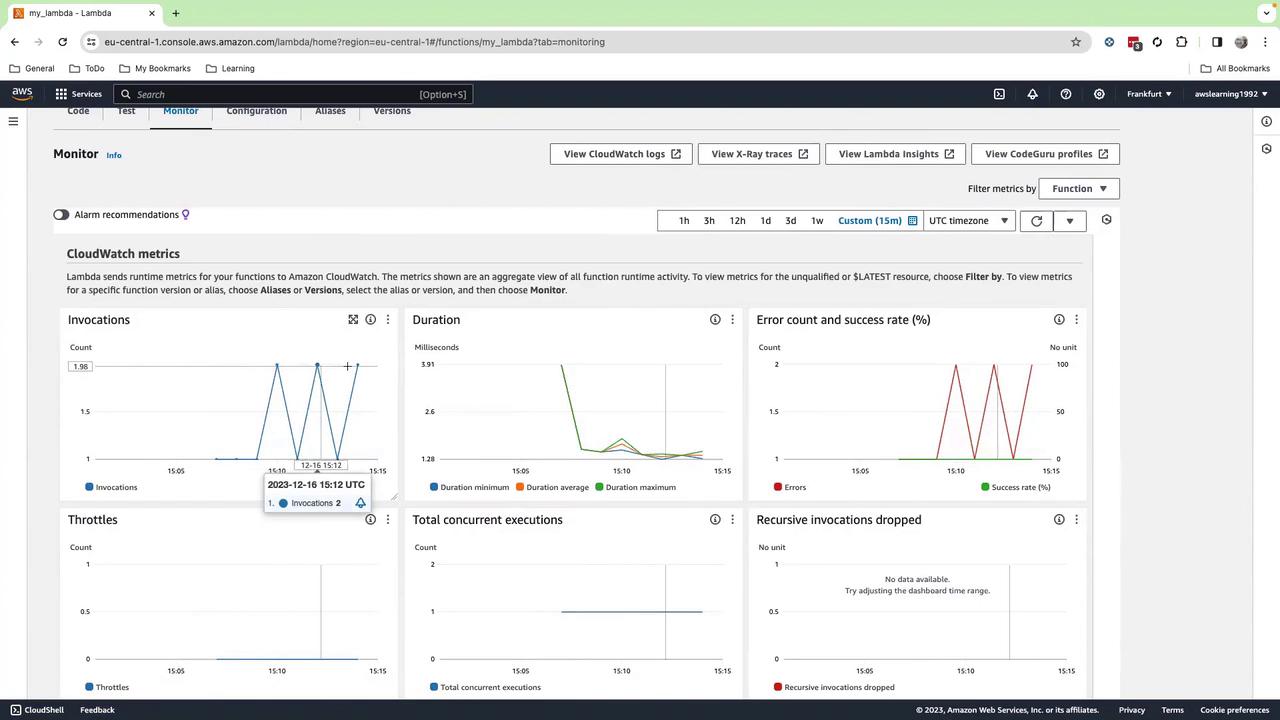
Step 5: Monitor Invocations
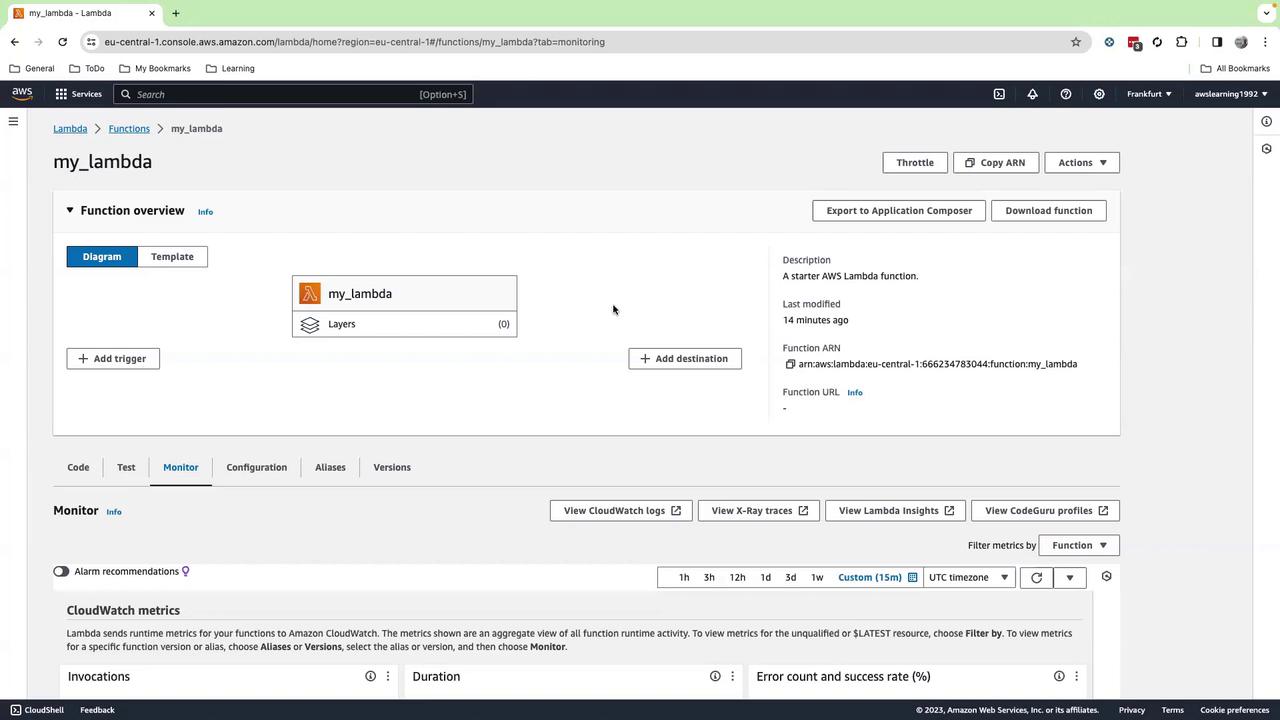
- Go back to the Lambda console and open your
my_lambdafunction. - Select the Monitor tab.
- Adjust the time range to Last 30 minutes (or 15 minutes).
- You should see invocations every 2 minutes along with logs and metrics.
Common Use Cases
| Use Case | Description | Example |
|---|---|---|
| Periodic Health Checks | Run database or API checks at regular intervals | Lambda polls an RDS instance, logs health status |
| Scheduled Notifications | Send reminders or alerts via SNS | Lambda composes a message and publishes to an SNS topic |
| Automated Reports | Generate and distribute reports to stakeholders | Lambda fetches data from S3, formats a PDF, emails via SNS |
Cleanup
To avoid ongoing charges:- Delete the
my_lambdafunction in AWS Lambda. - Remove your schedule under EventBridge > Schedules.
Be sure to clean up both Lambda functions and EventBridge schedules to prevent unexpected costs.