

Prerequisites
- An AWS account with permissions for CloudWatch, X-Ray, CloudFormation, ECS, DynamoDB, and IAM
- AWS CLI or Console access
Make sure your IAM user or role has the required permissions for deploying CloudFormation stacks and viewing X-Ray service maps.
Step 1: Deploy the Sample Application via CloudFormation
- Log in to the AWS Console and open CloudWatch.
- In the left sidebar, expand X-Ray Traces and select Service Map.
- Click Setup Demo App, then choose Create Sample Application with CloudFormation.
- Proceed through the wizard without changing defaults:
- Next → Next
- Acknowledge IAM capabilities → Submit
xray-sample.
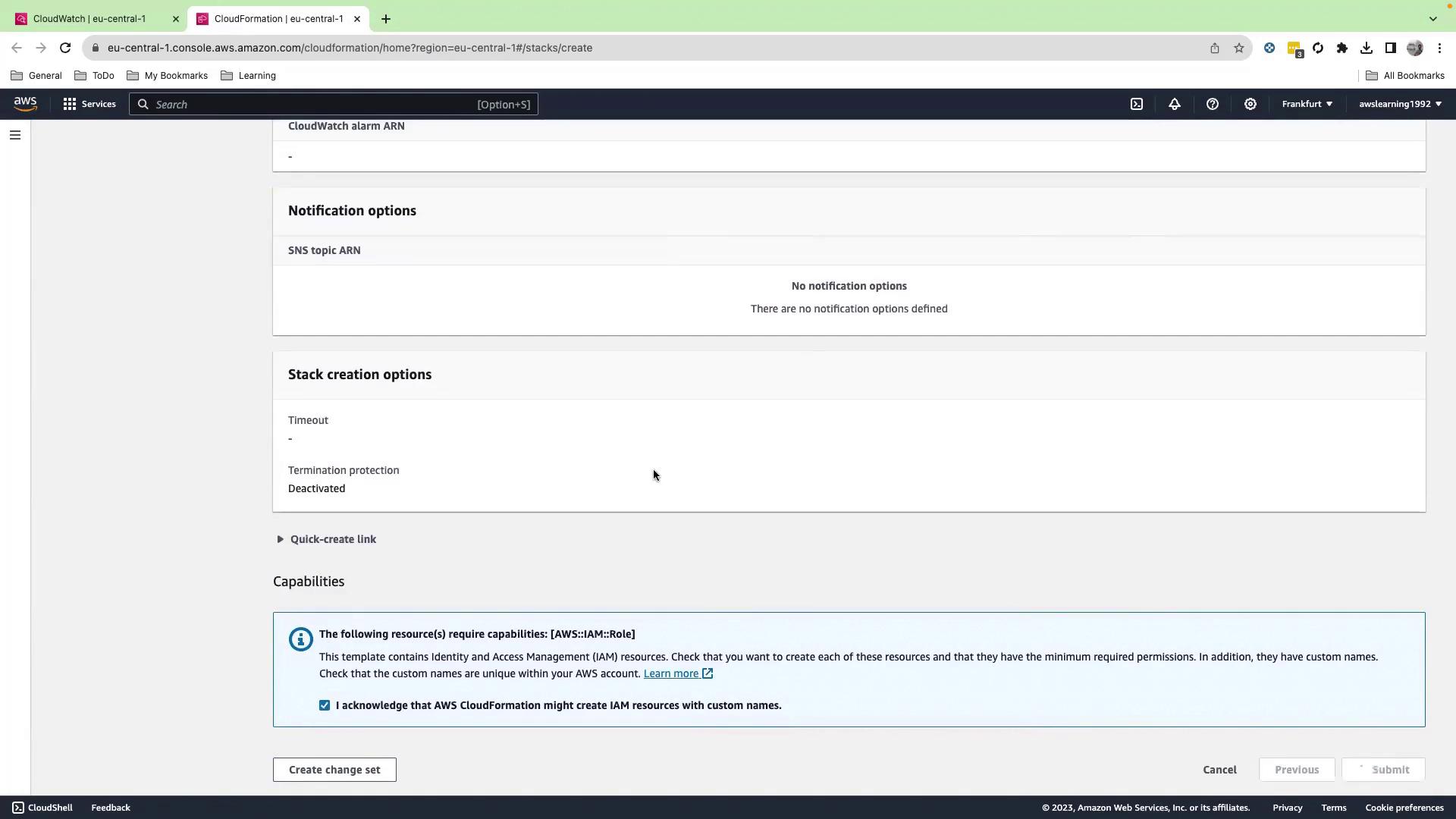
The demo stack provisions ECS clusters, an Application Load Balancer, and DynamoDB tables. You may incur AWS charges—remember to delete the stack when you’re done.
Step 2: Wait for Stack Completion
Monitor the stack events and wait until the status changes to CREATE_COMPLETE.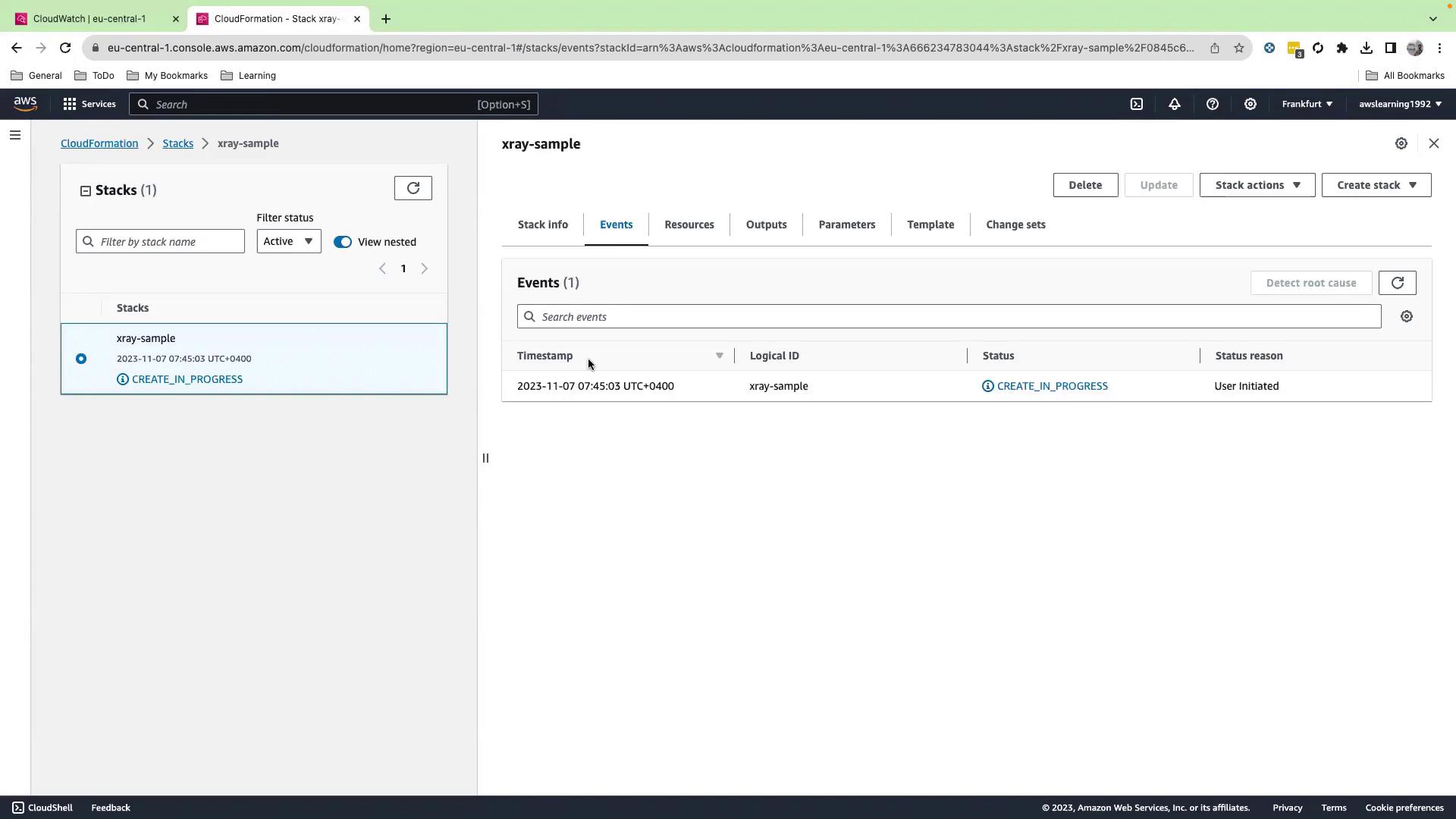
Step 3: Retrieve the Load Balancer URL
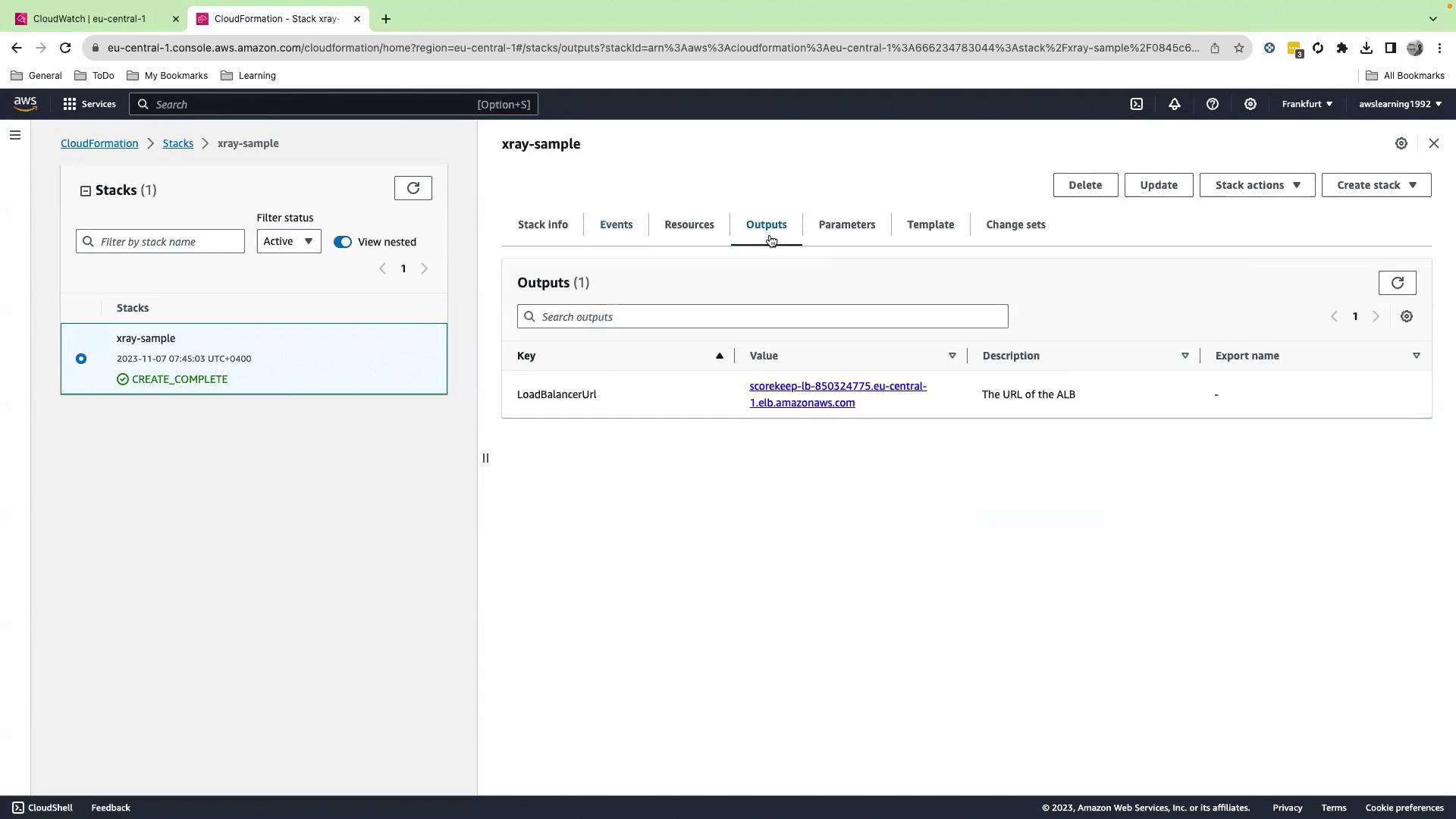
- Once complete, switch to the Outputs tab.
- Copy the LoadBalancerUrl value.
Step 4: Launch the Scorekeep Web App
Paste the LoadBalancerUrl into your browser to open the Scorekeep application.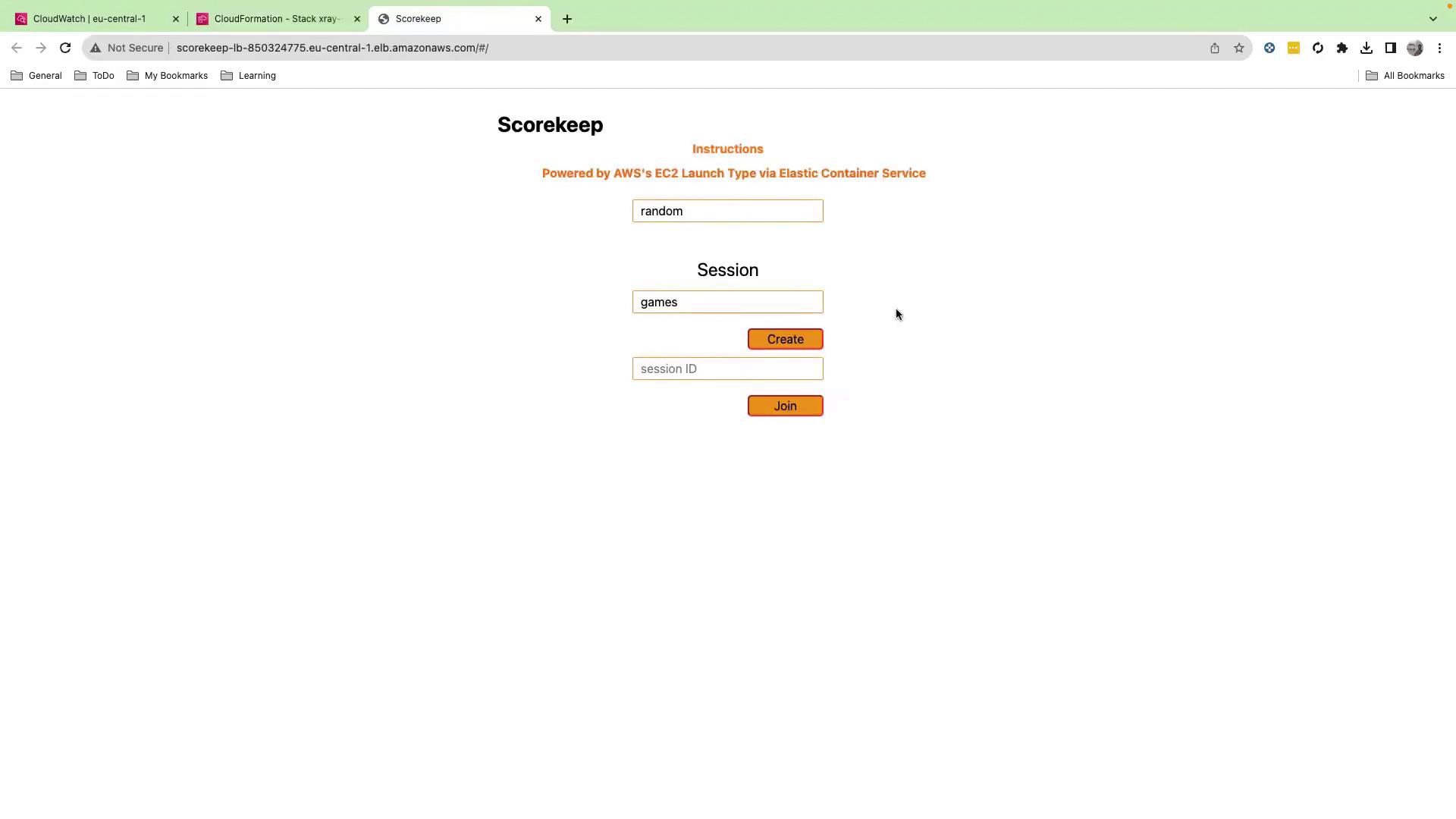
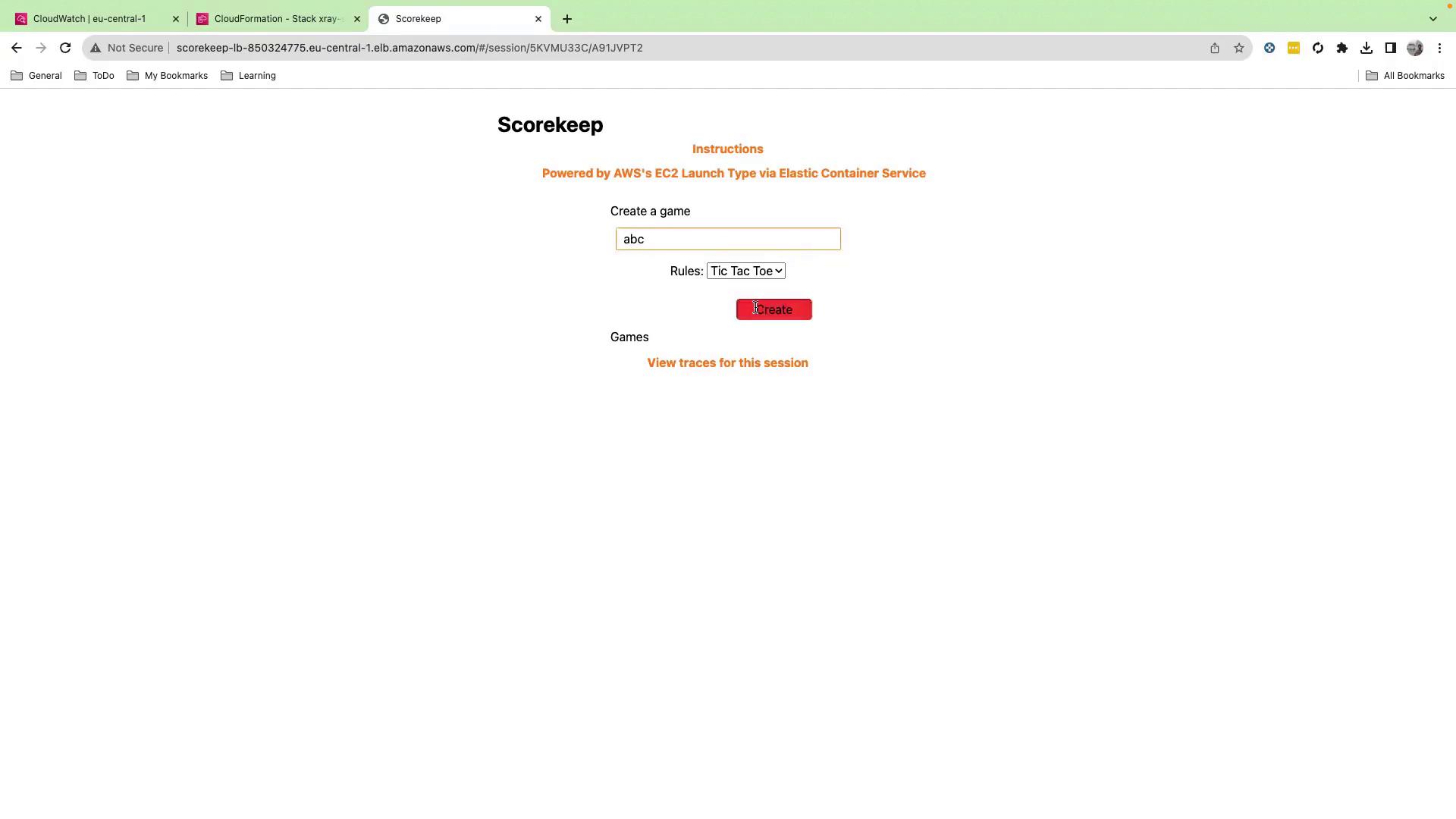
Step 5: Create and Play a Game Session
- Click Create.
- Enter a session name (e.g., “ABC Tools Tic-Tac-Toe”).
- Click Create, then Play.
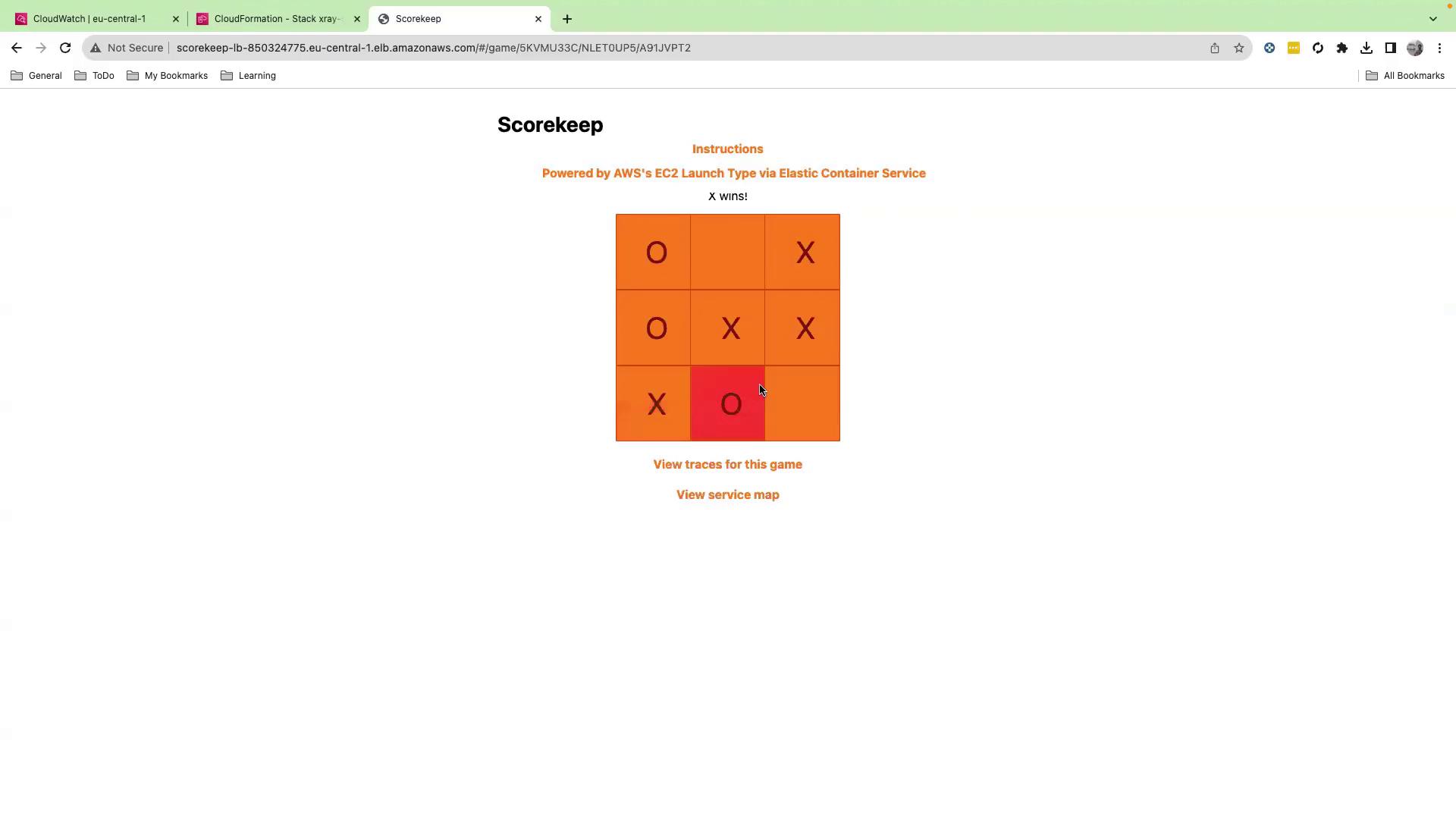
Step 6: View the Service Map
- In the Scorekeep UI, click View Service Map.
- This opens the X-Ray console displaying your microservices topology.
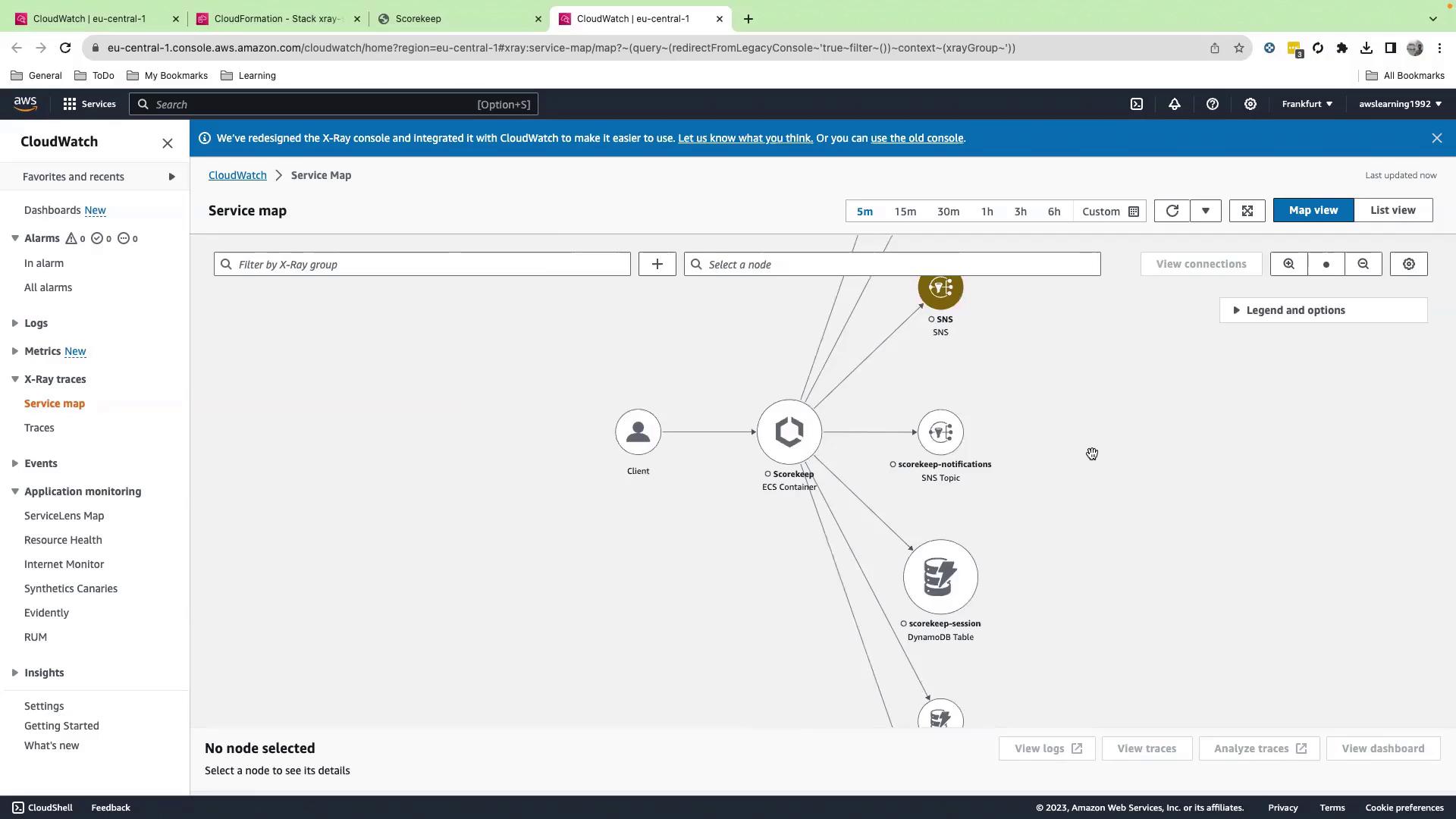
Drill Into Nodes and Traces
- Select any node (e.g., DynamoDB for user data).
- View metrics, latency distributions, and HTTP metadata.
- Click View traces to access individual X-Ray segments.
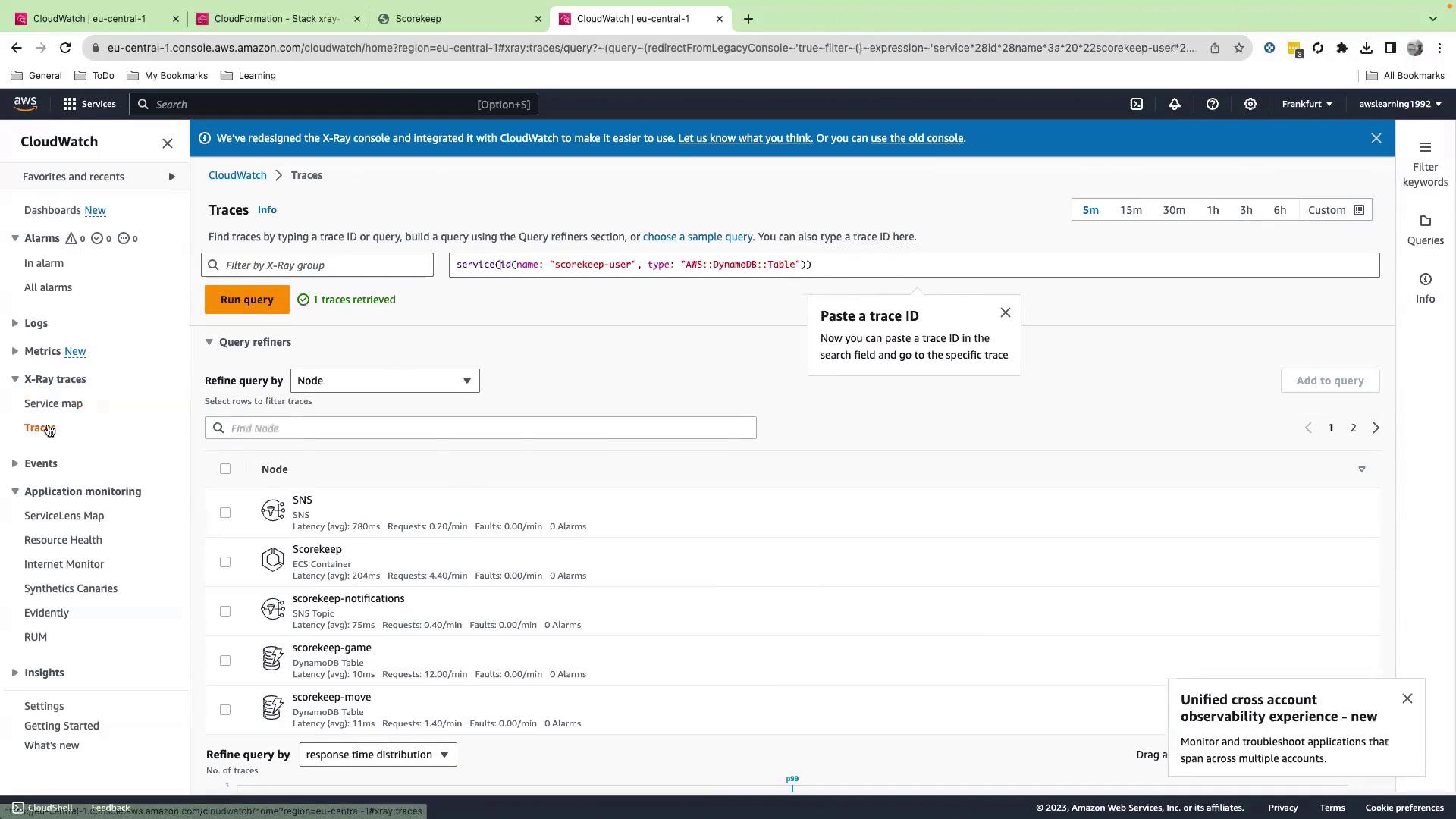
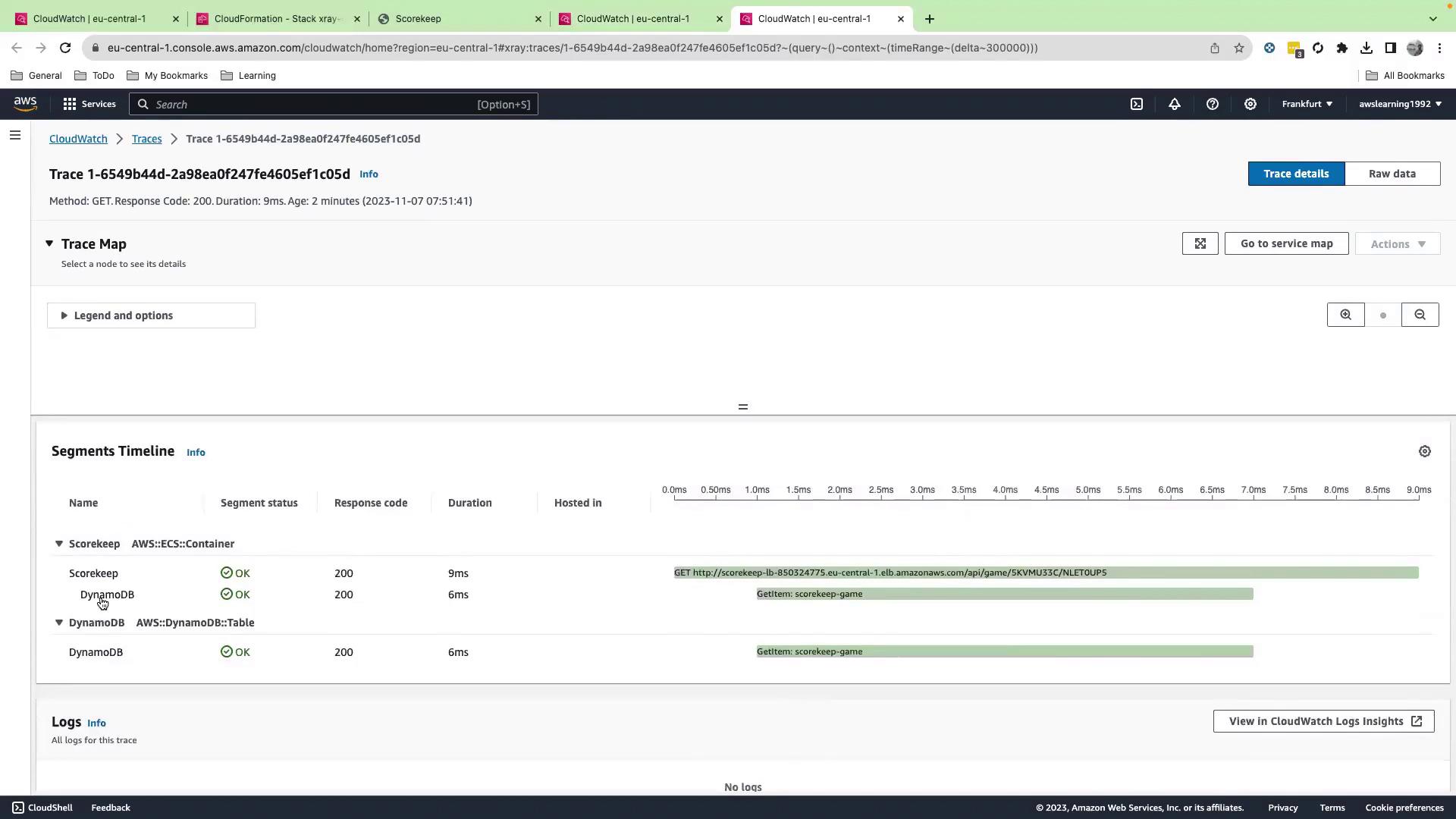
- A
GETcall to the Scorekeep endpoint - The corresponding GetItem action on DynamoDB
- Latency and HTTP status codes for each segment
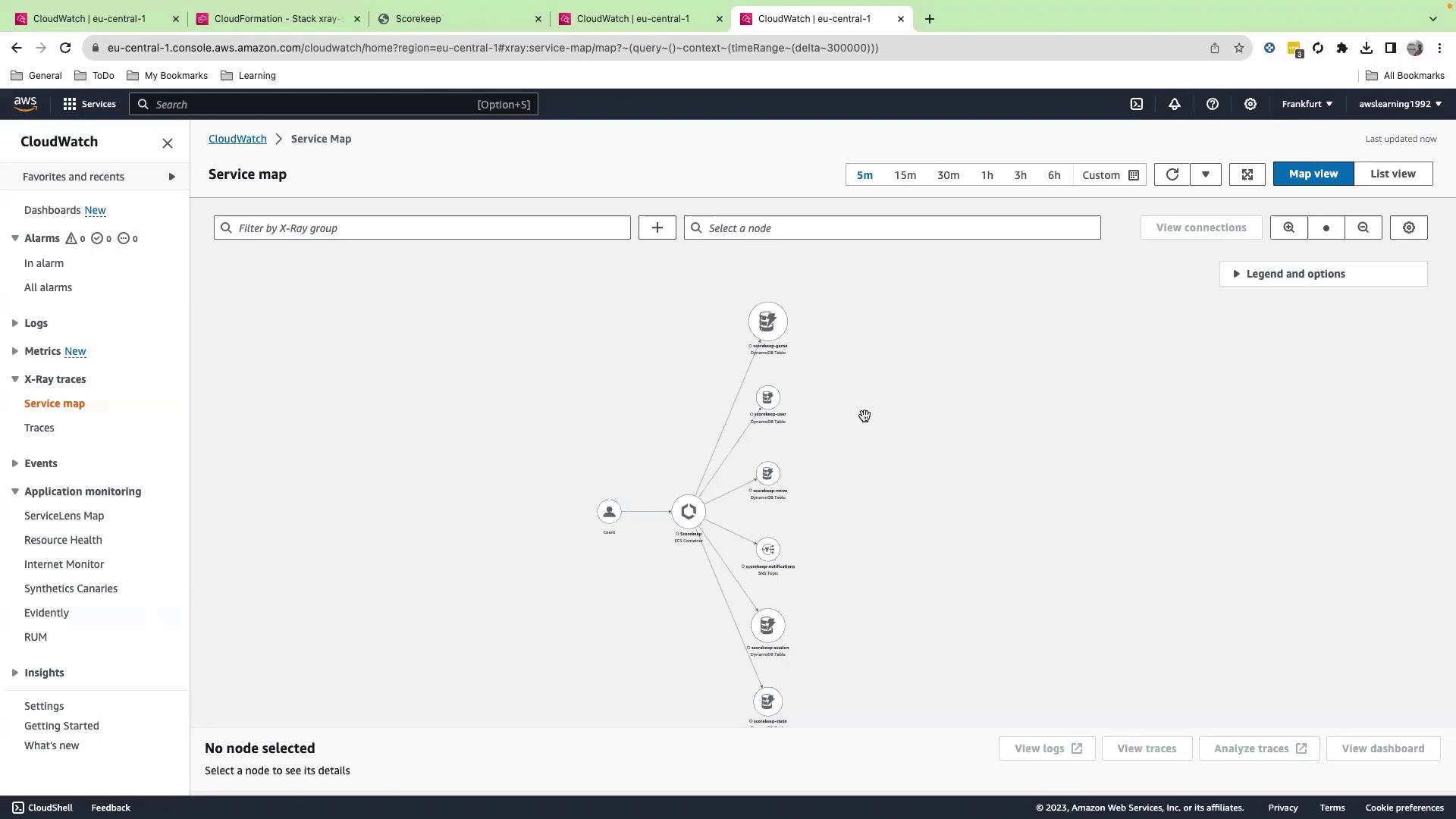
AWS X-Ray Key Components
| Resource | Purpose | AWS Service |
|---|---|---|
| ECS Container | Hosts the Scorekeep application | Amazon ECS |
| Load Balancer | Routes HTTP traffic to containers | Application Load Balancer |
| DynamoDB Table | Stores game session and move data | Amazon DynamoDB |
| SNS Topic | Publishes game events notifications | Amazon SNS |
Best Practices
- Enable X-Ray tracing in production by integrating the AWS X-Ray SDK into your code.
- Use sampling rules to control data volume and cost.
- Tag resources for trace grouping and filtering.
Regularly review your service map to detect anomalies and optimize the performance of microservices.