

Step 1: Downloading Prometheus
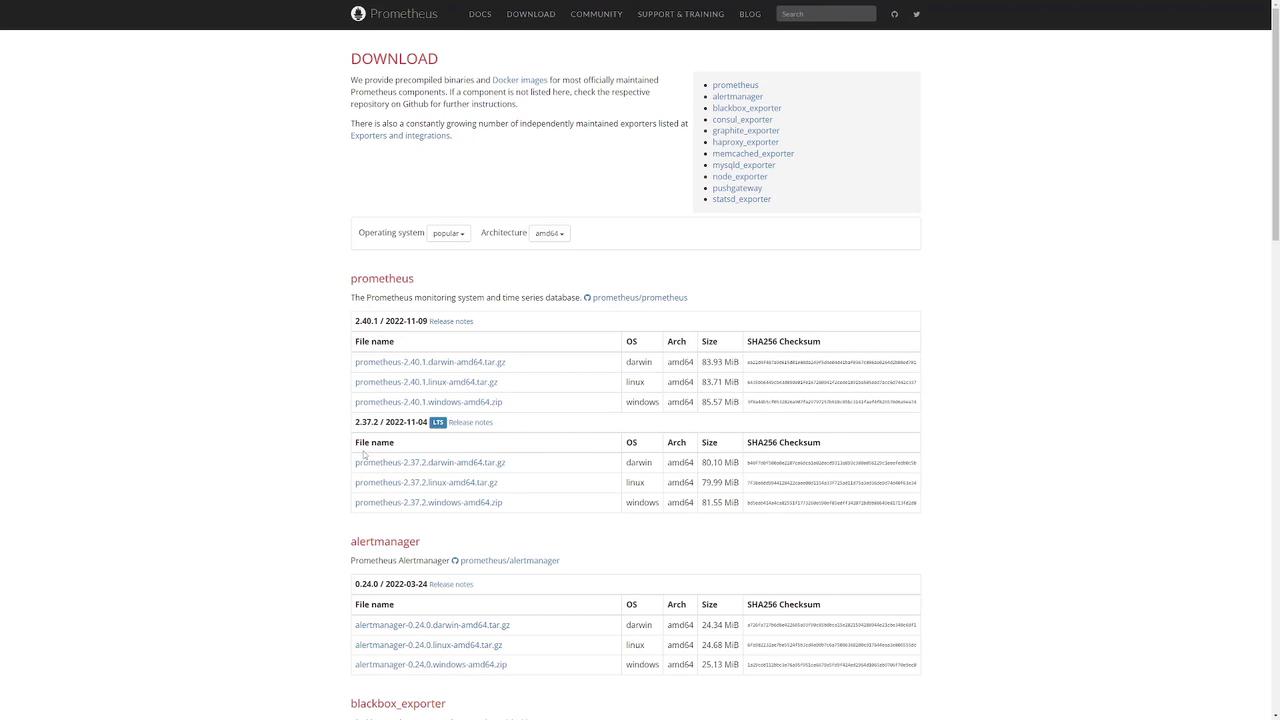
Visit the Prometheus download page to find the URL for the Prometheus binary. You have two options:- Download the file directly from your browser.
- Copy the URL and download the binary using a command-line tool like wget.
Step 2: Verifying the Download
After downloading, verify that the tar file is present by listing your files. For example:Step 3: Extracting the Tarball
Extract the Prometheus tarball by running the following command:Step 4: Exploring the Prometheus Directory
Navigate into the newly created Prometheus directory and list its contents:- prometheus: The main server executable.
- prometheus.yml: The configuration file.
- promtool: A command-line utility to validate configurations.
- consoles and console_libraries: Directories used for dashboards and visualization.
For further configuration options, refer to the Prometheus documentation.
Step 5: Starting Prometheus
Launch the Prometheus server by executing the binary:Step 6: Accessing the Web Interface
Open your web browser and navigate to the Prometheus web interface. If running on your local machine, visit: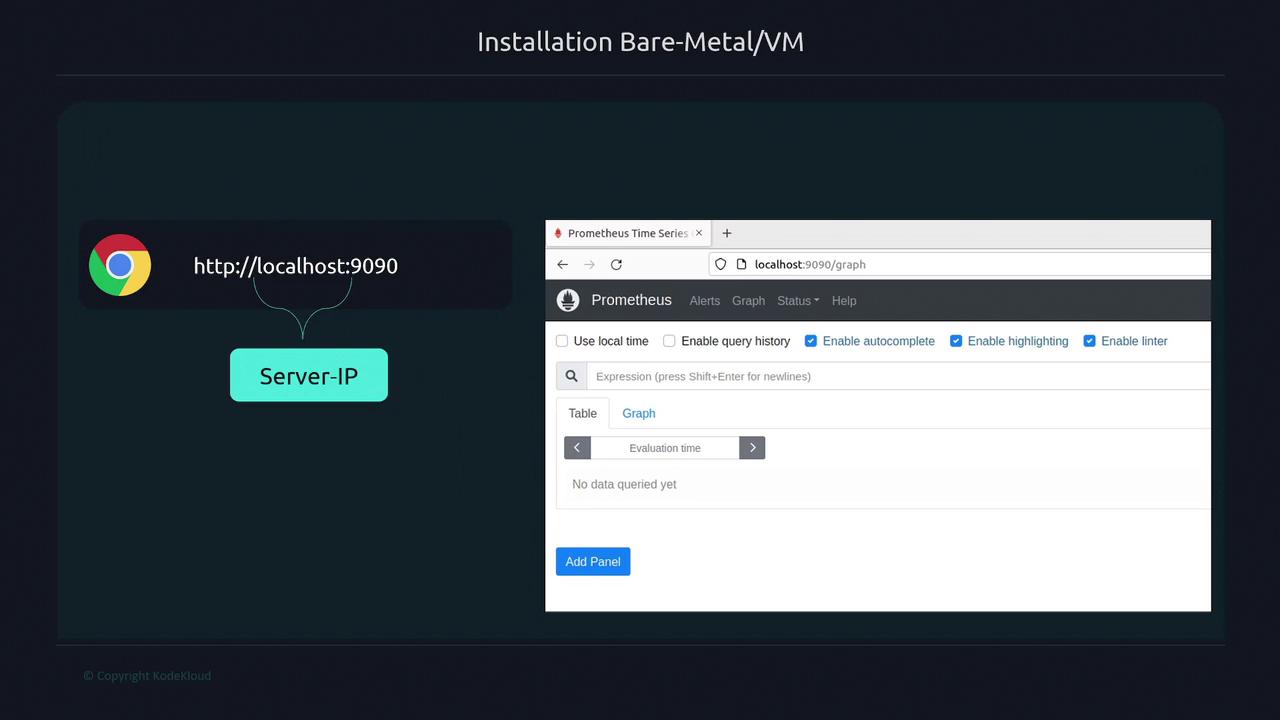
Step 7: Detailed Walkthrough via the Prometheus Website
Head back to the Prometheus website’s download section for additional details:
Congratulations! You have successfully installed and set up Prometheus. For more detailed configurations and integrations, refer to the Prometheus Documentation.