Math Functions
To round up values, use theceil function which rounds to the nearest higher integer. In contrast, the floor function rounds down. The abs function returns the absolute value, which is useful for converting any negative numbers. Consider the following examples:
Date and Time Functions
PromQL provides functions to work with dates and times, such as thetime() function, which returns the current Unix timestamp. This can be especially useful for calculating the duration of a process by subtracting its start time.
| Expression | Result |
|---|---|
| Minute() | 07 |
| Hour() | 15 |
| Day_of_week() | 4 |
| Day_of_month() | 22 |
| Days_in_month() | 30 |
| Month() | 09 |
| Year() | 2022 |
Scalar and Vector Conversions
PromQL allows conversion between scalars and vectors during metric operations. Sometimes you might need to convert a scalar to an instant vector for compatibility with vector operations. Conversely, thescalar() function converts an instant vector into a scalar. For example, consider the process_start_time_seconds metric:
If the instant vector contains more than one sample, the
scalar() function will return NaN (Not a Number).Sorting Functions
PromQL also features sorting functions. By default, thesort function orders metric data in ascending order, while sort_desc arranges data in descending order. As an example, consider sorting available filesystem bytes:
Rate and Instant Rate Functions
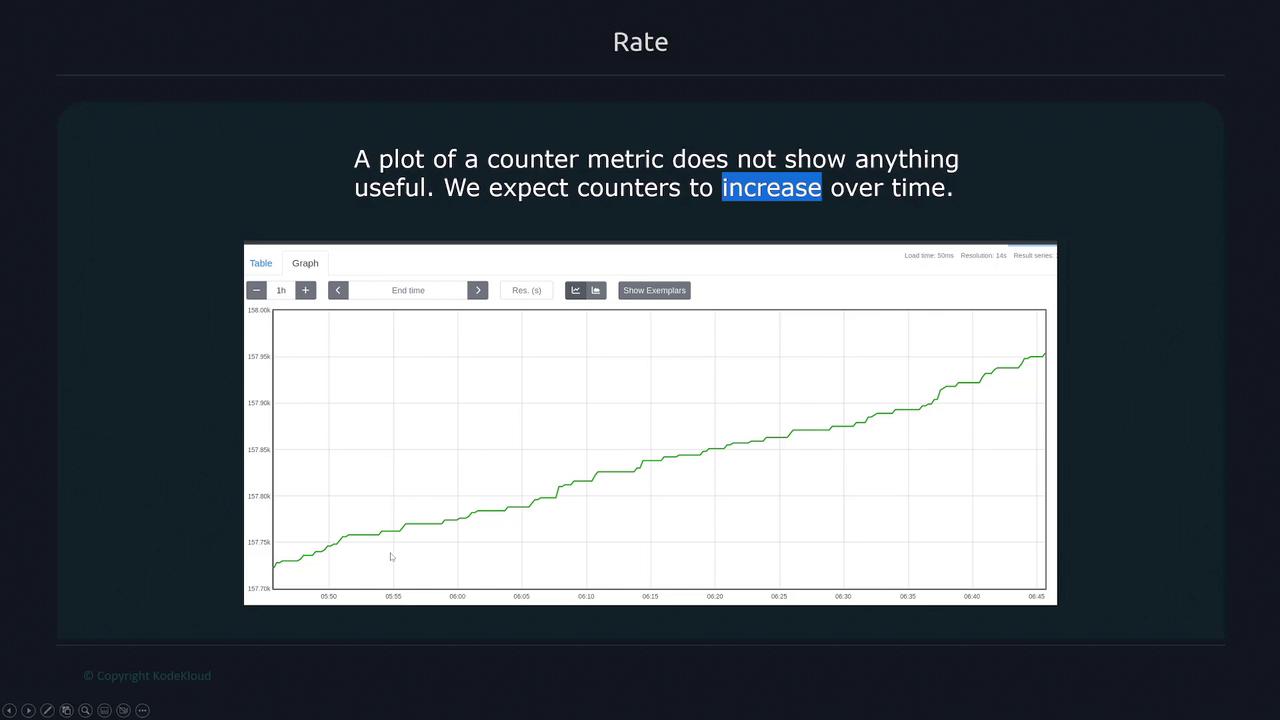
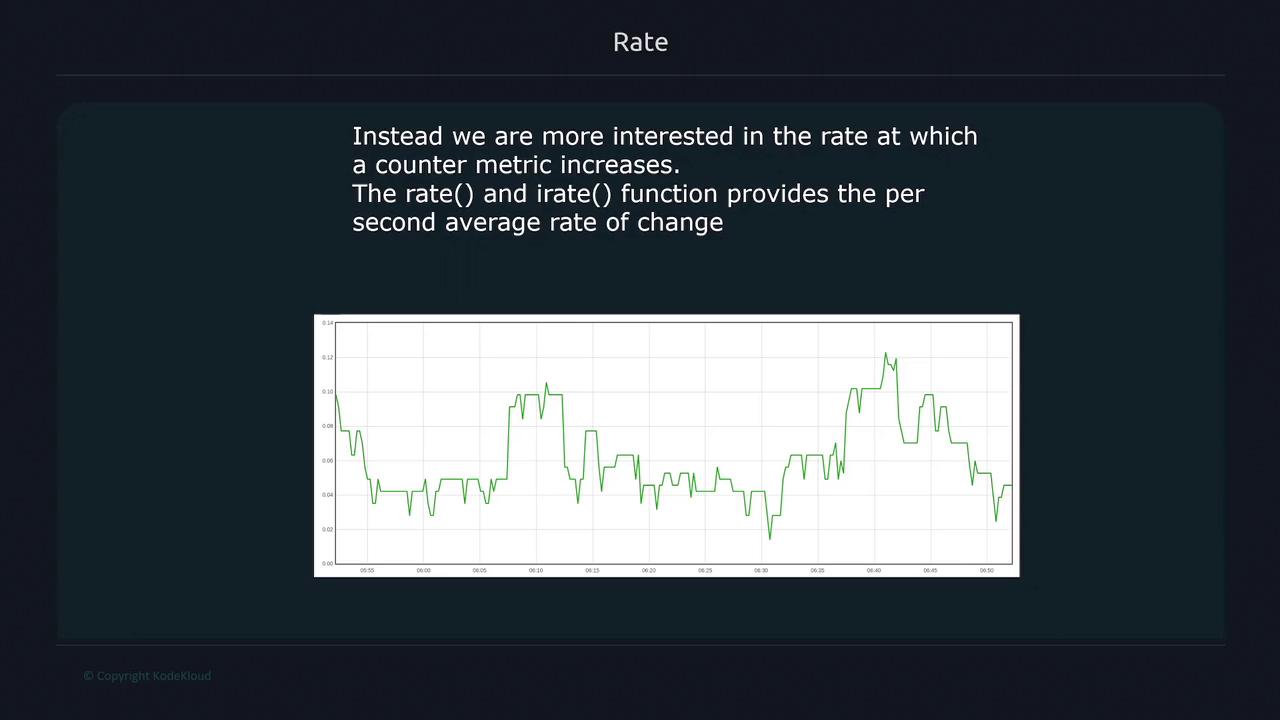
When plotting counter metrics over time, such as total HTTP requests, a simple plot of the counter might not reveal useful insights because counters continuously increase. Instead, you often need the rate at which the counter values are increasing. PromQL provides two key functions for this purpose:rate and irate.
Using rate()
Therate() function calculates the per-second average increase over a specified time range. Consider tracking HTTP errors over a 1-minute period:
- Difference: 3.3 - 1.2 = 2.1
- Rate: 2.1 / 60 = 0.035
Using irate()
In contrast, theirate() function considers only the last two data points in the selected time range, providing a more instantaneous rate. For the same HTTP errors metric with a 1-minute window:
- Difference: 10.3 - 8.9 = 1.4
- Rate: 1.4 / 15 ≈ 0.0933
Use
rate() for slowly changing counters (especially in alerting rules) and irate() for graphing more volatile metrics to capture a near-instantaneous rate.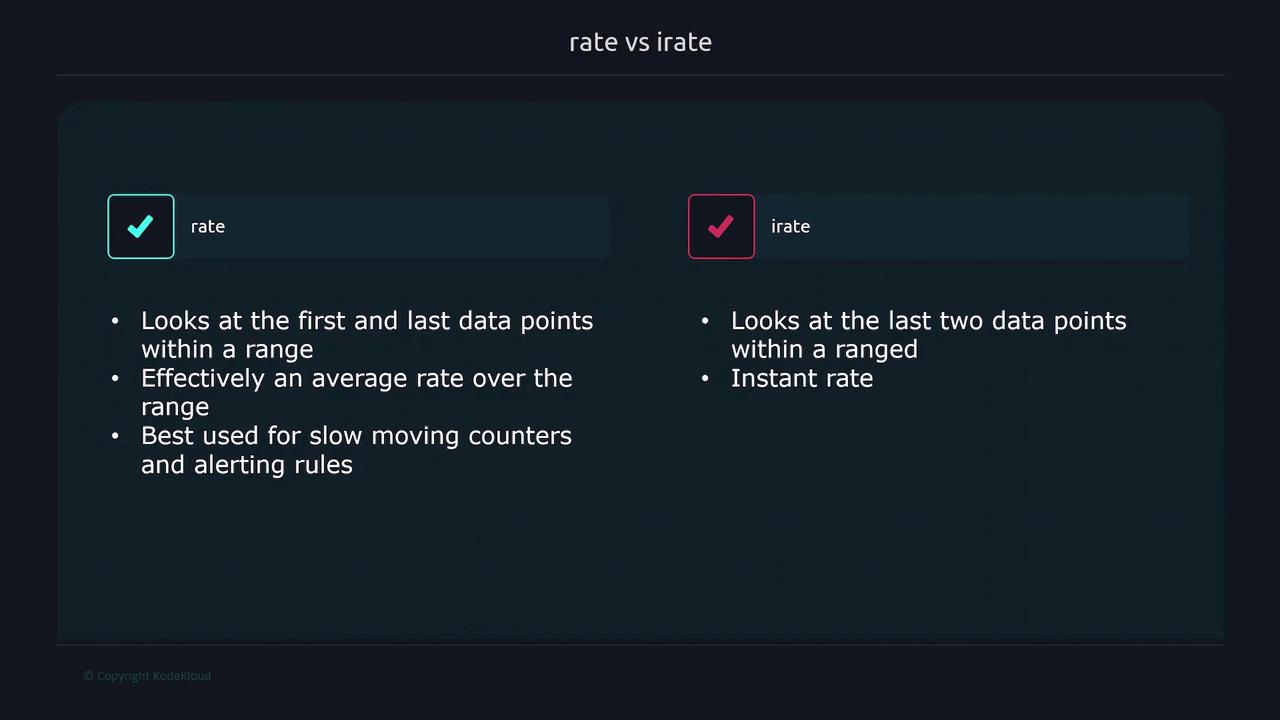
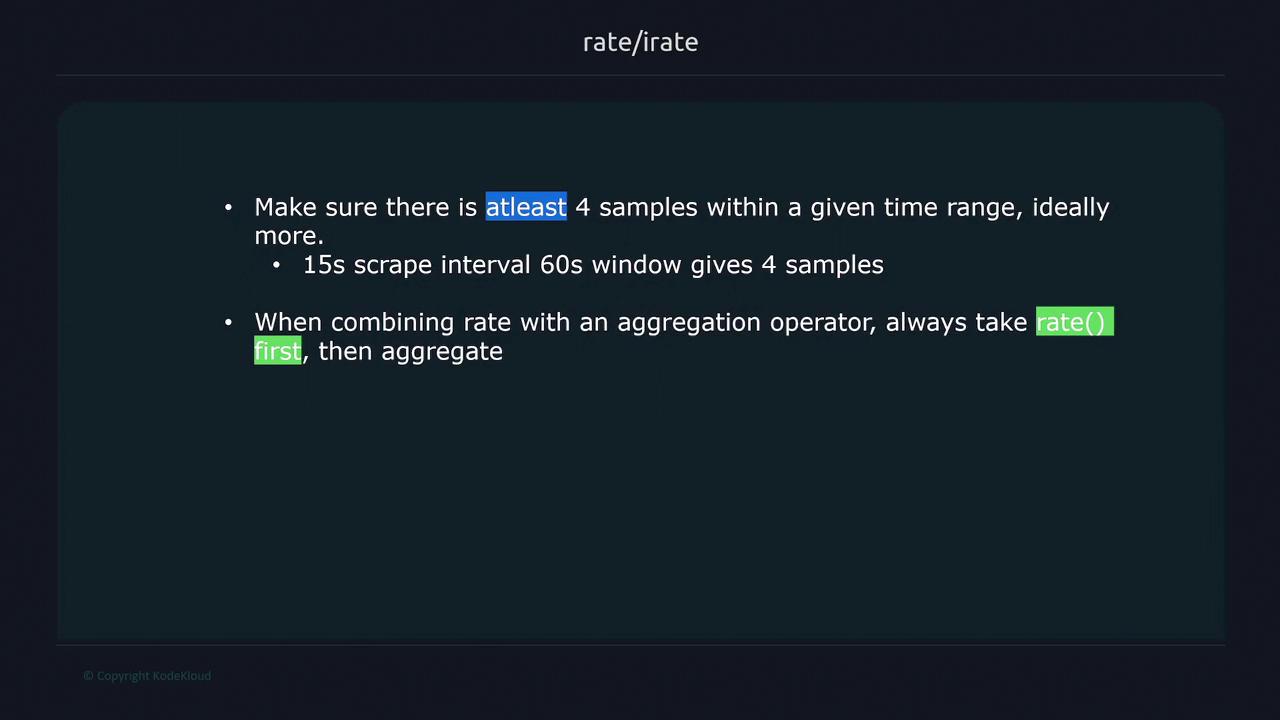
rate() function with an aggregation operator, apply rate() before the aggregation to manage counter resets effectively.
For example, consider the node_network_transmit_bytes_total counter, which displays cumulative transmitted bytes per network interface. While the raw metric steadily increases, applying the rate() function over a 1-minute window provides a clearer picture of the current rate of network traffic: