This article explains how to configure caching in Nginx to improve response times and reduce backend load.
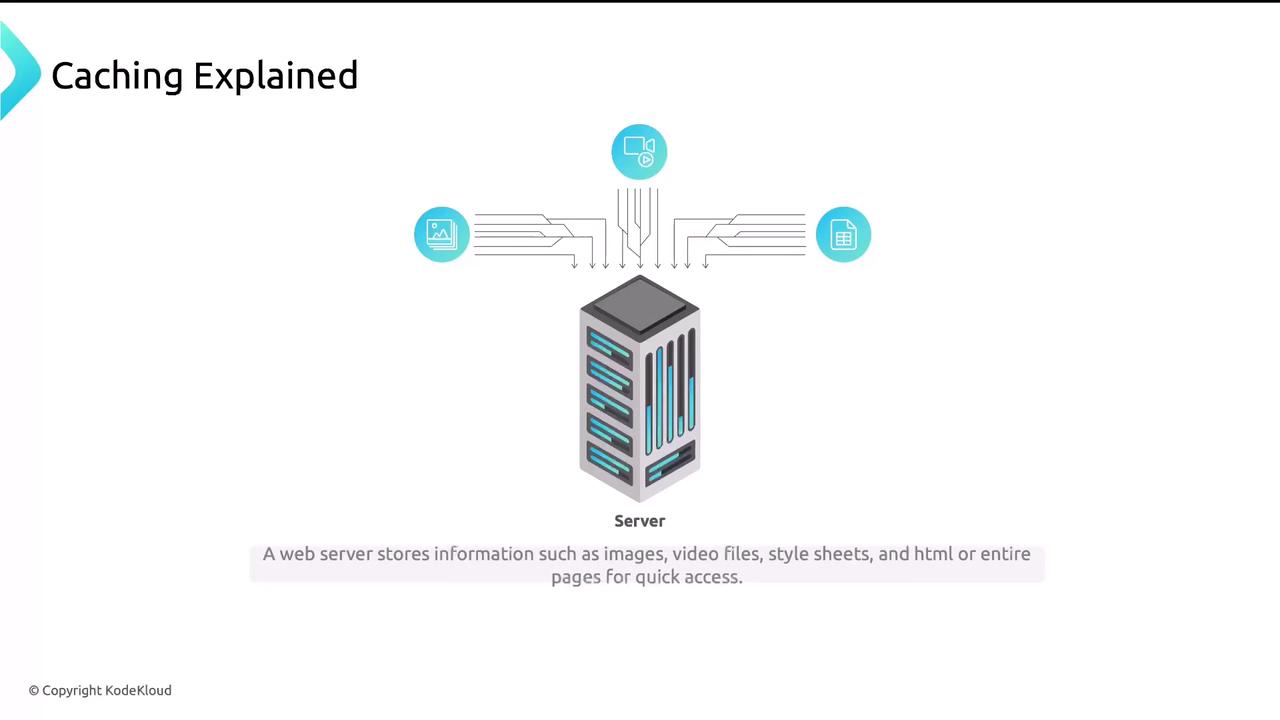
Caching helps you serve repeated requests faster by storing frequently accessed content closer to the client. Think of it like ordering the same coffee and cookie every morning: at first, the barista prepares your order on demand, but over time they have it ready before you even ask. Similarly, Nginx can remember—and quickly deliver—static or dynamic resources without hitting your backend every time.
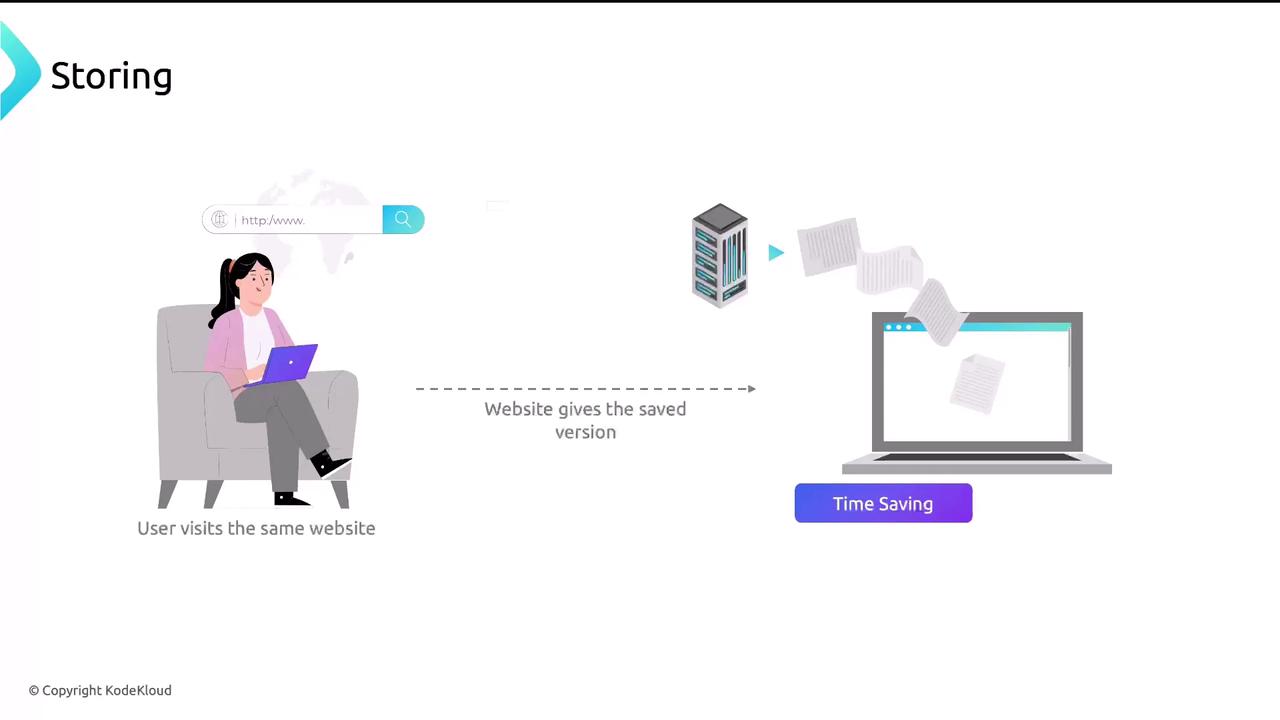
When a user revisits a website, cached assets are served directly, reducing backend load and improving response times.
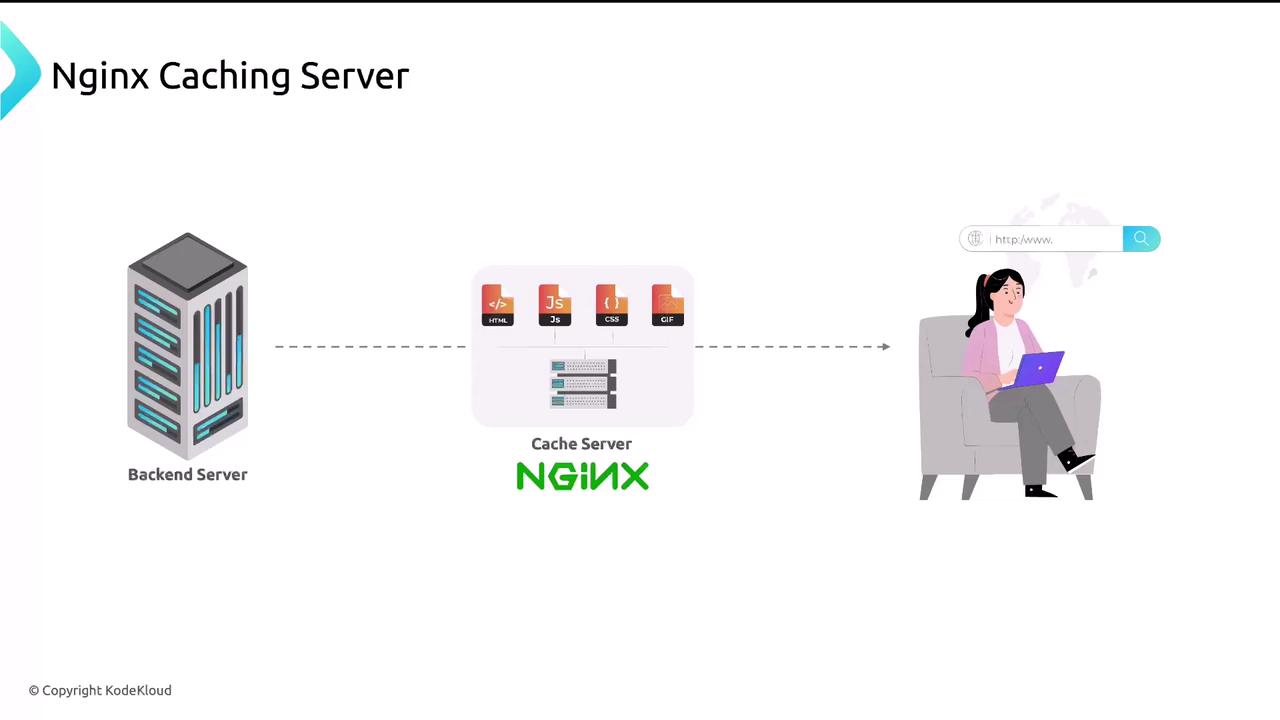
Nginx can act as both a reverse proxy and a cache server. It sits in front of your application, intercepting requests and serving cached responses whenever possible.
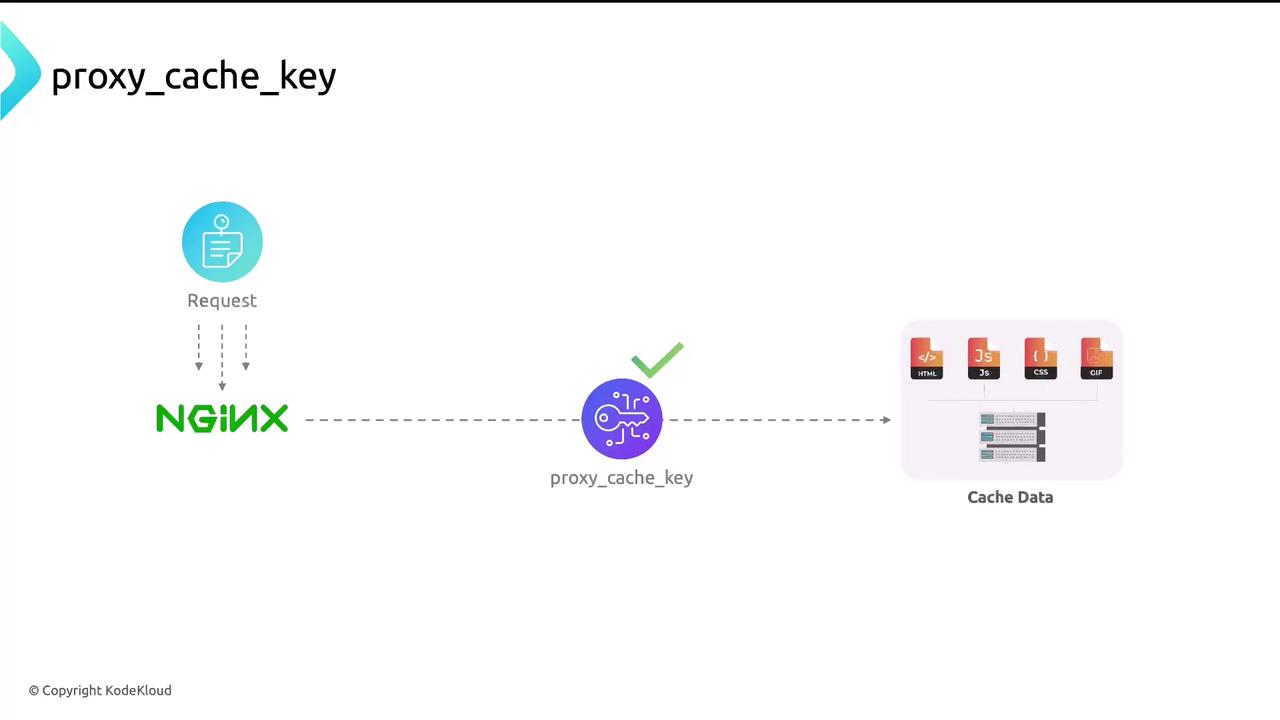
By default, Nginx uses the full request URL as the cache key. You can customize it to include protocol, HTTP method, host, and URI for better uniqueness:
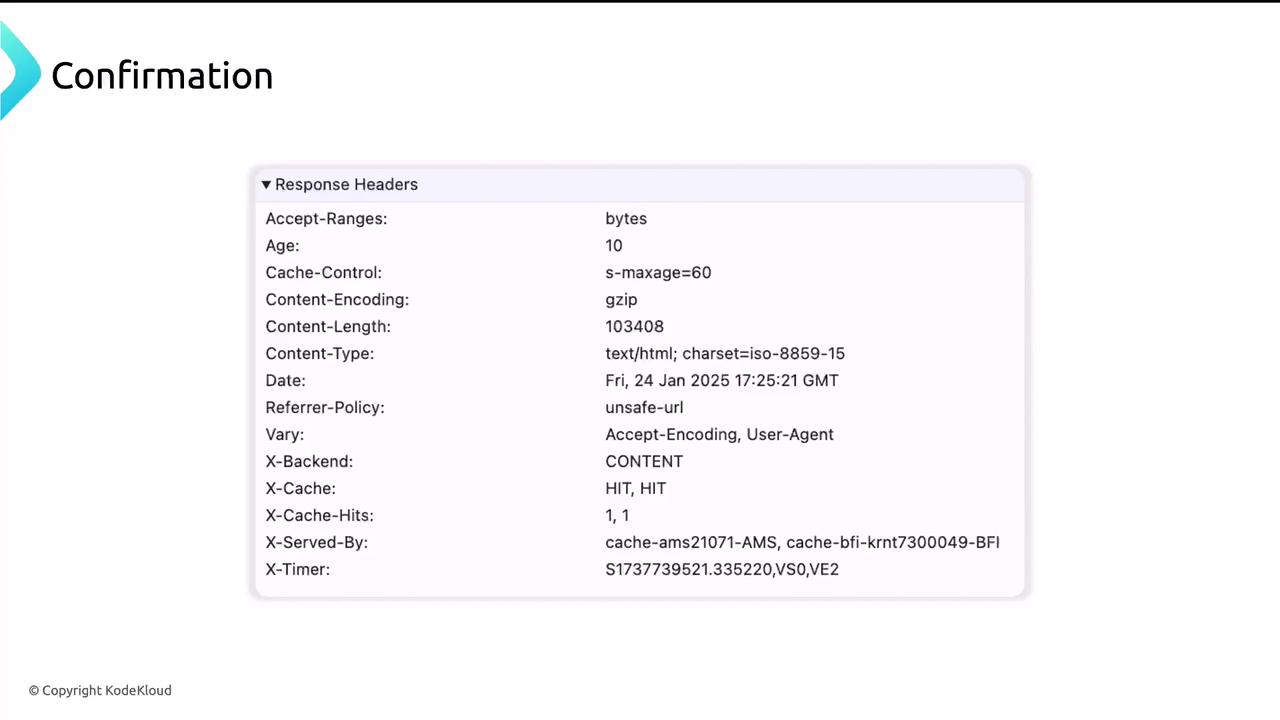
Use browser developer tools or your server logs to monitor cache hits and misses. A HIT indicates a cached response, while a MISS shows that Nginx forwarded the request upstream.