

What You’ll Learn
- Package managers: APT, YUM, Homebrew, and Windows Subsystem for Linux (WSL).
- Installing Nginx on Ubuntu, CentOS, macOS, and Windows (WSL).
- Starting, stopping, reloading, and checking the status of the Nginx service.
- Anatomy of nginx.conf: global directives, the HTTP block, and server blocks.
- Hosting a simple static site with Nginx server blocks.
- Configuring ports and securing your site with UFW.
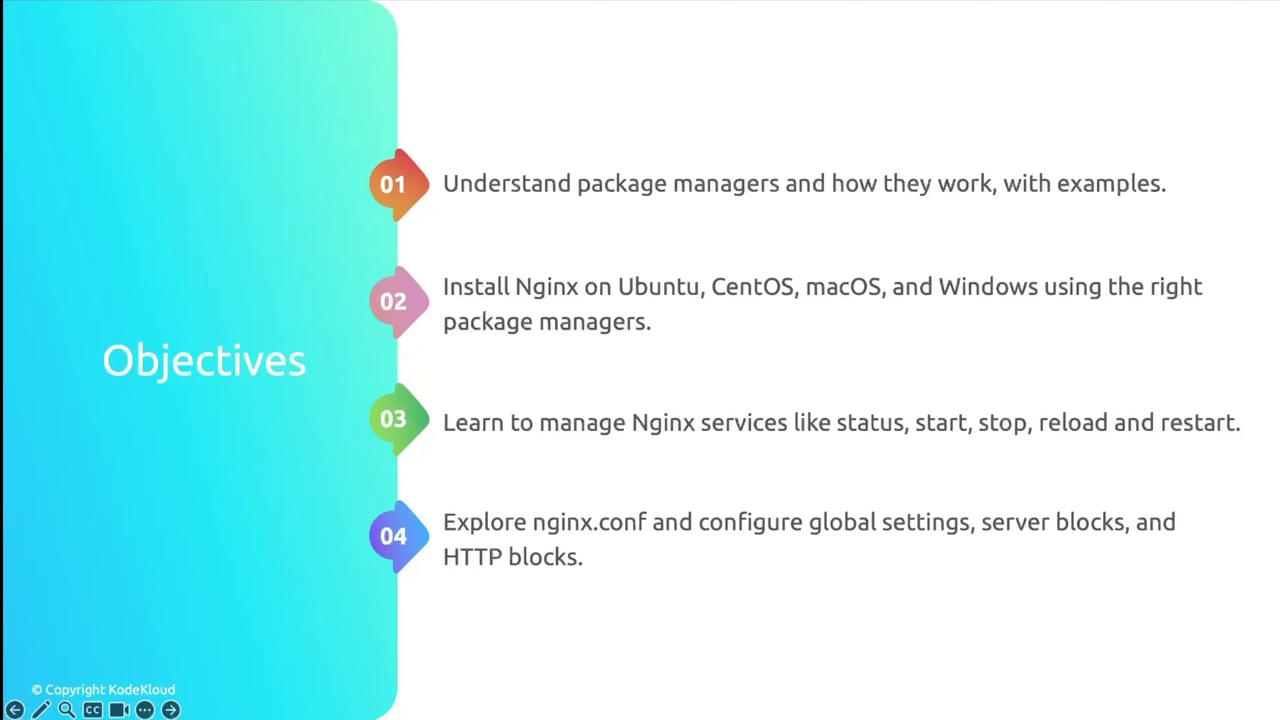
We’ll begin by exploring package managers and installing Nginx. Then, we’ll cover service management, dive into the configuration file, set up a static website, and finish with firewall security using UFW.
1. Package Manager Overview
Choose the appropriate package manager for your OS:| Operating System | Package Manager | Install Nginx Command |
|---|---|---|
| Ubuntu | APT | sudo apt update && sudo apt install nginx |
| CentOS/RHEL | YUM or DNF | sudo yum install epel-release && sudo yum install nginx |
| macOS | Homebrew | brew update && brew install nginx |
| Windows (WSL) | APT | sudo apt update && sudo apt install nginx |
Ensure you have administrative privileges (
sudo) before running installation commands.2. Installing Nginx
We’ll cover step-by-step instructions for:- Ubuntu & Debian
- CentOS & RHEL
- macOS (Homebrew)
- Windows WSL
Next, we’ll manage the Nginx service, explore nginx.conf, host a static site, and secure your server with UFW.