

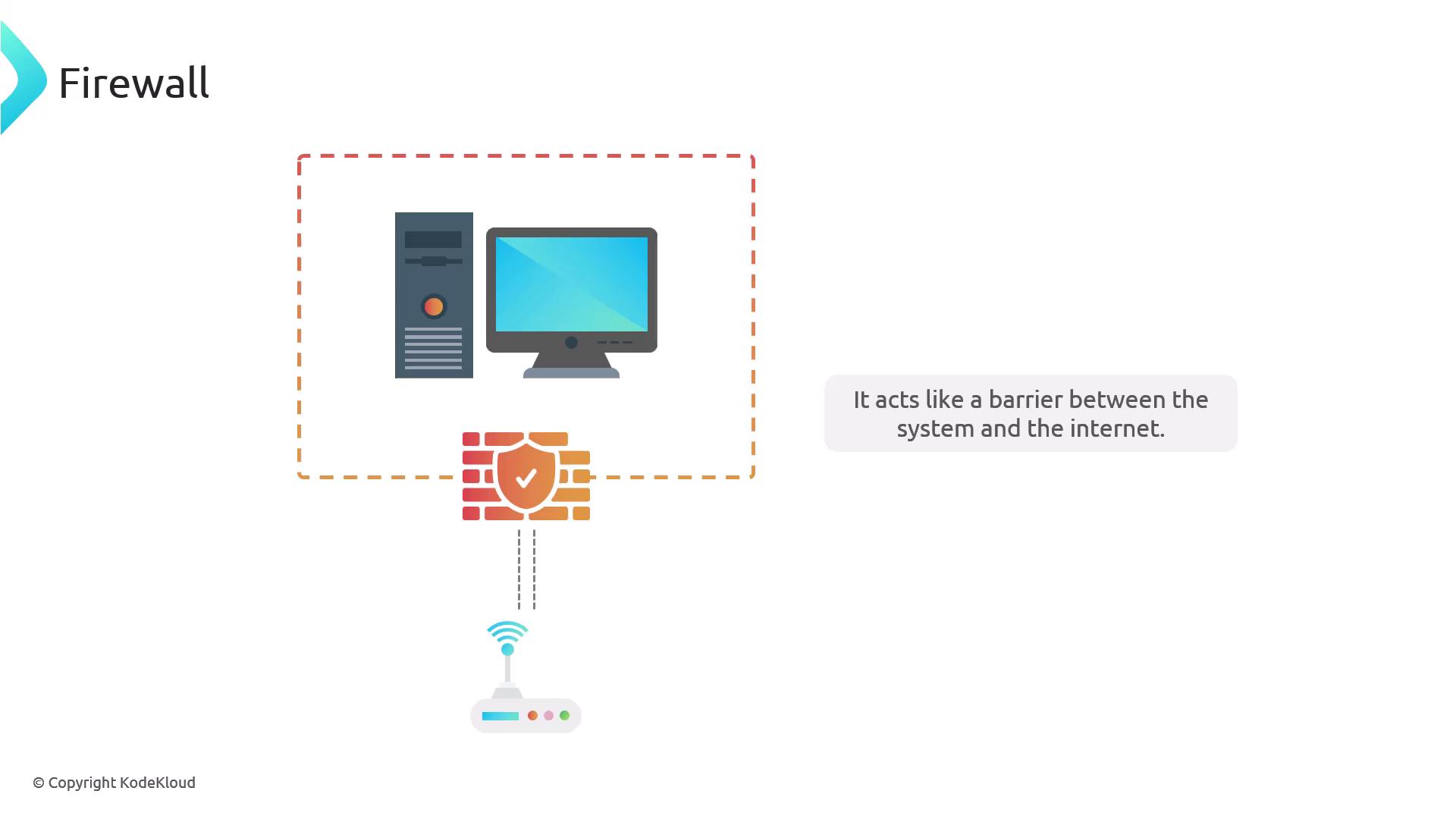
Built-In Firewalls Across Operating Systems
Debian & Ubuntu (UFW)
Debian and Ubuntu include the Uncomplicated Firewall (UFW), which is disabled by default—permitting all traffic until activated.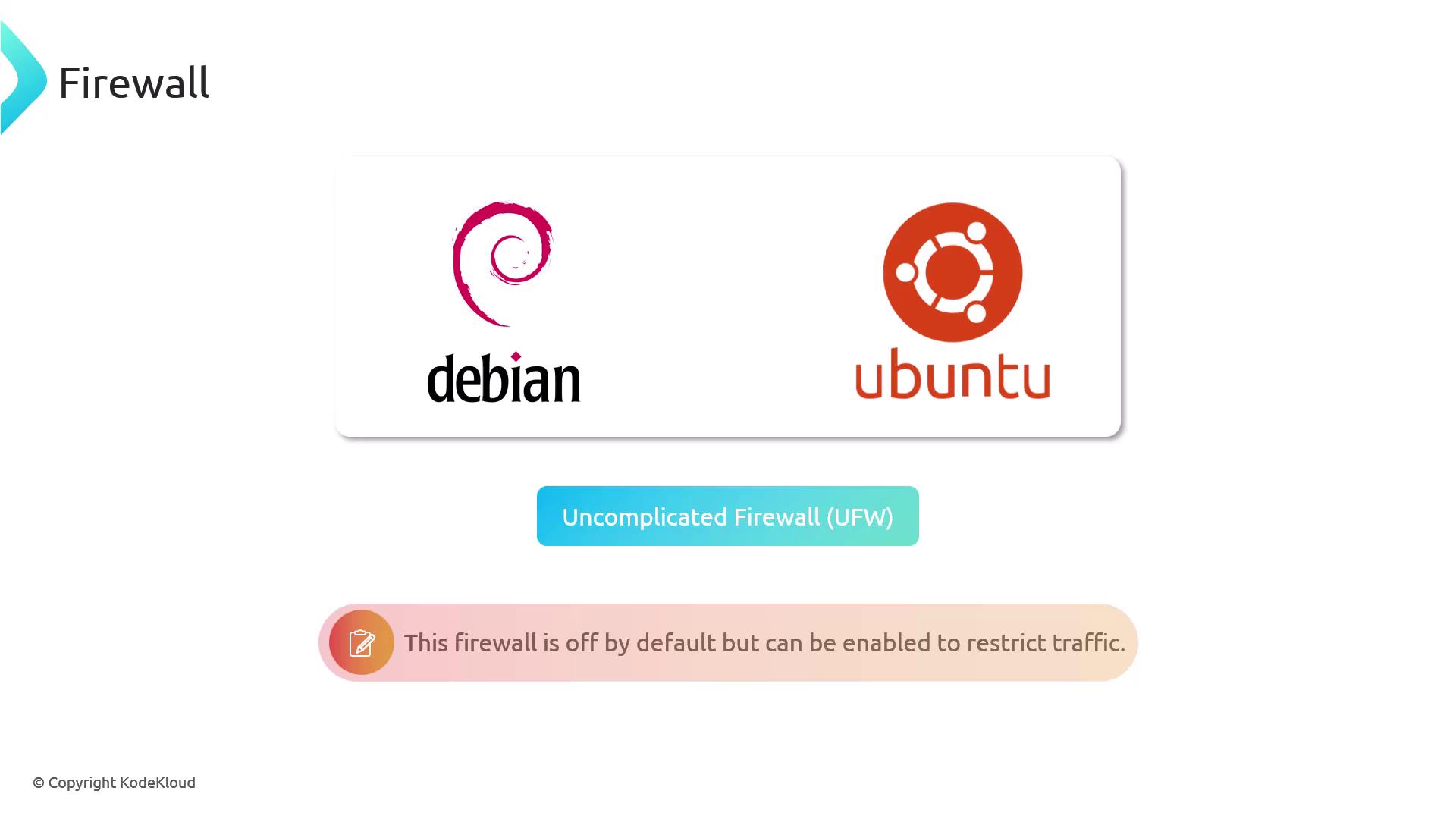
Red Hat & Fedora (firewalld)
Red Hat and Fedora rely on firewalld, also off by default. Install or enable it with YUM or DNF if it’s missing.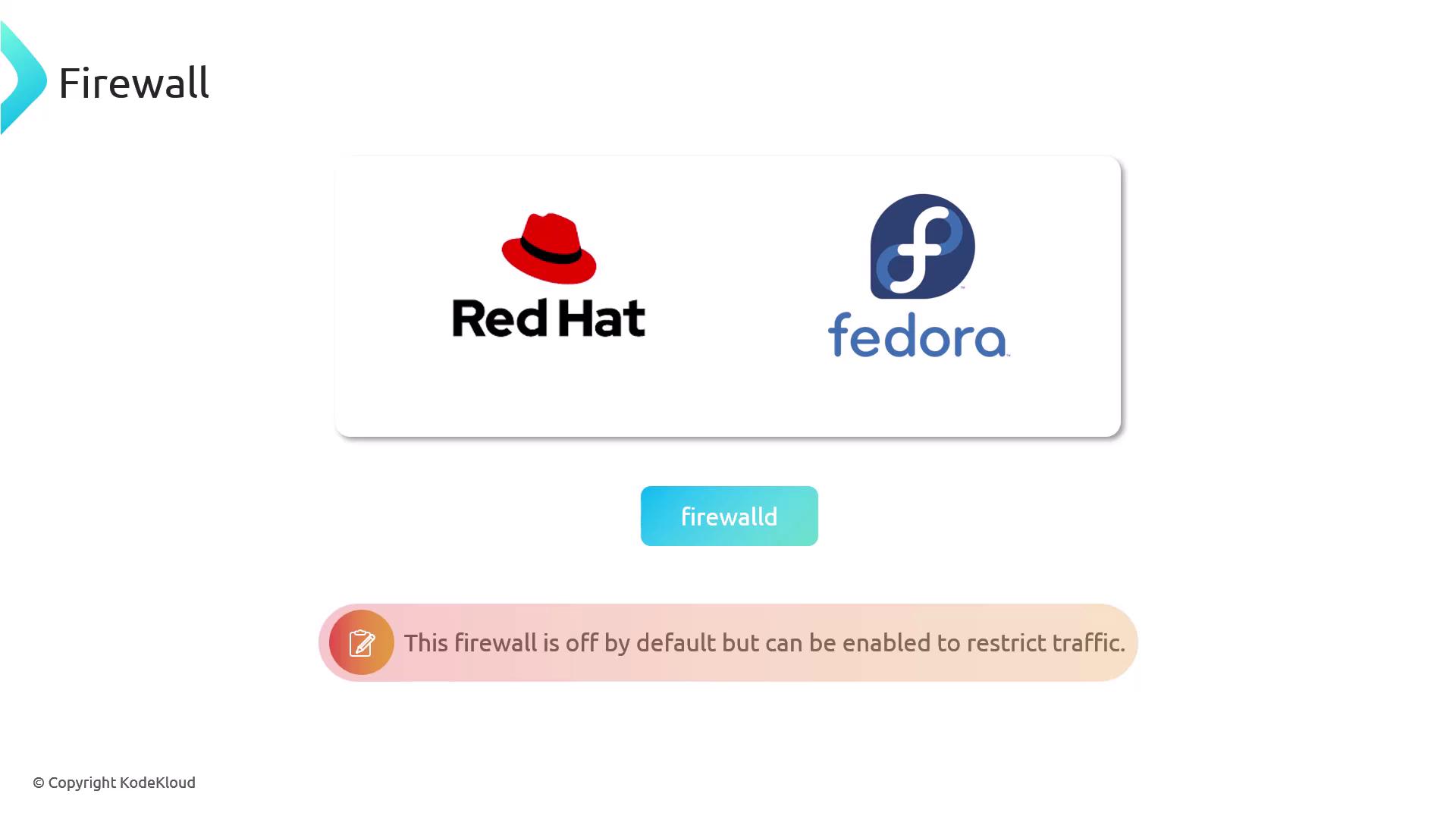
Windows & macOS
- Windows Firewall comes enabled by default.
- macOS Firewall is disabled by default but can be activated in System Preferences.
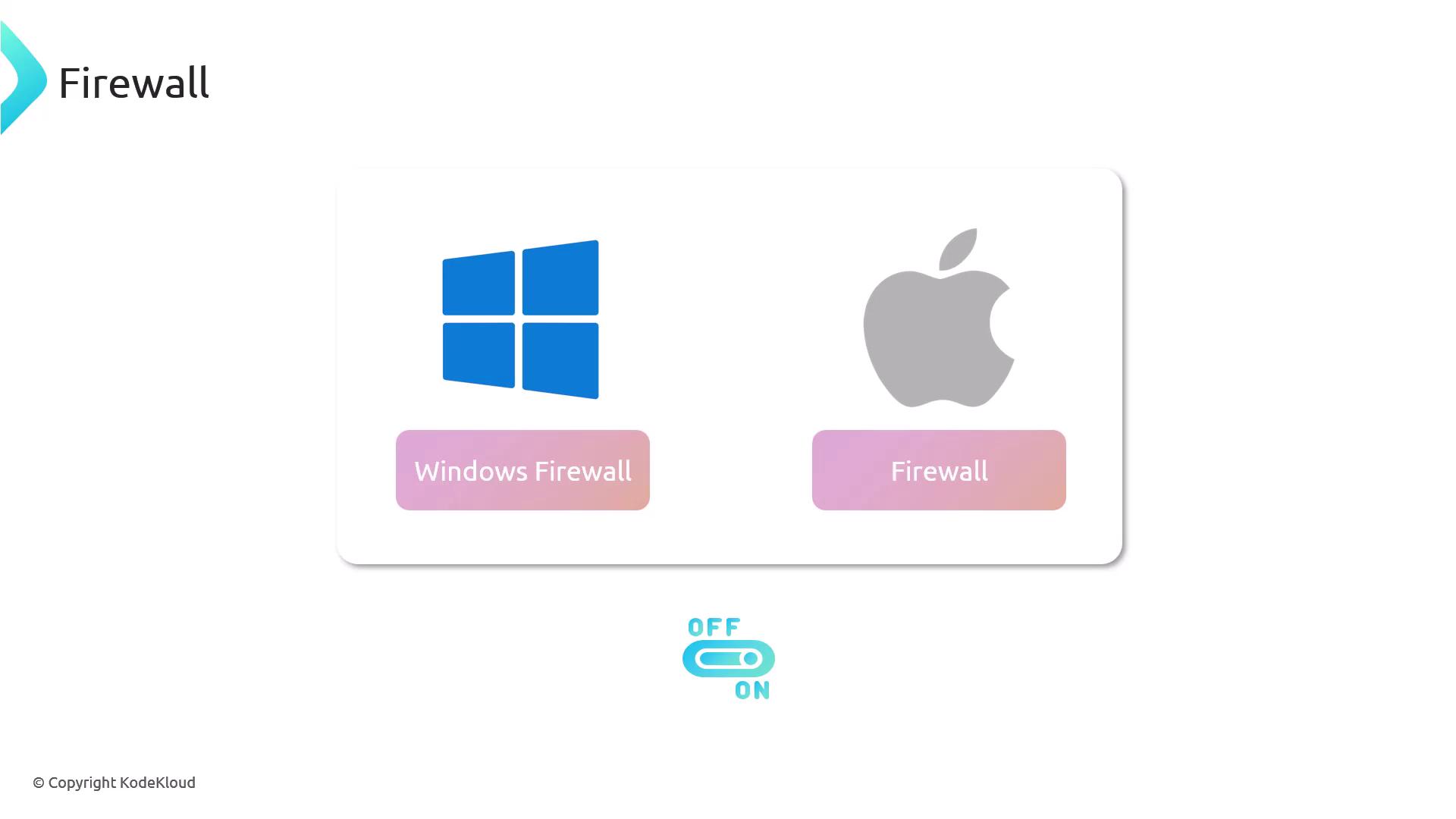
Always keep your firewall enabled to reduce the attack surface of your server.
Understanding Ports
A port is a logical communication endpoint—think of it as a “door” or “window” in your network. Each service listens on a specific port number.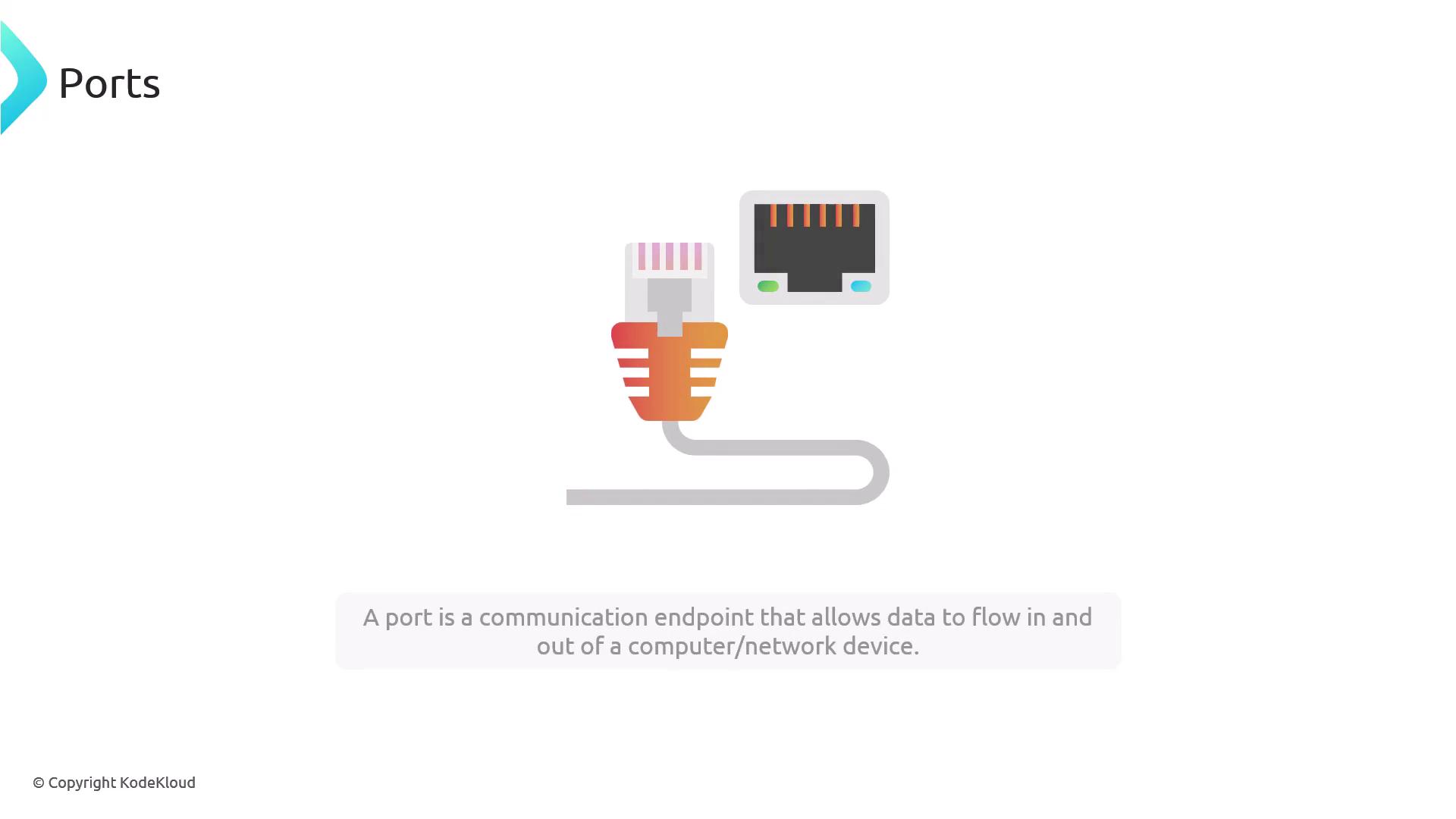
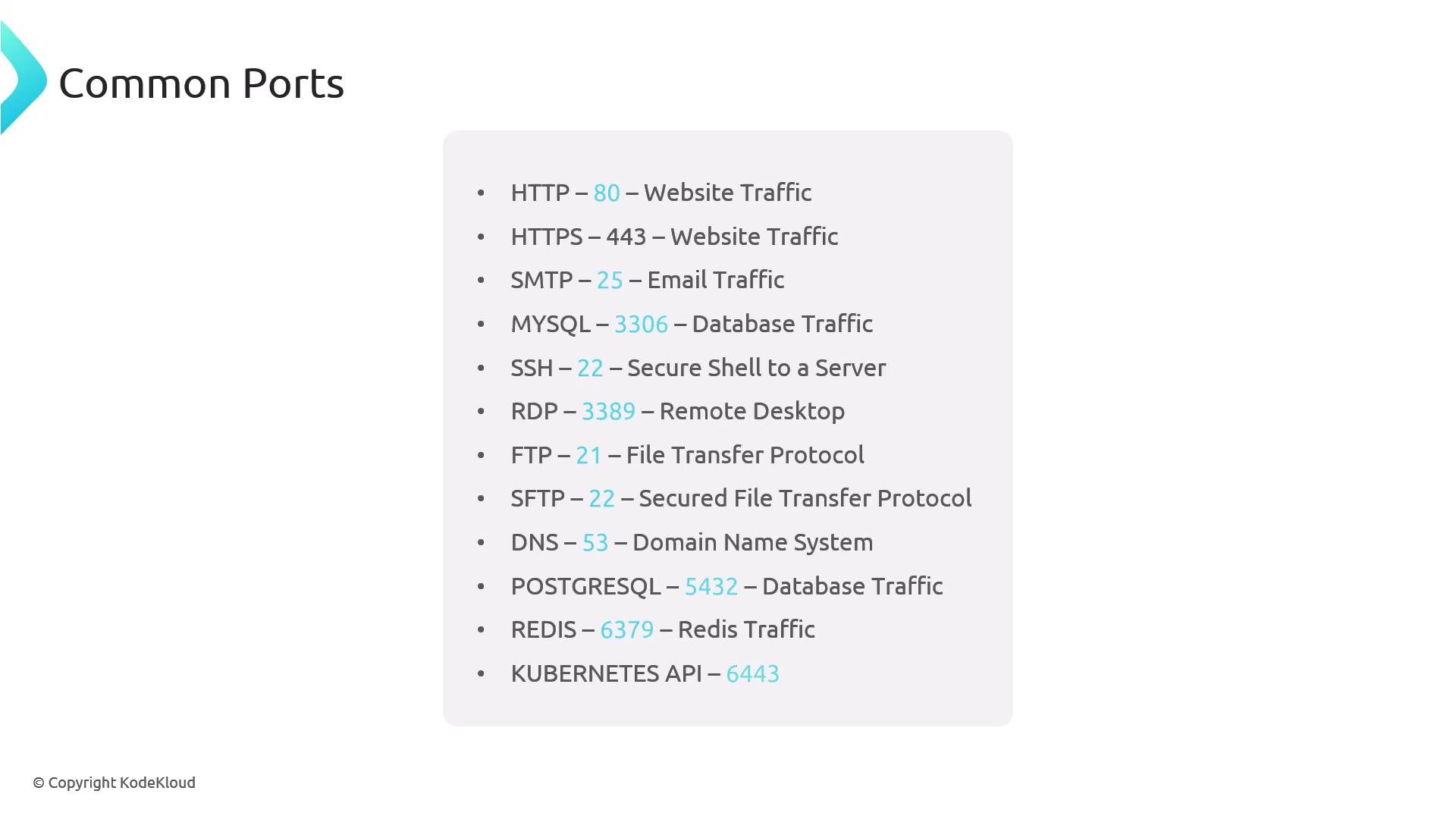
- HTTP traffic → port 80
- HTTPS traffic → port 443
| Port | Service | Description |
|---|---|---|
| 22 | SSH | Secure shell access |
| 25 | SMTP | Email delivery |
| 53 | DNS | Domain name resolution |
| 80 | HTTP | Unencrypted web traffic |
| 443 | HTTPS | Encrypted web traffic |
Managing UFW on Debian/Ubuntu
- Allow SSH first to prevent lockout:
- Enable UFW:
- Open HTTP and HTTPS:
- Reload to apply:
- View rules with indices:
- Delete a specific rule:
Managing firewalld on Red Hat/Fedora
- Install (if needed):
- Start and enable at boot:
- Open port permanently (e.g., HTTP):
- Remove a port:
- Check active zones and ports:
Inspecting Open Ports with netstat
netstat lists active connections and listening ports. Install it if missing:
netstat helps you verify which ports your services are actively listening on—essential for troubleshooting connectivity and firewall configurations.