

Overview of Linux Login Methods
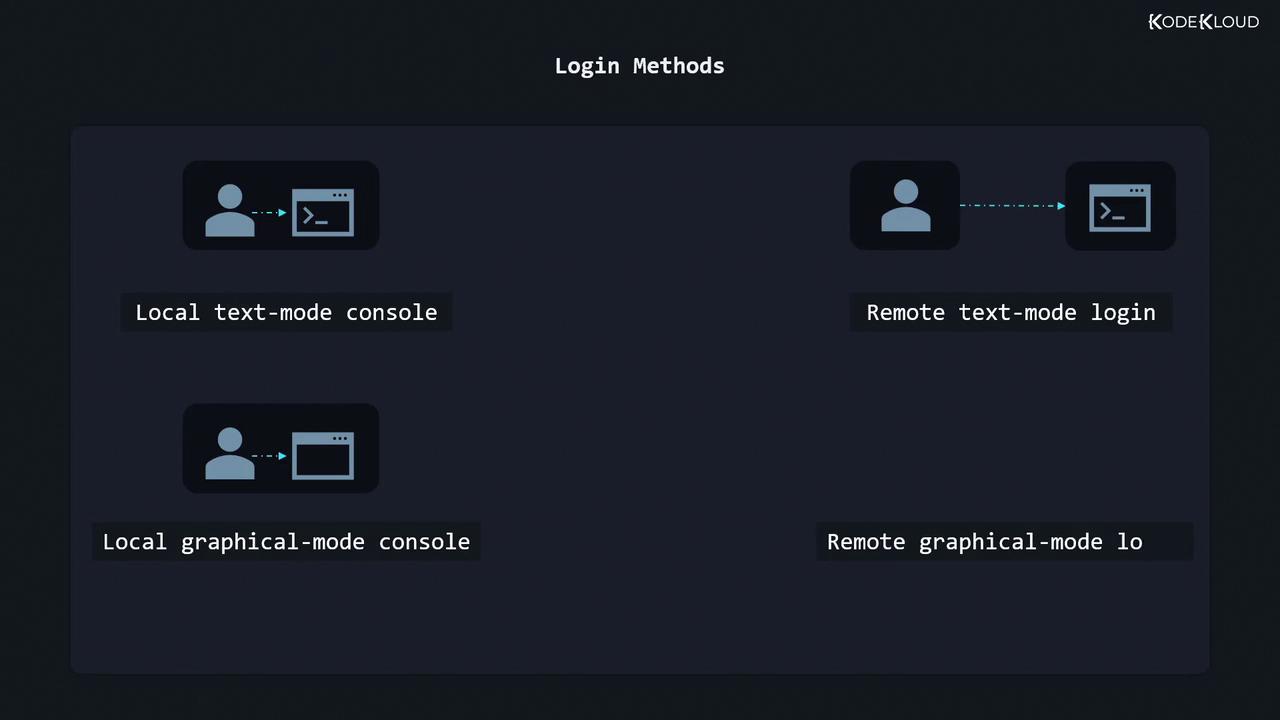
| Login Method | Interface Type | Local/Remote | Example Command |
|---|---|---|---|
| Local Graphical-Mode | GUI login screen | Local | N/A |
| Local Text-Mode | Virtual terminal | Local | N/A |
| Remote Graphical-Mode | VNC / RDP client | Remote | vncviewer server_ip:1 |
| Remote Text-Mode (SSH) | SSH terminal | Remote | ssh user@server_ip |
Console vs. Terminal Emulator
You may see these terms used interchangeably, but they refer to different layers:- Console
Historically a physical keyboard + monitor connected directly to the machine. Today, it’s the text interface you see during boot or on Ctrl+Alt+F* screens. - Virtual Terminal (VT)
A software-only console session you switch to via Ctrl+Alt+F1–F6 (or F7 for GUI). - Terminal Emulator
A graphical application (e.g., GNOME Terminal, Konsole, Windows Terminal) that mimics console behavior in a window.
Switching to a Virtual Terminal
- Press Ctrl+Alt+F2 to open
vt2. - You’ll see a login prompt:
- Enter your username and password.
1. Local Graphical-Mode Console
On desktop distributions with a GUI (GNOME, KDE, etc.), you’ll be greeted by a graphical login manager (GDM, SDDM, LightDM):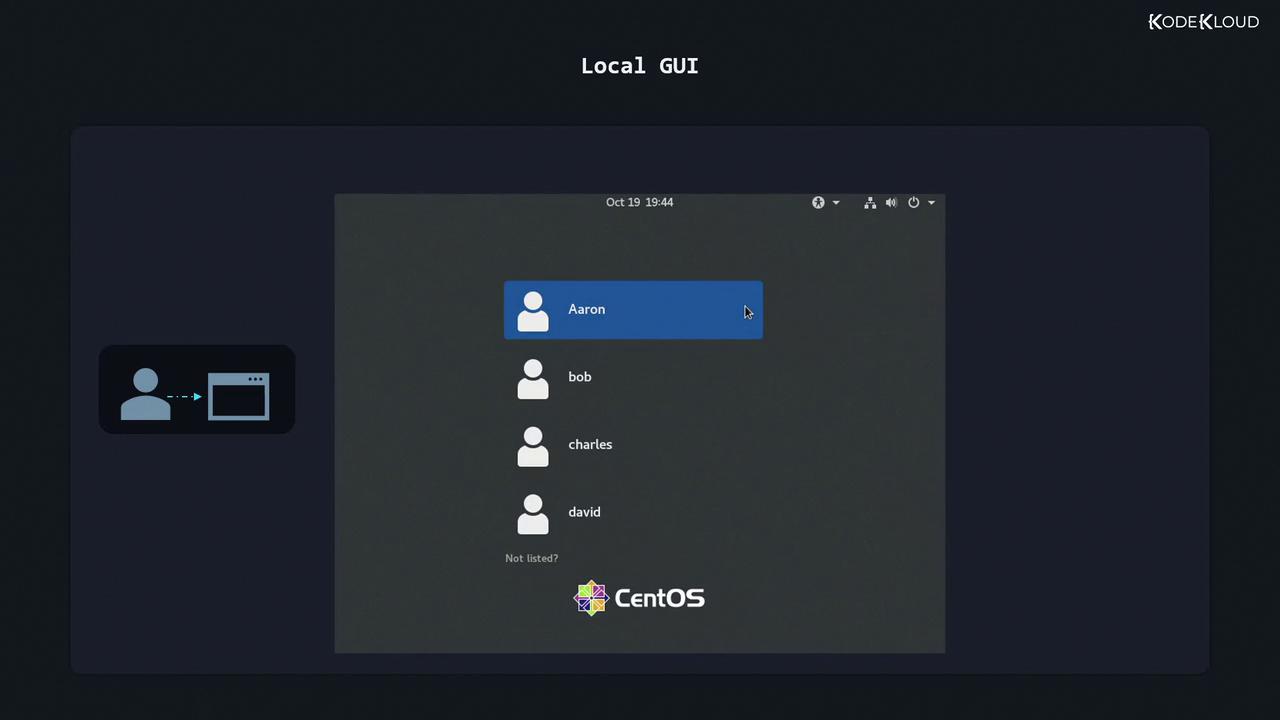
- Select your username.
- Enter your password.
- You’re now logged into your desktop session.
2. Local Text-Mode Console
Server installations often omit the GUI. Instead, you log in on a virtual terminal:Password characters are not echoed for security.
After your work, typeexitto log out of that VT session.
3. Remote Graphical-Mode Console
Remote desktop requires server-side support. Common options:- VNC (Virtual Network Computing)
- Servers: TigerVNC, RealVNC
- Clients:
vncviewer server_ip:1
- RDP (Remote Desktop Protocol)
- Servers: xrdp
- Clients: Windows Remote Desktop,
rdesktop,xfreerdp
Ensure the appropriate ports are open (e.g., TCP 5900 for VNC, TCP 3389 for RDP) and secured with strong passwords or SSH tunnels.
4. Remote Text-Mode Login (SSH)
Secure Shell (SSH) is the de facto standard for remote Linux administration. It encrypts all data, unlike Telnet.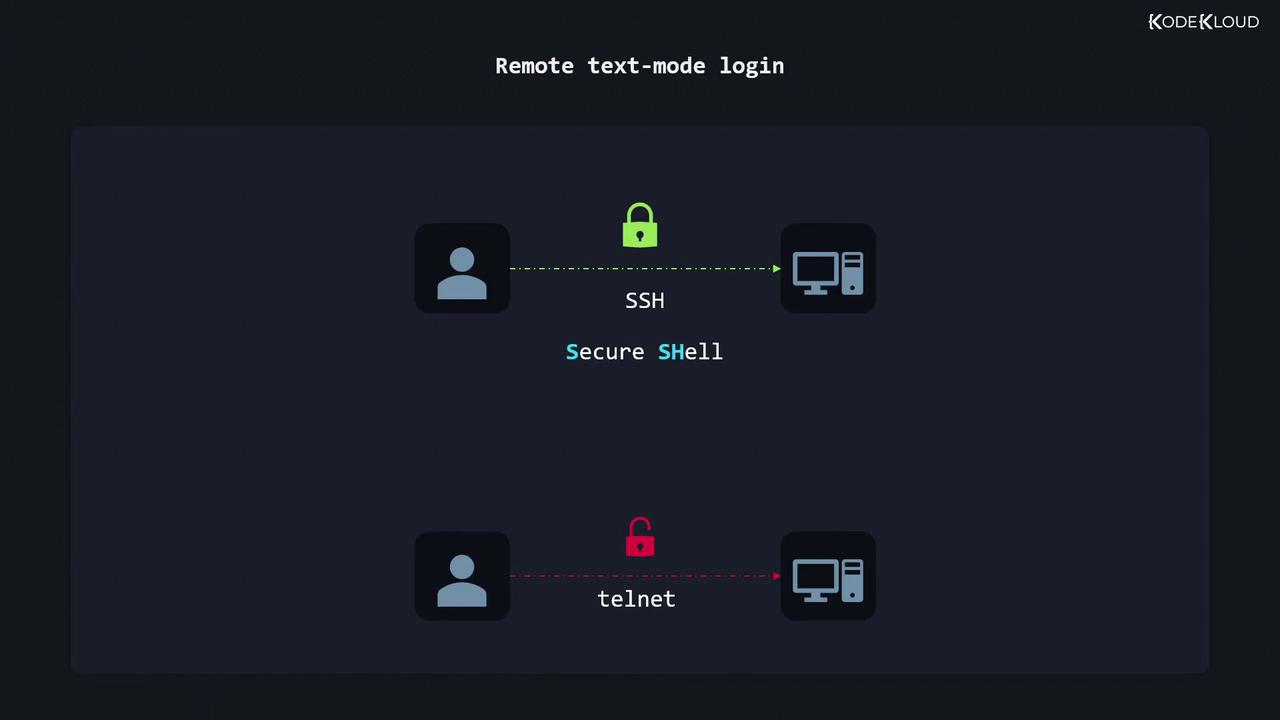
Finding Your Server’s IP Address
On the server or VM, run:inet entry on your network interface, for example:
Connecting with SSH
On Linux or macOS, open a terminal. On Windows 10+, use Command Prompt or PowerShell:aaron and 192.168.0.17 with your own username and server address.
Never use Telnet for remote administration; it transmits credentials in plaintext. Always prefer SSH or tunneled VNC/RDP.