

- Synchronizing directories over the network with rsync
- Creating full disk or partition images with dd
Synchronize Directories with rsync
rsync (remote synchronization) is a fast, versatile tool that copies files between local and remote directories while preserving permissions, timestamps, and symbolic links. It only transfers the differences between the source and destination, making repeated backups efficient.
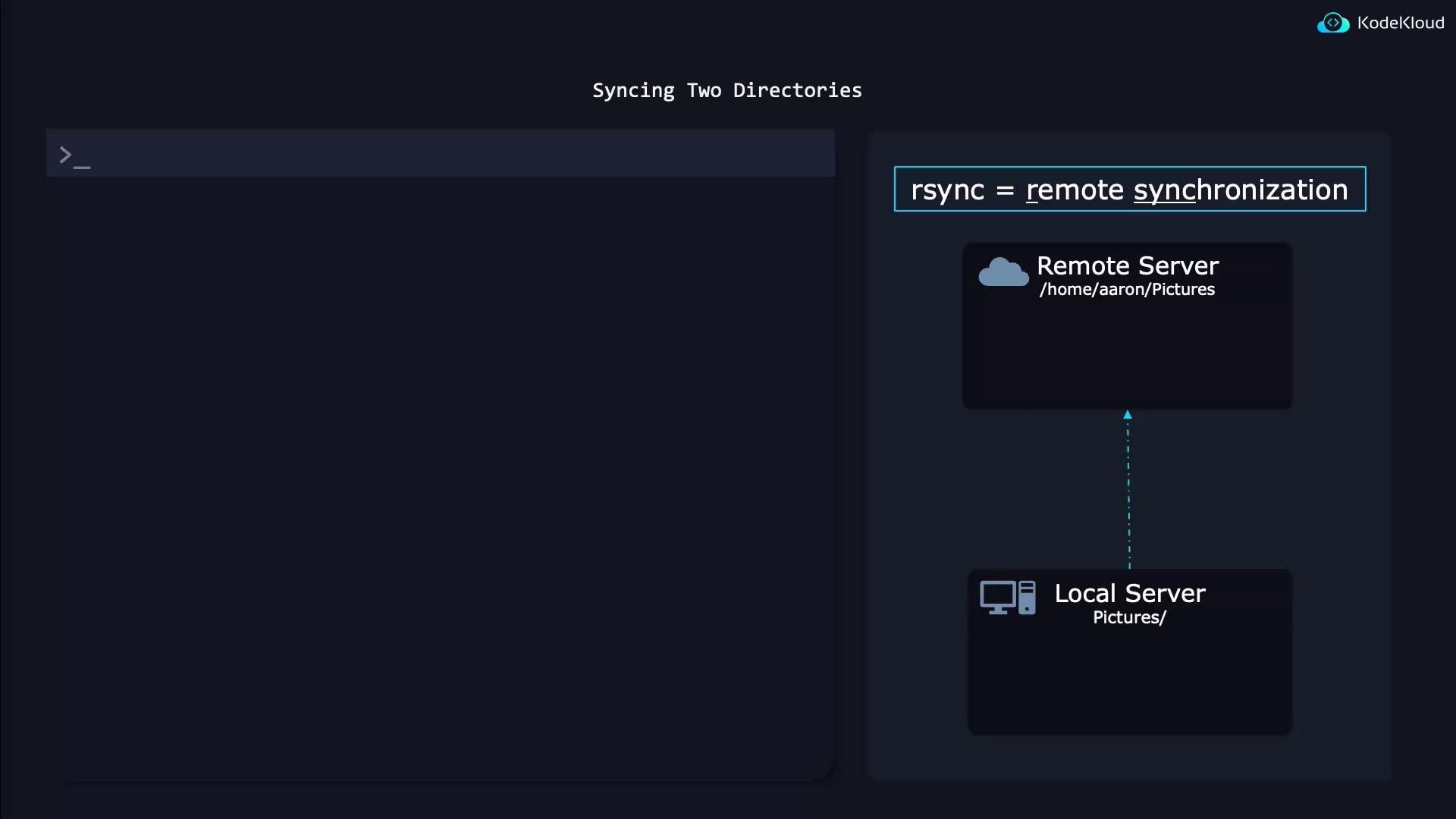
Basic Syntax
| Option | Description |
|---|---|
| -a | Archive mode: preserves symbolic links, permissions, timestamps, and recursion |
| -v | Verbose output |
| -h | Human-readable numbers |
| -P | Show progress and keep partially transferred files |
Adding a trailing slash to the source (e.g.,
~/pics/) copies contents of the directory. Omitting the slash (e.g., ~/pics) copies the directory itself.Examples
Push local directory to a remote server:Bit-by-Bit Backups with dd
When you need a complete disk or partition image (for cloning or disaster recovery), usedd. It performs a raw, byte-for-byte copy.
Always unmount the target device before creating or restoring an image with
dd to avoid data corruption.Create an Image
if=/dev/vdaInput file (source disk or partition)of=diskimage.rawOutput file (raw image)bs=1MBlock size of 1 MiB for faster transfersstatus=progressShow live progress statistics