Extended Regular Expressions (ERE) let you write more expressive patterns without backslash escapes for common operators. In this guide, you’ll learn how to use quantifiers, character classes, grouping, alternation, and negation with GNU grep (and similar tools) to craft powerful searches.
Using grep -E vs egrep Both grep -E and egrep enable ERE syntax, so you don’t need to escape +, ?, {}, or |:
Command Description grep -Er '0+' /etc/Recursively search for one or more 0 in /etc/. egrep -r '0+' /etc/Same as above using egrep.
$ grep -Er '0+' /etc/
$ egrep -r '0+' /etc/
Under the hood, egrep is equivalent to grep -E. Future versions of GNU grep may deprecate egrep.
Curly-Brace Quantifiers Curly braces let you specify exact or range-based repetition counts:
Syntax Meaning {n}Exactly n occurrences {n,}At least n occurrences {,m}At most m occurrences {n,m}Between n and m occurrences
Examples # At least three zeros $ egrep -r '0{3,}' /etc/ # One followed by up to three zeros (matches "1" as well) $ egrep -r '10{,3}' /etc/ # Exactly three zeros $ egrep -r '0{3}' /etc/
? and * Quantifiers
x? – zero or one xx* – zero or more x
To match both disable and disabled, make the final d optional:
$ egrep -r 'disable(d)?' /etc/
Character Classes and Ranges Define a set or range of characters using square brackets:
[abc] matches a, b, or c[a-z] matches any lowercase letter[0-9] matches any digit
Match cat or cut $ egrep -r 'c[au]t' /etc/
Matching Device Files under /dev A simple '/dev/.*' pattern is too greedy:
$ egrep -r '/dev/.*' /etc/
To restrict matches to letters plus an optional digit:
$ egrep -r '/dev/[a-z]+[0-9]?' /etc/
If device names include uppercase letters or multiple segments (e.g., /dev/tty0p0), use grouping and repetition to cover all cases.
$ egrep -r '/dev/([a-zA-Z]+[0-9]?)+'
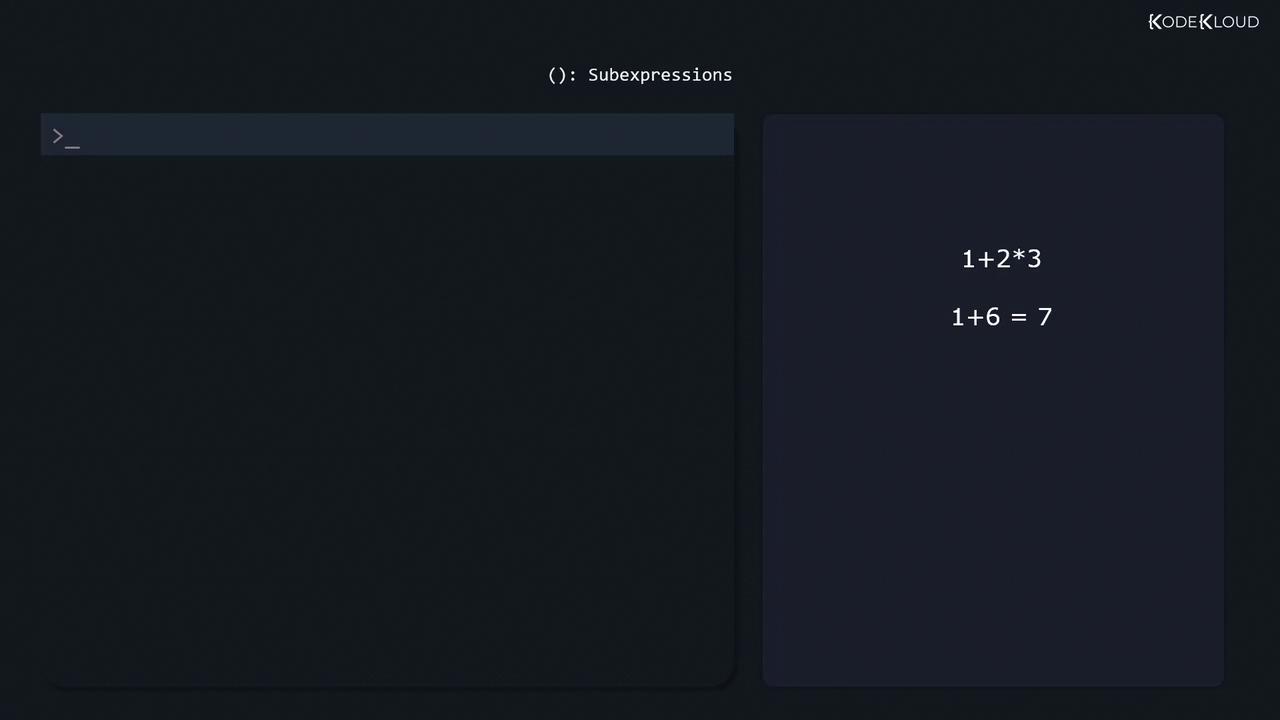
Sub-Expressions and Grouping Parentheses () treat a group of tokens as a single unit. In arithmetic:
1 + 2 * 3 = 1 + (2×3) = 7(1 + 2) * 3 = 3×3 = 9
In regex:
# Repeat a letter+digit group one or more times
$ egrep -r '/dev/([a-zA-Z]+[0-9]?)+'
Alternation with | Use | to match one pattern or another.
# Match "enabled" or "disabled"
$ egrep -r 'enabled|disabled' /etc/

# Case-insensitive mix with optional "d"
$ egrep -ir 'enable(d)?|disable(d)?' /etc/
Negated Character Classes Prefix a class with ^ to invert it:
# "http" not followed by "s"
$ egrep -r 'http[^s]' /etc/

# Slash not followed by a lowercase letter
$ egrep -r '/[^a-z]' /etc/
Most Linux utilities support ERE or similar syntax:
Tool Use Case sedStream editing awkField-based text processing Text editors Interactive search & replace
For interactive testing, try Regexr .
References Happy pattern crafting!


![The image shows a dark-themed interface with a command line prompt and examples of character ranges or sets, such as [a-z] and [0-9]. The text "KodeKloud" is visible in the corner.](https://kodekloud.com/kk-media/image/upload/v1752881478/notes-assets/images/Linux-System-Administration-for-Beginners-Extended-Regular-Expressions/dark-theme-command-line-character-sets.jpg)