OpenAI Vision integrates computer vision and language understanding for image interpretation, generation, and manipulation through the OpenAI Vision API.
OpenAI Vision combines advanced computer vision and language understanding to interpret, generate, and manipulate images through the OpenAI Vision API. Whether you’re building accessibility tools, automation pipelines, or creative applications, Vision models like GPT-4 Vision and DALL·E provide powerful multimodal capabilities.
Computer vision models unlock new horizons for automation, creativity, and multimodal AI interactions:
Expanding AI’s Domain
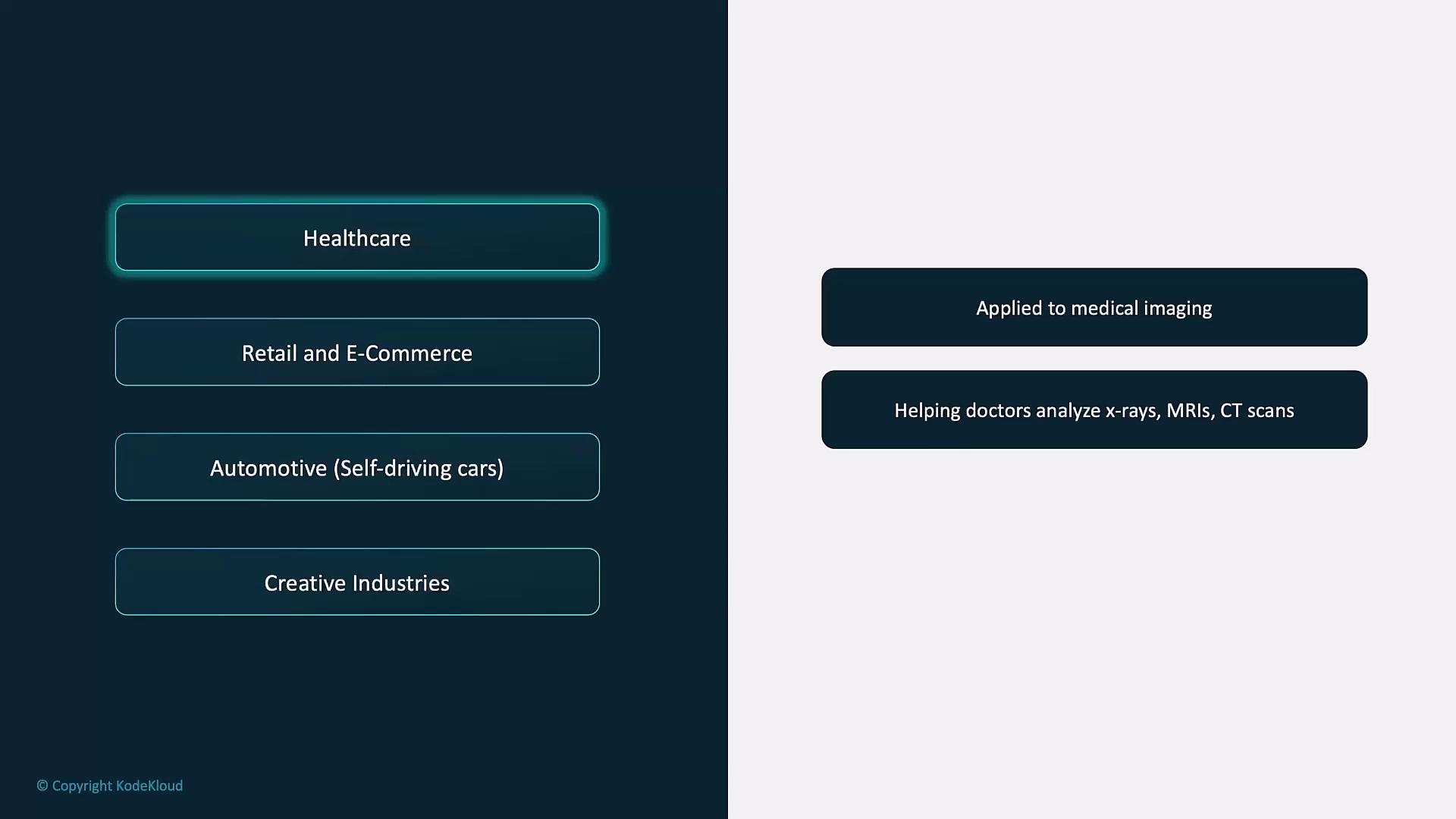
Vision brings AI into healthcare, retail, manufacturing, and creative arts—industries where images and visual data are central. For example, radiology AI can flag anomalies in X-rays or MRIs for faster diagnosis.
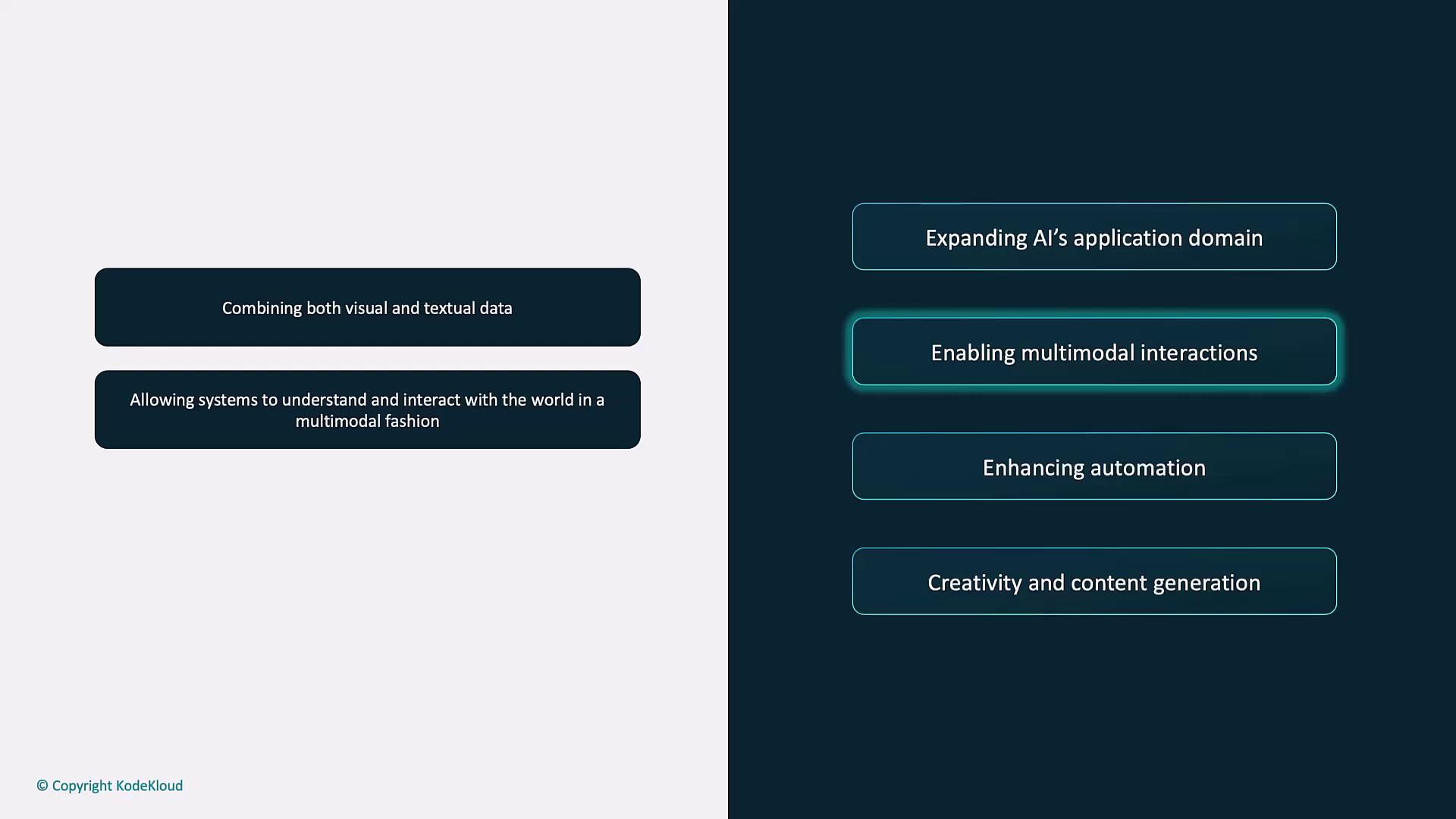
Enabling Multimodal Interactions
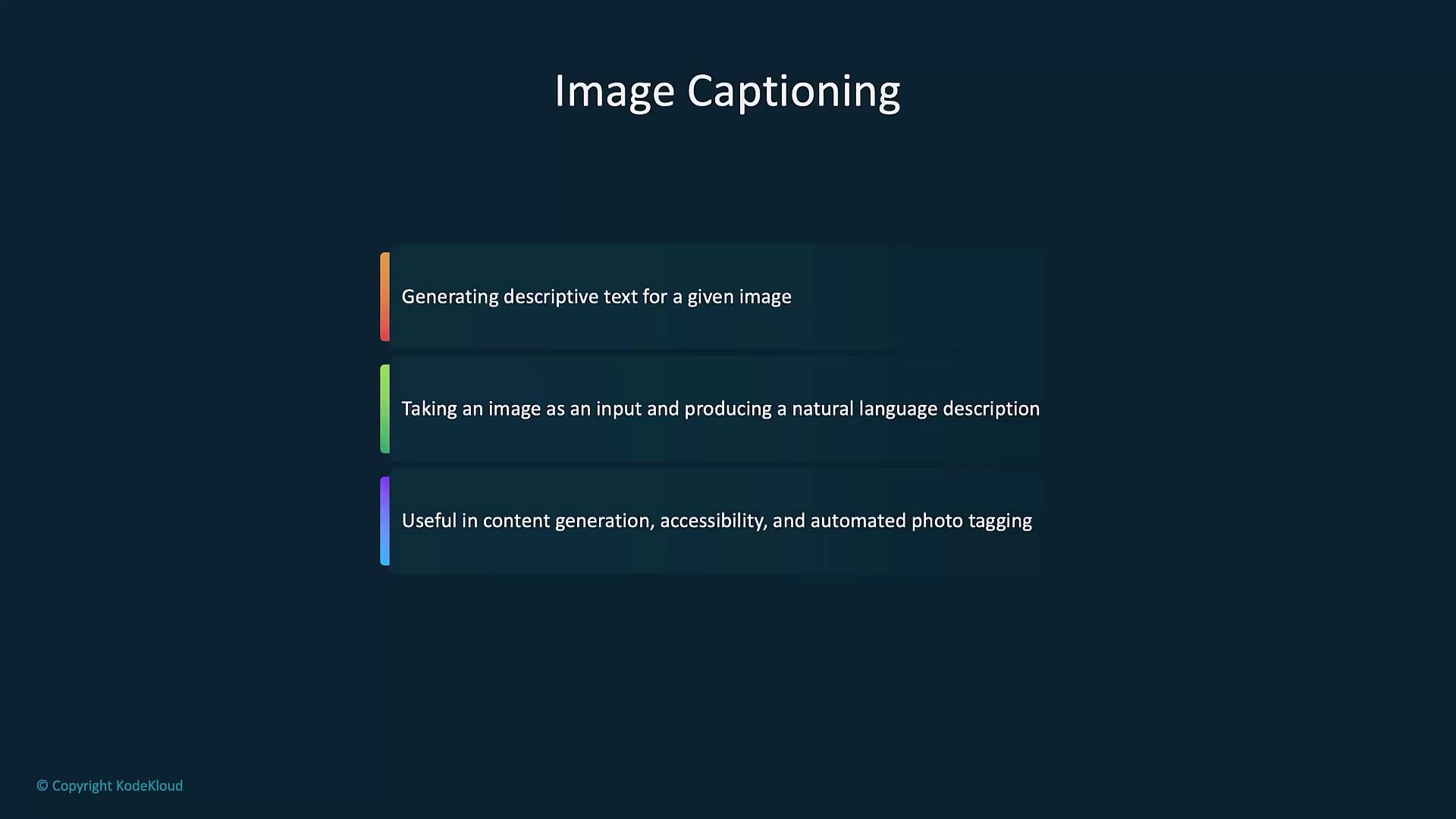
By combining visual and textual inputs, you can generate captions, answer questions about a photo, or build richer chat experiences.
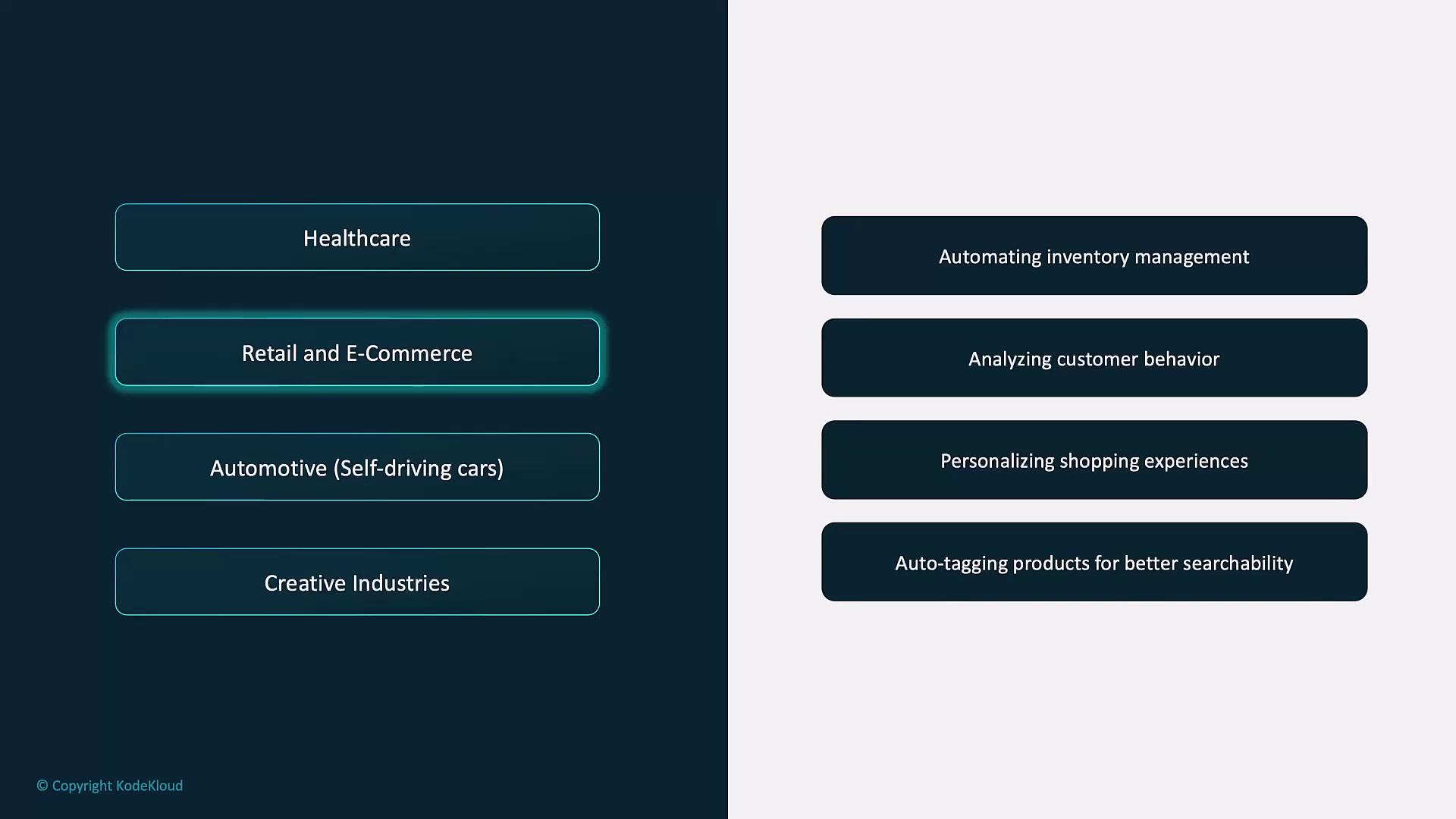
Example: A virtual assistant analyzes a product image and returns detailed descriptions or personalized recommendations.
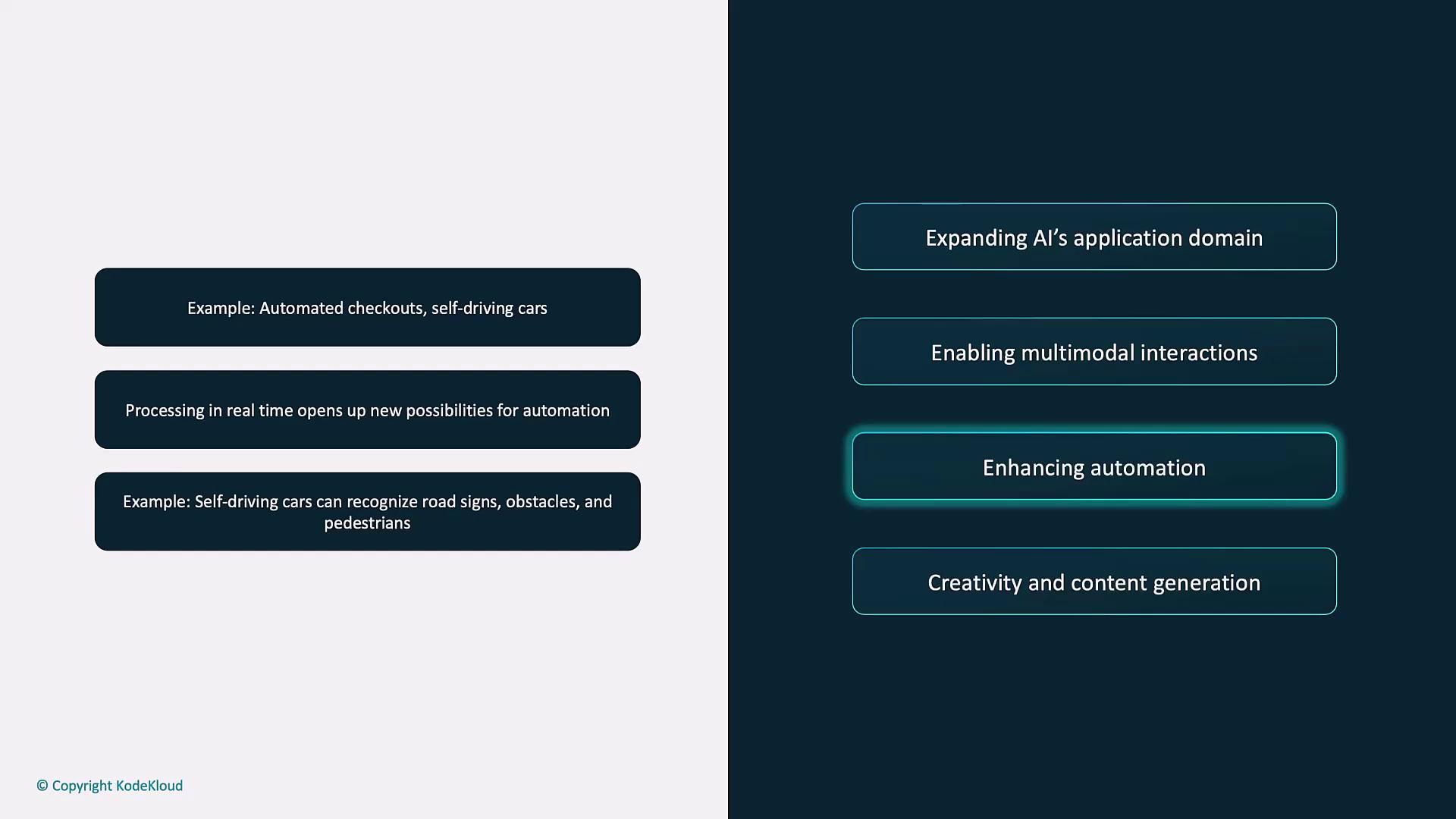
Enhancing Automation
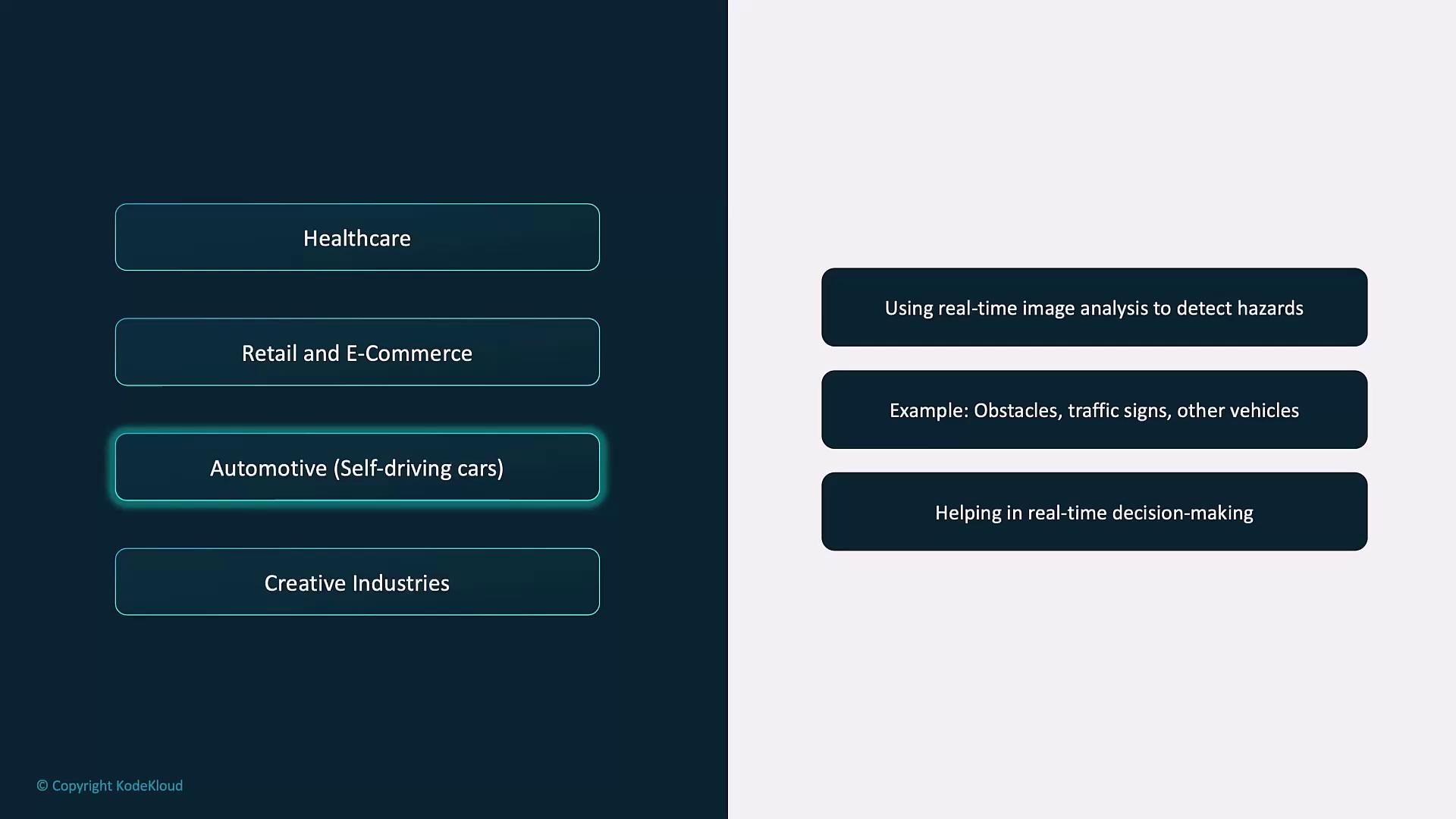
From cashier-less retail checkouts to autonomous vehicles, real-time image recognition powers new workflows.
Example: A self-driving car uses Vision API to identify road signs, obstacles, and pedestrians for safe navigation.
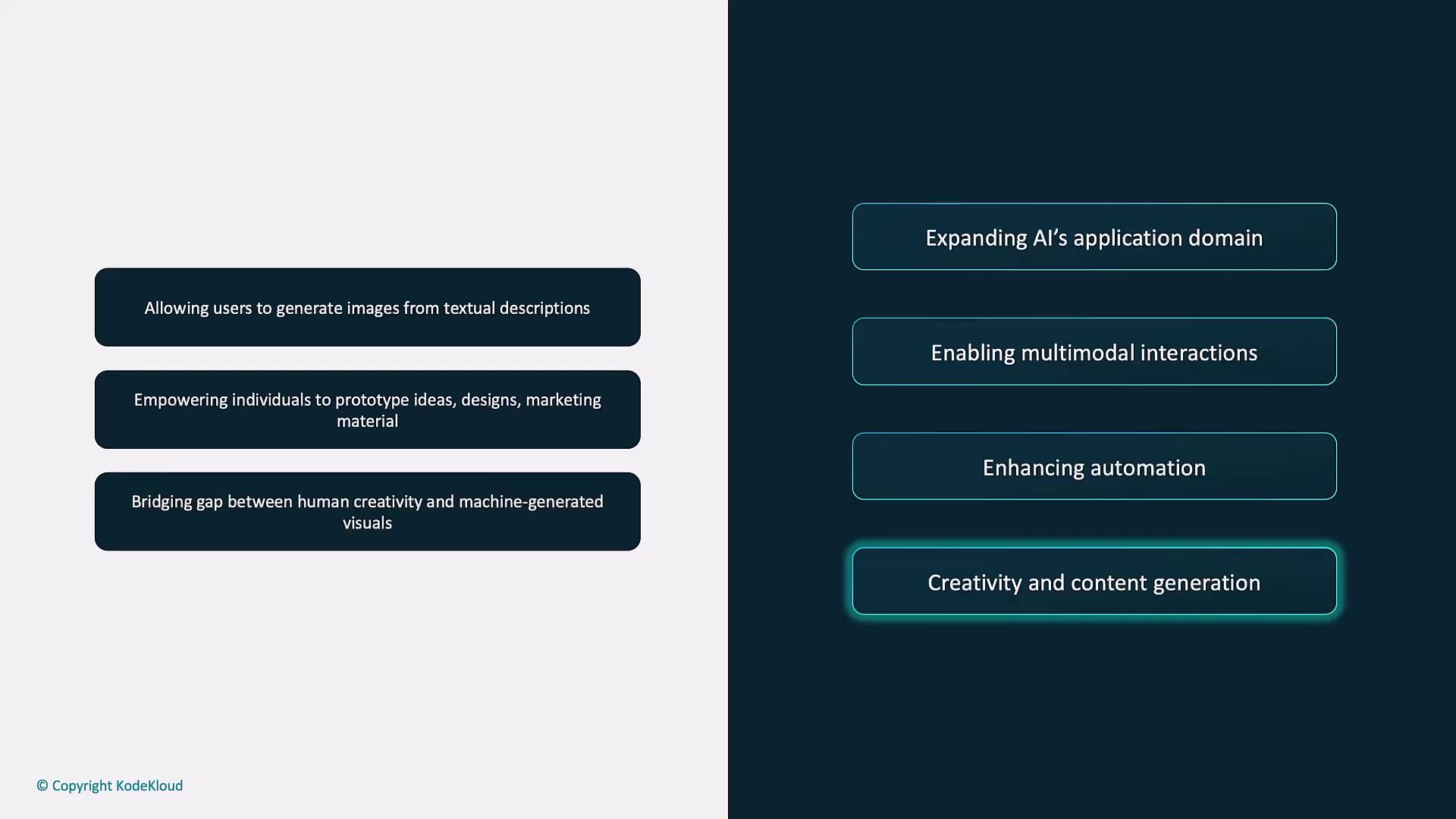
Boosting Creativity and Content Generation
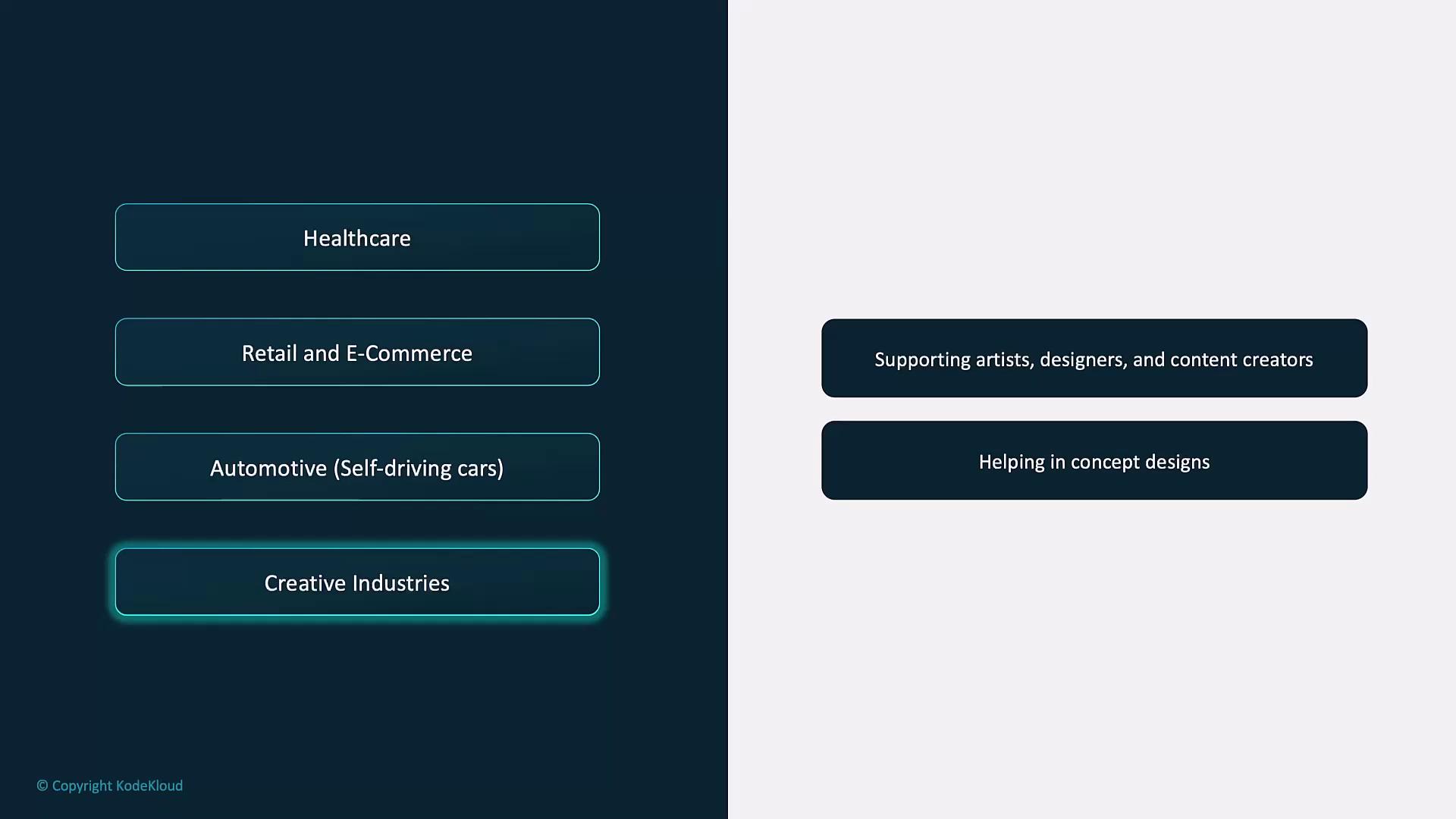
Tools like DALL·E transform text prompts into vivid images—ideal for prototyping designs, marketing visuals, or original artwork.
Example: Describe a futuristic cityscape and DALL·E generates an inspiring concept image.
All examples assume access to a vision-capable GPT-4 model (for instance, gpt-4-vision) or the DALL·E endpoints. Make sure your API key has the proper scopes enabled.
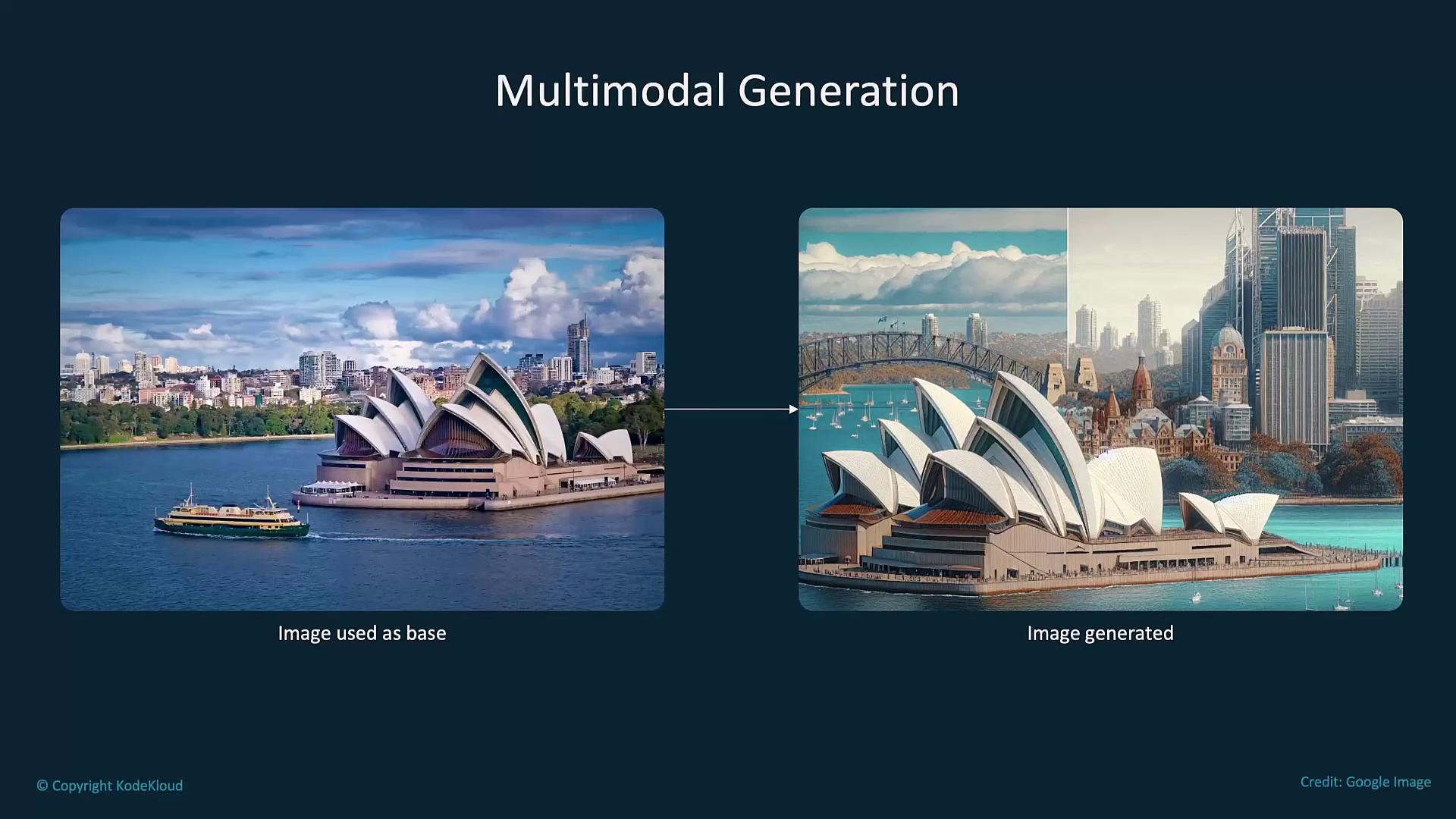
Combine text and images for creative editing, image-to-sketch transformations, or custom visualizations.
Copy
Ask AI
import openaidef generate_image_from_sketch(image_url, text_description): response = openai.images.generate( model="dall-e-3", prompt=f"Use the following image as a base: {image_url}. Add these details: {text_description}", size='1024x1024' ) return response.data[0].urlimage_url = "https://example.com/path/to/sketch.jpg"description = "Add a bright blue sky and detailed buildings in the background."print("Generated Image URL:", generate_image_from_sketch(image_url, description))