Overview of the Assistants API
The Assistants API (currently in beta) provides a simple way to register and interact with AI assistants. Before you begin, review the official Assistants API documentation and explore the Assistant Playground for a no-code experience.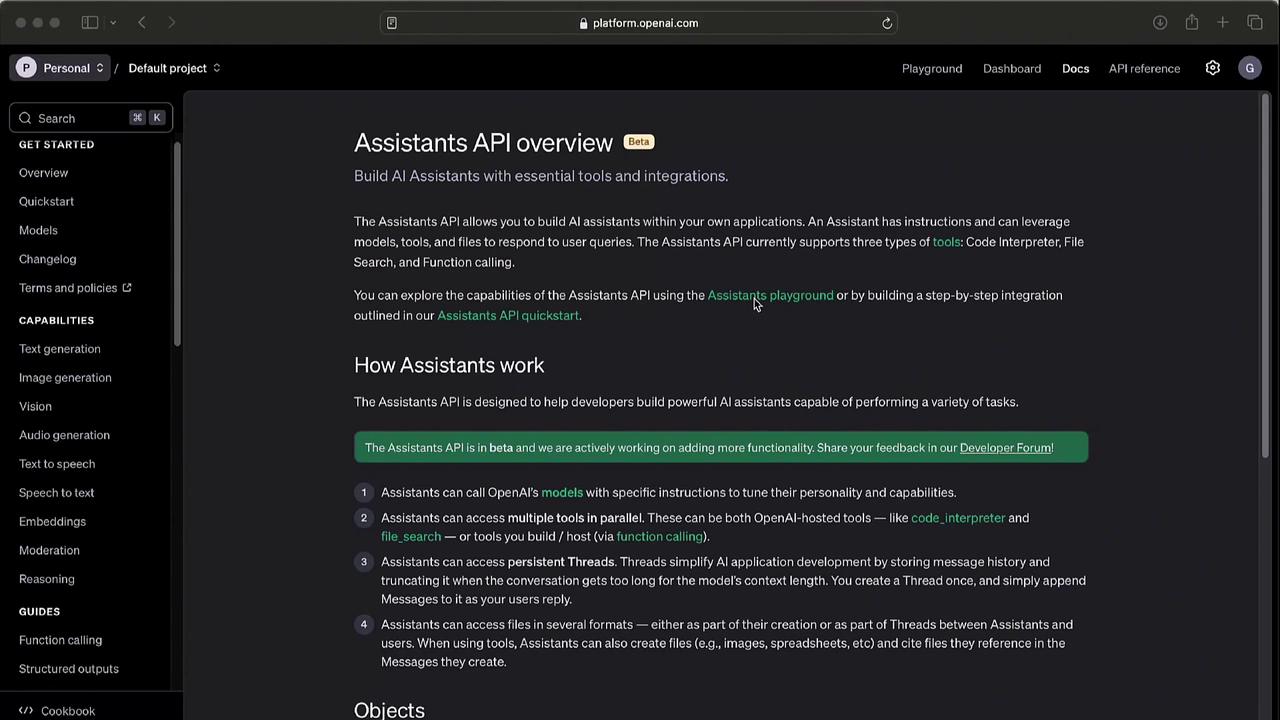
The Assistants API is in beta. Endpoints and parameters may change as we improve functionality. Keep your integration up to date by regularly checking the documentation.
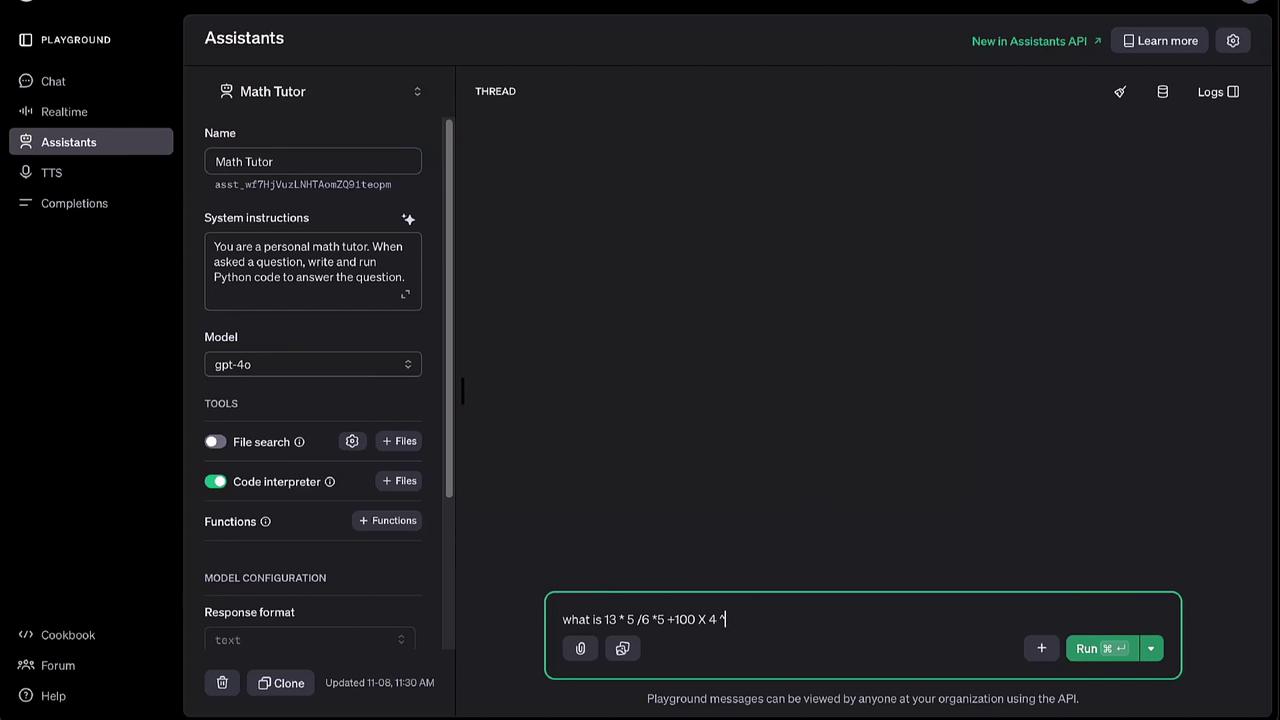
Using the Assistant Playground
The Assistant Playground offers an interactive UI to:- Configure models and tools
- Set system instructions
- Name your assistant
- Run quick tests
Creating an Assistant with Python
To get started programmatically, install the OpenAI Python package and initialize the client:| Parameter | Description | Example |
|---|---|---|
| name | Friendly assistant name | "Math Tutor" |
| instructions | System-level prompt guiding the assistant | "You are a personal math tutor..." |
| model | OpenAI model to power the assistant | "gpt-4" |
| tools | Enabled integrations or plugins | {"type": "code_interpreter"} |
Handling Streaming Responses
For real-time output, subclassAssistantEventHandler and override event methods:
You can run this handler in any IDE (e.g., Visual Studio Code). Streaming makes the assistant feel more interactive by printing results as they arrive.
Testing Your Assistant
Let’s test the “Math Tutor” with a sample expression in the Playground or via API calls:What is 13 times 5 divided by 6, times 5, plus 100 times 4 to the power of 2?