This article provides a comprehensive guide on Gos I/O library, focusing on Reader and Writer interfaces with practical examples for various data operations.
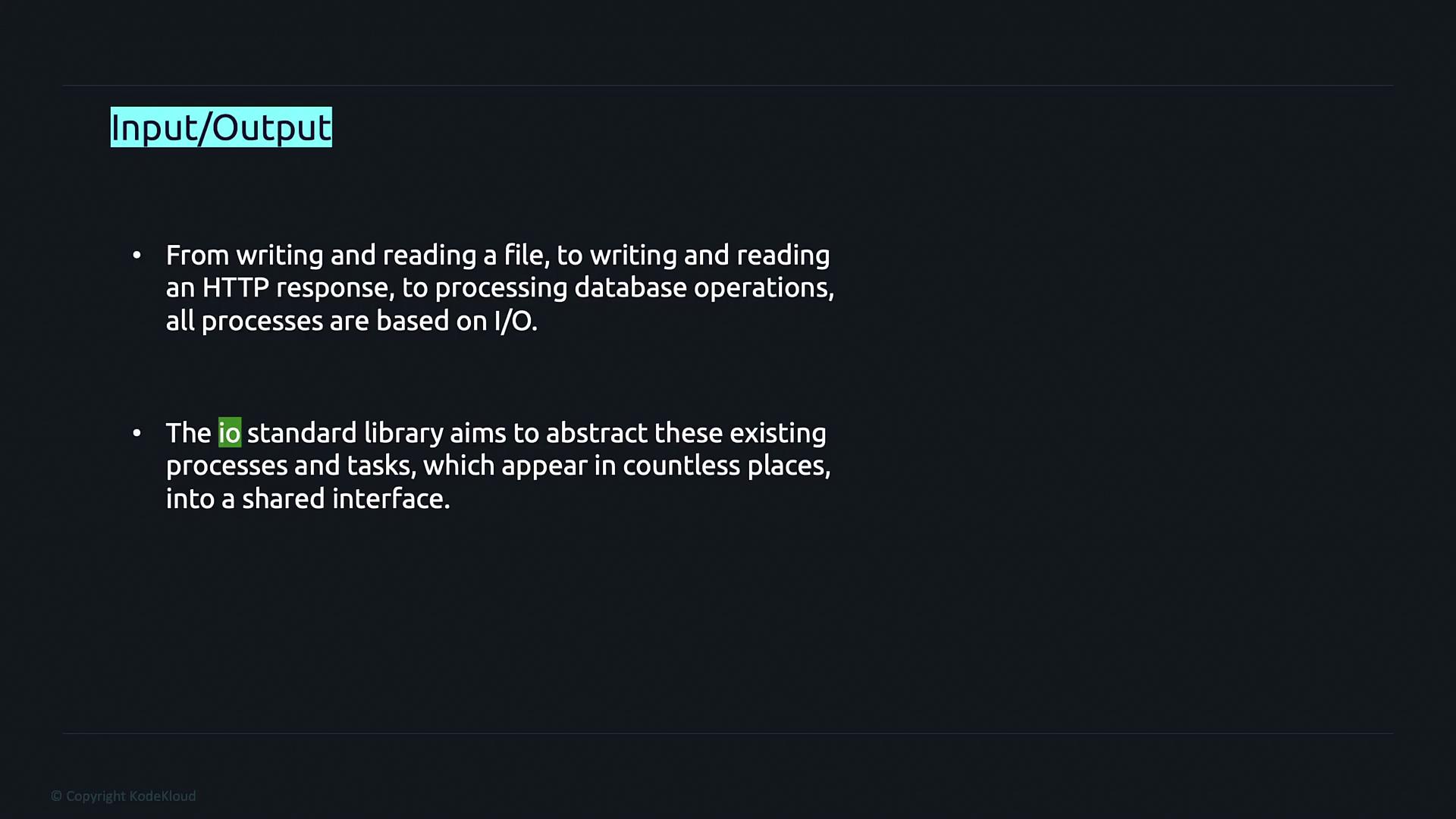
Welcome to this comprehensive guide on Go’s I/O library. This tutorial will help you understand the fundamental concepts of input (Reader) and output (Writer) interfaces along with practical examples for file handling, HTTP responses, database operations, and more. The Go standard library abstracts these tasks into common interfaces, making your code more modular and flexible.
We will start by exploring two primary interfaces in the I/O library: the Reader interface and the Writer interface. Before diving into these specific interfaces, let’s quickly review how interfaces work in Go.
The Reader interface in Go is designed to provide input functionality from various data sources. It is defined with a single method, Read, which accepts a byte slice and returns the number of bytes read along with any error encountered.
The Writer interface offers a generic way to output data. It provides a single method, Write, which accepts a byte slice and returns the number of bytes written along with any error that may occur.
Go uses implicit interface implementation. Unlike Java or other languages, there is no need to explicitly declare that a type implements an interface. If a type implements all methods of an interface, it is automatically considered to satisfy that interface.
To illustrate the power and flexibility of interfaces in Go, consider the following example where we create a custom interface named Shape. This interface includes two methods, Area and Perimeter, both of which return a float64.We will implement the Shape interface using a struct called Rectangle, which contains two fields: Length and Width.
Let’s delve deeper into the Reader interface using an example from the strings package. Consider the following source code snippet for a reader.go file that defines a Reader struct implementing the io.Reader interface.
A method to get the number of bytes still unread is provided:
Copy
Ask AI
// Len returns the number of bytes of the unread portion of the string.func (r *Reader) Len() int { if r.i >= int64(len(r.s)) { return 0 } return int(int64(len(r.s)) - r.i)}
This method copies bytes from the string into the provided buffer and returns the number of bytes read. When there are no more bytes to read, it returns an EOF error.
There are helper functions to facilitate working with this Reader:
Copy
Ask AI
// Reset resets the Reader to be reading from s.func (r *Reader) Reset(s string) { *r = Reader{s, 0, -1} }// NewReader returns a new Reader reading from s.// It is similar to bytes.NewBufferString but more efficient and read-only.func NewReader(s string) *Reader { return &Reader{s, 0, -1} }
The NewReader function allows you to create a new reader instance from a string quickly. The following example shows how to read a string in chunks of 4 bytes:
Copy
Ask AI
package mainimport ( "fmt" "strings")func main() { r := strings.NewReader("Learning is fun") buf := make([]byte, 4) n, err := r.Read(buf) fmt.Println(n, err) // prints the number of bytes read and the error (if any)}
Run the code with:
Copy
Ask AI
go run main.go
The output will be similar to:
Copy
Ask AI
4 <nil>
Since the bytes are stored as unsigned 8-bit integers (ASCII values), the buffer contains values corresponding to the characters ‘L’, ‘e’, ‘a’, ‘r’. To display the characters, convert the byte slice to a string:
Copy
Ask AI
package mainimport ( "fmt" "strings")func main() { r := strings.NewReader("Learning is fun") buf := make([]byte, 4) n, err := r.Read(buf) fmt.Println(string(buf[:n]), err)}
To read the entire string, you can use a loop that continues until an error (such as io.EOF) is encountered. See the following example:
Copy
Ask AI
package mainimport ( "fmt" "strings")func main() { r := strings.NewReader("Learning is fun") buf := make([]byte, 4) for { n, err := r.Read(buf) fmt.Println(string(buf[:n]), err) if err != nil { fmt.Println("breaking out") break } }}
A sample output might look like:
Copy
Ask AI
Lear <nil>ning <nil> is <nil>fun <nil> EOFbreaking out
This output demonstrates that the reader returns data in chunks of 4 bytes (or fewer when the remaining data is less), and then signals the end of the input with an EOF error.
The Writer interface simplifies the process of outputting data to various destinations. One common use case is copying data from a Reader to a Writer using the io.Copy function. In this example, we create a Reader and use io.Copy to write its contents to os.Stdout:
Copy
Ask AI
package mainimport ( "io" "log" "os" "strings")func main() { r := strings.NewReader("some io.Reader stream to be read\n") if _, err := io.Copy(os.Stdout, r); err != nil { log.Fatal(err) }}
Run the code with:
Copy
Ask AI
go run main.go
The output will be:
Copy
Ask AI
some io.Reader stream to be read
The io.Copy function efficiently transfers data from a source (which implements io.Reader) to a destination (which implements io.Writer). In this example, os.Stdout is used as the destination writer.
The os.Stdout variable is of type *os.File. The File struct in the os package implements the Write method to satisfy the Writer interface. Below is an excerpt from the source code of the Write method:
Copy
Ask AI
// Write writes len(b) bytes from b to the File.// It returns the number of bytes written and an error, if any.// Write returns a non-nil error when n != len(b).func (f *File) Write(b []byte) (n int, err error) { if err := f.checkValid("write"); err != nil { return 0, err } n, e := f.write(b) if n < 0 { n = 0 } if n != len(b) { err = io.ErrShortWrite } epipecheck(f, e) if e != nil { err = f.wrapErr("write", e) } return n, err}
Because the File type implements the Write method, it inherently satisfies the Writer interface, allowing its seamless use as the destination in functions like io.Copy.
In this tutorial, we explored how Go’s I/O library encapsulates input and output operations through the Reader and Writer interfaces. We looked at:
Basic definitions and implementations of the Reader and Writer interfaces.
A custom interface example using the Shape interface for a Rectangle.
Detailed examples from the strings package that implement and demonstrate the usage of the Reader interface.
The use of the io.Copy function to connect Reader and Writer interfaces, along with insights into the underlying implementation in os.File.
These concepts are indispensable for handling file operations, network communications, and more in Go. For further reading, consider checking out the Go Documentation for more details.Happy coding!