

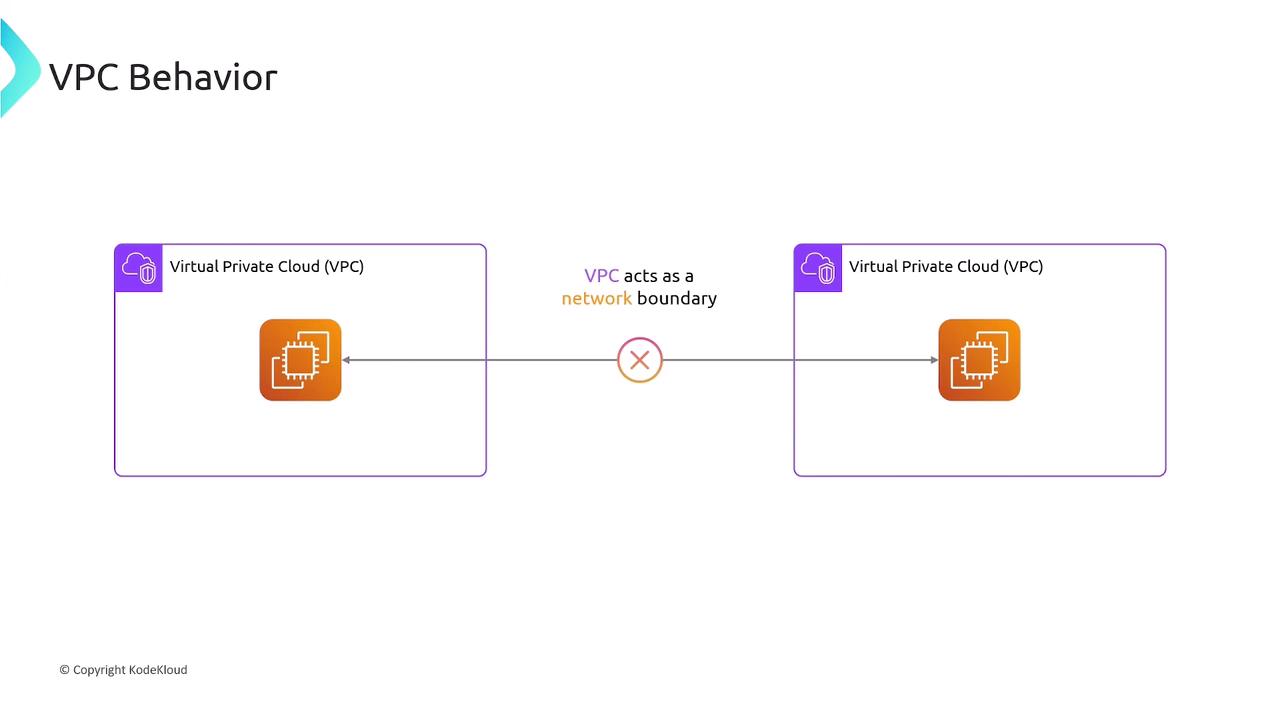
What Is VPC Peering?
VPC Peering establishes a private network connection between two VPCs, allowing instances to communicate as if they were on the same network. You can peer:- VPCs within the same AWS Region
- VPCs across different regions (Inter-Region Peering)
- VPCs in separate AWS accounts
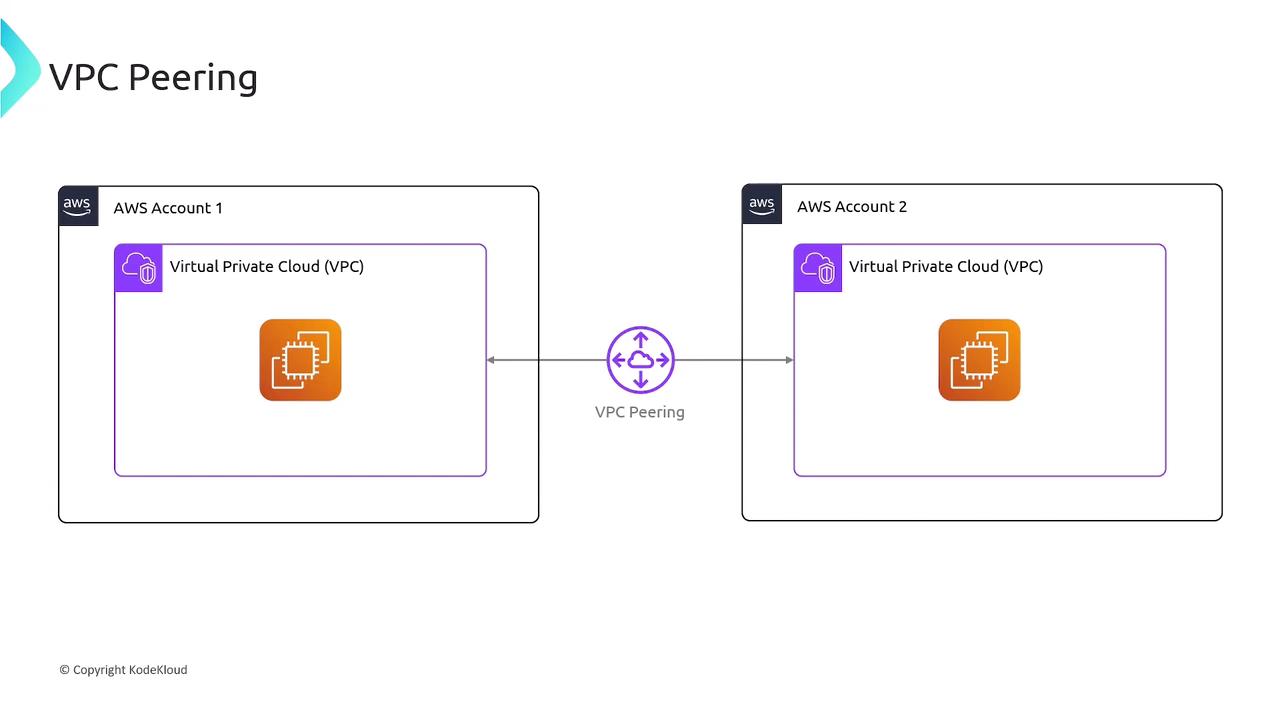
Once peered, you must update route tables; peering alone doesn’t modify routing.
Pricing Overview
| Charge Type | Details |
|---|---|
| Peering Connection | No setup fee or hourly rate |
| Intra-AZ Data Transfer | Free (within the same Availability Zone over a peering connection) |
| Inter-AZ Data Transfer | Standard cross-AZ rates apply |
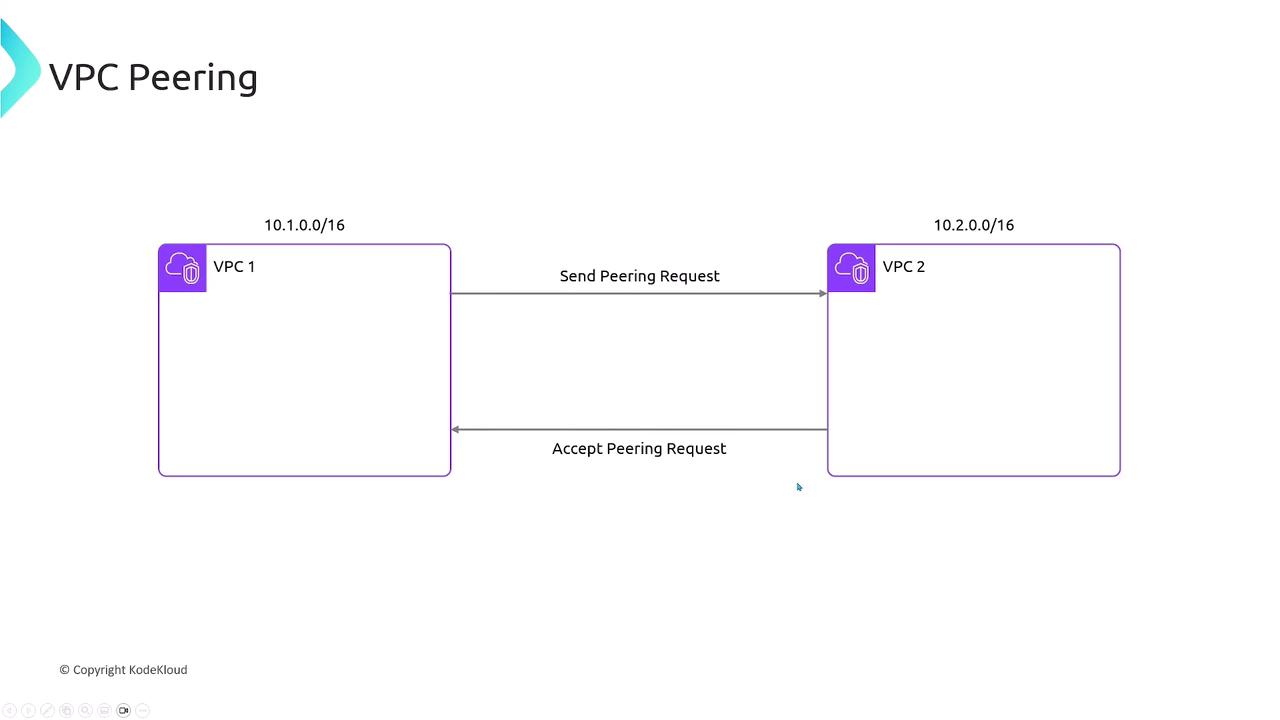
Establishing a VPC Peering Connection
Assume two VPCs with non-overlapping CIDR blocks:- VPC1:
10.1.0.0/16 - VPC2:
10.2.0.0/16
- Request Peering
- AWS Console: VPC dashboard → Peering Connections → Create Peering Connection
- AWS CLI:
- Accept Peering
- Console or CLI (
accept-vpc-peering-connection) by the peer VPC owner.
- Console or CLI (
- Verify Connection
- Status changes to
activein the Peering Connections list—but routing is still pending.
- Status changes to
Configuring Route Tables
After peering is active, add routes in each VPC’s route table: VPC1 route table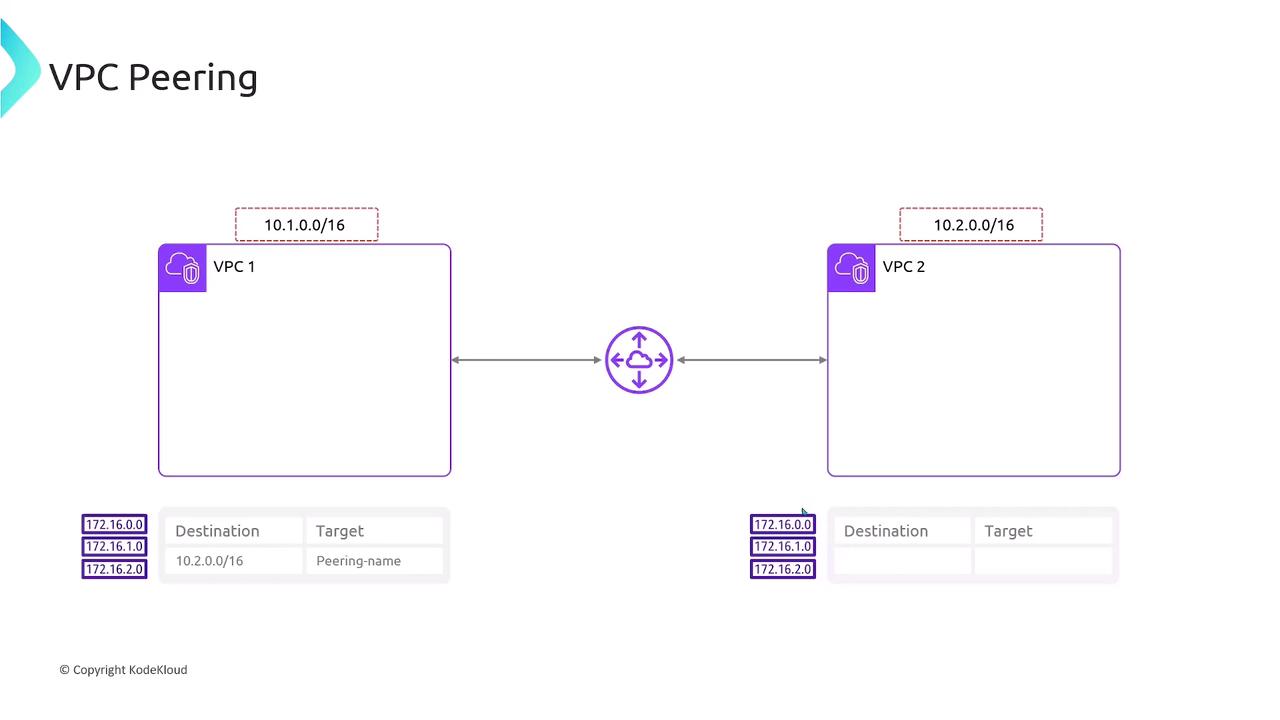
VPC Peering is non-transitive. If VPC1 peers with VPC2, and VPC2 peers with VPC3, VPC1 cannot reach VPC3 through VPC2. Each pair requires its own peering connection.
Transitive Peering Is Not Supported
- VPC1 ↔ VPC2
- VPC2 ↔ VPC3
- No indirect VPC1 ↔ VPC3 communication
Summary
- VPC Peering connects two VPCs privately.
- Peerings can span regions and AWS accounts.
- No cost for the connection itself; data transfer pricing applies.
- Each VPC pair requires its own peering link—no transit routing.