

- Core Azure networking constructs
- Strategies for privately securing PaaS services
- Native load-balancing and traffic-distribution options
Virtual Networks and Subnets
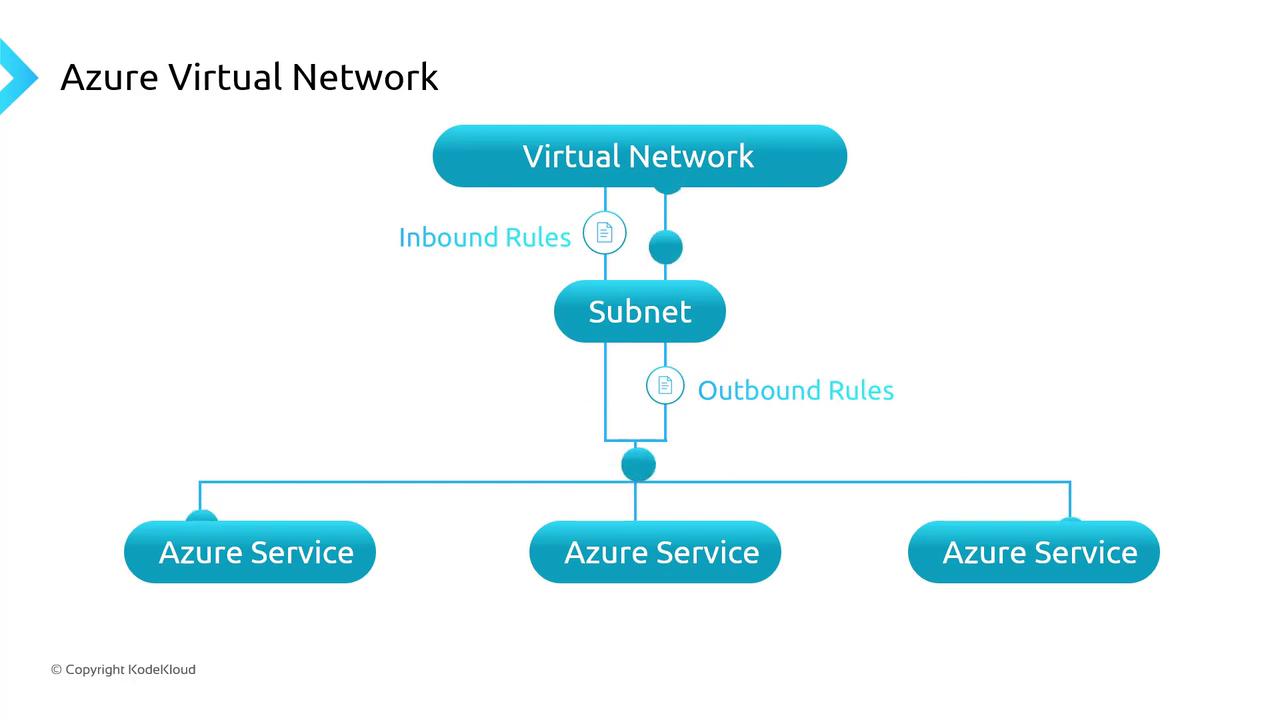
An Azure Virtual Network (VNet) is your private IP-based network in Azure. It defines an address space you divide into subnets, isolating workloads and controlling traffic flow. Key routing scopes:- Subnets within the same VNet
- Peered VNets
- On-premises networks (VPN or ExpressRoute)
- The public internet
When designing NSG rules, remember that higher-priority (lower numeric) rules take precedence. Always review the default security rules to avoid unintended access.
Securing PaaS Endpoints Privately
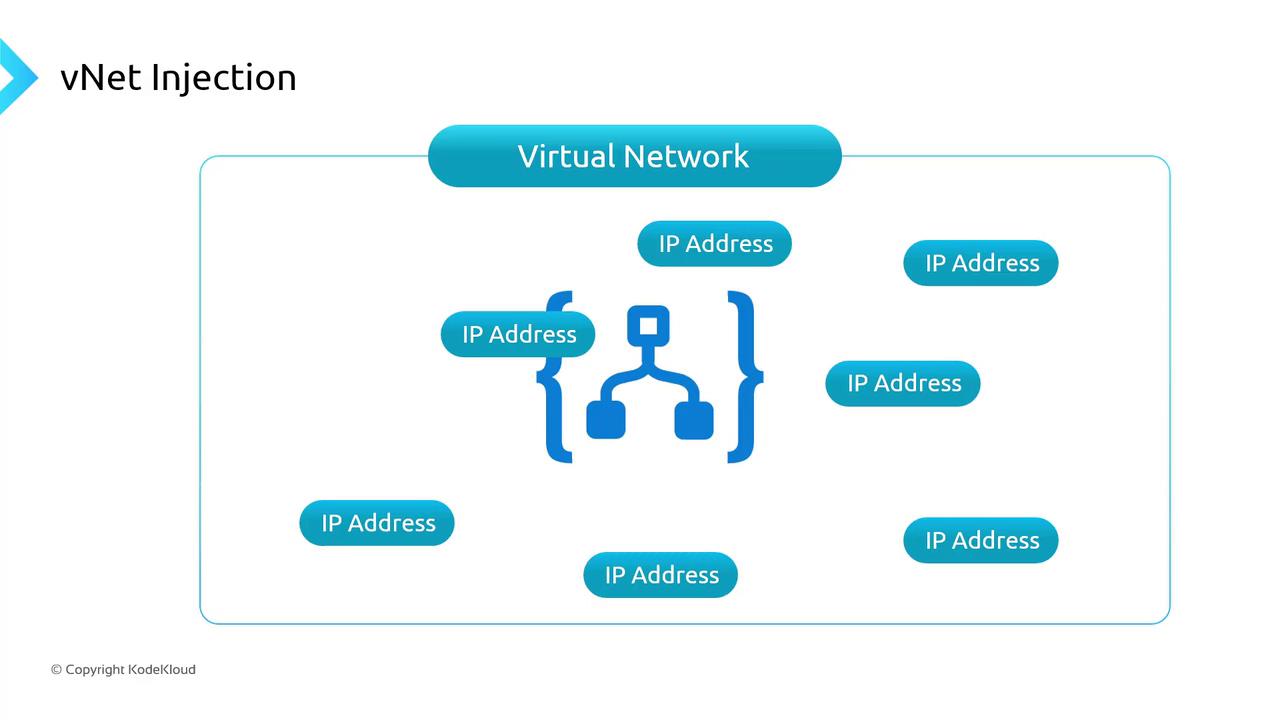
Azure’s multi-tenant PaaS services (Storage, SQL Database, Container Registry, etc.) use public endpoints by default. To restrict traffic to your private network, you have three main options:- VNet Injection
Deploy a dedicated instance inside your VNet. The service appliance gets a private IP from your address space.
- Service Endpoints
Secure the service’s public endpoint to only accept requests from specified VNets/subnets, all over the Microsoft backbone.
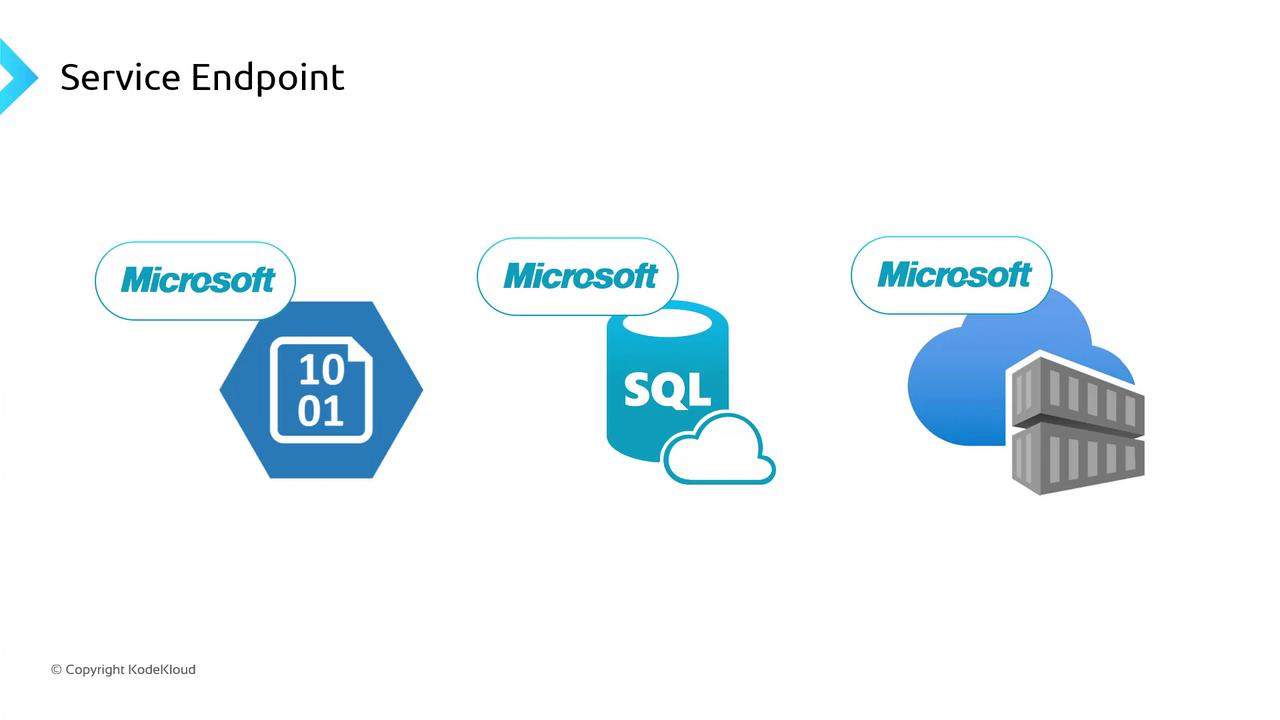
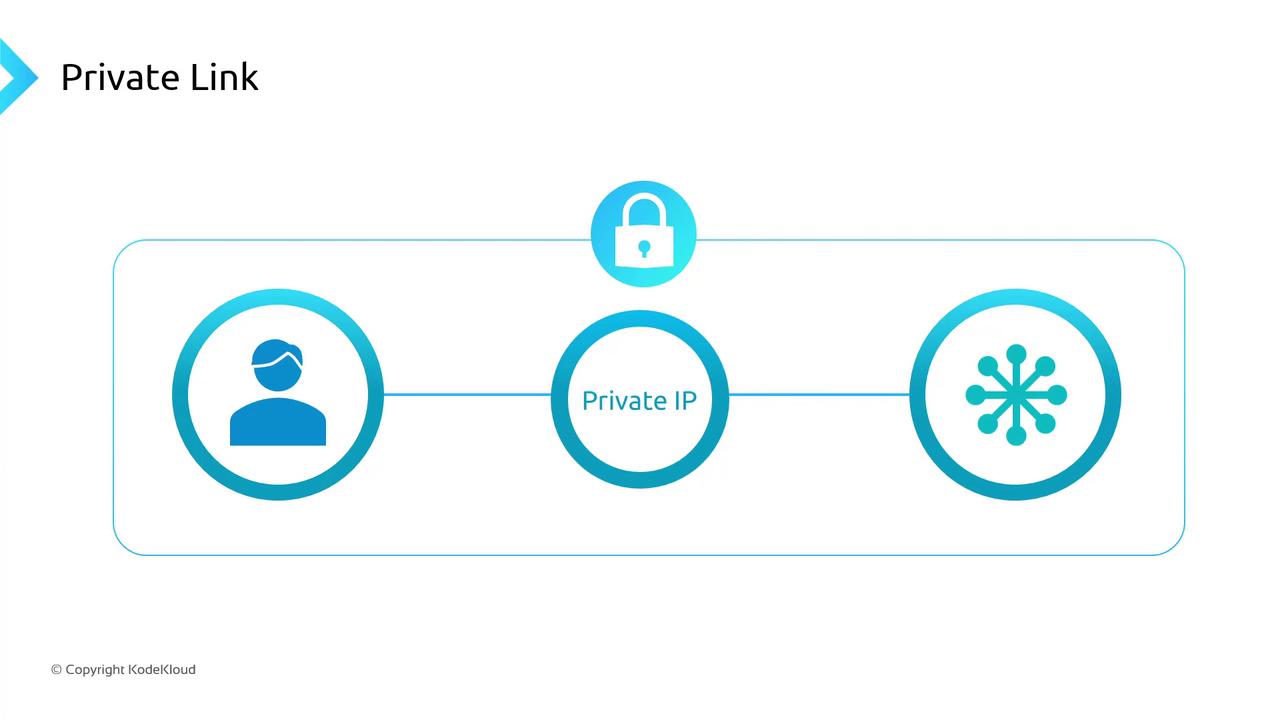
- Private Link (Private Endpoint)
Map a private IP in your VNet to a specific service instance. Traffic flows entirely over Azure’s private network.
VNet Injection can incur higher costs and isn’t supported for every PaaS service. Evaluate your security requirements and budget before choosing.
Load Balancing Options
Azure offers four native services to distribute incoming traffic. Select based on OSI layer, geographic scope, and feature set.| Service | Layer | Scope | Use Case |
|---|---|---|---|
| Azure Load Balancer | Layer 4 | Regional* | TCP/UDP distribution, standard and basic SKUs |
| Azure Application Gateway | Layer 7 | Regional | HTTP(S) routing, cookie-based sessions, WAF support |
| Azure Front Door | Layer 7 | Global | Global HTTP(S) failover, accelerated content delivery |
| Azure Traffic Manager | DNS | Global | Geo-routing, priority/failover based on endpoint health |
- For Layer 4 (raw TCP/UDP), choose Azure Load Balancer.
- For Layer 7 HTTP(S) with URL/path-based rules and Web Application Firewall (WAF), use Application Gateway or Front Door.
- Use Traffic Manager for DNS-level routing, global geo-distribution, and health-check based failover.