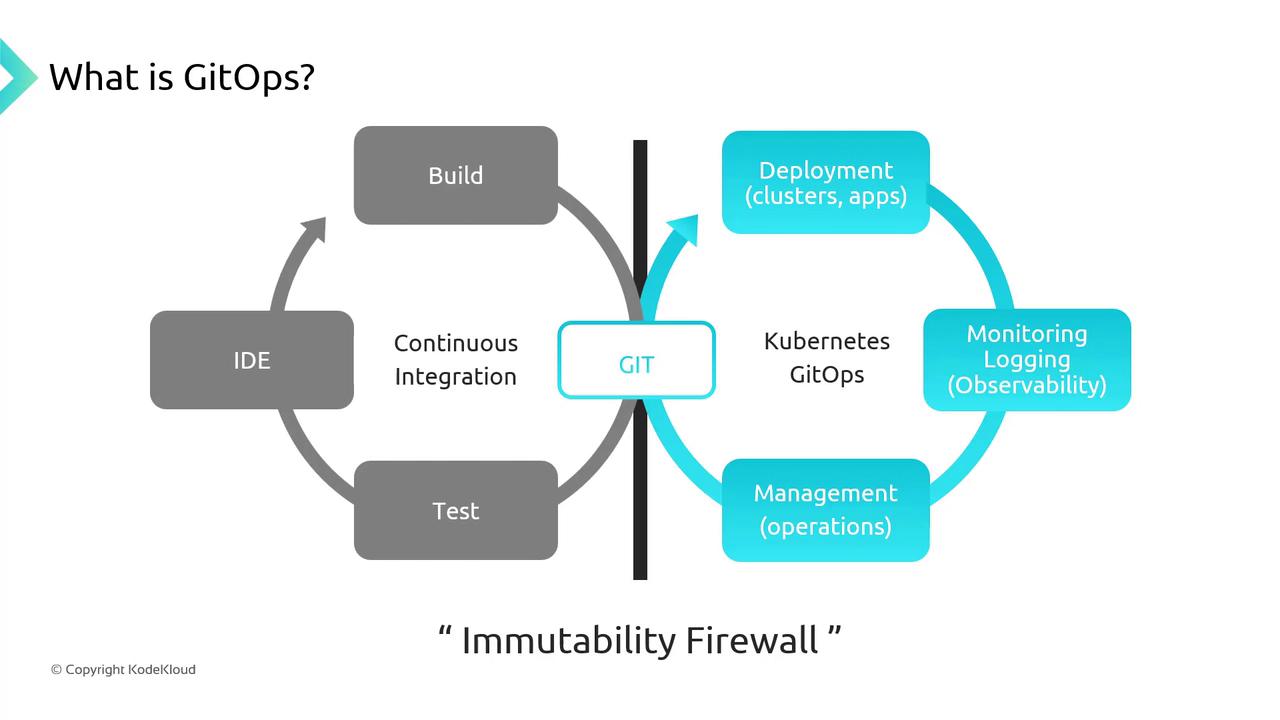
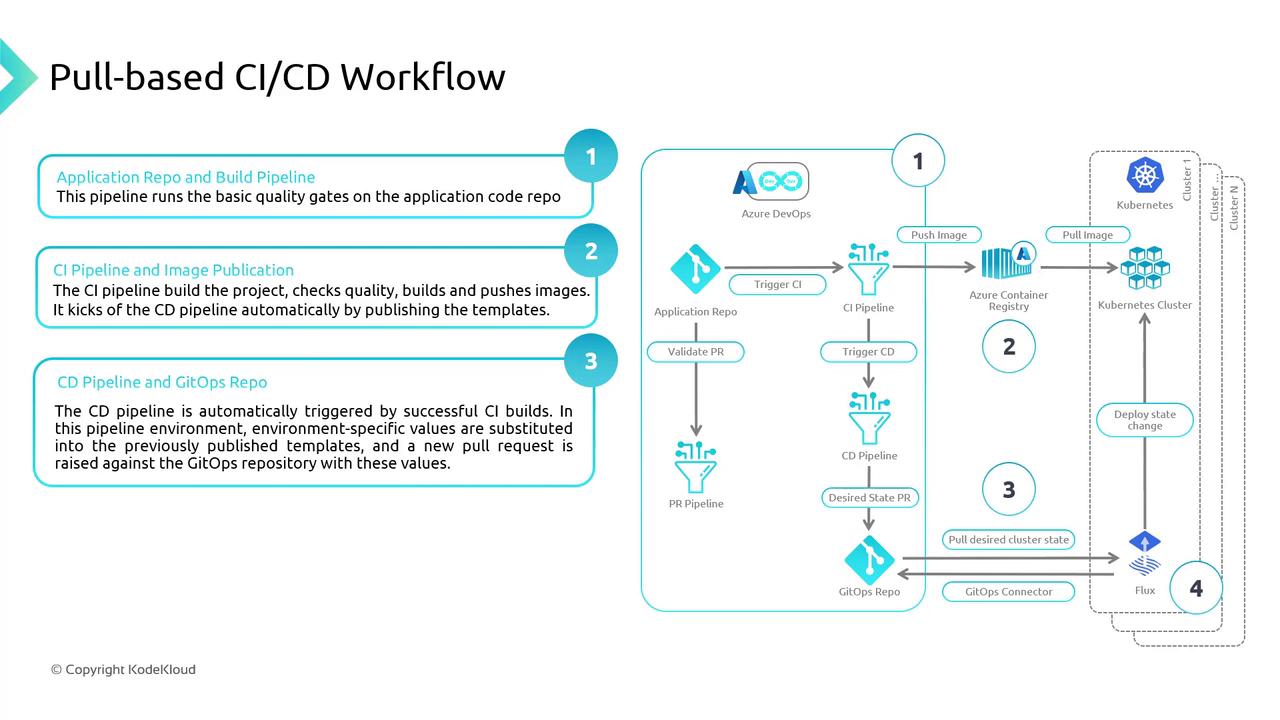
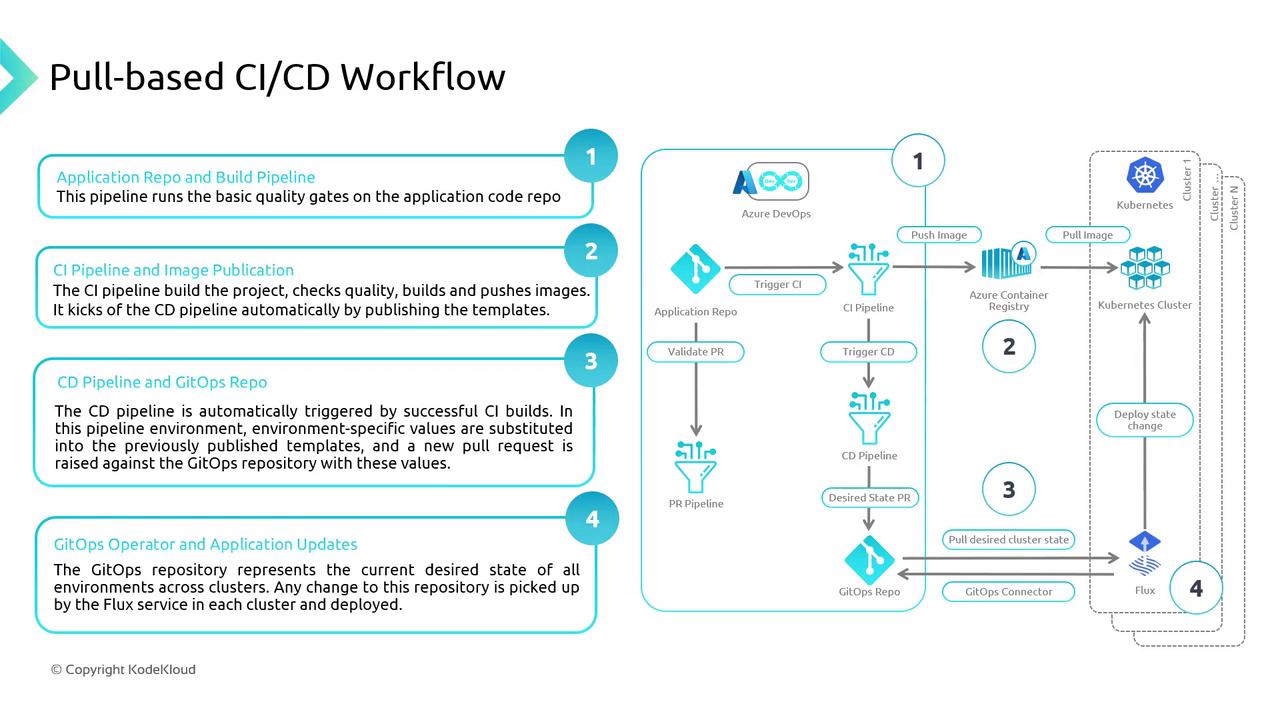
GitOps is a pull-based methodology for Continuous Integration and Continuous Deployment (CI/CD), where both application and infrastructure configurations are stored as code in a Git repository. Any desired state changes are made via Git commits, ensuring version-controlled deployments, easy auditing, and reliable rollbacks.
The “Immutability Firewall” enforces separation between build artifacts and deployment manifests, guaranteeing consistent, reproducible releases.
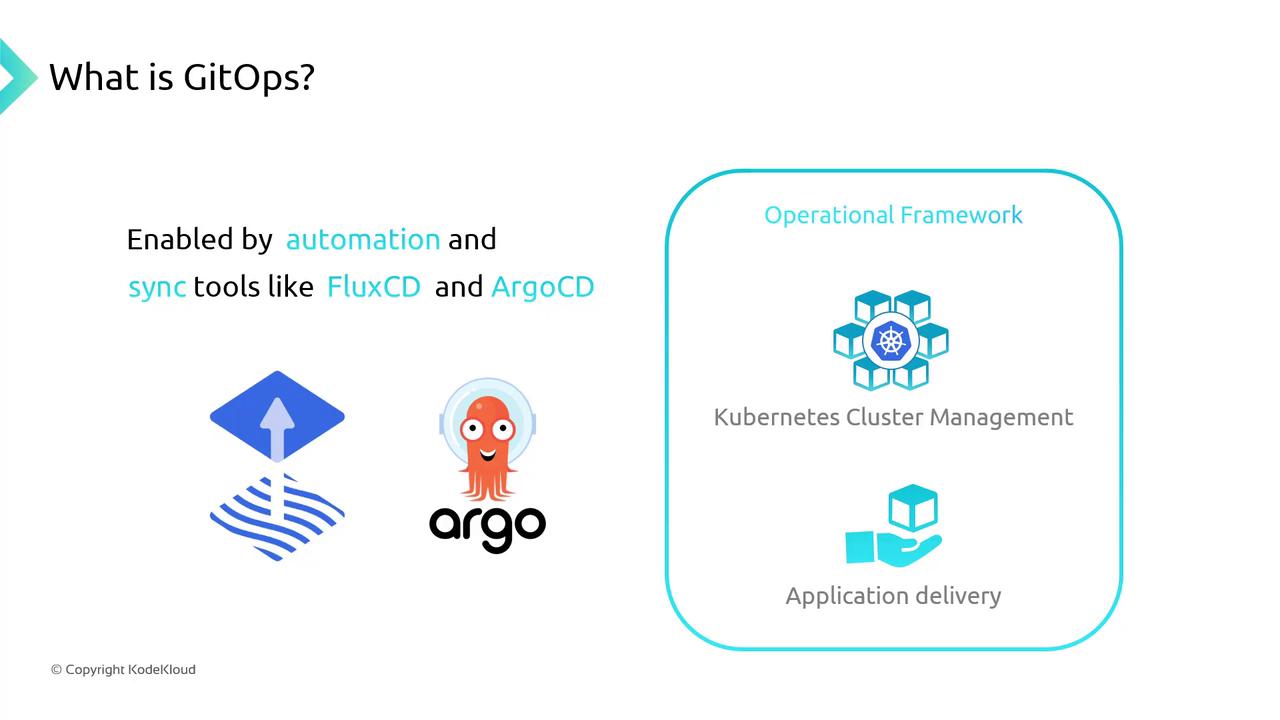
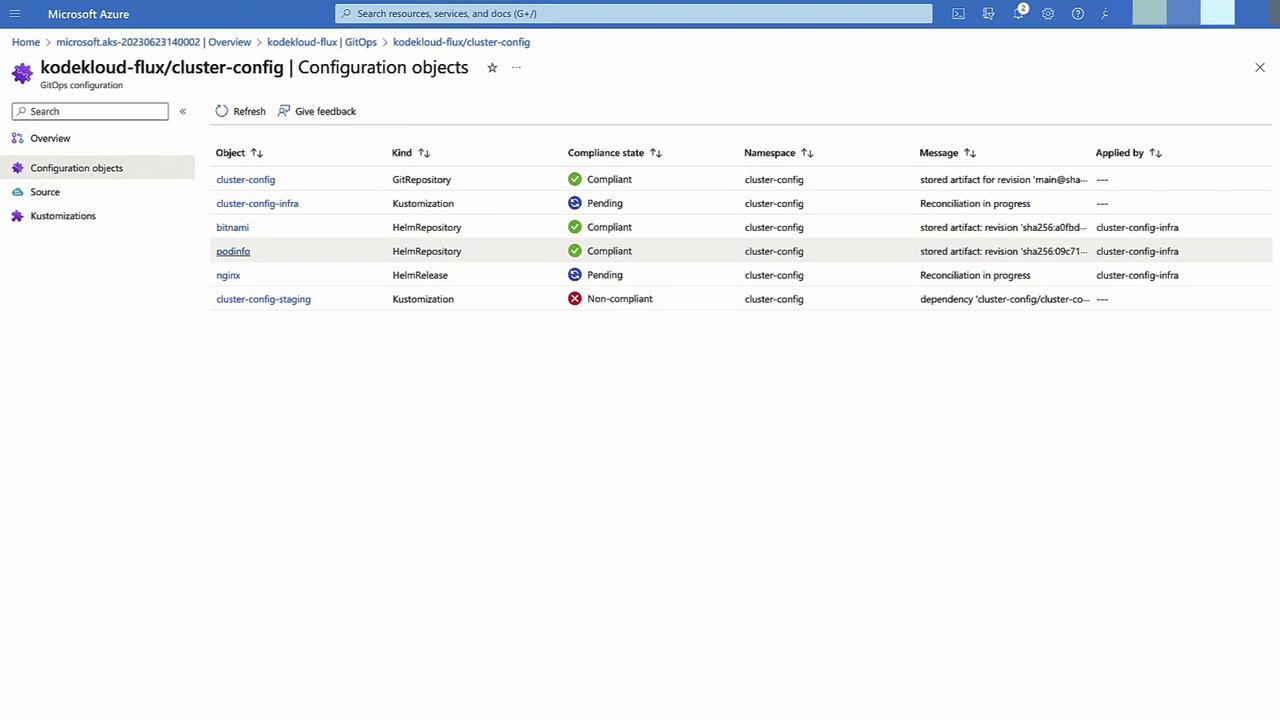
When you push commits to your Git repo, a GitOps operator—such as Flux or Argo CD—detects updates and reconciles your AKS cluster to match the declared state automatically.
Demonstration: Deploying a New AKS Cluster with GitOps
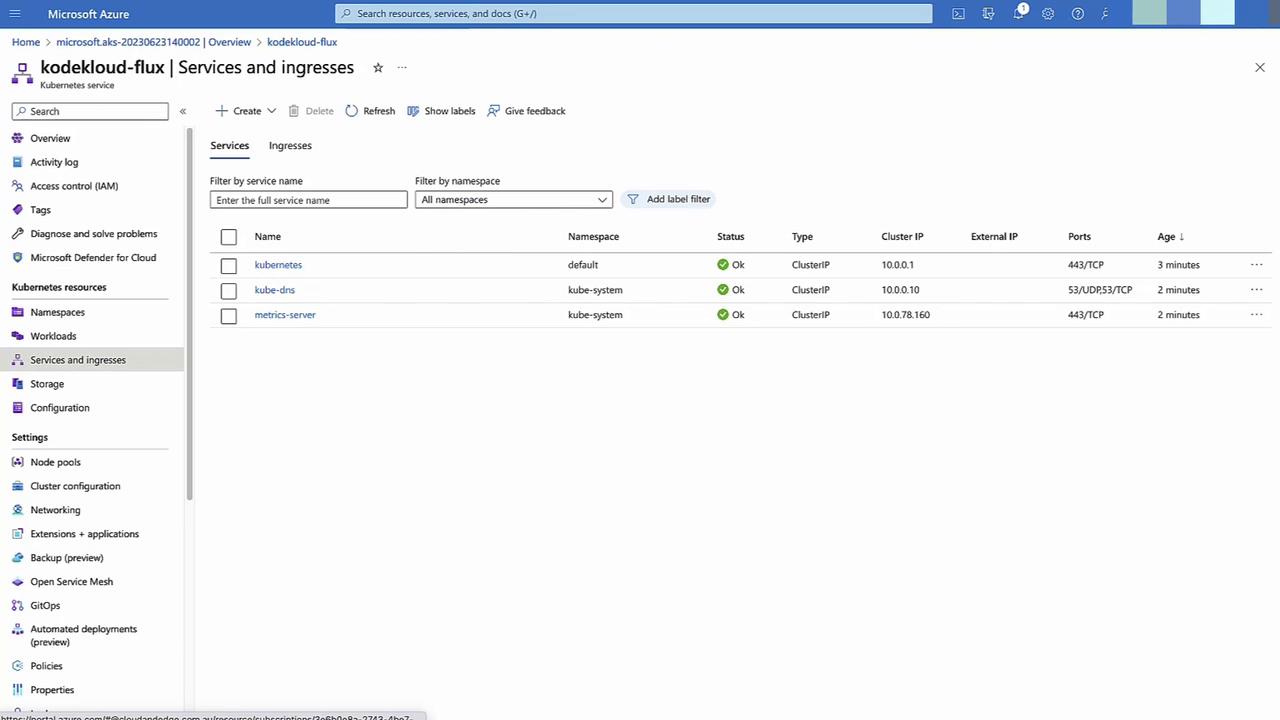
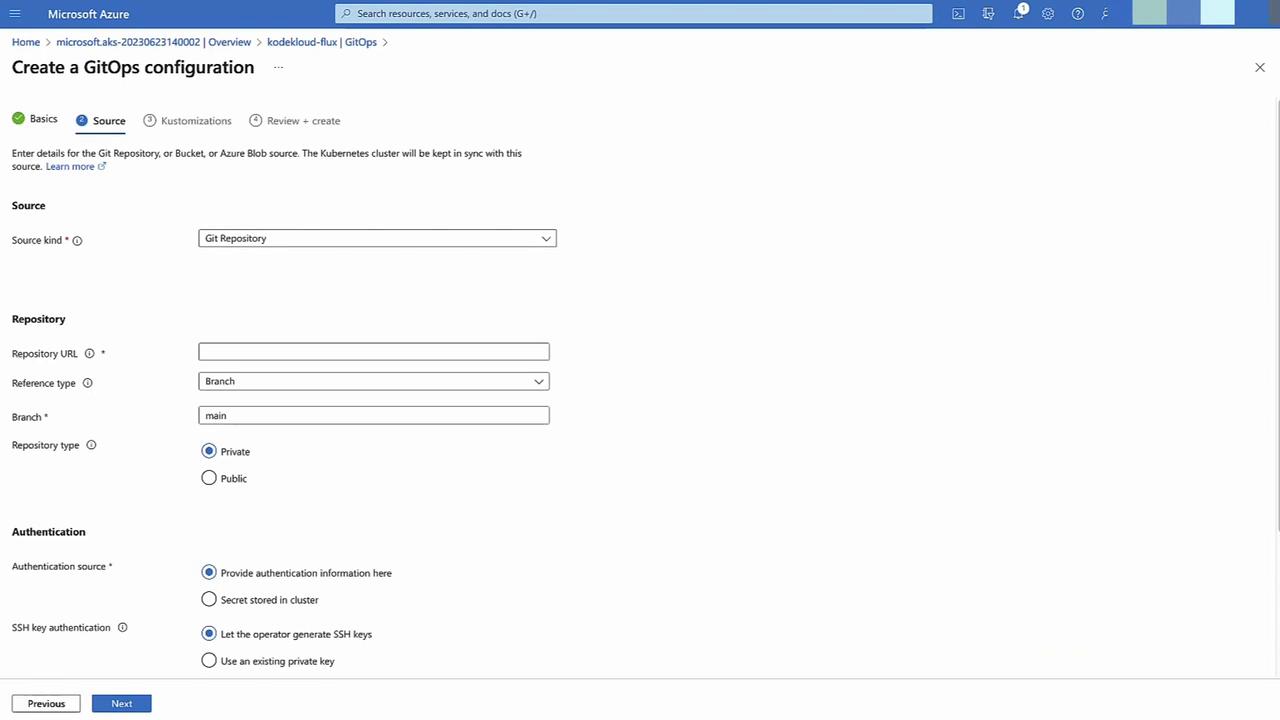
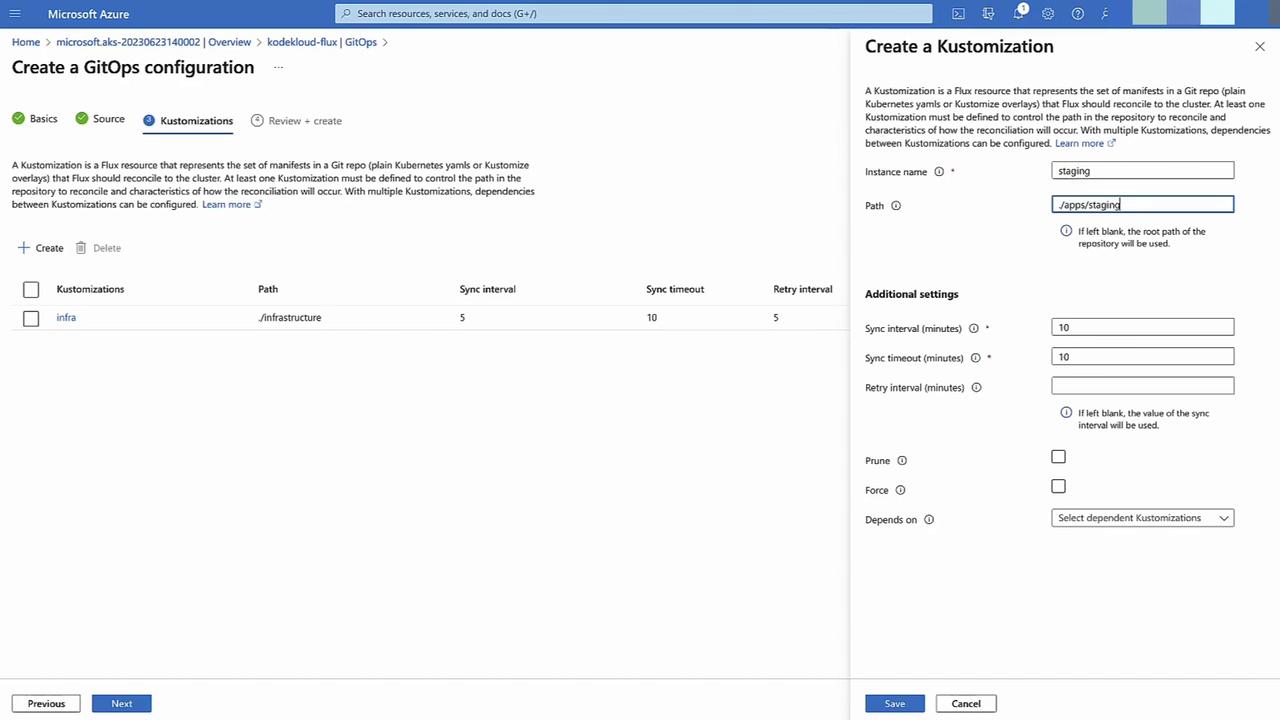
Follow these steps to provision an AKS cluster and configure GitOps using Azure Portal:
Create AKS Cluster
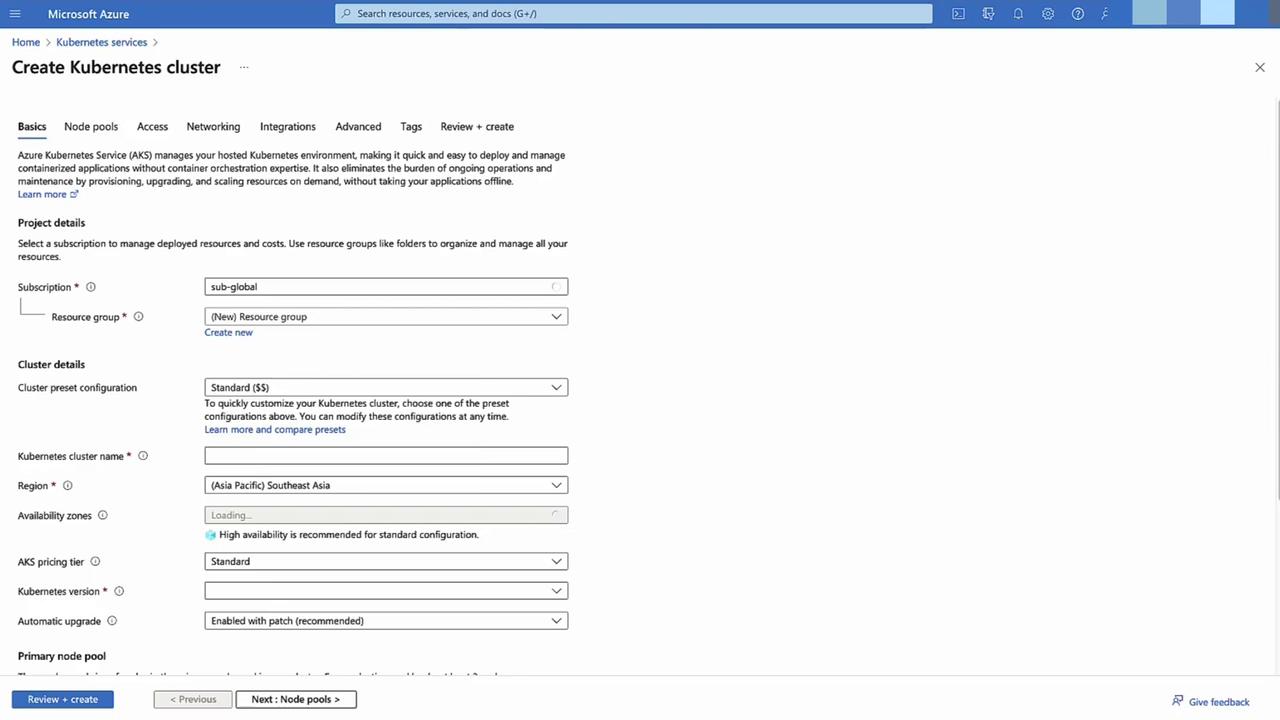
In the Azure Portal, select Kubernetes services → + Add.
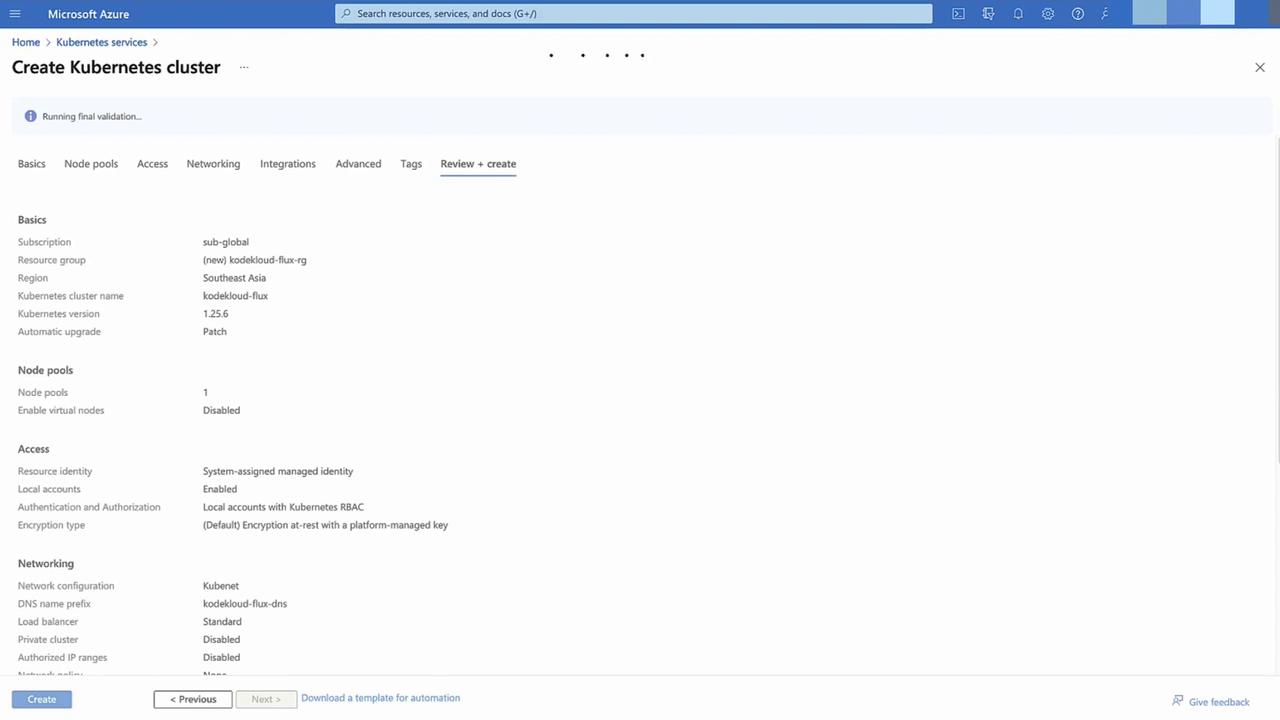
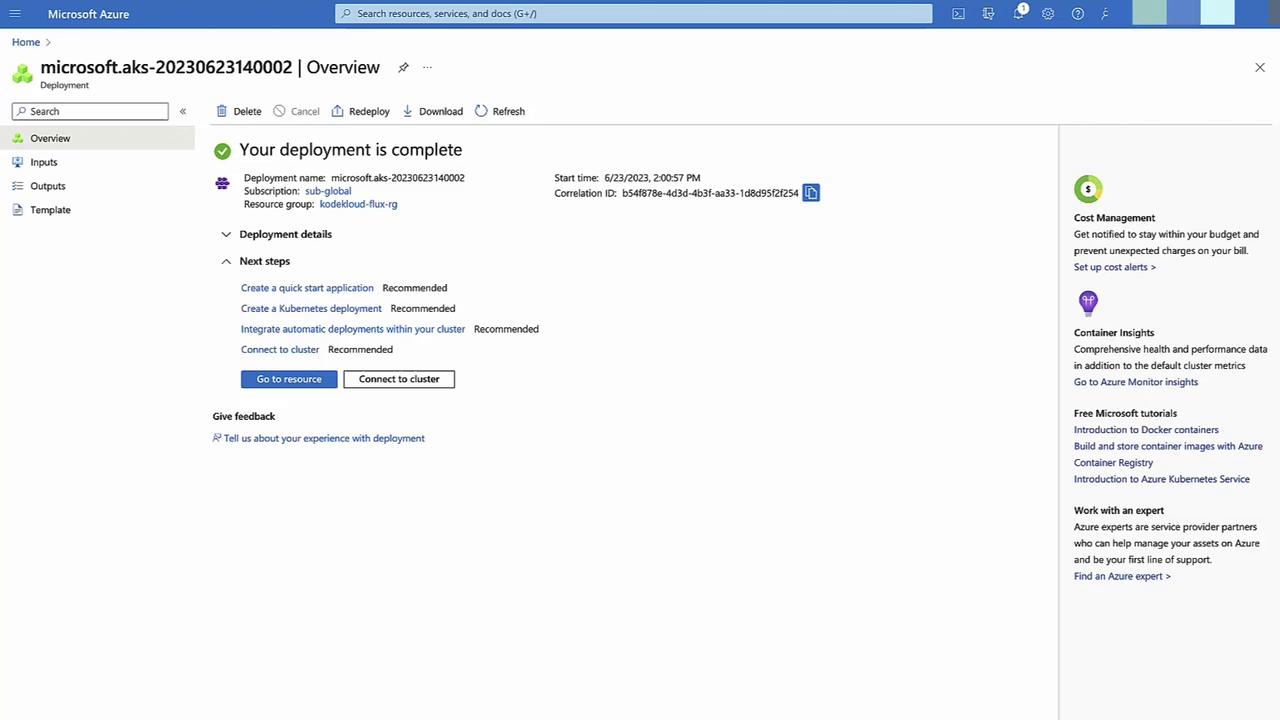
Choose a new resource group, use default settings, then Review + Create → Create.
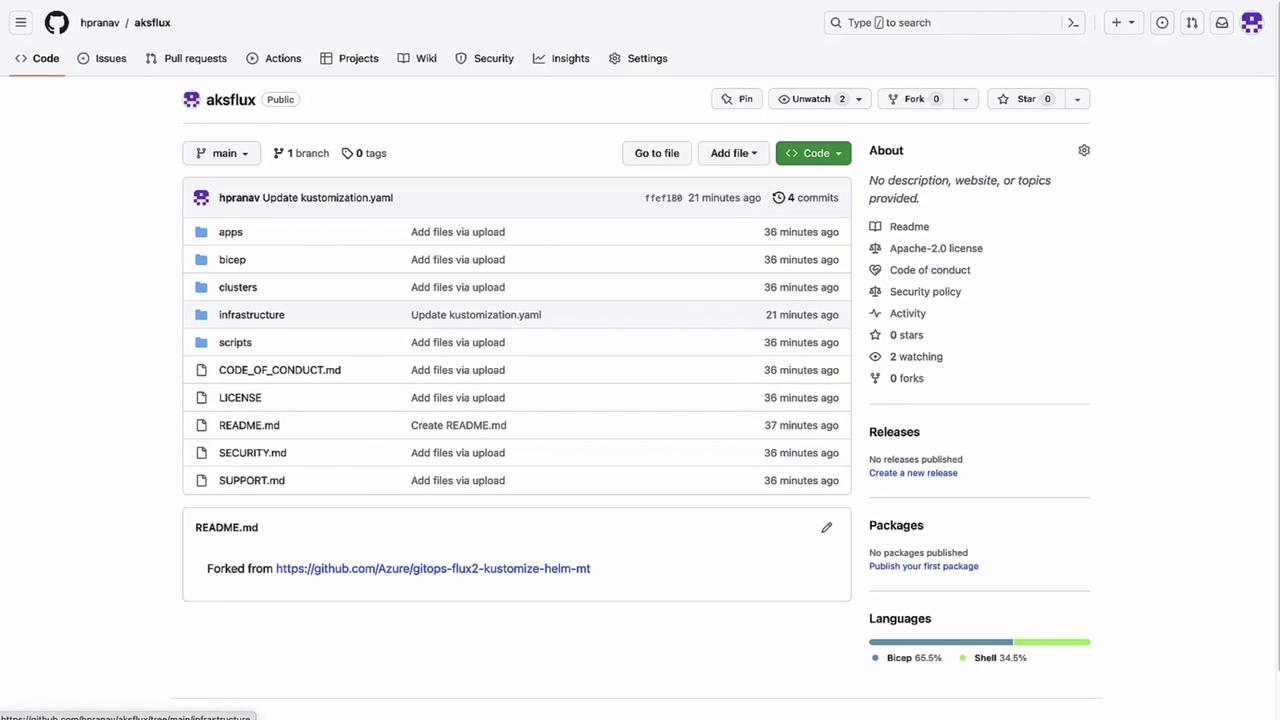
Fork and Prepare Your Git Repository
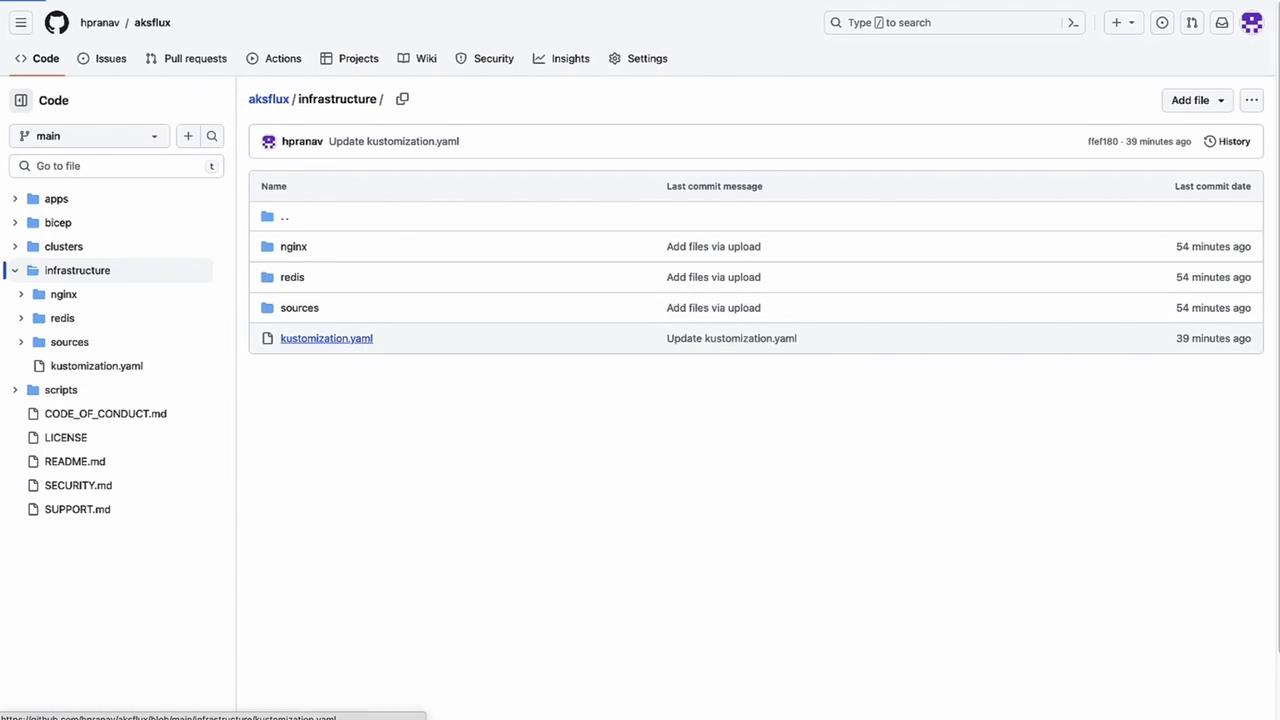
Open your forked repo (e.g., aksflux) containing Flux YAMLs. In the infrastructure folder, inspect kustomization.yaml: