This article discusses Open Service Mesh in Kubernetes, focusing on its architecture, features, and deployment on Azure Kubernetes Service.
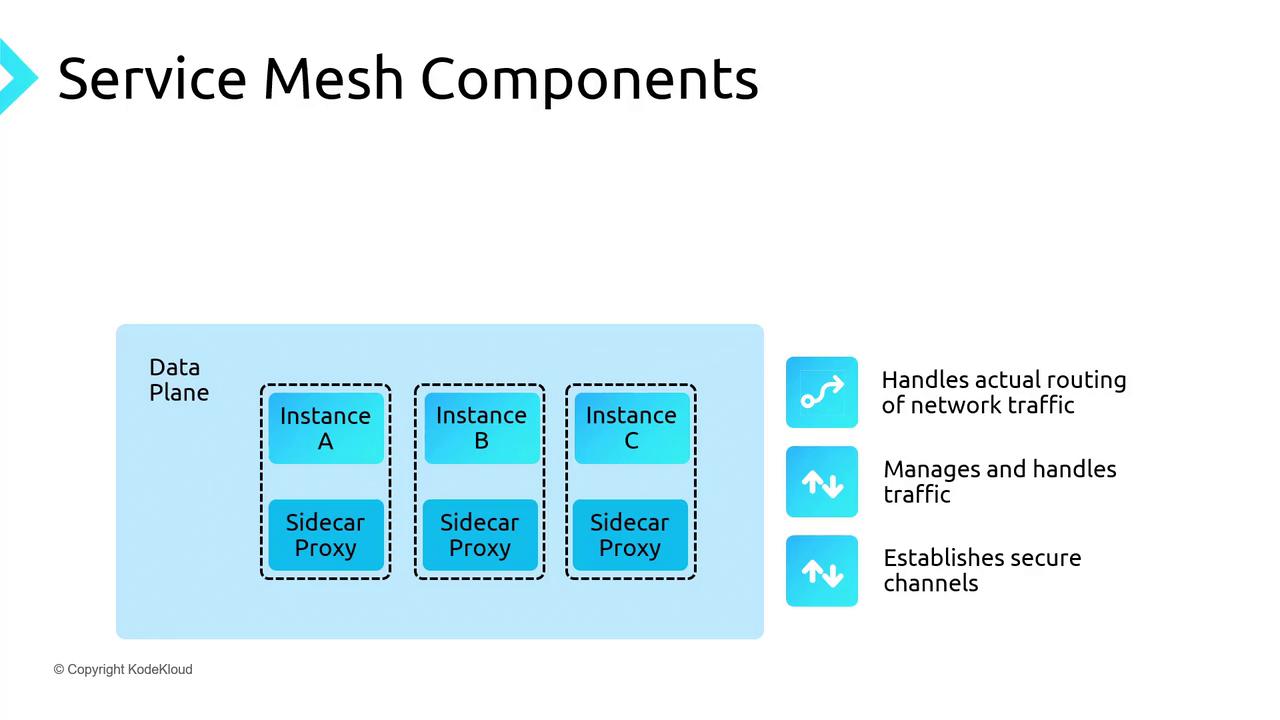
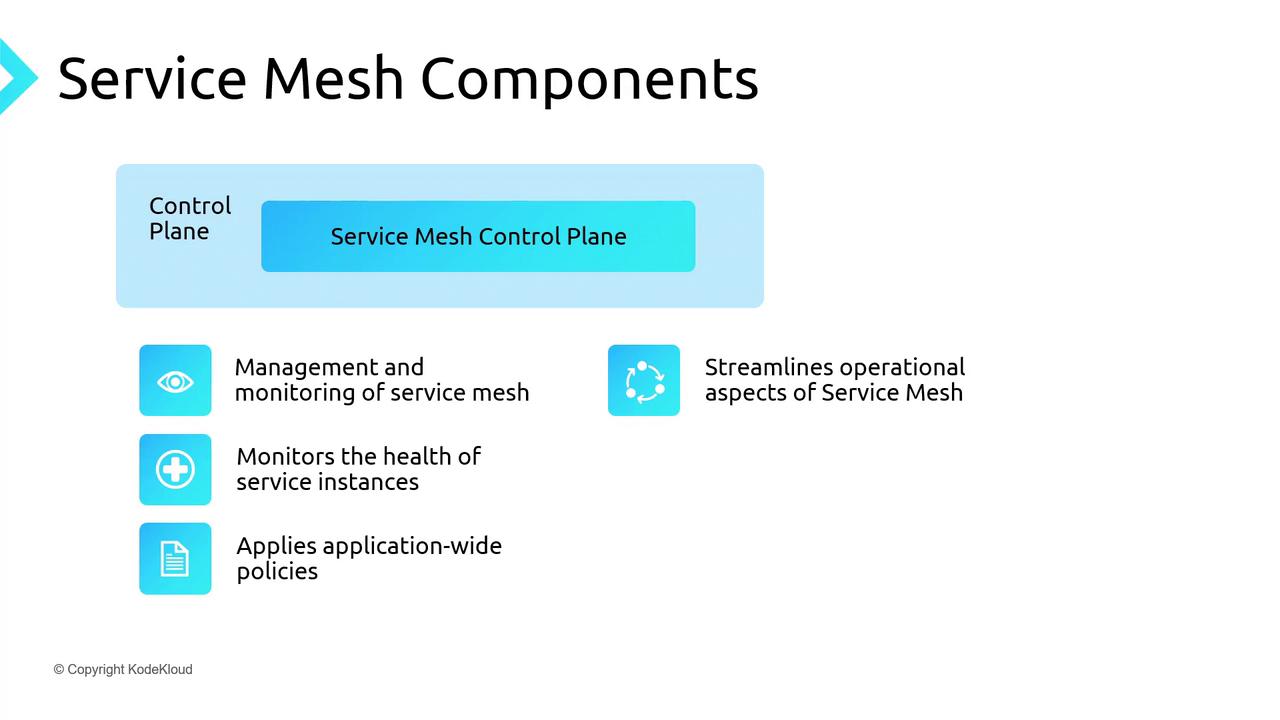
A service mesh in Kubernetes offers a dedicated communication layer that abstracts networking and infrastructure concerns away from application code. By injecting a lightweight proxy—called a sidecar—next to each service instance, it intercepts all inbound and outbound traffic. This approach provides consistent traffic management, mTLS security, and observability without changing your application.Services (e.g., frontend, middle-tier, backend) run alongside their respective sidecar proxies. Although deployed together, proxies are managed independently, allowing you to update or scale them separately. The result is a clean codebase while the mesh transparently handles retries, circuit breaking, encryption, and more.Open Service Mesh (OSM) for AKS consists of two main layers: the data plane and the control plane.
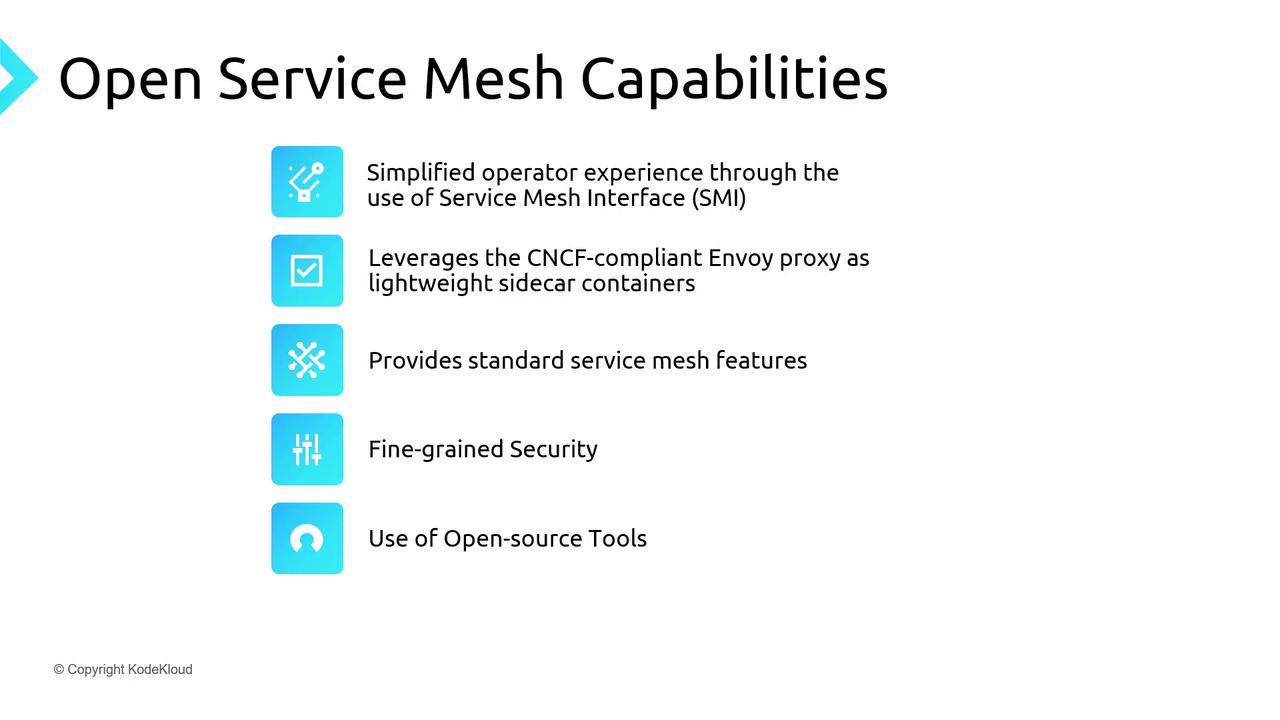
CNCF-compliant, Envoy-based, lightweight control plane
On Azure Kubernetes Service (AKS), OSM was the original built-in mesh, and Istio is now available in preview. This guide will focus on deploying and using OSM on AKS.
# Create a resource groupaz group create -l southeastasia -n kodekloud-osmdemo-rg# Create AKS cluster with the OSM add-onaz aks create \ -g kodekloud-osmdemo-rg \ -n kk-aks-osmdemo \ --enable-addons open-service-mesh
# Retrieve the Book Buyer pod namePOD=$(kubectl get pod -n bookbuyer -l app=bookbuyer -o jsonpath='{.items[0].metadata.name}')# Forward local port 8081 to the sidecar portkubectl port-forward -n bookbuyer $POD 8081:14001
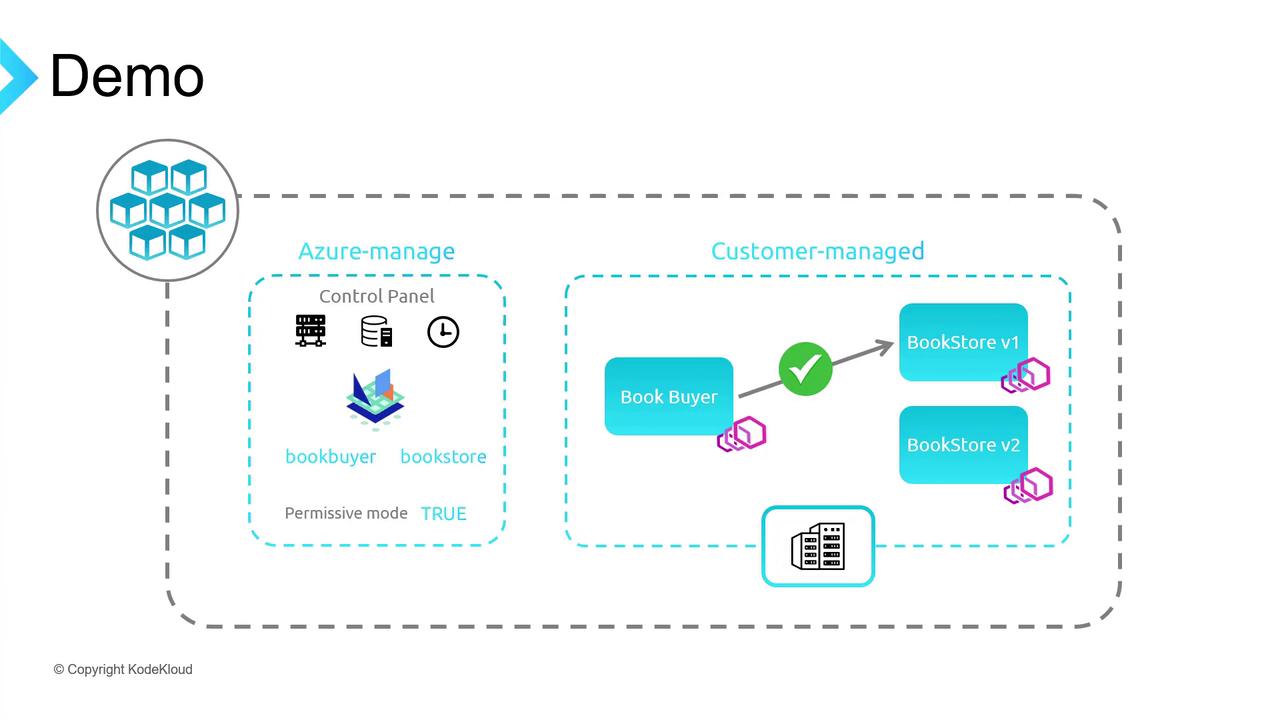
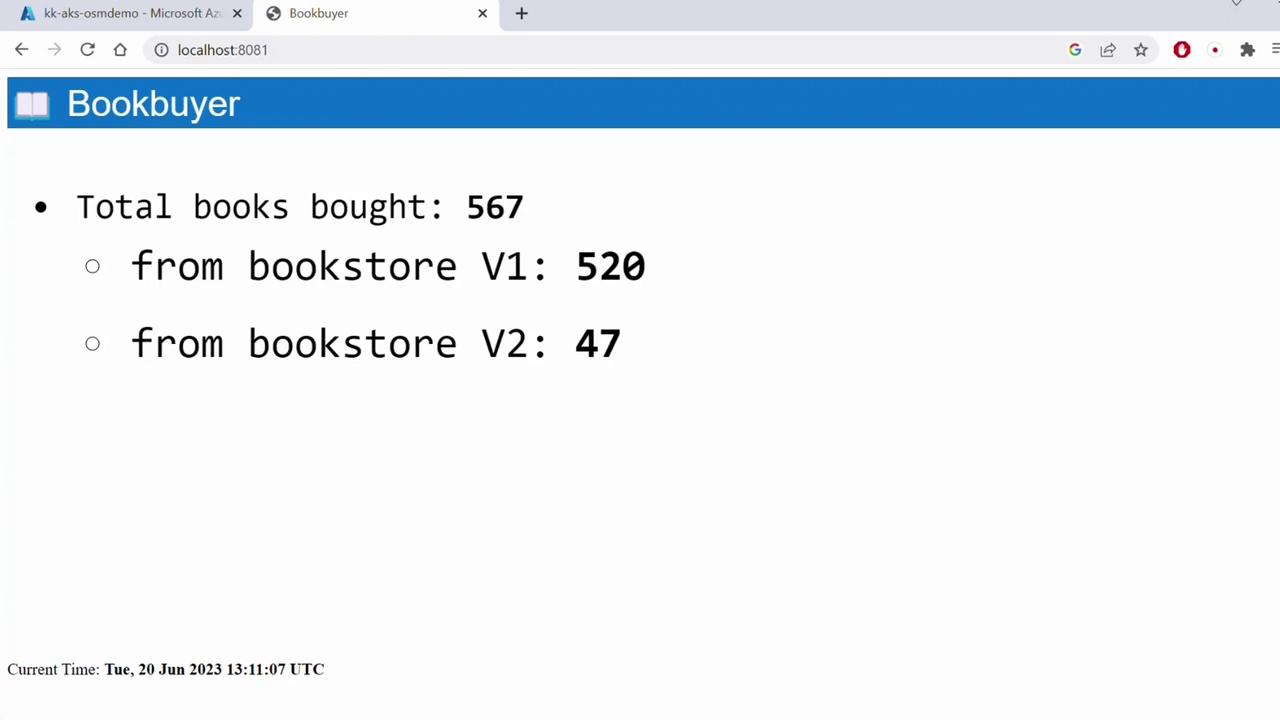
Open http://localhost:8081 to see Book Buyer successfully fetching from Bookstore V1 under OSM’s permissive policy.
Permissive mode allows all services in the mesh to communicate without explicit SMI traffic policies.
Refresh the Book Buyer page—traffic should now be distributed evenly between V1 and V2. Adjust the weight values to shift more traffic to a particular version.