

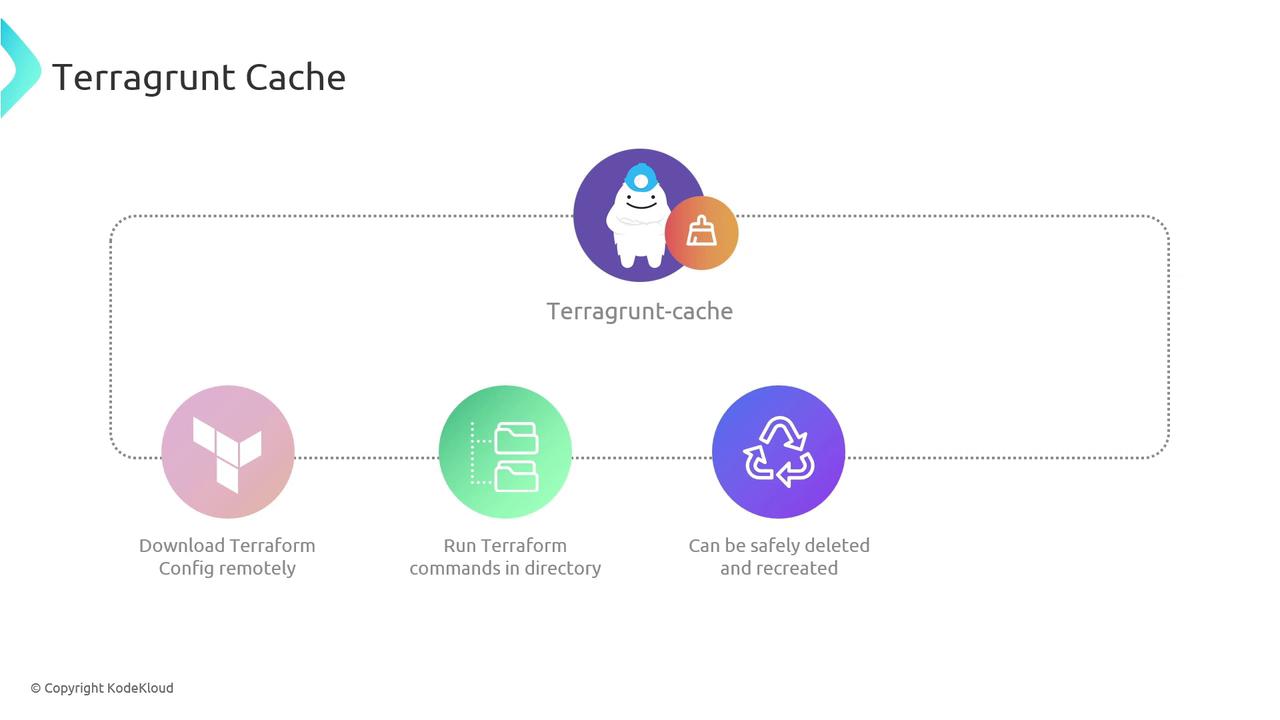
.terragrunt-cache) as a local “scratchpad” to speed up your Terraform workflows. This cache helps with:
- Downloading remote Terraform configurations, modules, and providers
- Executing Terraform commands in an isolated workspace
- Ensuring that you can delete and recreate the cache at any time without impacting live infrastructure
The cache size grows as your project’s number of modules and providers increases. Plan for disk usage accordingly.
How Terragrunt Uses the Cache
When you run a Terragrunt command, it:- Fetches remote Terraform configurations and modules into
.terragrunt-cache. - Initializes a temporary working directory for Terraform to apply changes.
- Cleans up after execution, leaving
.terragrunt-cachein place for future runs.
Pruning Cache Directories
Over time, you may accumulate many.terragrunt-cache folders across your repo. To reclaim disk space, run these commands from your project root:
| Action | Command |
|---|---|
| List all cache directories | bash<br>find . -type d -name ".terragrunt-cache" |
| Delete all cache directories | bash<br>find . -type d -name ".terragrunt-cache" -prune -exec rm -rf {} \; |
The delete command uses
rm -rf. Double-check your working directory before running irreversible removal commands.Centralizing Cache Storage
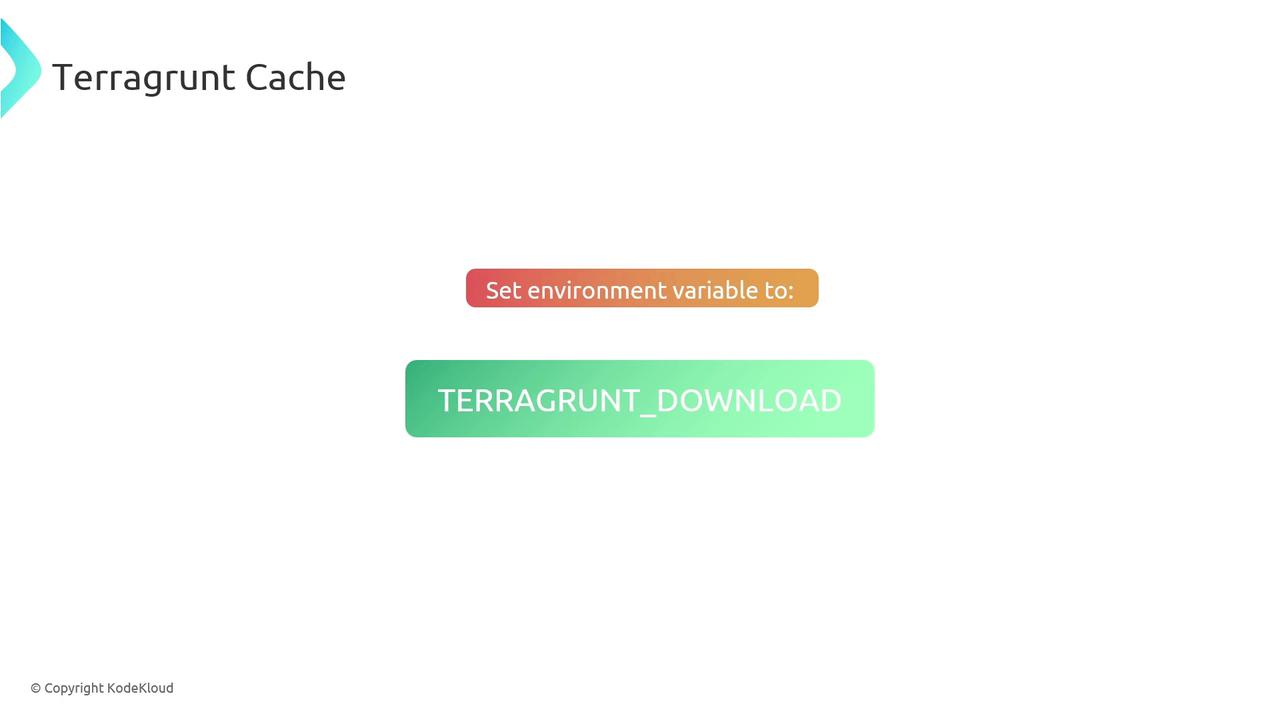
You can direct all.terragrunt-cache directories to a single folder by setting the TERRAGRUNT_DOWNLOAD_DIR environment variable. This makes it easier to manage and monitor cache usage.
Configure Your Shell
Add the following to your shell configuration file (~/.bashrc, ~/.zshrc, etc.):
From now on, Terragrunt will store every
.terragrunt-cache in "/path/to/central/cache". You can periodically clean this directory to reclaim space.