

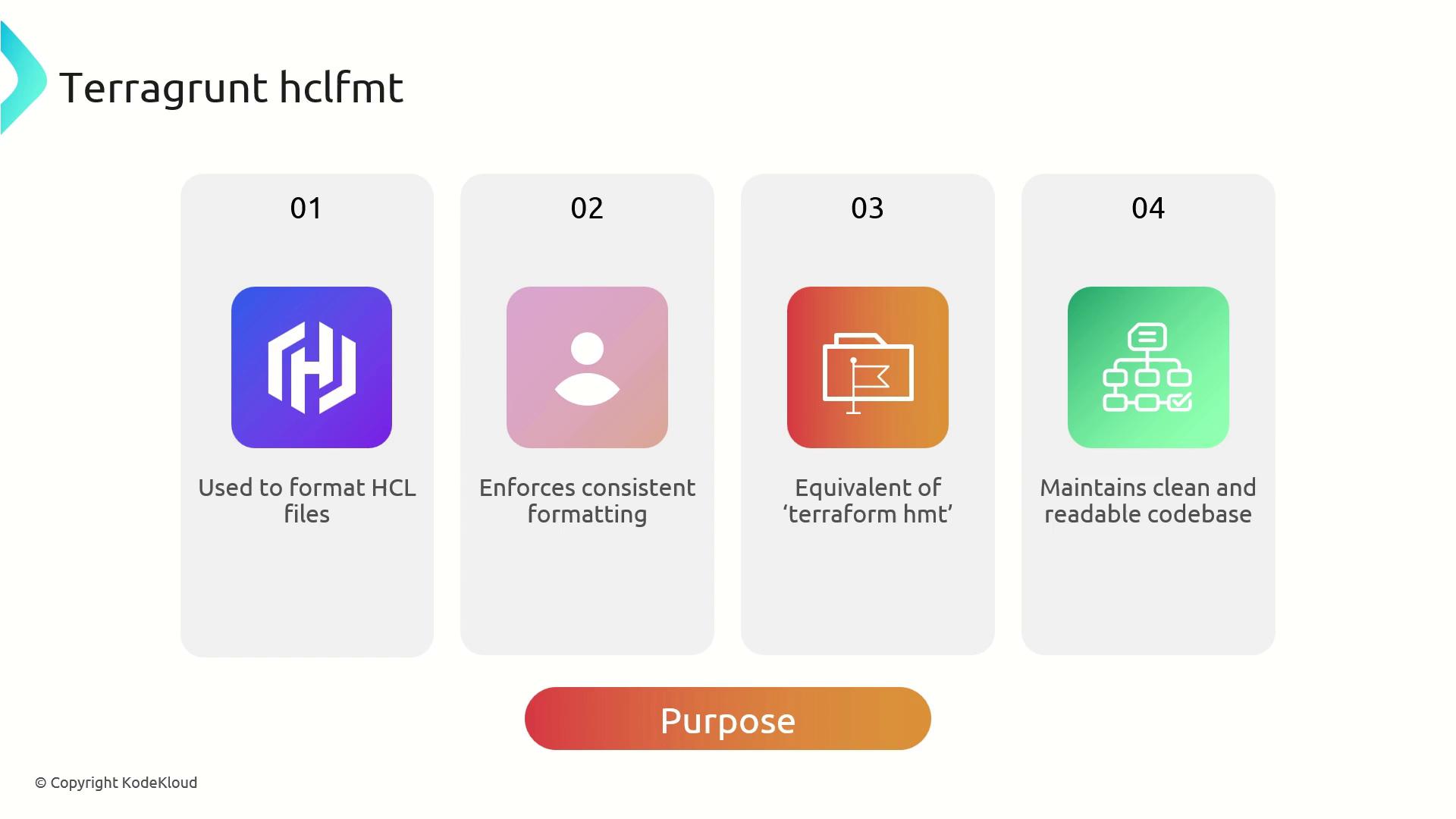
hclfmt) enforces a consistent style for Terragrunt’s HashiCorp Configuration Language (HCL) files. Built on top of terraform fmt, it applies Terraform’s formatting conventions while understanding Terragrunt’s hierarchical configuration structure. Using terragrunt hclfmt helps teams maintain clean, readable code and minimize version-control noise.
Integration and Workflow
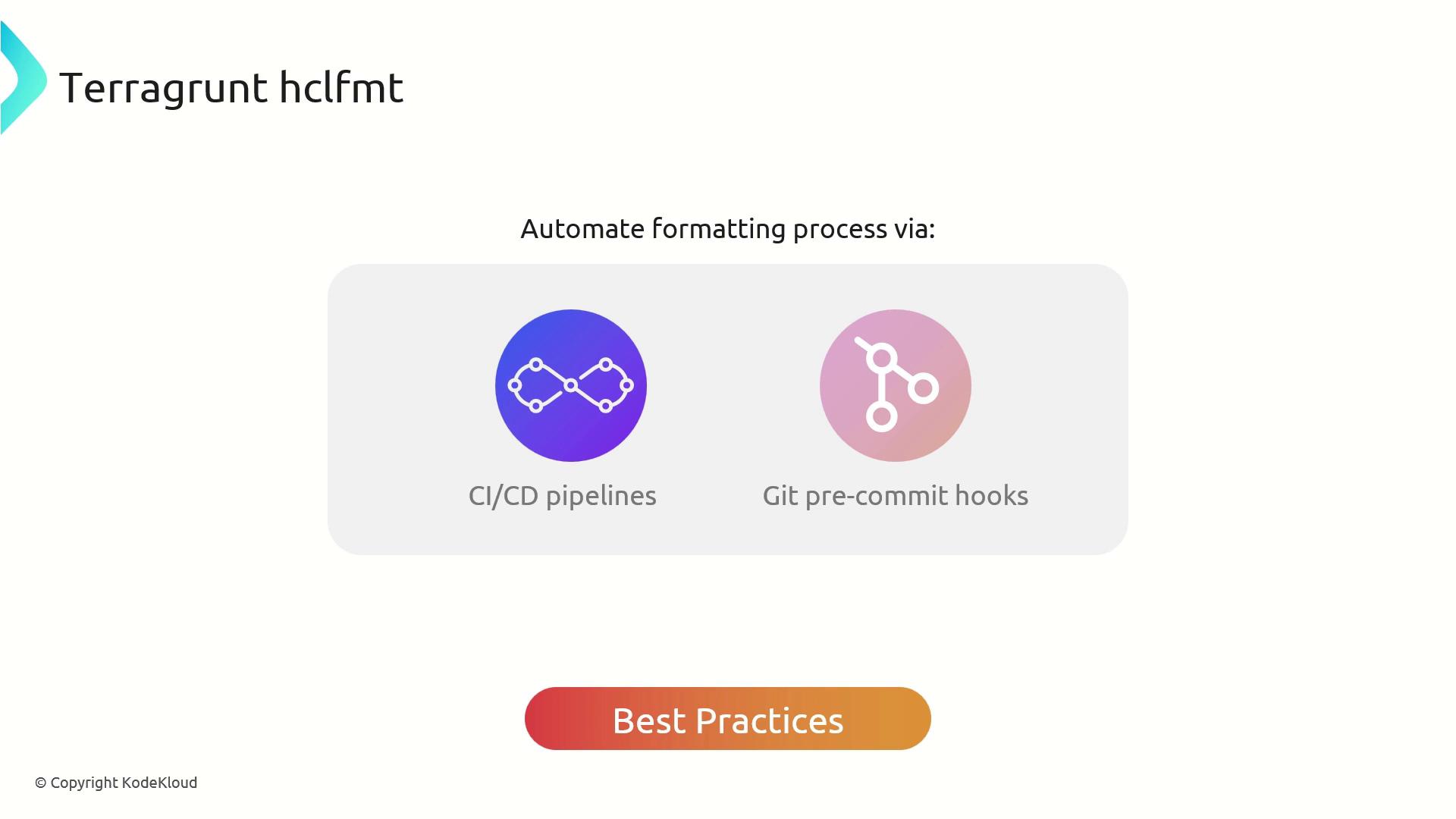
Integrateterragrunt hclfmt into your development lifecycle to automate formatting:
- Embed in Git pre-commit hooks to catch style issues before code review.
- Run in CI/CD pipelines to enforce formatting across all branches.
- Leverage the underlying
terraform fmtcompatibility for seamless adoption.
- Add
terragrunt hclfmtto your.pre-commit-config.yamlso developers never miss a formatting step. - Include formatting checks in your pipeline as a gating job.
- Keep your Terragrunt modules consistent by running
hclfmtafter merging feature branches.
Core Benefits
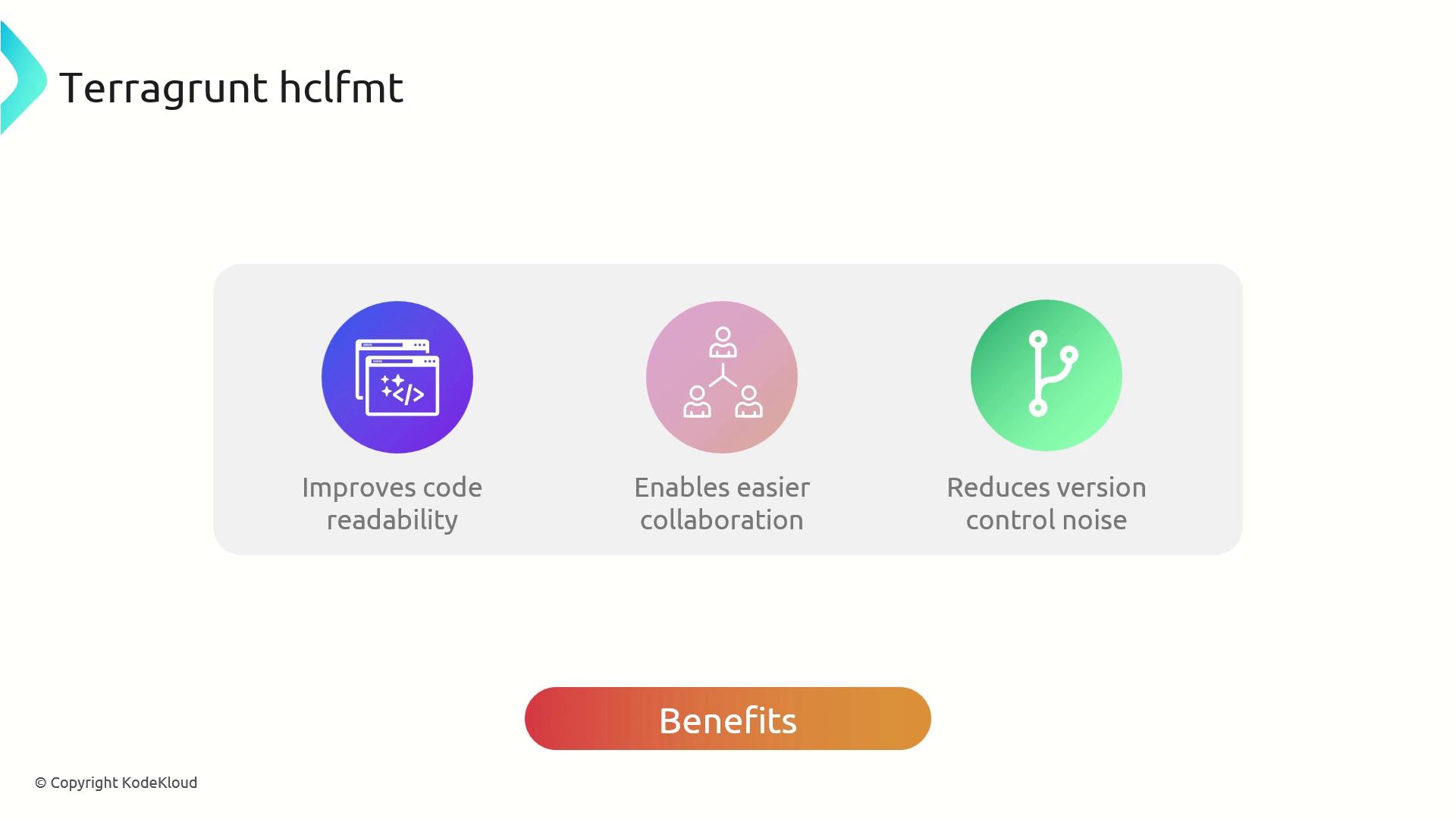
Usingterragrunt hclfmt delivers:
| Benefit | Description |
|---|---|
| Consistent Formatting | Uniform HCL style for Terragrunt and Terraform files. |
| Easier Collaboration | Reduces discussions over indentation and layout. |
| Cleaner Diffs | Removes non-functional changes from version control. |
Example Usage
Here’s how to format a simpleterragrunt.hcl that defines a VPC module with inputs for name and cidr:
Unformatted terragrunt.hcl:
Integrating
terragrunt hclfmt early in your CI/CD process saves time and enforces standards across teams.Always run
terragrunt hclfmt before committing changes. Unformatted HCL may cause pipeline failures or inconsistent diffs.