

Terragrunt automatically generates the Terraform backend configuration for you. This ensures consistent remote state settings across all environments.
What Is Terraform Remote State?
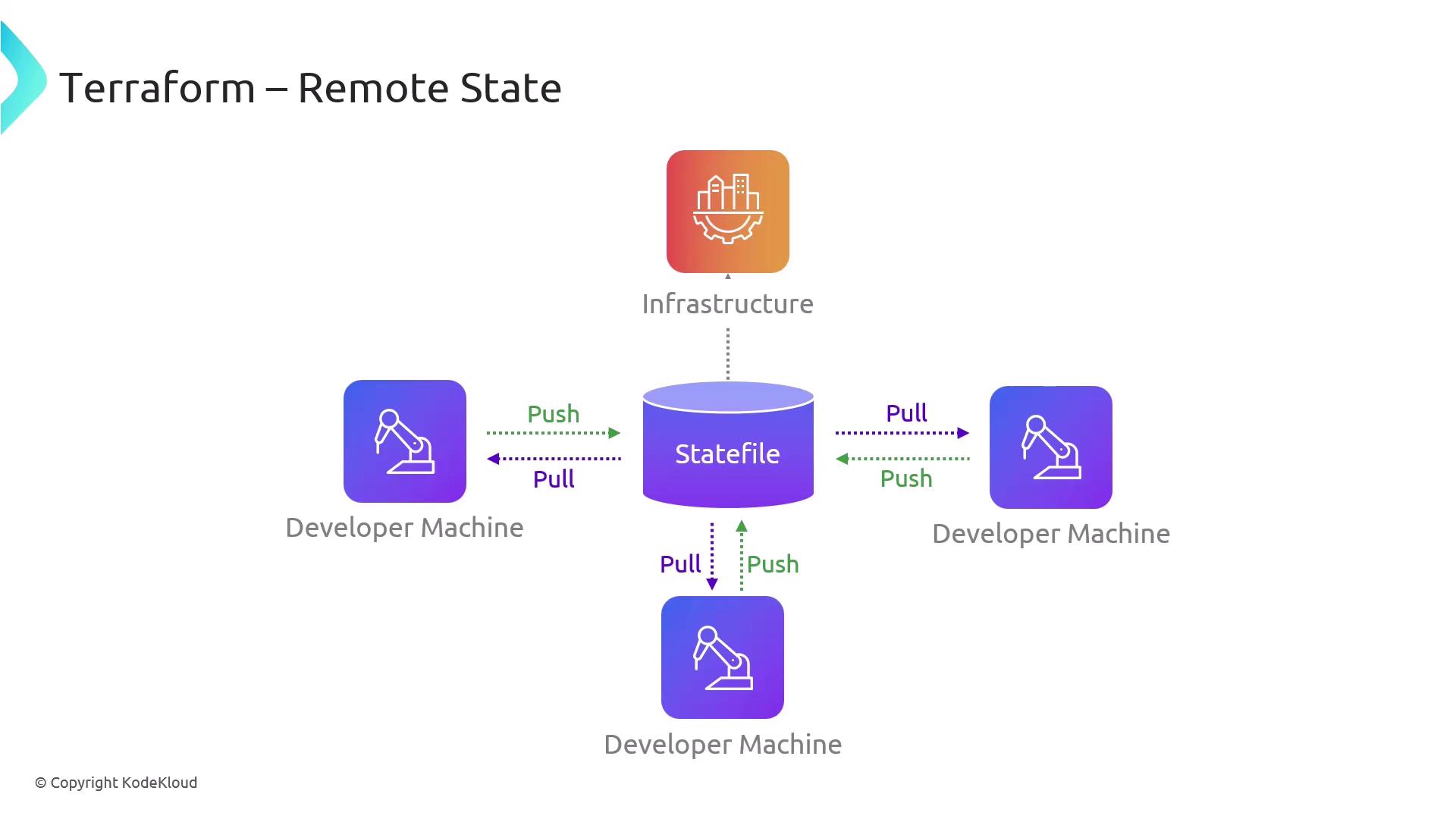
Terraform Remote State provides a centralized repository for storing and organizing your.tfstate files. Think of it as the nerve center of your infrastructure:
- Ensures a single source of truth for all team members
- Prevents conflicting edits by serializing state updates
- Simplifies collaboration and preserves deployment integrity
Popular Remote Backends
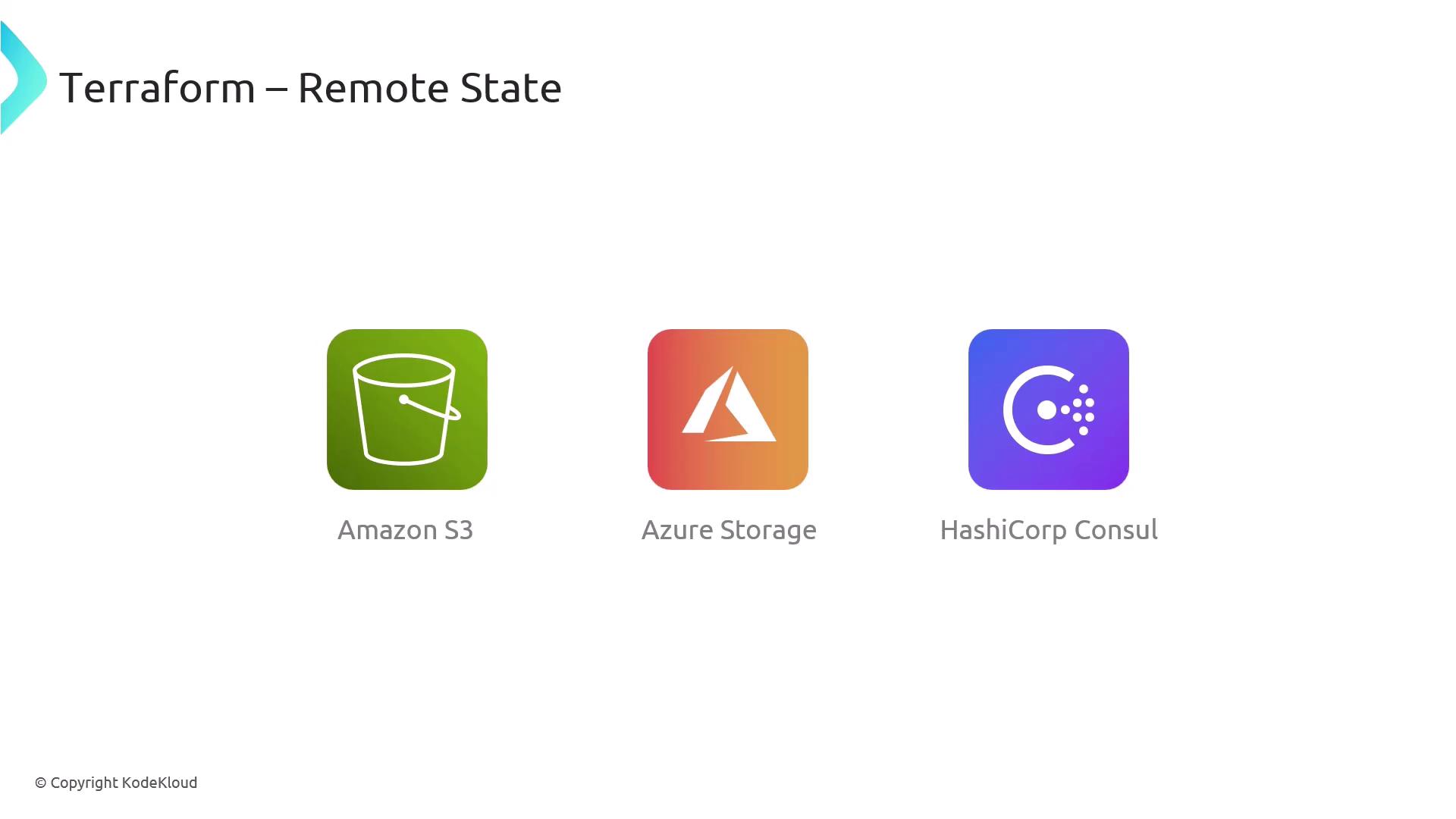
Terraform supports multiple backends, letting you choose the storage solution that best fits your environment:| Backend | Use Case | Documentation |
|---|---|---|
| AWS S3 | Scalable, cost-effective object storage | https://registry.terraform.io/providers/hashicorp/aws/latest/docs/resources/s3_bucket |
| Azure Blob Storage | Native Azure integration with RBAC | https://registry.terraform.io/providers/hashicorp/azurerm/latest/docs/resources/storage_account |
| HashiCorp Consul | Highly-available, on-premise KV store | https://registry.terraform.io/providers/hashicorp/consul/latest/docs |
Security, Versioning, and Access Control
Beyond simple storage, Terraform Remote State offers:- Access Controls: Grant read/write permissions to specific IAM roles or users
- State Versioning: Enable object versioning (e.g., S3 Versioning) to track changes
- Encryption: Encrypt state at rest and in transit
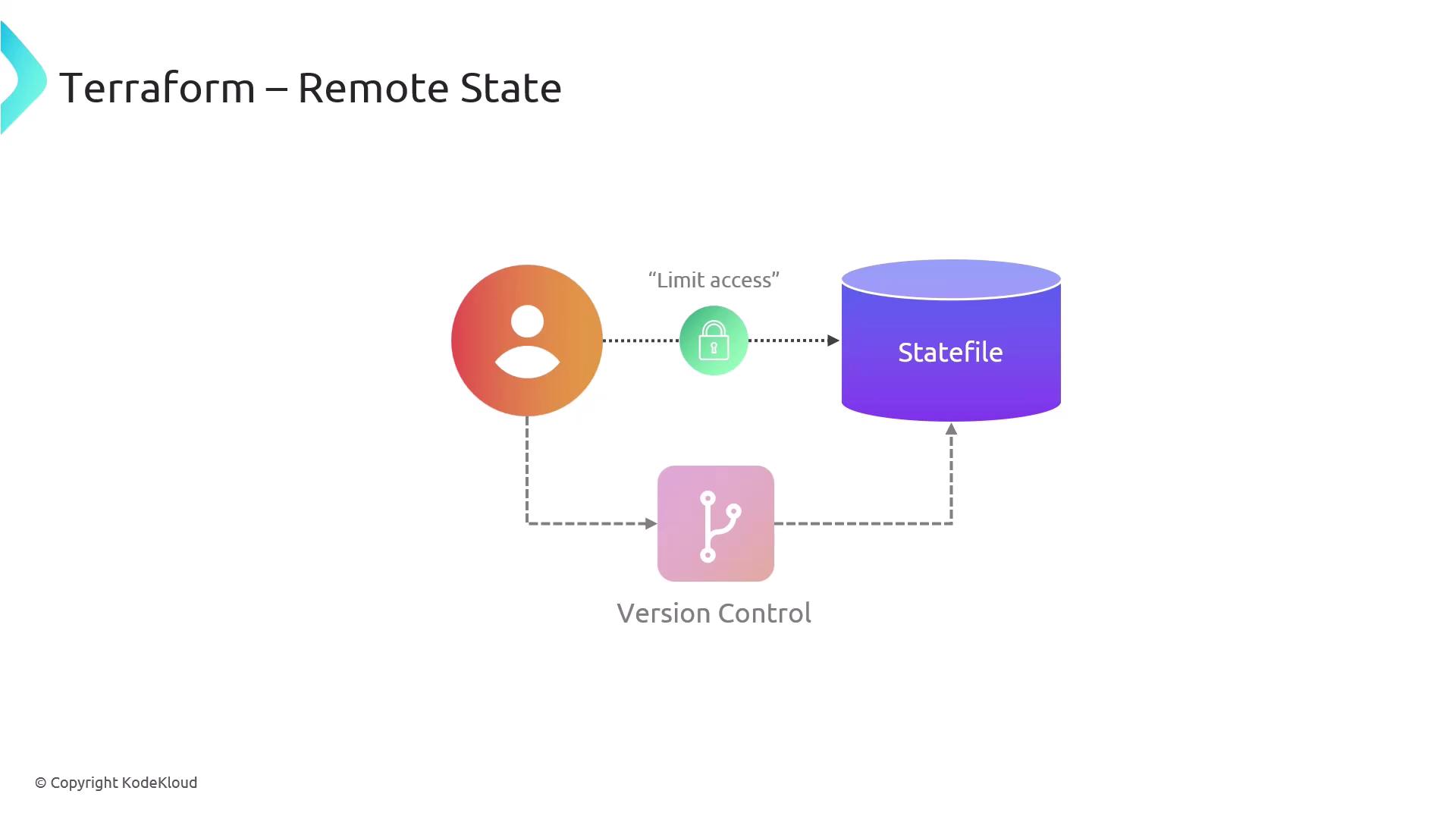
Your state file may contain sensitive data (passwords, IDs, etc.). Always enable encryption and restrict access to authorized team members only.