Overview
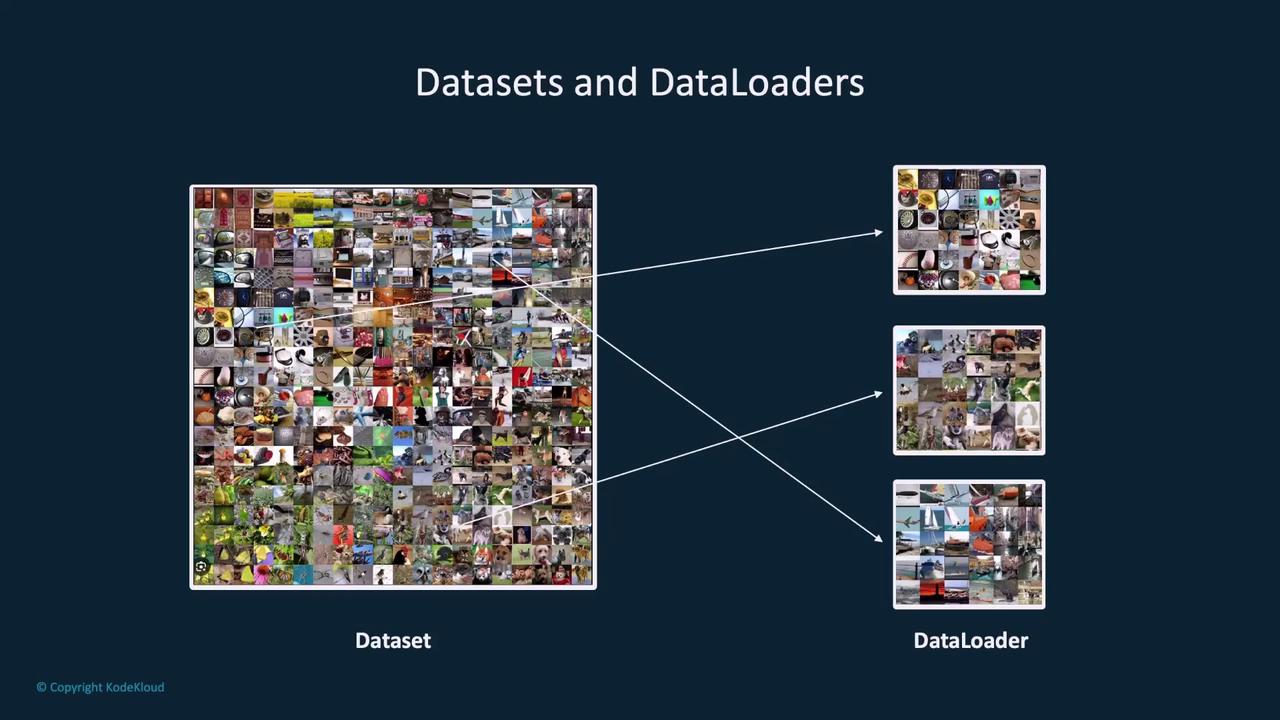
In PyTorch, a Dataset represents your data (whether images, text, or any other forms), while a Dataloader wraps an iterable around the dataset, enabling efficient access to data samples. Together, they simplify tasks like batching, shuffling, and parallel data loading, thereby streamlining the training process.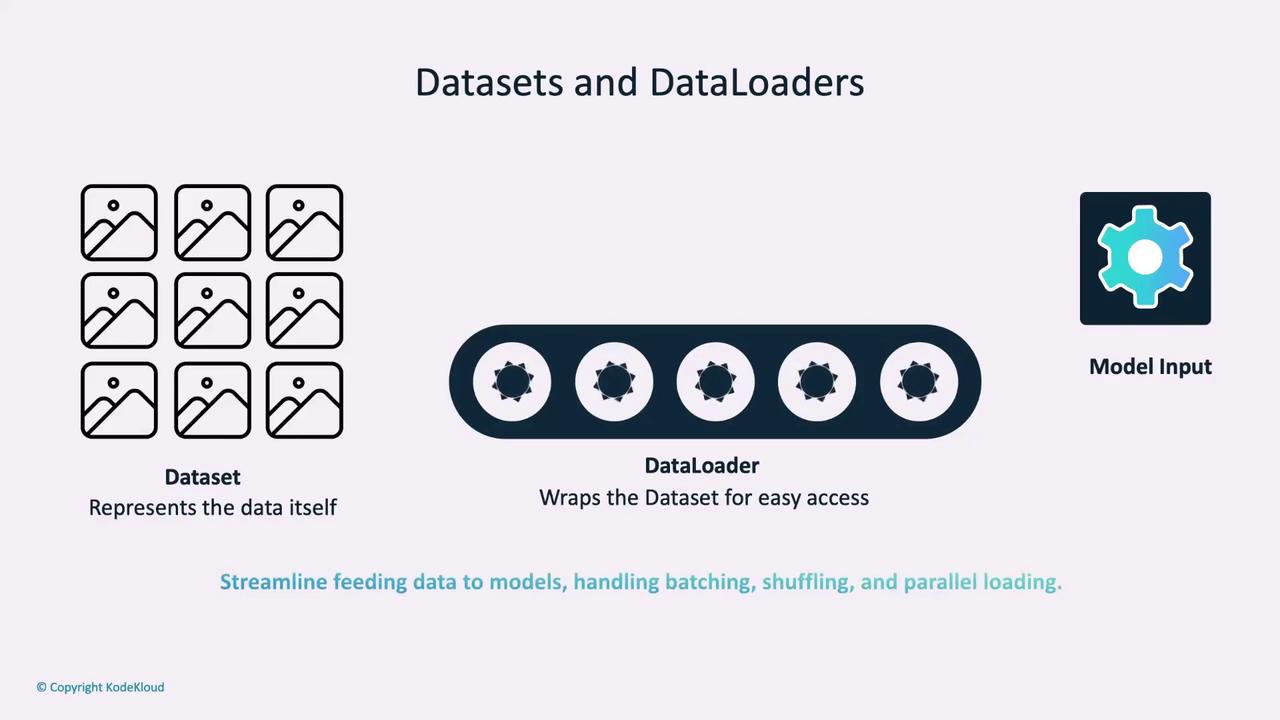
PyTorch Datasets
Datasets in PyTorch are typically implemented using a Python class that serves as a blueprint for accessing and processing data samples. This approach allows you to customize data handling for various types of inputs.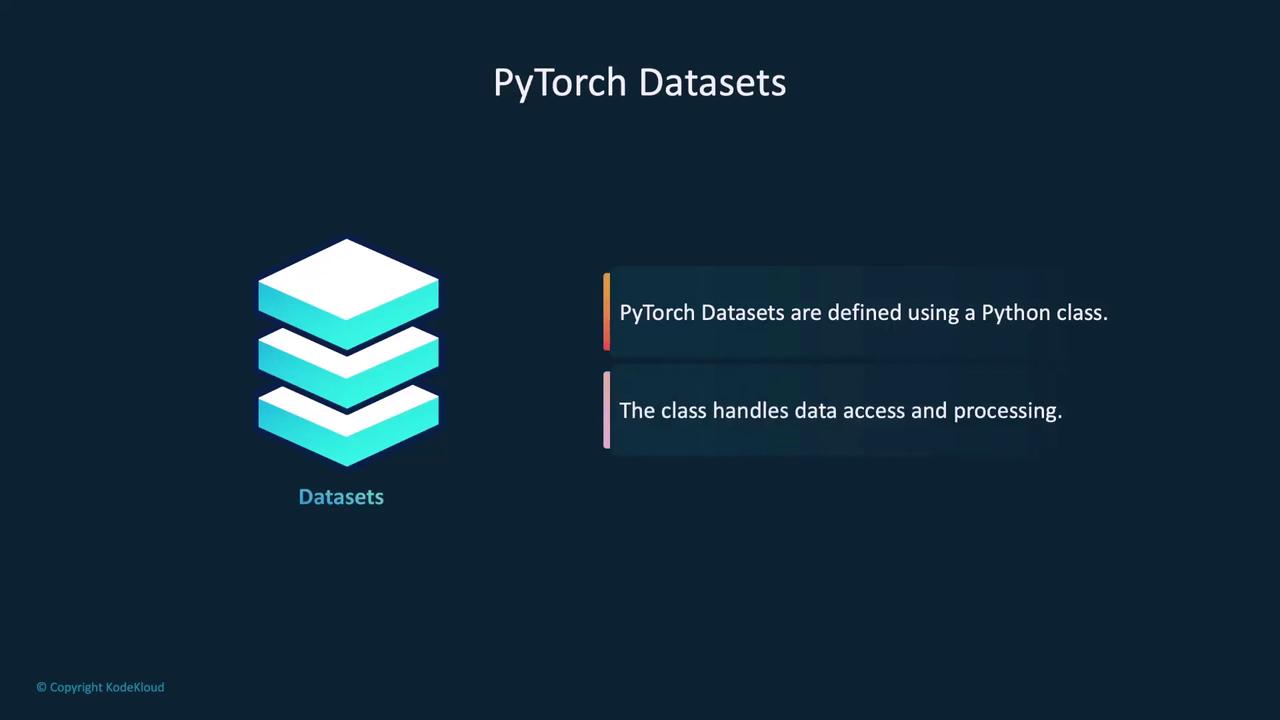
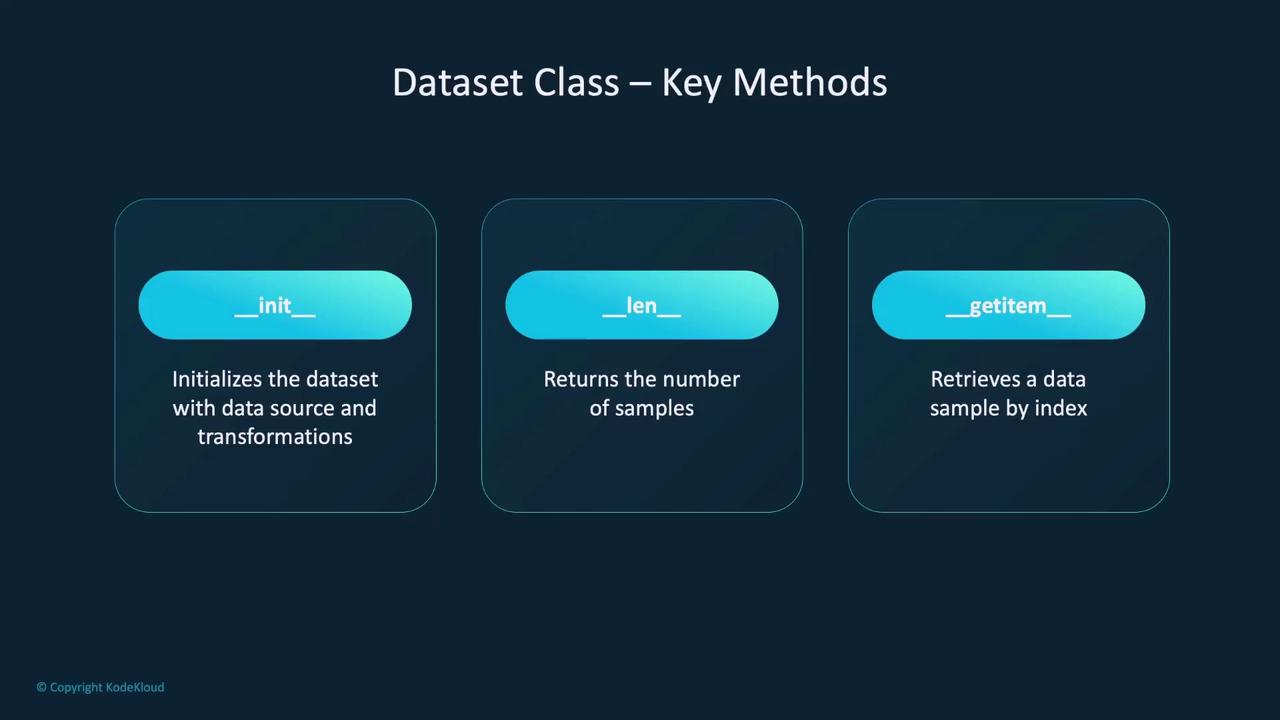
__init__: Initializes the dataset object. Here you define the dataset source (e.g., a local directory, annotation file) and specify any transformations to be applied.__len__: Returns the total number of samples in your dataset.__getitem__: Retrieves a specific data sample based on the index, supporting indexed access similar to Python lists or arrays.
CustomImageDataset:
__init__ method reads an annotation CSV file containing image filenames and labels. The image directory and optional transformations are stored for later use. The __len__ method returns the number of samples, while __getitem__ constructs the image path, reads the image into a tensor, applies the necessary transformations, and returns both image and label as a tuple.
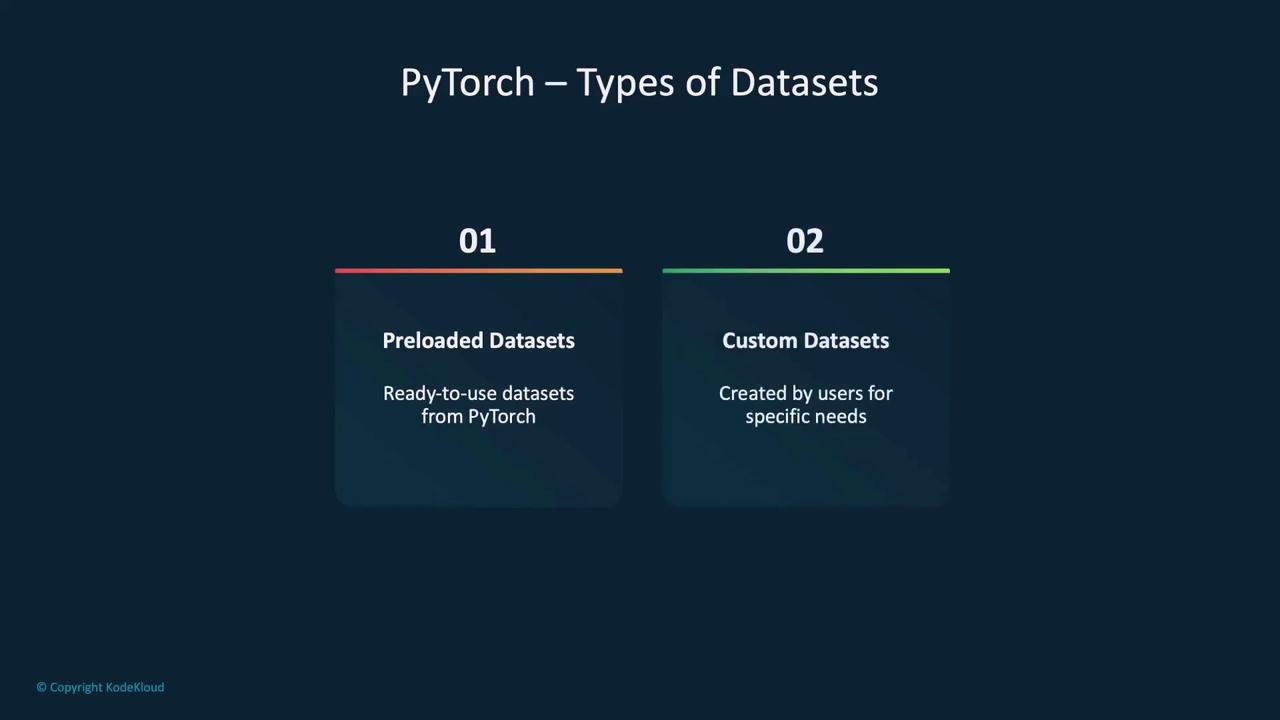
There are two main categories of datasets in PyTorch:
- Preloaded Datasets: Ready-to-use datasets provided by PyTorch for popular data sources.
- Custom Datasets: Custom-built datasets tailored to your unique data requirements.
Creating a Custom Dataset
Creating a custom dataset in PyTorch is straightforward. The flexibility offered by custom datasets lets you tailor data handling to your specific project requirements. Consider the following minimal example:__init__ loads your data, __len__ returns the total number of samples, and __getitem__ retrieves a sample based on its index.
Depending on your project, you might need to load different data types. Here are examples for images, text, and audio:
Loading Image Data
Loading Text Data
Loading Audio Data
Preloaded Datasets in PyTorch
PyTorch includes a variety of preloaded datasets that are widely used in machine learning and AI tasks. These datasets are preprocessed and ready to use, saving you valuable time during experimentation. For instance, vision datasets are accessible via the TorchVision library, offering popular datasets like MNIST, CIFAR-10, and ImageNet.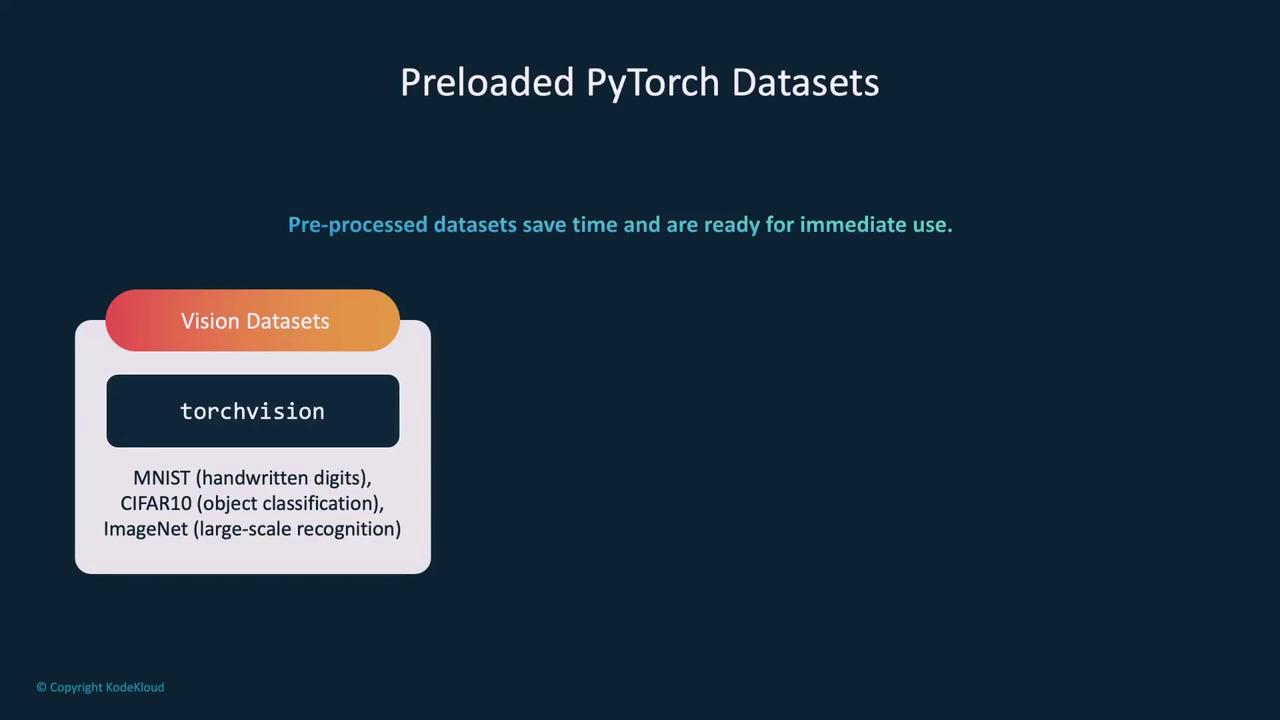
Example: Loading the MNIST Dataset
The MNIST dataset is a classic example in the machine learning community, containing 70,000 images of handwritten digits. Using TorchVision, loading MNIST is straightforward:train=True, you load the training set; similarly, switching to train=False provides the test set. Each sample in the dataset is a tuple consisting of a 28x28 grayscale image and its corresponding label (a digit between 0 and 9).
Accessing individual samples is as simple as:
Dataloaders in PyTorch
Dataloaders serve as an iterable wrapper around a dataset, making it easier to loop through data samples during training. They are especially useful for handling batching, shuffling, and parallel data loading using multiple workers.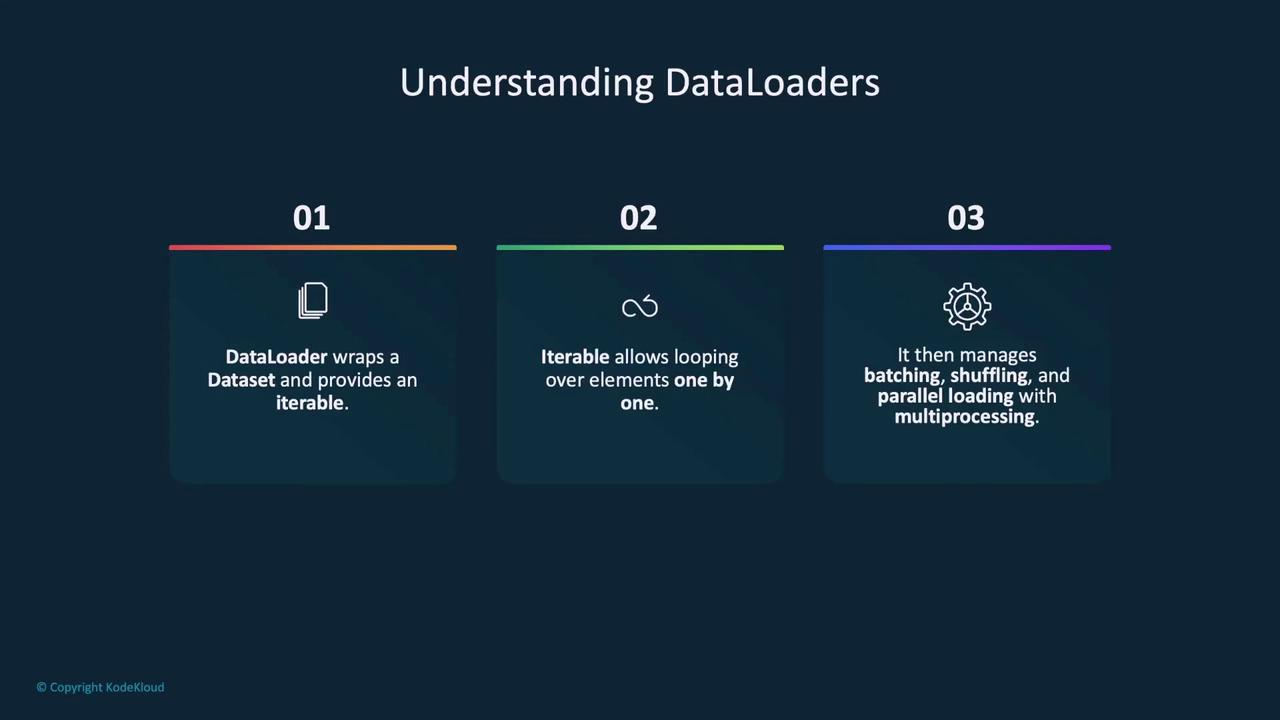
torch.utils.data, you can configure key parameters:
- batch_size: Specifies how many samples are loaded in each batch. Larger batches speed up training but require more memory.
- shuffle: If set to
True, randomizes the order of data samples each epoch, which can improve model generalization. - num_workers: Determines the number of subprocesses to use for data loading. Increasing this number can boost data loading speed but consumes more CPU resources.
Remember to adjust the
batch_size and num_workers parameters according to your hardware capabilities for optimal performance.Summary
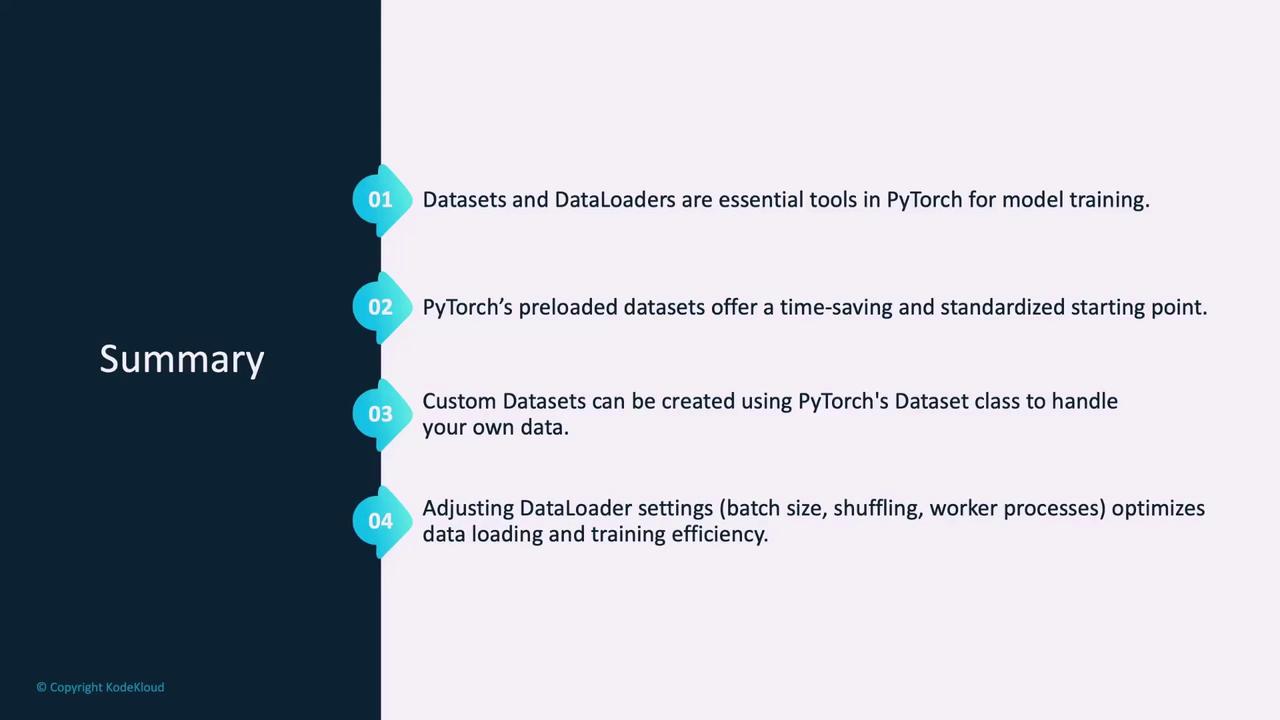
Datasets and Dataloaders are fundamental building blocks in PyTorch that simplify data management for model training. Preloaded datasets provide a quick starting point for many applications, while custom datasets offer the flexibility needed for specialized data sources. By fine-tuning settings such as batch size, shuffling, and the number of worker processes, you can significantly optimize both data loading and the overall training process.