This guide explores deploying PyTorch models using Flask, covering setup, integration, and best practices for creating an inference API.
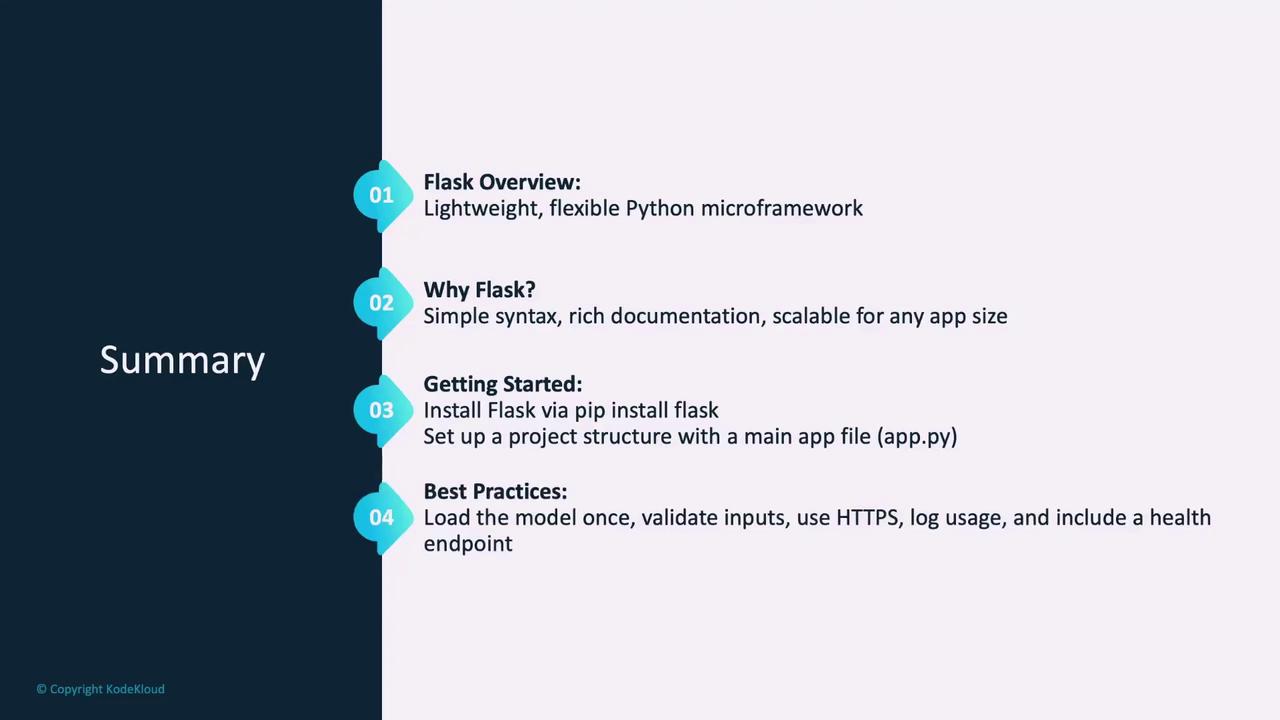
In this guide, we explore how to deploy PyTorch models using Flask—a lightweight Python web framework that seamlessly transforms research code into accessible, production-ready services. You’ll learn what Flask is, why it’s an excellent choice for deployment, and how to set up a basic Flask application that loads a trained PyTorch model and creates an inference API endpoint.
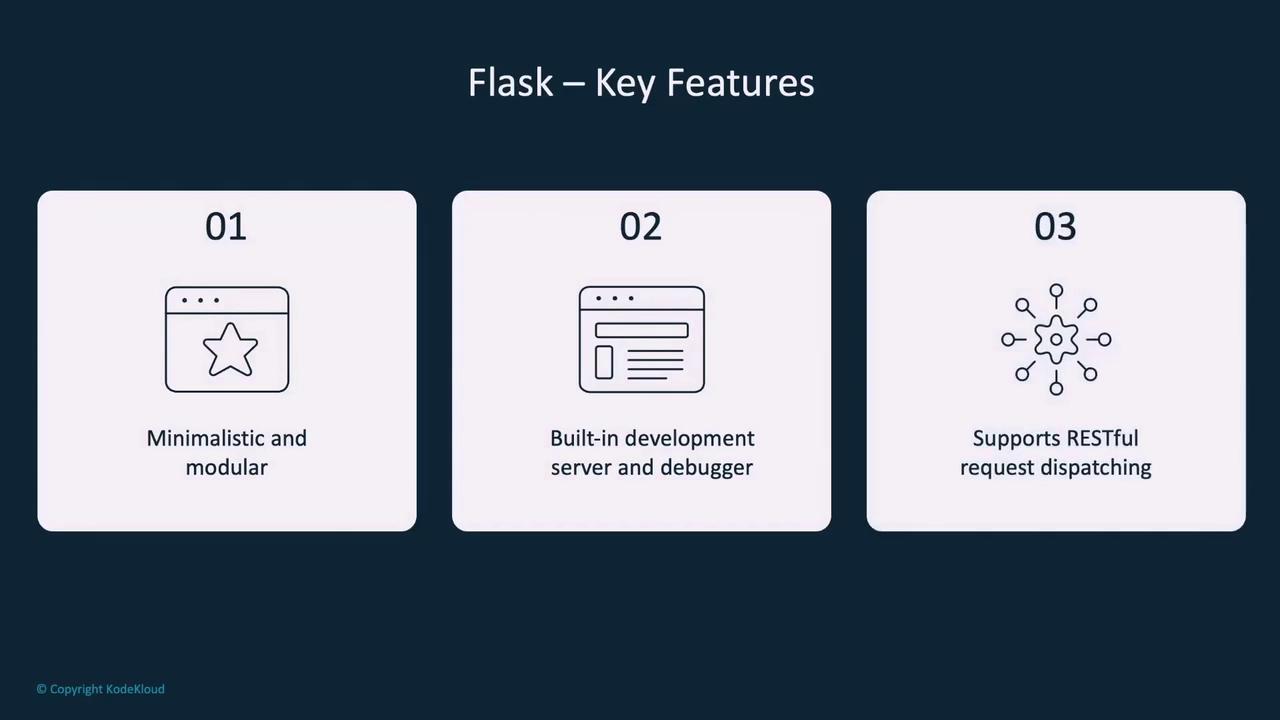
Let’s dive in.Flask is a simple, lightweight, and flexible web framework that makes building Python web applications fast and modular. Its minimalistic approach means you only add the functionality you require, which keeps projects well-organized and scalable—ideal for both beginners and more complex applications.
Flask comes equipped with a built-in development server and debugger, along with robust support for creating RESTful APIs. These features make it perfectly suited for deploying machine learning models where quick testing and clear error reporting are critical.
With its clarity, comprehensive documentation, and seamless integration with PyTorch, Flask is a top choice for deploying machine learning services. Although it is not designed for high-performance computing out-of-the-box, its stability and ease of use make it a robust choice for a wide range of applications.
Establishing a well-organized project structure is key for maintainability. Create a primary folder for your application that contains an app.py file for your main logic, along with dedicated folders for models, static assets (CSS, images, JavaScript, etc.), templates, and tests.Example project structure:
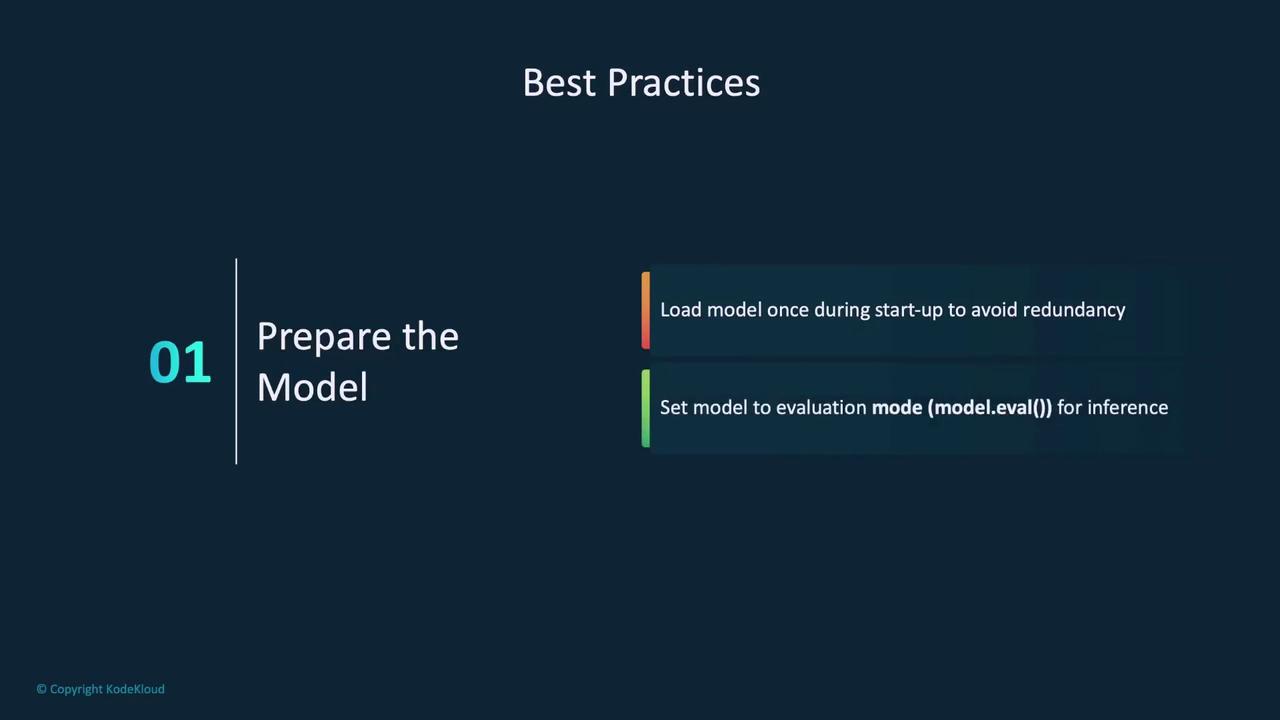
To integrate a PyTorch model, load it into memory when the Flask app starts—this prevents redundant loading during inference. Use torch.load to import your model and set it to evaluation mode:
Copy
Ask AI
# Load a PyTorch model in Flaskimport torchfrom flask import Flask, request, jsonifyapp = Flask(__name__)# Load modelmodel = torch.load('model/pytorch_model.pth')model.eval()
Loading the model at startup ensures that it is ready to handle incoming requests efficiently.
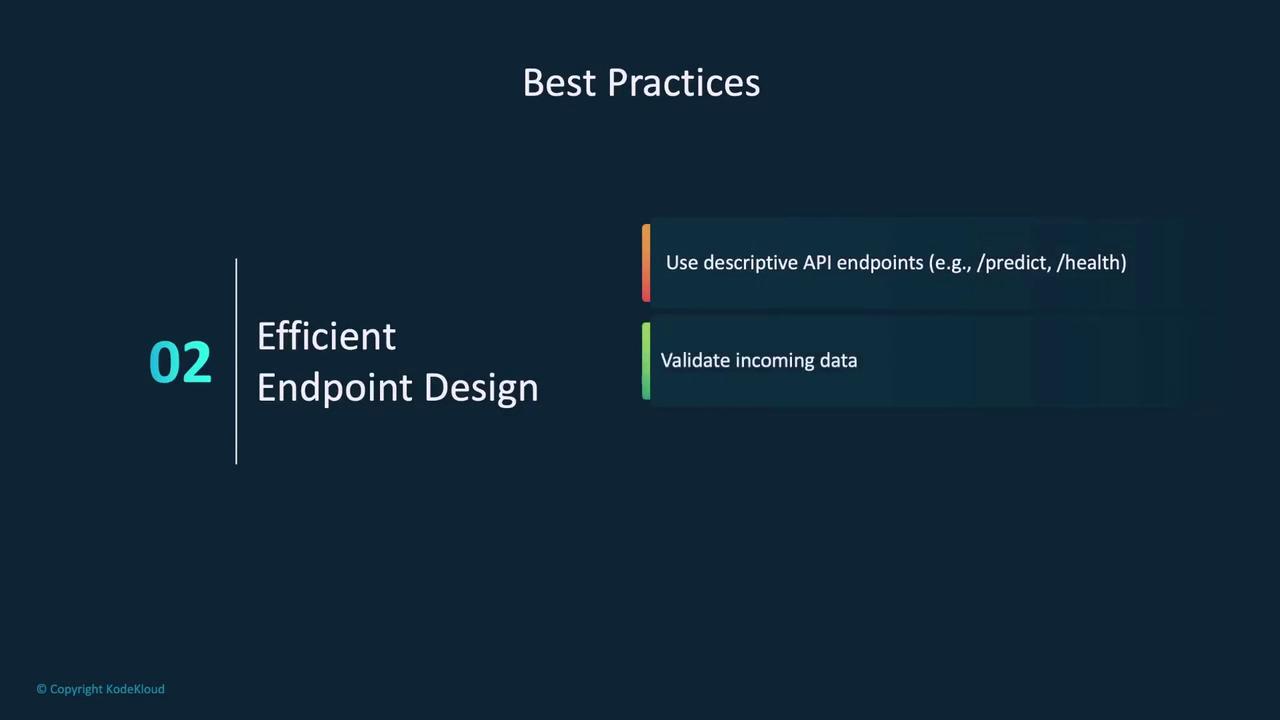
Next, define an endpoint (e.g., /predict) that processes POST requests. This endpoint will accept JSON data, convert it to a PyTorch tensor, perform inference, and return the prediction as JSON. Consider the following example:
Copy
Ask AI
# Define an inference endpoint@app.route('/predict', methods=['POST'])def predict(): data = request.json input_tensor = torch.tensor(data['input']) output = model(input_tensor) return jsonify({'output': output.tolist()})
Example JSON request and response:
Copy
Ask AI
{ "input": [1.0, 2.0, 3.0]}
Copy
Ask AI
{ "output": [0.85, 0.10, 0.05]}
This endpoint processes the input, generates inferences, and returns the results in a structured JSON format.
After setting up your application, run the Flask development server locally by executing your Python file. For example, with app.py as your main file:
Copy
Ask AI
# Run Flask applicationpython app.py# Output* Serving Flask app "app"* Debug mode: onWARNING: This is a development server. Do not use it in a production deployment. Use a production WSGI server instead.* Running on http://127.0.0.1:5000Press CTRL+C to quit
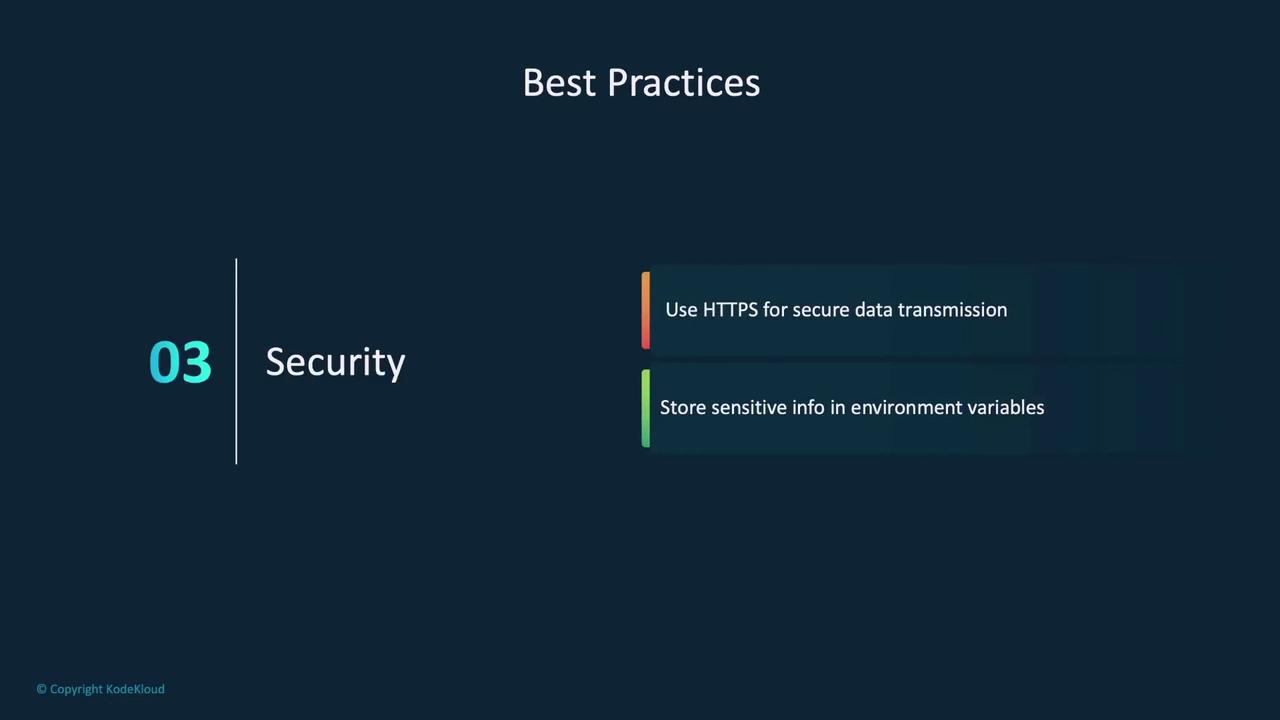
The built-in server is intended for development only. For production environments, consider using a production-ready WSGI server.
This command starts Gunicorn with four worker processes, binding to all network interfaces on port 8080. Here, app:app tells Gunicorn to locate the Flask instance named app within the app.py file.