

1. Environment Setup
First, install dependencies and configure your API key.Make sure your
OPENAI_API_KEY is set in the environment:Helper Functions
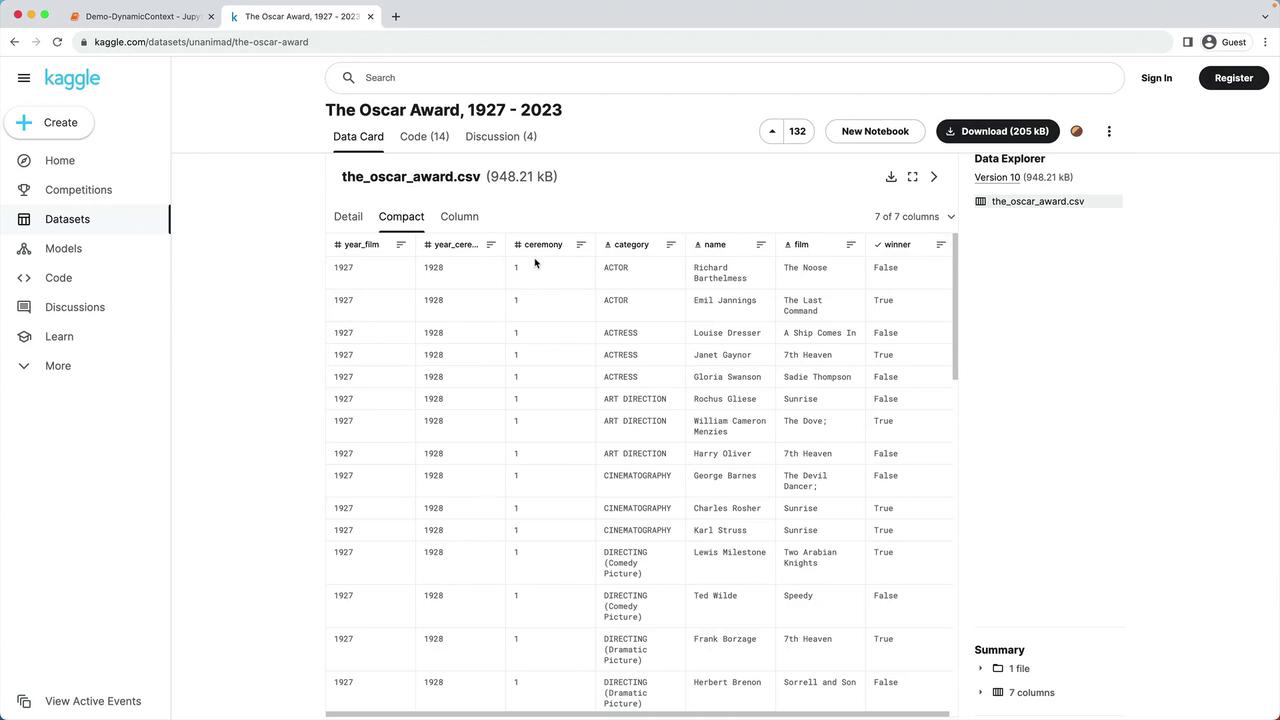
2. Loading and Preprocessing the Oscar Dataset
The lab environment already includesdata/oscars.csv. Let’s read and trim it:
| Step | Operation | Code Example |
|---|---|---|
| Filter by year | Keep only 2023 ceremony | df = df[df["year_ceremony"] == 2023] |
| Drop missing films | Remove rows where film is null | df = df.dropna(subset=["film"]) |
| Normalize category | Lowercase all category names | df["category"] = df["category"].str.lower() |
3. Creating Dynamic Context Sentences
Next, we generate a self-contained sentence for each nomination, combining name, category, film title, and win status.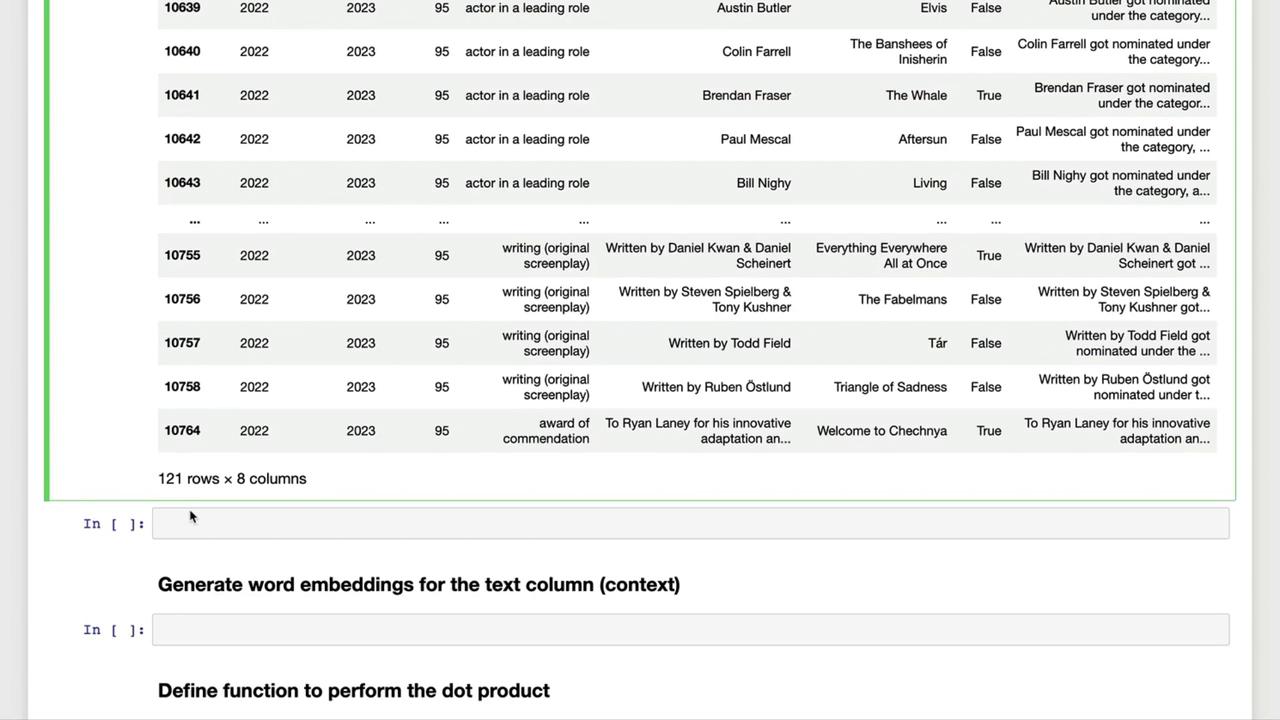
Example Context Sentences
4. Next Steps
With thetext column in place, you can now:
- Generate embeddings for each sentence
- Compute similarity scores via dot-product matching
- Build dynamic prompts by selecting the most relevant contexts