Prerequisites
- Python 3.7+
- An active OpenAI API key
openaiPython package (pip install openai)IPythonfor in-notebook audio playback (pip install ipython)
1. Play Audio Locally
Before sending the file to Whisper, verify playback in an IPython environment:2. Transcribe with Whisper
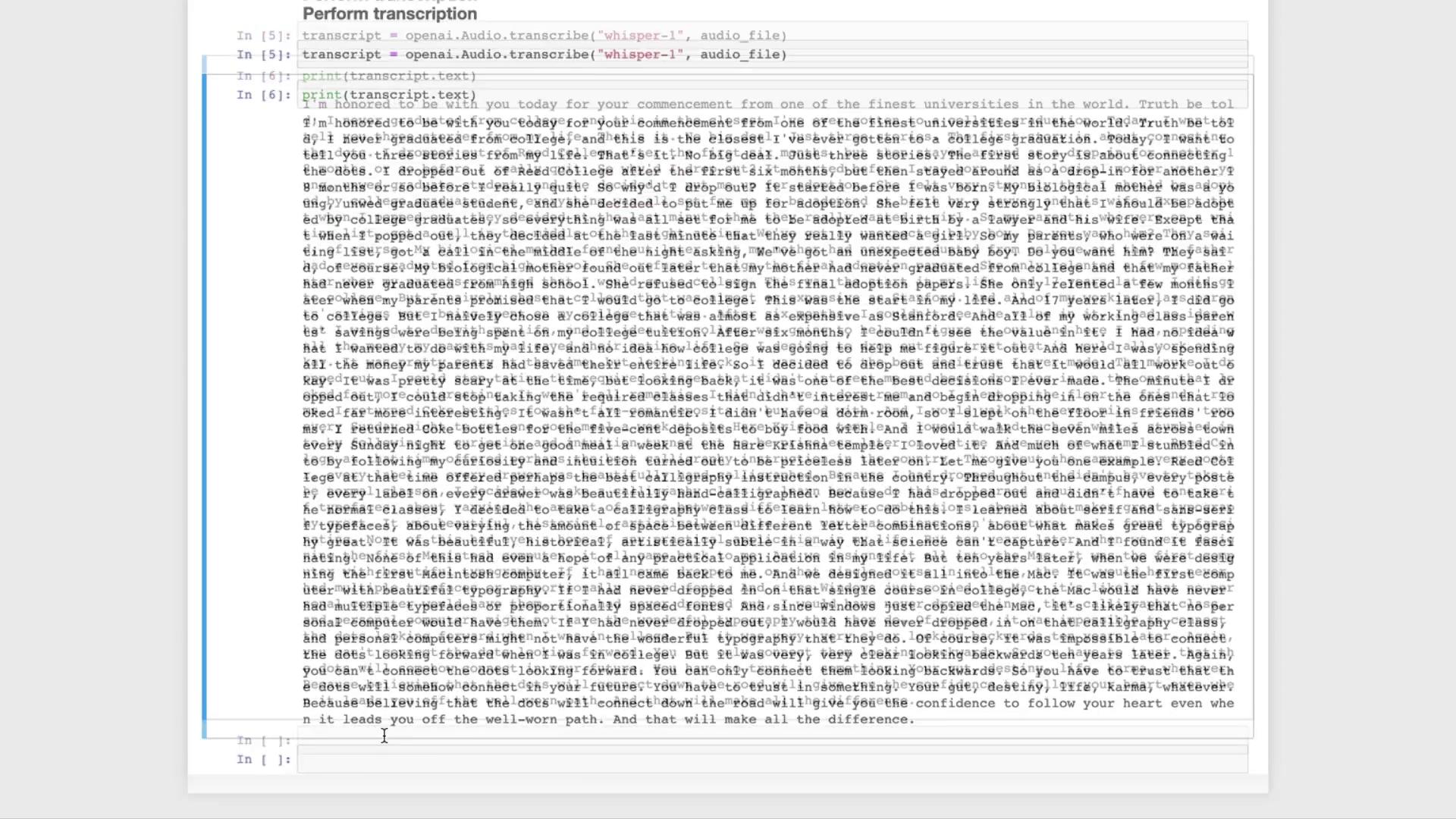
Whisper currently offers thewhisper-1 model for speech-to-text. Set your API key in the environment, then transcribe:
Make sure
OPENAI_API_KEY is correctly set. On macOS/Linux:3. Next Steps: NLP Pipelines
Once you have the raw transcript, you can feed it into large language models like GPT-3.5 Turbo or GPT-4 to:- Summarize the speech
- Generate Q&A bots
- Classify or analyze sentiment
- Extract key topics
| Use Case | Model | Example Link |
|---|---|---|
| Summarization | GPT-3.5 Turbo | API Reference |
| Question & Answer | GPT-4 | API Reference |
| Sentiment Analysis | GPT-3.5 Turbo | Custom prompt engineering |
4. Run Whisper Locally
If you prefer not to use the API, you can run Whisper on your machine via the open-source repository: