

Step 1: Installing the Required Jenkins Plugin
Begin by navigating to Manage Jenkins and then Manage Plugins. Although the Go plugin might already be installed on your instance, if you cannot find it in the Installed tab, switch to the Available tab and search for “Go”. Once located, install the plugin and restart Jenkins to apply the changes.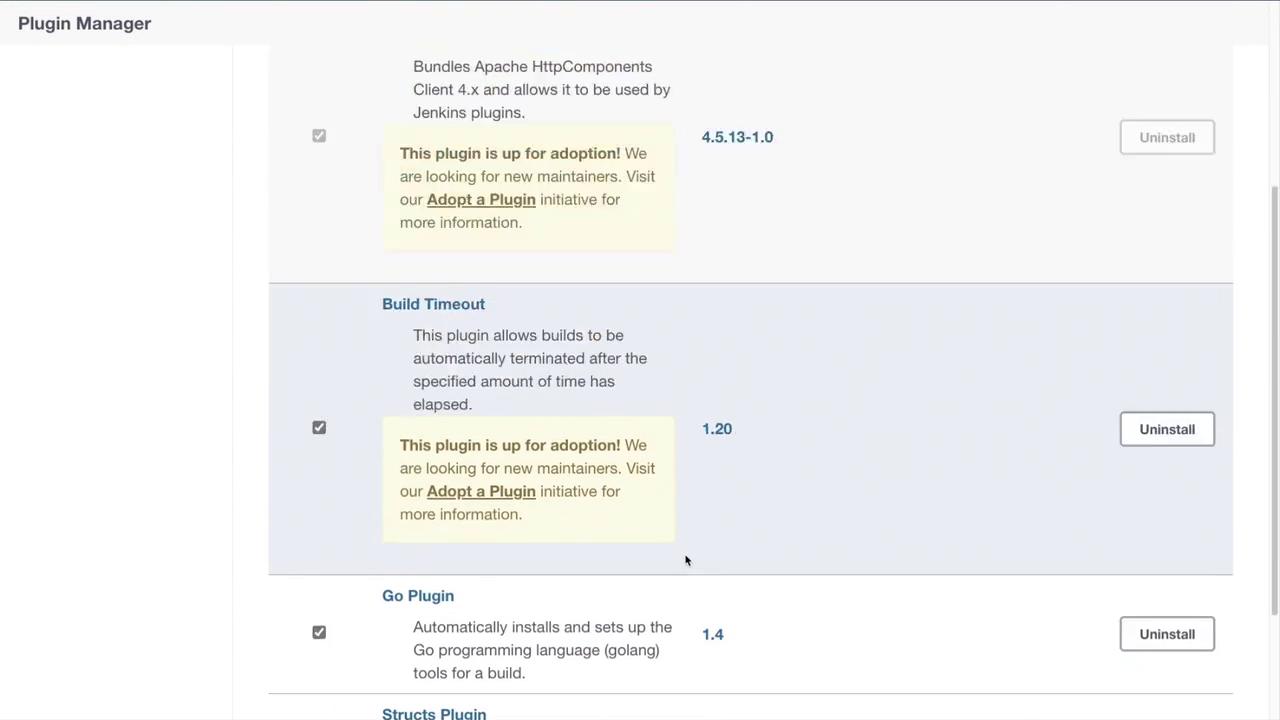
Step 2: Creating and Configuring Your Pipeline
After restarting Jenkins, create a new pipeline job by accessing the New Item menu. Choose Pipeline as the project type and proceed to the configuration page. In the Pipeline section, you will enter your pipeline script. In this example, we start by using the default agent withagent any as our build runner. We specify the Go tools section to use Go version 1.17 (or the version available on your machine) and set up an environment variable to enable module support.
Ensure that the Go version specified in the tools section matches the version installed on your machine.
Step 3: Defining Pipeline Stages
Next, define the stages for your pipeline. The first stage will run unit tests on your code. Create a stage named “Test” and include the following steps:- Clone the Repository: The pipeline will clone the repository containing your code.
- Execute Unit Tests: Run the tests using the command
go test ./..., which executes all tests in the current directory and any subdirectories.
Step 4: Saving and Running the Pipeline
After entering your Pipeline script in the configuration, save the job. Create a new item (for example, name it “Go 3”), select the Pipeline project type, and paste your script into the Pipeline section. Remember, this script uses Go version 1.17 and enables Go modules for efficient dependency management.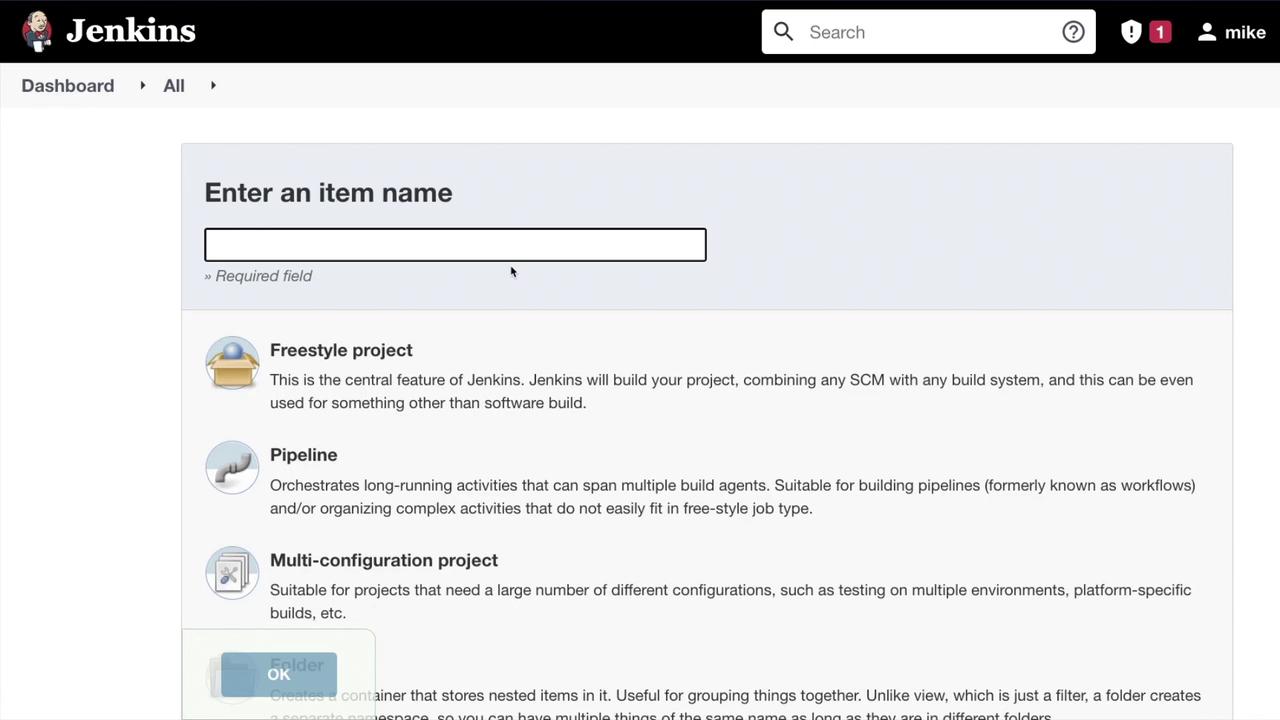
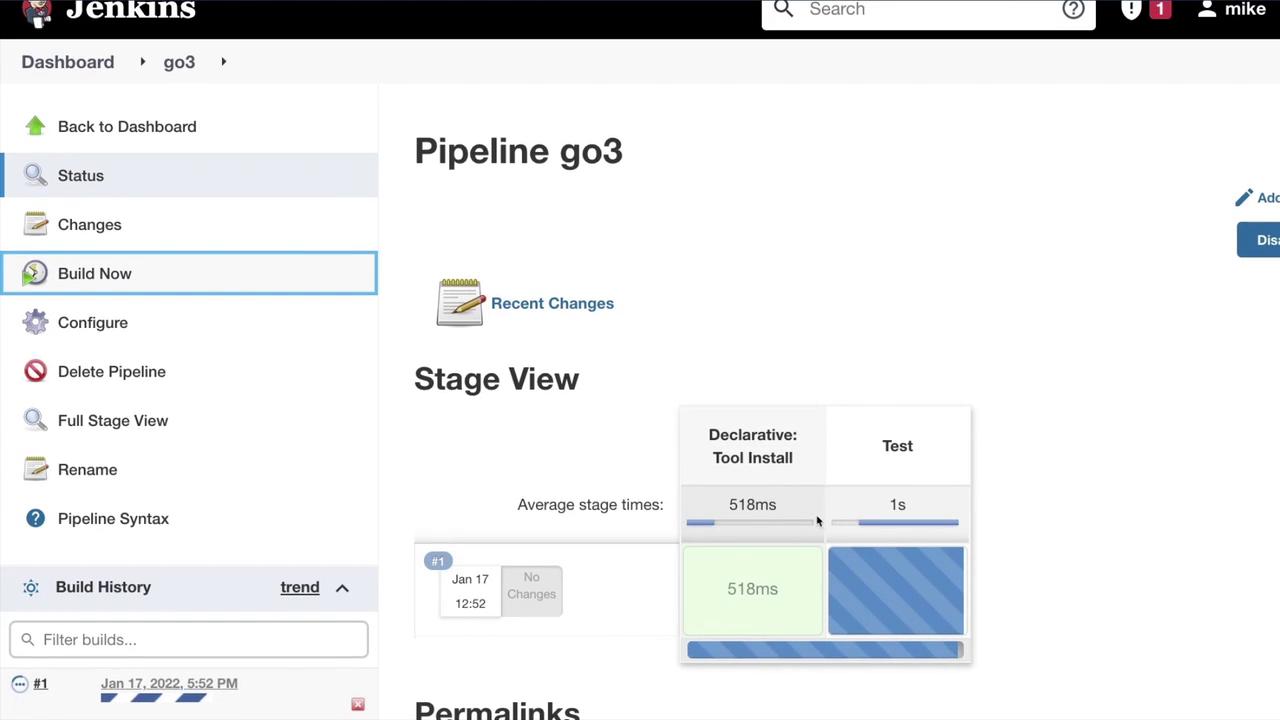
Verifying the Test Results
When reviewing the Jenkins logs, you should see output similar to the following, confirming that tests in the appropriate packages were discovered and executed:Conclusion
This tutorial covered the setup of a CI pipeline for running tests on your Go application using Jenkins. By following these steps, you have configured your Jenkins environment, set up the necessary plugins, defined a pipeline script, and executed unit tests.In the next lesson, we will delve into additional stages for building and deploying your Go application, further enhancing your CI/CD workflow.