This guide assumes you have basic familiarity with Jenkins and version control (Git). Adjust repository URLs and credentials as needed.
Step 1: Create Credentials
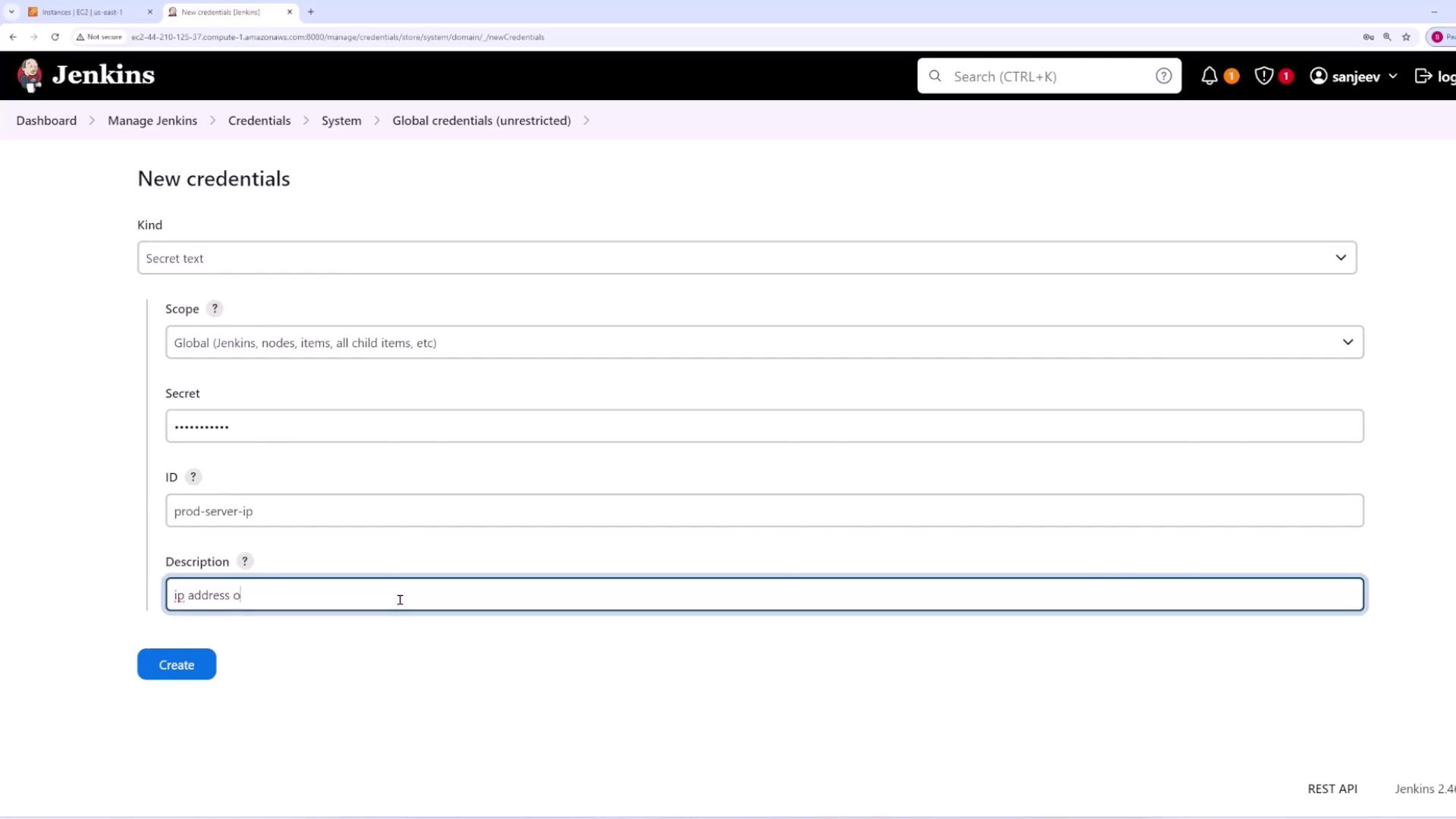
Create Secret Text Credential
- Go to Manage Jenkins and select Credentials.
- Expand the Global domain and click Add Credentials.
- Choose the Secret Text option.
- In the secret field, paste the production server’s IP address as plain text.
- Set the ID to
prod-dash-server-dash-IPand provide a meaningful description (e.g., “IP address of prod server”). - Click Create.
Create SSH Key Credential
- Click Add Credentials again.
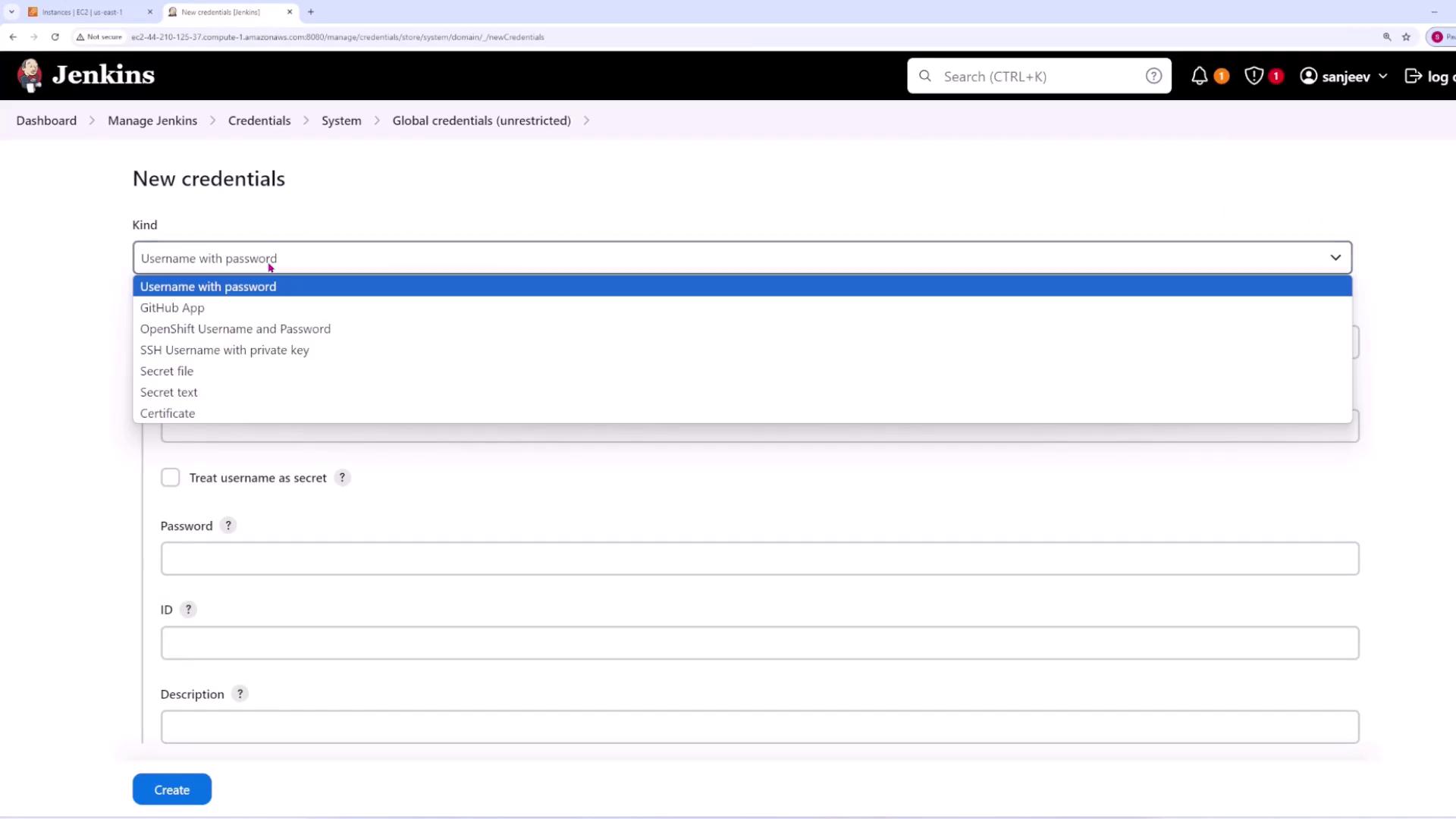
- Choose the SSH Username with private key option.
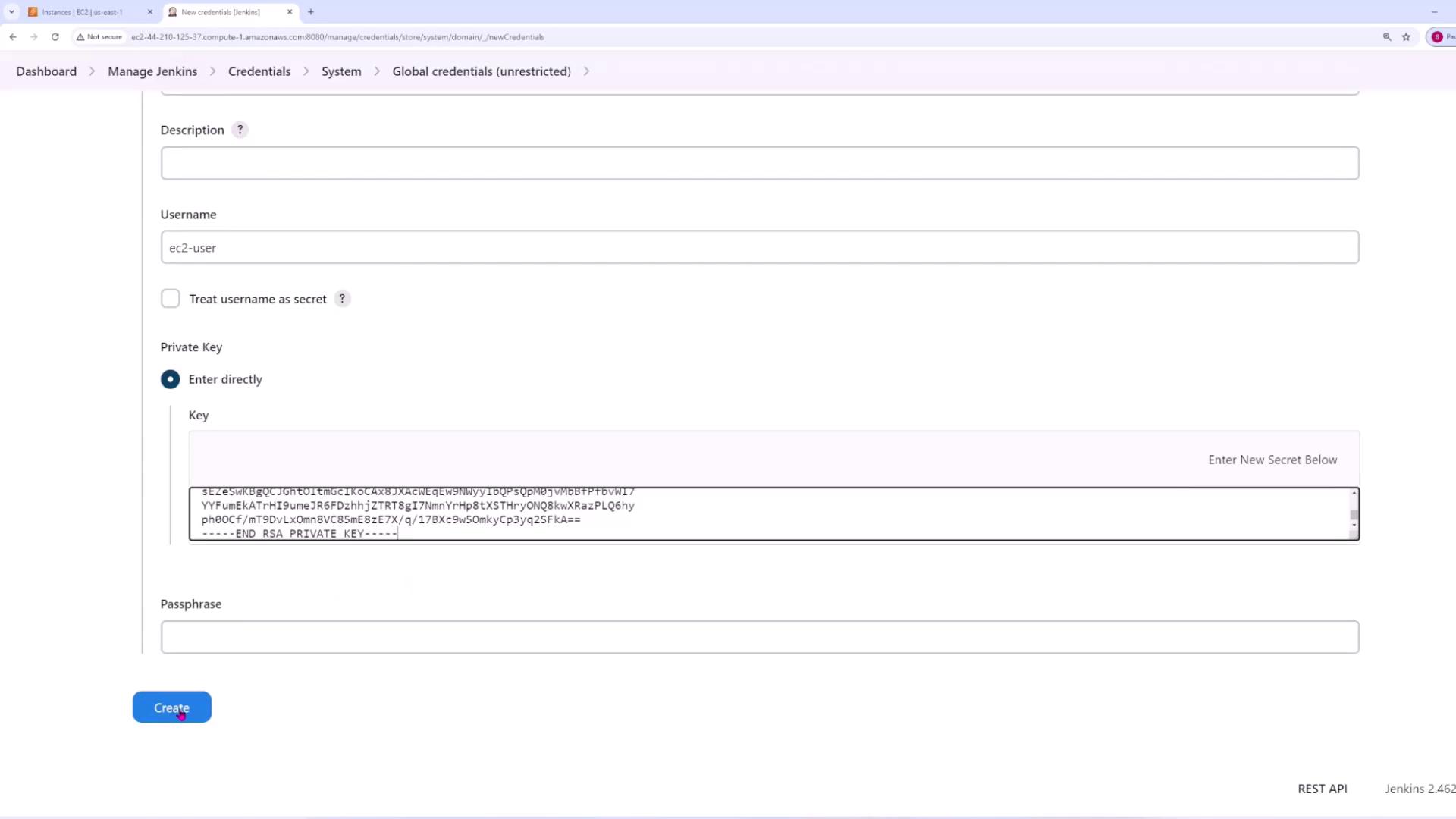
- Enter the username (for example,
ec2-user) that will be used to connect to the server. Optionally, treat the username as secret. - Paste your private key directly into the provided field. If your private key is stored in a file (e.g.,
main.pem), open the file, copy its contents, and paste them here. - If your private key has a passphrase, provide it; otherwise, leave the field blank.
- Click Create.
Ensure that all secrets and SSH keys are stored securely and access is limited only to trusted personnel.
Step 2: Create Pipeline
- Create a new pipeline job and assign it a descriptive name (e.g., “single server pipeline”).
- In the pipeline configuration, enable the GitHub hook trigger for GITScm polling.
- Set the pipeline definition to Pipeline script from SCM:
- Select Git as the SCM.
- Provide the public repository URL.
- Specify the branch (for example,
main). - Set the script path to
Jenkinsfile.
- Save the configuration.
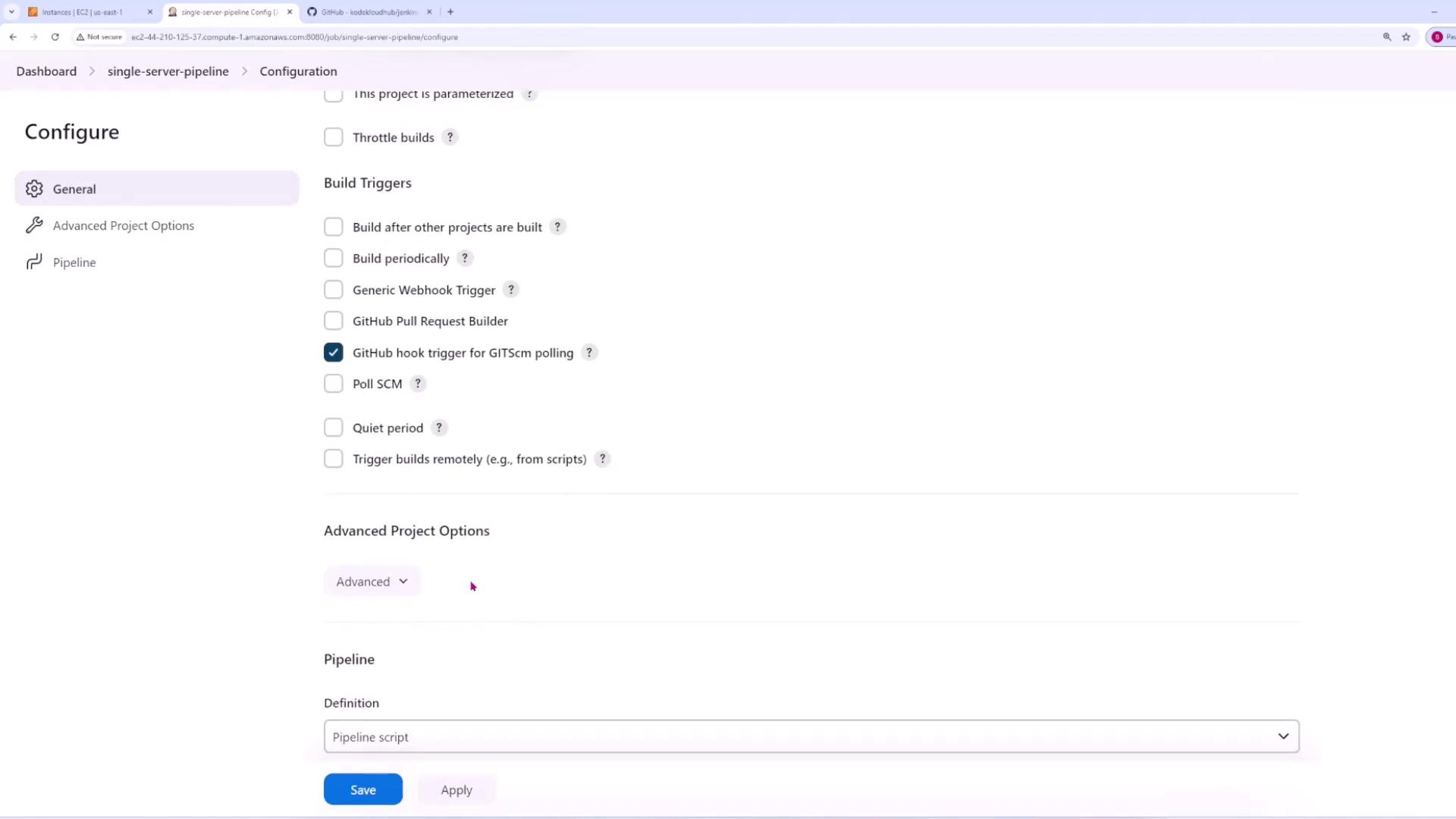

Step 3: Review the Jenkinsfile
The Jenkinsfile defines the stages of your CI/CD pipeline. The sample Jenkinsfile provided below includes four stages: Setup, Test, Package Code, and Deploy to Prod.Initial Jenkinsfile Configuration
SERVER_IP environment variable, making it available for all pipeline stages.
Updated Pipeline with SSH Deployment
The updated Jenkinsfile integrates SSH-based deployment. With this configuration, the pipeline securely copies the packaged application to the production server and performs deployment tasks such as unzipping files, activating the virtual environment, installing dependencies, and restarting the Flask application service.- The application code is zipped.
- The zip file is securely copied to the production server using SCP.
- An SSH session is initiated to unzip the code, activate the virtual environment, install required dependencies, and restart the Flask app service.
Step 4: Commit and Push Code Changes
After configuring the Jenkinsfile, commit your changes and push them to your Git repository. Use the following commands:Step 5: Verify Deployment
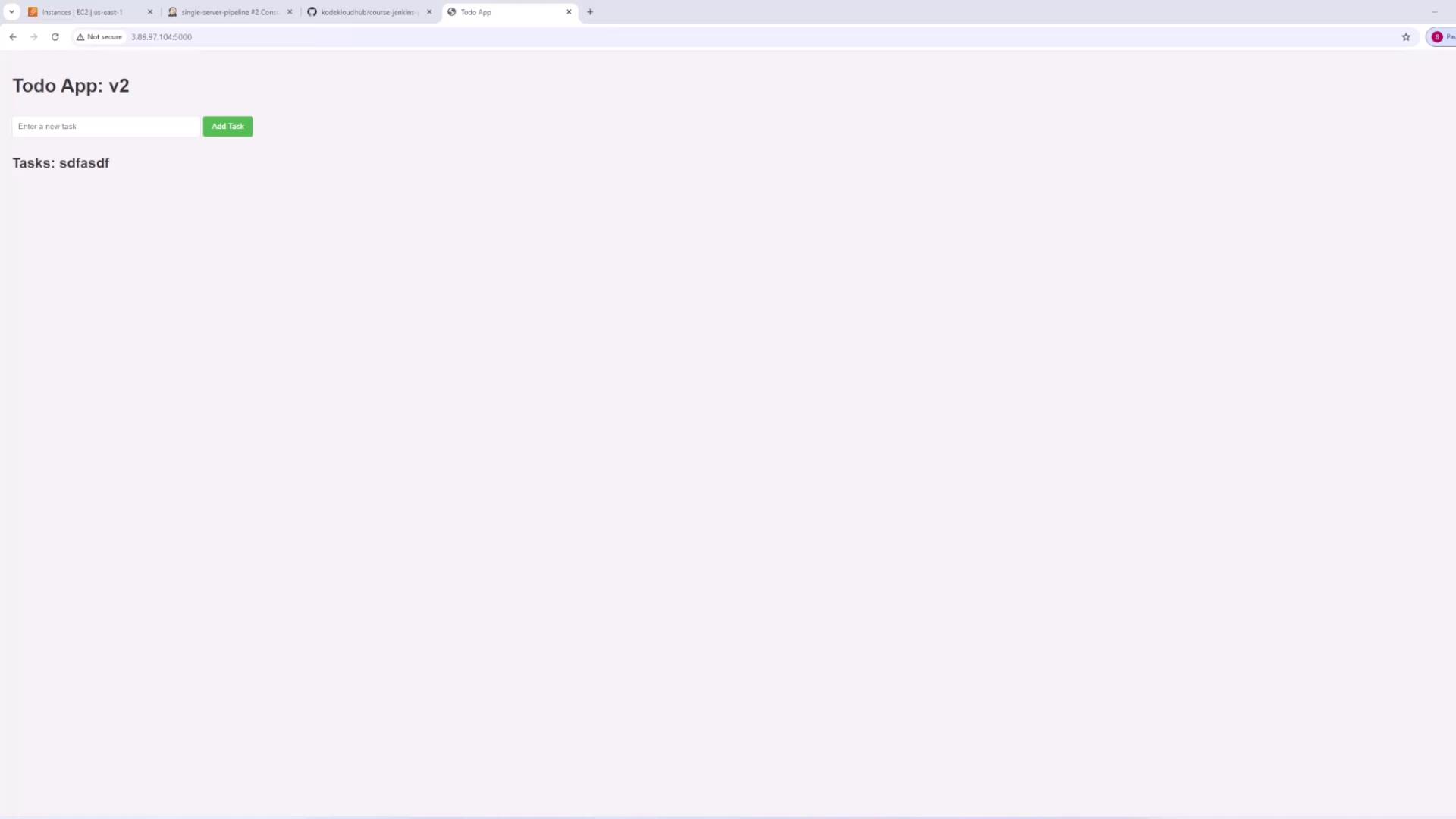
After a successful build, open your production server’s IP address in a web browser (typically on port 5000). You should see your deployed application running. This verifies that the Jenkins pipeline successfully deployed your application.Step 6: Make a Quick Code Update
To demonstrate the update mechanism, make a small change to your application. For example, update theindex.html file to indicate a new version: