This guide covers deploying a multi-container voting application stack using Docker Compose, including setup, configuration, and running interconnected services.
Welcome to this comprehensive guide on deploying a multi-container voting application stack with Docker Compose. In this tutorial, you’ll learn how to set up and run various interconnected services that form a complete voting app ecosystem.
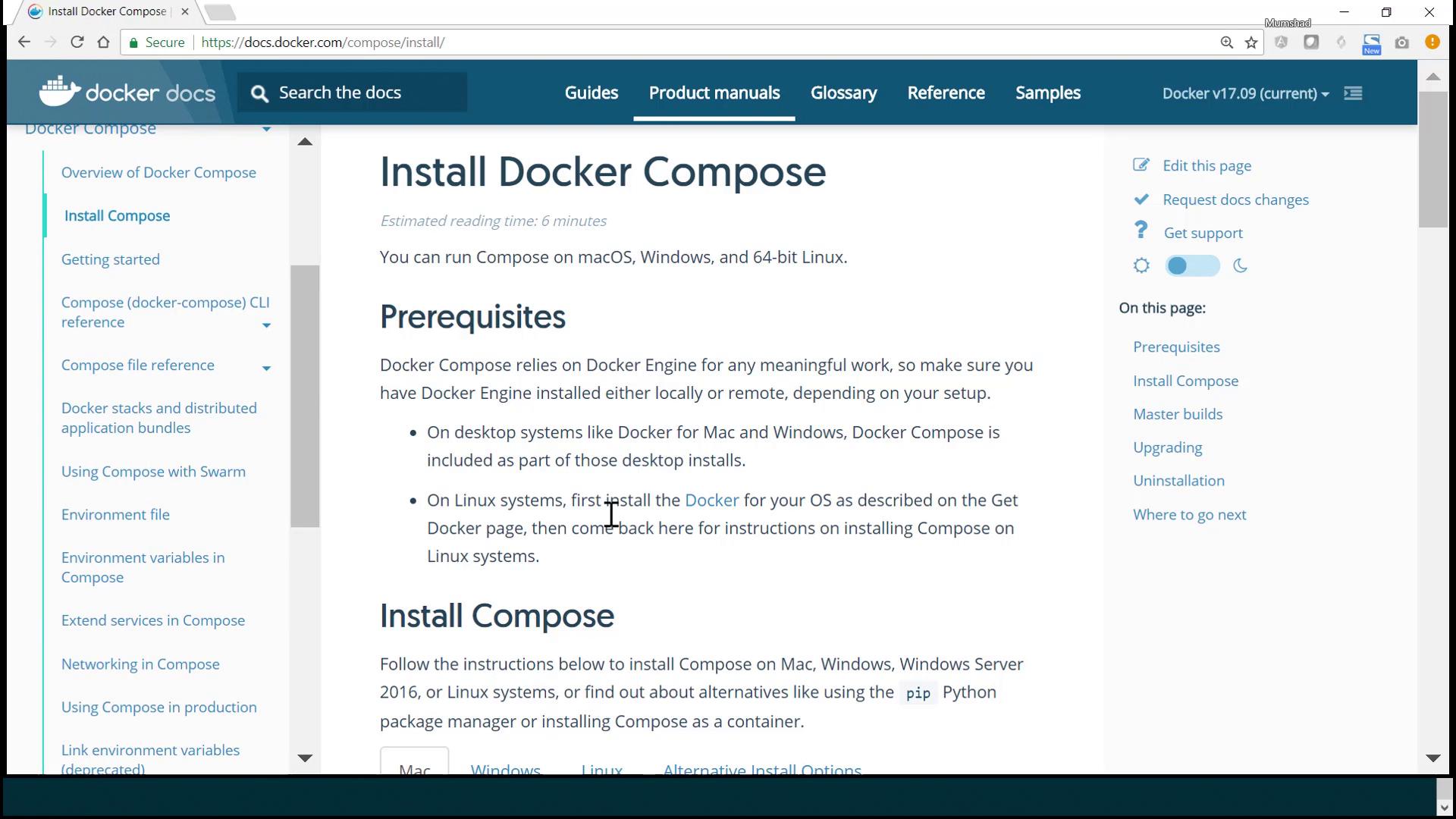
Docker Compose is not included by default when Docker is installed. You need to install it separately. For instructions tailored to your operating system (Mac, Windows, or Linux), please refer to the Docker documentation.
Since this demo runs on Linux, follow these steps to install Docker Compose:
Note that the container names are prefixed with the current directory name (in this case, “root”)—a standard behavior of Docker Compose.As the containers initialize, you will see logs indicating the startup process. Here is an example snippet of the logs:
Copy
Ask AI
waiting for server to start...LOG: could not bind IPv6 socket: Cannot assign requested addressHINT: Is another postmaster already running on port 5432? If not, wait a few seconds and retry.LOG: database system was shut down at 2017-08-20 21:56:07 UTCLOG: MultiXact member wraparound protections are now enabledLOG: autovacuum launcher startedWaiting for dbdoneserver startedALTER ROLE/usr/local/bin/docker-entrypoint.sh: ignoring /docker-entrypoint-initdb.d/*LOG: received fast shutdown requestLOG: aborting any active transactionsLOG: autovacuum launcher shutting downLOG: shutting downwaiting for server to shut down...LOG: database system is shut downWaiting for dbdoneserver stoppedPostgreSQL init process complete; ready for start up.LOG: database system was shut down at 2017-08-20 21:56:09 UTCLOG: MultiXact member wraparound protections are now enabledLOG: database system is ready to accept connectionsConnected to dbERROR: relation "votes" does not exist at character 38STATEMENT: SELECT vote, count(id) FROM votes GROUP BY voteError performing query: error: relation "votes" does not existConnected to dbFound redis at 172.17.0.2Connecting to redis
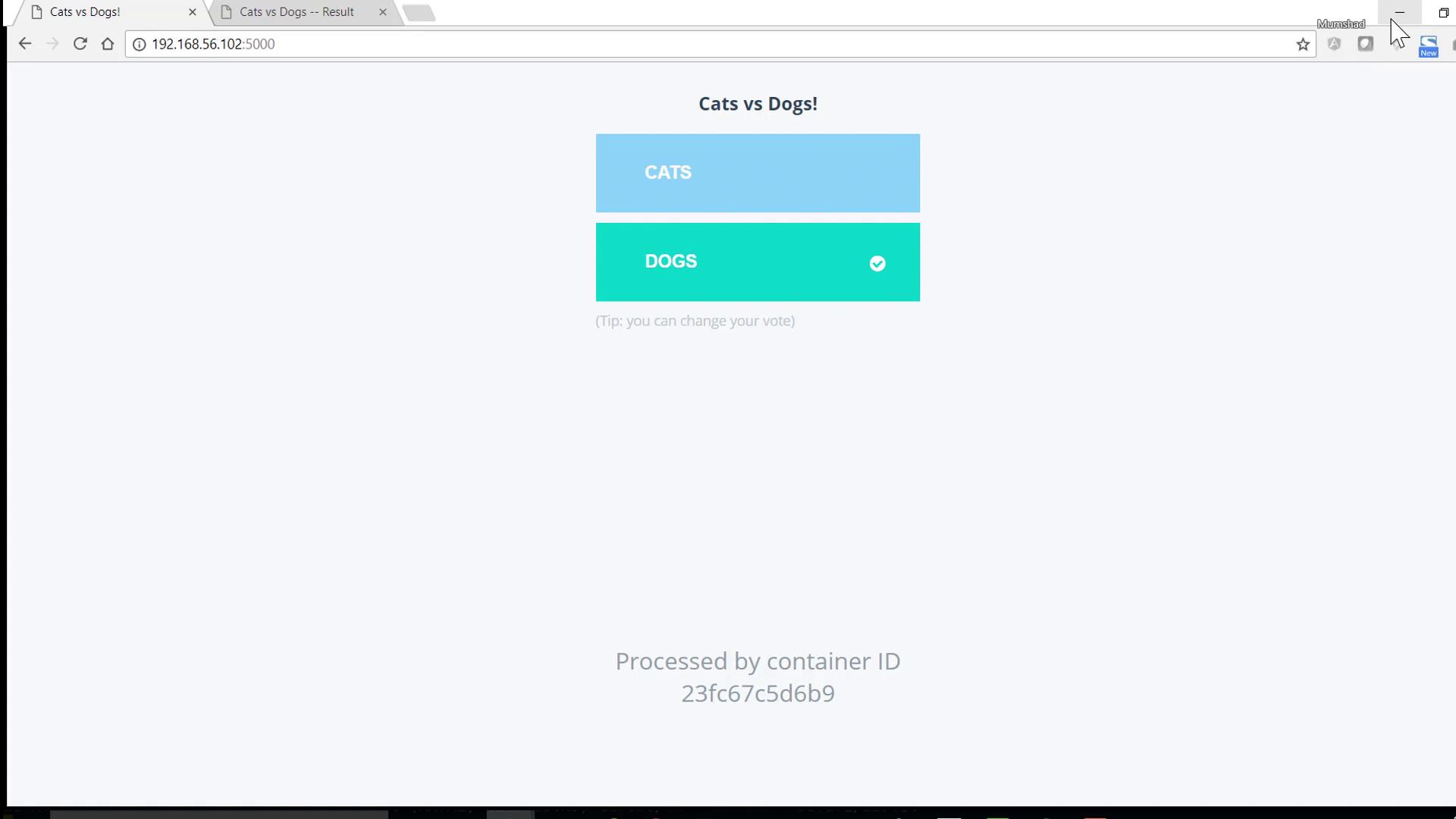
Once all containers are running, you can access the voting application to cast votes and view the results.
Thank you for following along in this guide. We hope this tutorial has enhanced your understanding of deploying multi-container applications with Docker Compose. Happy deploying!