

Deploying the Local Registry Server
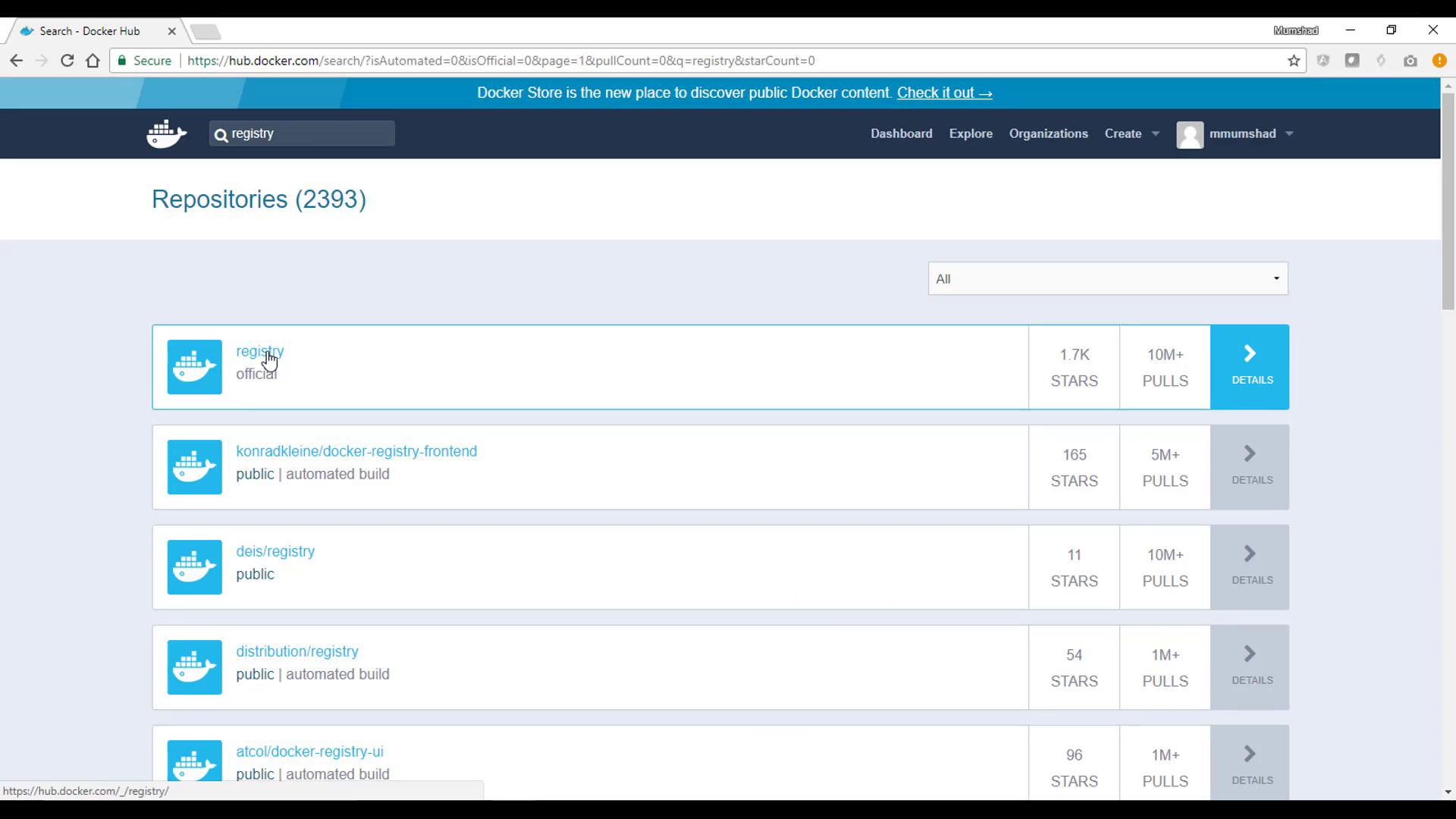
To deploy your local registry server, start by pulling the official registry image and running it as a container. Use the command below to launch the registry server in detached mode, with port 5000 published to your host:Pushing a Docker Image to the Local Registry
Next, let’s push an image to the local registry. For demonstration, we will push the “hello-world” image. Begin by pulling the image from Docker Hub:localhost:5000:
Verifying Image Storage Inside the Registry
The Docker Registry server stores pushed images under/var/lib/registry by default. To inspect the stored images, open a shell inside the registry container:
docker). Continue navigating deeper:
v2. Look inside this directory:
_layers, _manifests, _uploads) that store all the image data. Exit the container shell when you are finished inspecting.
Pulling an Image from the Local Registry
To demonstrate pulling an image from your local registry, start by removing the local copies of the Hello World image using:Deploying a Docker Registry Frontend
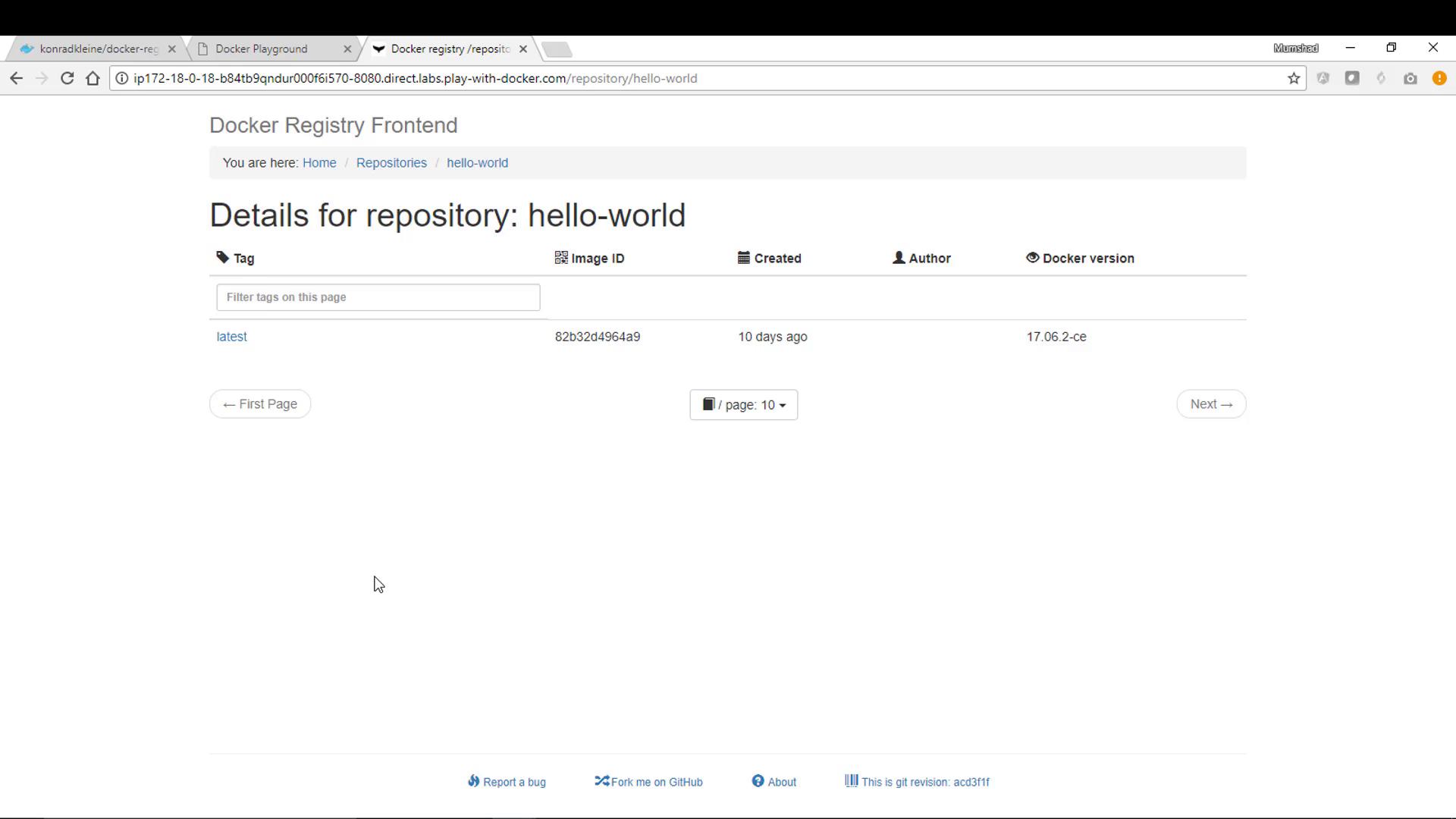
A practical way to manage your registry’s repositories is by utilizing a registry frontend. One popular option is the Docker Registry Frontend developed by Konrad Kleine. This lightweight web application allows you to view and manage images stored in your registry through an intuitive interface. To run the registry frontend, execute the following command. Be sure to specify the registry’s hostname and port number within the environment variables. Since your registry is running on the same machine on port 5000, set these accordingly. The command also links the frontend container to the registry container, allowing communication via the container name:
Testing the Frontend and Pushing Additional Images
For a hands-on experience, consider using Play with Docker, which provides an interactive way to run these commands in a pre-provisioned Docker environment. Once the frontend container is running, navigate to the host URL on port 8080. The registry frontend will display a list of repositories stored in your local registry, including the “hello-world” repository. You can also experiment with pushing another image to your registry. For example, retag the registry frontend image itself and push it:-
Tag the image to point to your local registry:
-
Push the tagged image:
Conclusion
In this article, we covered the following steps:- Deploy a private Docker Registry server using the official Docker image.
- Tag and push a Docker image (e.g., hello-world) to the local registry.
- Inspect the stored data inside the registry container.
- Pull images from your local registry.
- Deploy a registry frontend web application to easily browse and manage your images.
If you are experimenting with these commands in a production-like environment, ensure your registry is secured with proper authentication and TLS for encrypted communication.