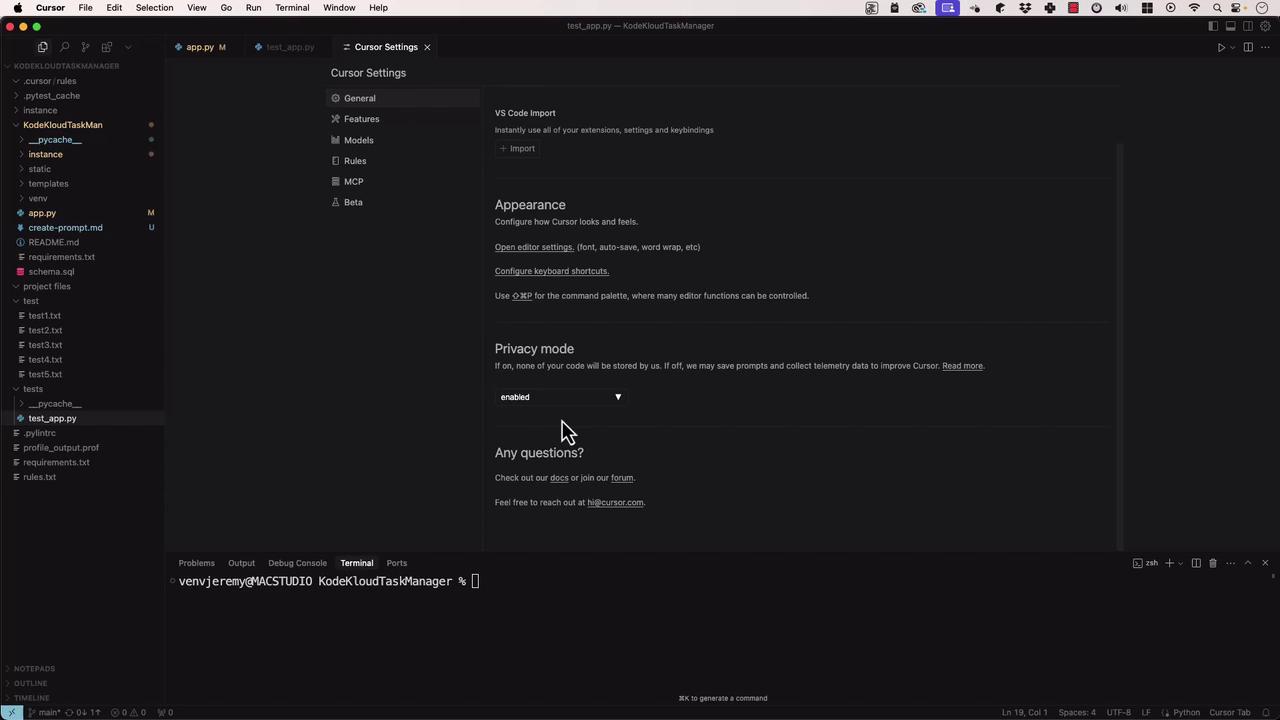
- Configure and compare Privacy Mode settings
- Understand Cursor’s privacy policy and data flow
- Enable semantic codebase indexing securely
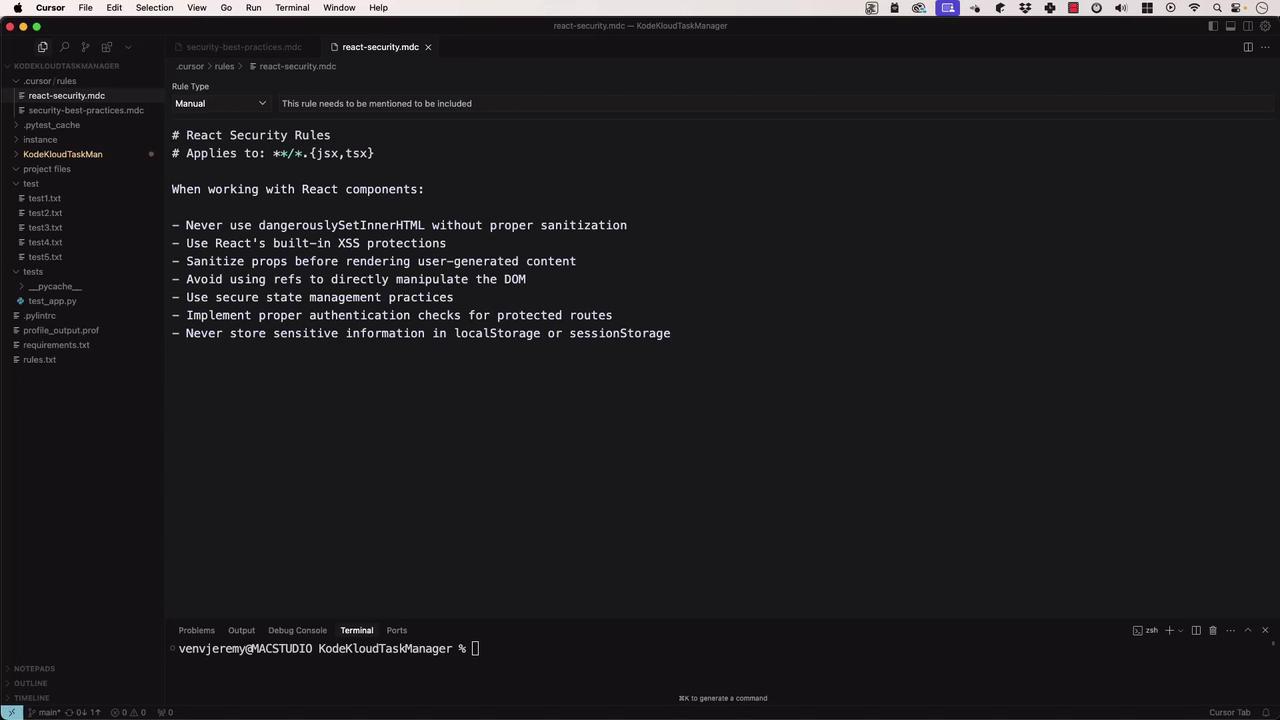
- Define and apply custom security rules
Privacy Mode Overview
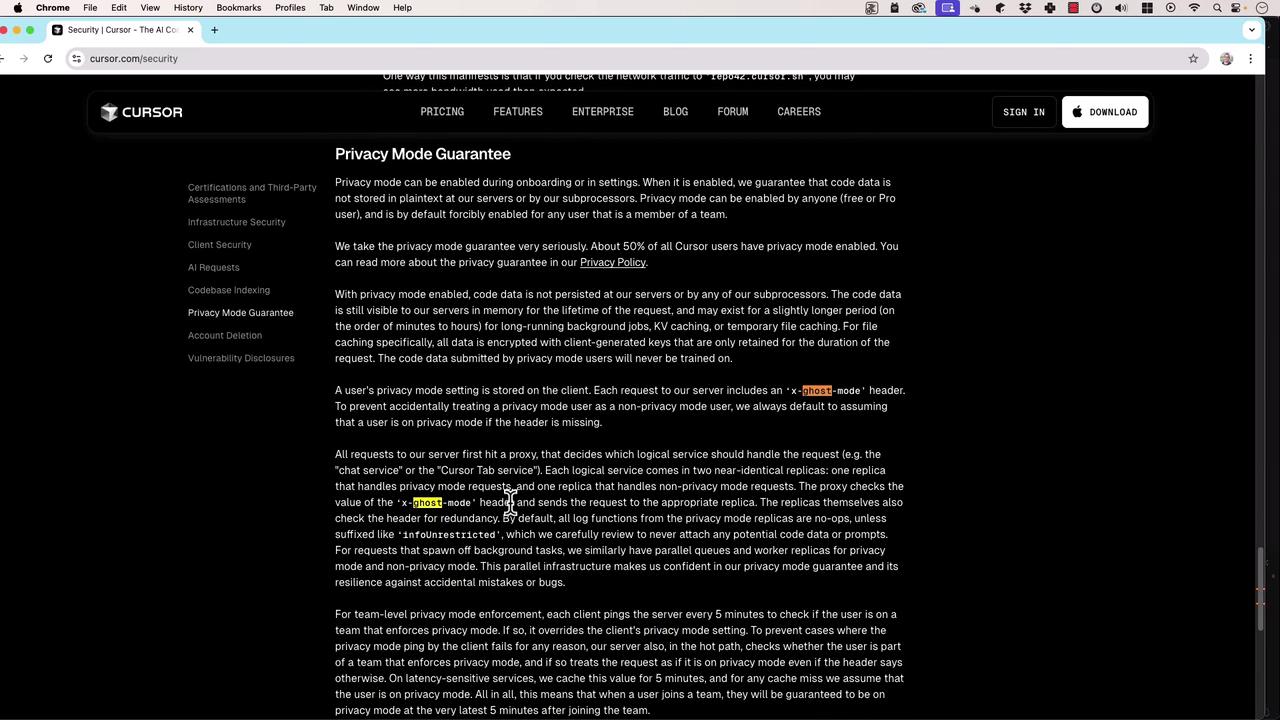
Cursor AI offers a Privacy Mode setting that controls whether your code and prompts are stored or discarded. By default, Cursor sends anX-Ghost-Mode header on every request to keep your usage anonymous.
| Privacy Mode | Behavior | Data Retention |
|---|---|---|
| Enabled | No storage of prompts or code | Zero retention |
| Disabled | Prompts and telemetry collected | Used to improve AI |
If you’re working with sensitive, proprietary, or regulated code, always enable Privacy Mode to prevent any data persistence.
Privacy Policy Details
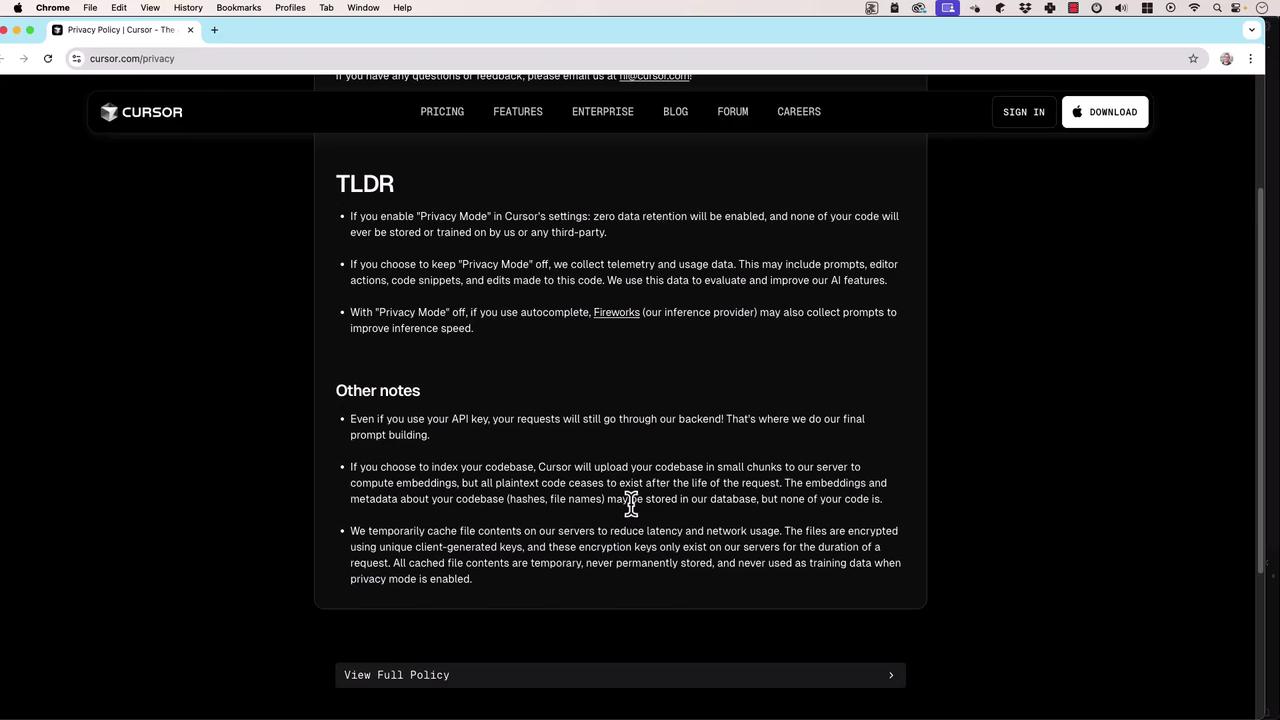
Cursor’s official Privacy Policy outlines strict rules when Privacy Mode is on:- TLDR: Zero data retention of your code, prompts, or interactions
- Other notes: No third-party sharing or AI training on your private code
- Prompts and code snippets
- Editor actions and code edits
- Inference-provider telemetry to speed up responses
Additional Policy Notes
- All requests, even with your own API key, route through Cursor’s backend for prompt assembly.
- Cursor crafts final prompts and context before reaching OpenAI’s API.
- If you index your codebase, Cursor uploads snippets temporarily to compute embeddings, then discards plaintext.
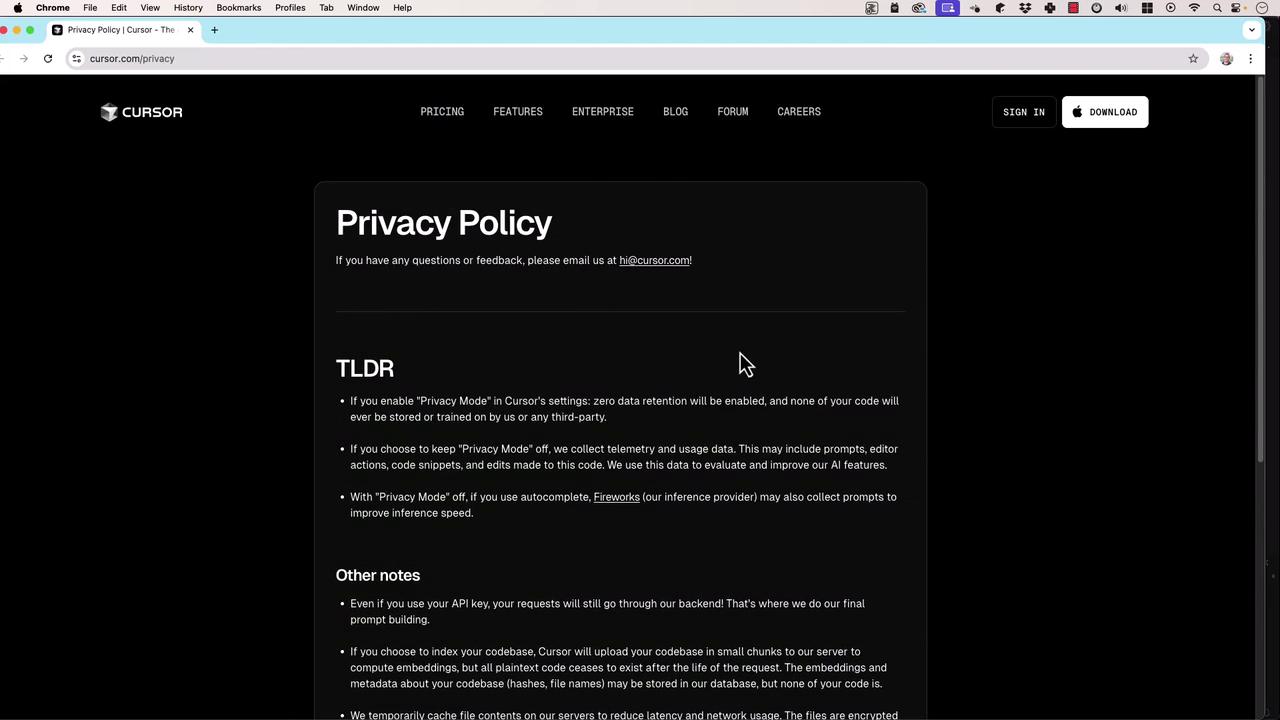
Embeddings and metadata may be cached briefly to optimize search performance but are not stored long-term in plaintext.
Codebase Indexing
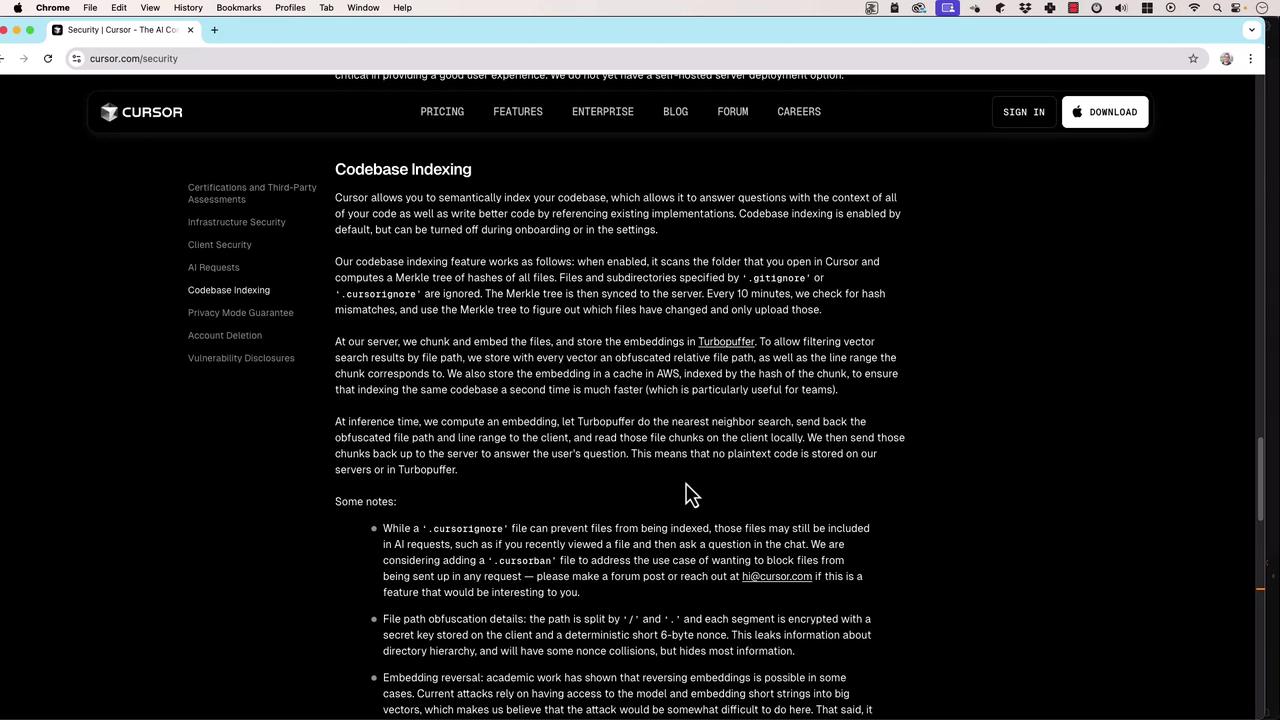
Cursor supports semantic indexing of your repositories. By default, files in.gitignore or cursor.ignore are omitted. Indexing works as follows:
- Secure Chunk Upload: Code is uploaded in encrypted chunks for embedding computation.
- Embedding Generation: Uses Merkle tree structures and Turbopuffer for integrity.
- Ephemeral Storage: Plaintext is discarded immediately; only embeddings & metadata remain temporarily.
Custom Security Rules
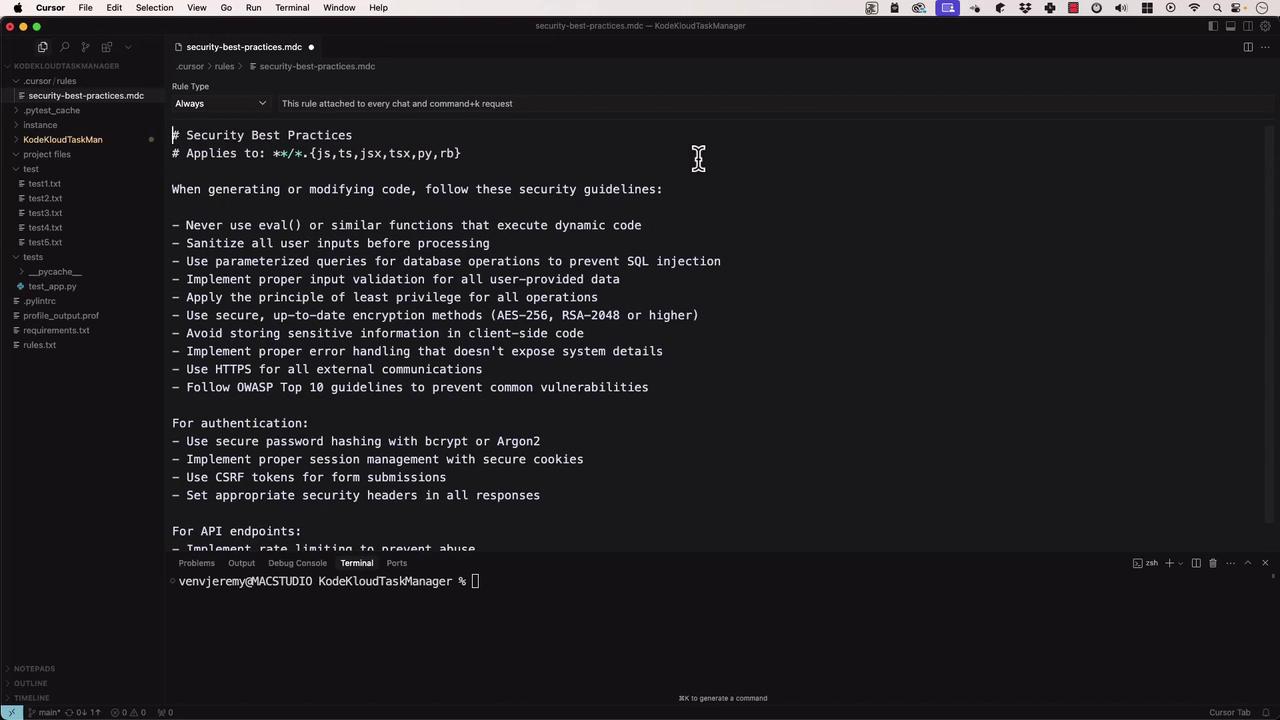
Guide Cursor’s AI to generate secure code by defining custom rules.- Create
security-best-practices.mdin your Cursor rules folder:
- For framework-specific rules, add files like
react-security.md: