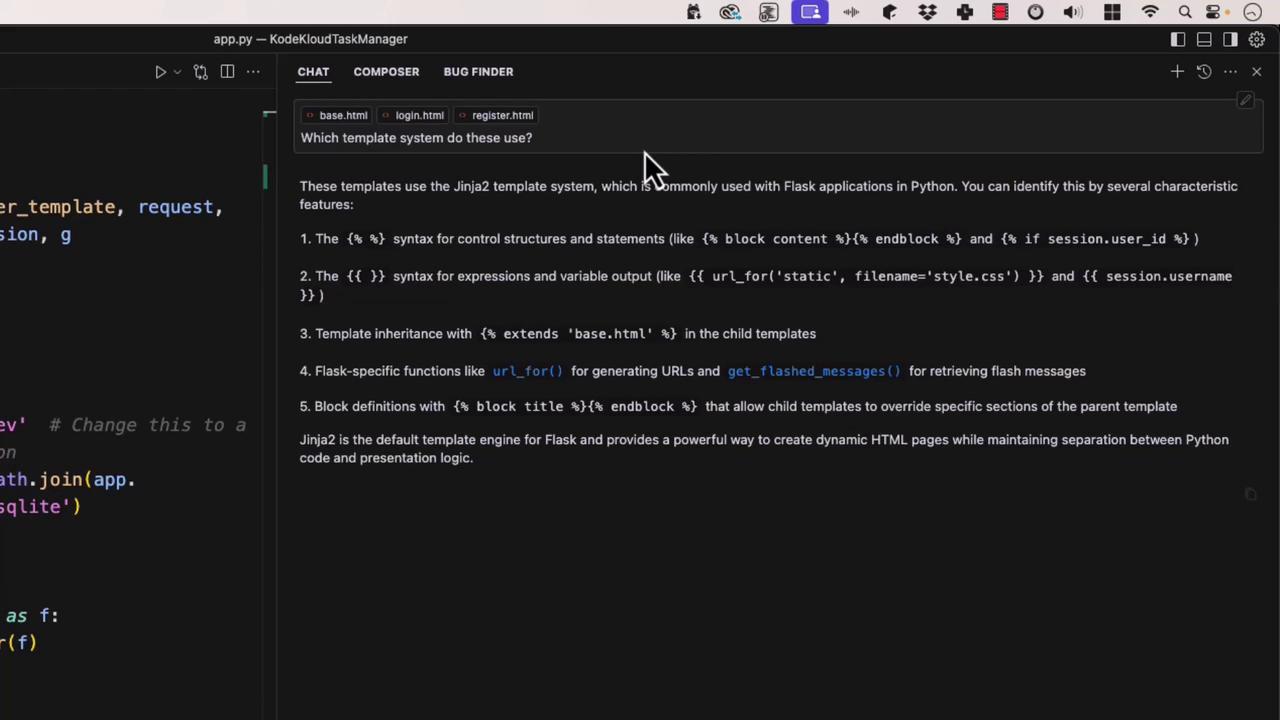
This guide explores using Cursor AI’s contextual references for precise code exploration and review by including or excluding specific contexts.
In this guide, we’ll explore how to harness Cursor AI’s contextual references to focus on exactly the code you need—whether it’s specific files, functions, or even GitHub pull requests. By including or excluding contexts, you’ll get sharper, more relevant answers for code exploration and review.
Or isolate the get_db() function to ask for performance improvements. The AI might suggest enabling WAL mode, tuning cache sizes, and using autocommit:
Cursor can also pull in GitHub data—search commits, PRs, or specific files in a repo. For instance, to review database-layer changes in your pull requests:
Copy
Ask AI
from flask import render_template, request, redirect, session, gimport osimport sqlite3DATABASE = 'database.db' # Change this as neededdef connect_db(): return sqlite3.connect(os.path.join(app.root_path, DATABASE))with connect_db() as conn: # ...database logic here... pass
By mixing and matching contexts—local files, folders, or GitHub references—you guide the AI to focus on exactly what matters. This precision leads to more accurate insights and a streamlined code review process.